
How to Use TikTok Ads Lookalike Audience Features for Better Targeting
TikTok has become a powerful platform for brands to reach new audiences and drive conversions. One of the most effective tools in TikTok's advertising arsenal is the Lookalike Audience feature. This tool allows advertisers to target users who are similar to their existing customers, making it easier to expand reach while maintaining relevance. In this article, we’ll explore how to use TikTok Ads’ Lookalike Audience features for better targeting.

What Is a Lookalike Audience?
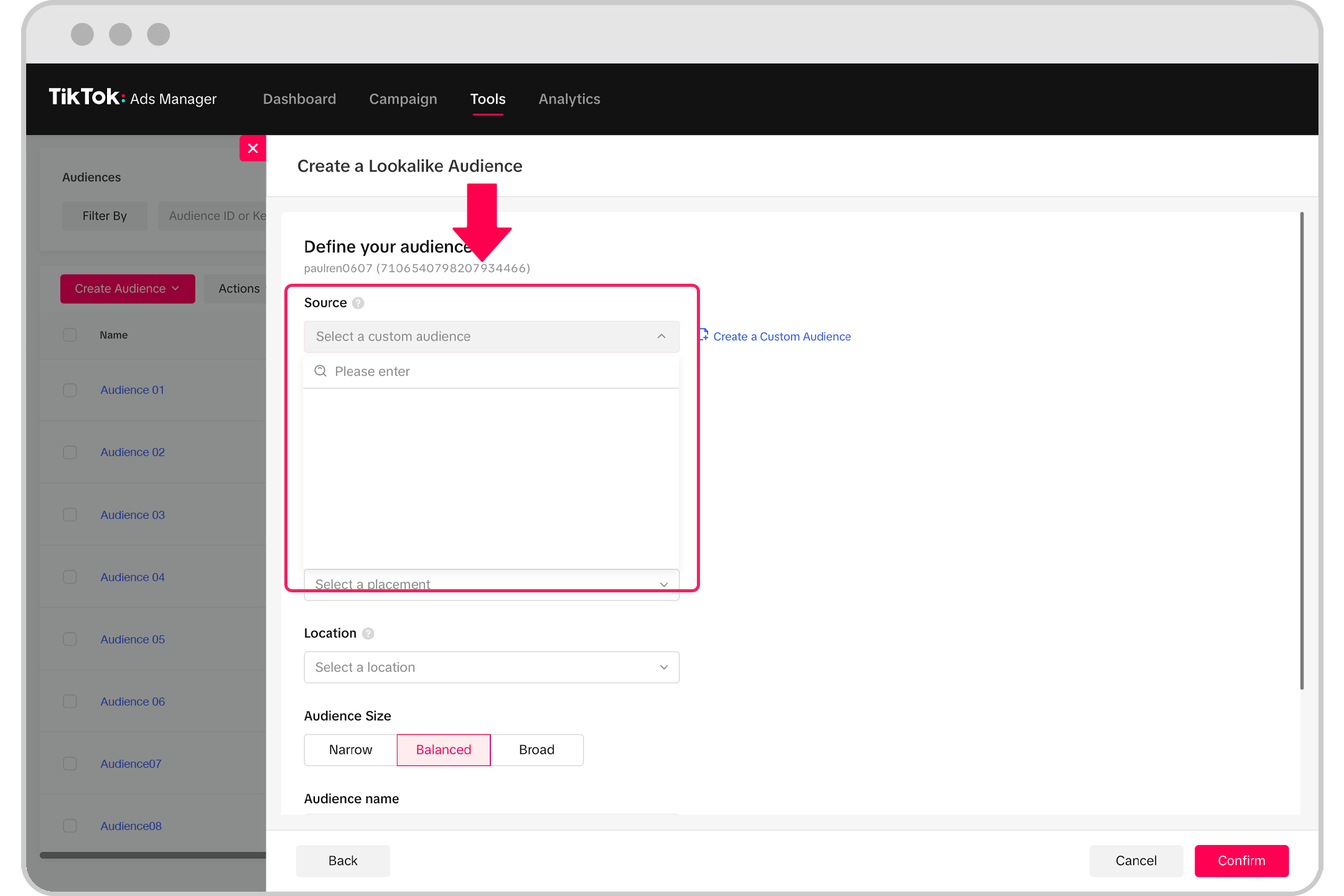
A Lookalike Audience is a group of users who share characteristics with your existing customers. By uploading a list of your current customers or using an existing custom audience, TikTok’s algorithm identifies users with similar behaviors, interests, and demographics. This helps you find new potential customers who are more likely to engage with your brand.
Key Benefits of Using Lookalike Audiences
- Improved Relevance: Target users who are already interested in your products or services.
- Higher Conversion Rates: Users similar to your existing customers are more likely to convert.
- Efficient Budget Allocation: Spend less on broad targeting and focus on high-potential users.
Steps to Create a Lookalike Audience on TikTok

Creating a Lookalike Audience on TikTok is straightforward. Follow these steps to get started:
1. Prepare Your Source Audience
Before creating a Lookalike Audience, ensure that your source audience is well-defined. This could be: - A list of your existing customers (e.g., email addresses, phone numbers). - A custom audience created from your website visitors or app users.
Tip: For best results, ensure your source audience has at least 10,000 people to give the algorithm enough data to work with.
2. Access the Audience Manager
Log into your TikTok Ads Manager and navigate to the Audience Manager section. From there, select Create Audience and choose Lookalike Audience.
3. Choose Your Source Audience
Select an existing custom audience or create a new one. You can also upload a file containing your customer data.
4. Set the Similarity Level
TikTok offers different similarity levels to determine how closely the Lookalike Audience should match your source audience. Options include: - Close Match: Targets users who are very similar to your source audience. - Moderate Match: Targets users with some similarities. - Broad Match: Targets a wider range of users with general similarities.
5. Choose Platform Preferences
Decide whether to include users who use Android, iOS, or both. This helps you tailor your ad delivery based on your audience’s device preferences.
6. Include or Exclude Your Source Audience
You can choose to include your original custom audience in the Lookalike Audience (Contain) or exclude them (Omit). This decision affects where your ads will be shown.
7. Review and Save
Once you’ve set all the parameters, review your settings and save the Lookalike Audience. It may take 24–48 hours for the audience to be fully created.
Best Practices for Using Lookalike Audiences
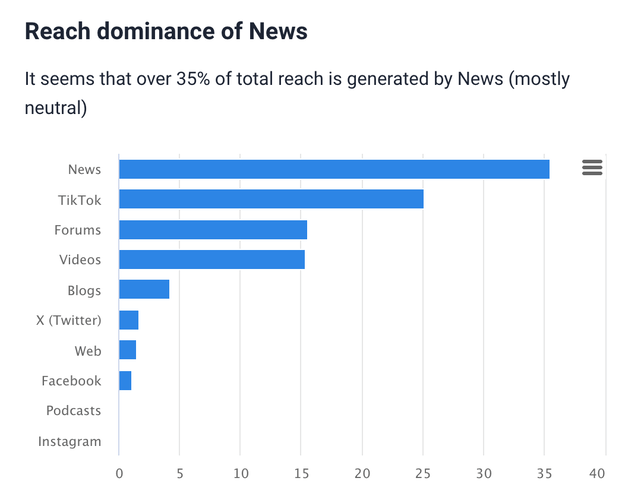
To maximize the effectiveness of your Lookalike Audience, follow these best practices:
1. Use High-Quality Source Data
Ensure your source audience is clean, up-to-date, and relevant. Poor-quality data can lead to inaccurate targeting and wasted ad spend.
2. Test Multiple Lookalike Audiences
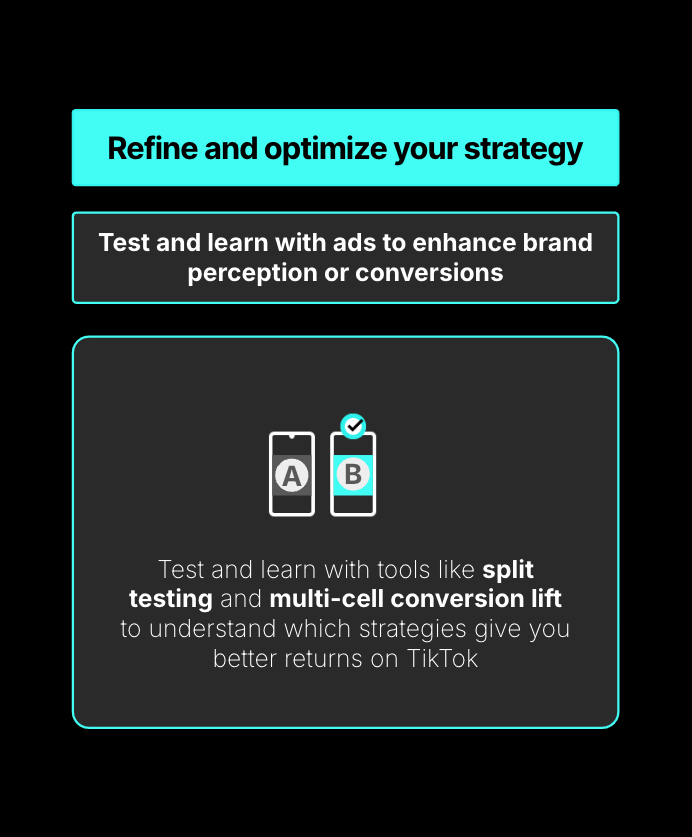
Create multiple Lookalike Audiences with different similarity levels to see which performs best. This allows you to refine your targeting over time.
3. Combine with Other Targeting Options
Use Lookalike Audiences in conjunction with other targeting methods, such as interest-based targeting or demographic targeting, to further narrow down your audience.
4. Monitor Performance
Track the performance of your Lookalike Audience campaigns using TikTok’s analytics tools. Pay attention to metrics like CTR (Click-Through Rate), CPC (Cost Per Click), and ROAS (Return on Ad Spend).
5. Retarget Engaged Users
Once you’ve identified users who are engaging with your ads, consider retargeting them with additional campaigns or personalized offers.
Common Mistakes to Avoid
While Lookalike Audiences are powerful, there are common mistakes that can reduce their effectiveness:
1. Not Using Enough Data
Using a small source audience (fewer than 10,000 people) can limit the algorithm’s ability to find accurate matches.
2. Overlooking Audience Segmentation
Don’t treat all Lookalike Audiences the same. Segment your audiences based on behavior, interests, or purchase history to improve targeting.
3. Ignoring Ad Creatives
Even the best targeting won’t help if your ad creatives aren’t engaging. Ensure your videos are visually appealing, concise, and aligned with your audience’s interests.
4. Not Testing Different Campaigns
Regularly test different ad formats, messaging, and calls to action to see what resonates with your Lookalike Audience.
Conclusion
The Lookalike Audience feature on TikTok is a game-changer for advertisers looking to expand their reach while maintaining relevance. By leveraging this tool, you can target users who are similar to your existing customers, increasing the likelihood of engagement and conversion. With the right strategy and optimization, TikTok Ads’ Lookalike Audience can help you achieve better results from your advertising efforts.
Remember, success on TikTok requires a combination of smart targeting, engaging content, and continuous testing. Start by creating a Lookalike Audience today and watch your campaign performance improve.

Posting Komentar untuk "How to Use TikTok Ads Lookalike Audience Features for Better Targeting"
Posting Komentar