
How to Use the TikTok Ads Manager Dashboard: A Complete Overview
TikTok has become one of the most influential platforms for content creation and social interaction. With its vast user base and engaging short-form videos, it's no surprise that businesses are increasingly turning to TikTok as a powerful marketing tool. One of the key components of leveraging TikTok for advertising is the TikTok Ads Manager Dashboard. This comprehensive tool allows advertisers to manage their campaigns, track performance, and optimize their strategies effectively. In this article, we'll provide a complete overview of how to use the TikTok Ads Manager Dashboard.
What is the TikTok Ads Manager?
The TikTok Ads Manager is a platform designed for businesses and marketers to create, manage, and analyze their advertising campaigns on TikTok. It offers a range of features that help users understand their audience, track campaign performance, and make data-driven decisions. Whether you're running a small business or a large enterprise, the TikTok Ads Manager provides the tools necessary to reach your target audience effectively.
Setting Up Your TikTok Ads Manager Account
Before diving into the dashboard, you need to set up an account. Here's a step-by-step guide:
- Create an Ad Account: Start by creating an ad account on TikTok. If you're a self-serve customer, refer to the Business Help Center for detailed instructions.
- Onboarding Process: If you need to manage multiple ad accounts, your sales representative will guide you through the process. For more information, check out the comprehensive onboarding guide provided by TikTok.
- Access the Dashboard: Once your account is set up, you can access the TikTok Ads Manager Dashboard through the official website or app.
Key Features of the TikTok Ads Manager Dashboard
The TikTok Ads Manager Dashboard is packed with features that help you manage your advertising campaigns efficiently. Here are some of the key features:
1. Campaign Management
This section allows you to create, edit, and monitor your advertising campaigns. You can set budgets, choose targeting options, and schedule your ads to run at specific times.
2. Performance Tracking
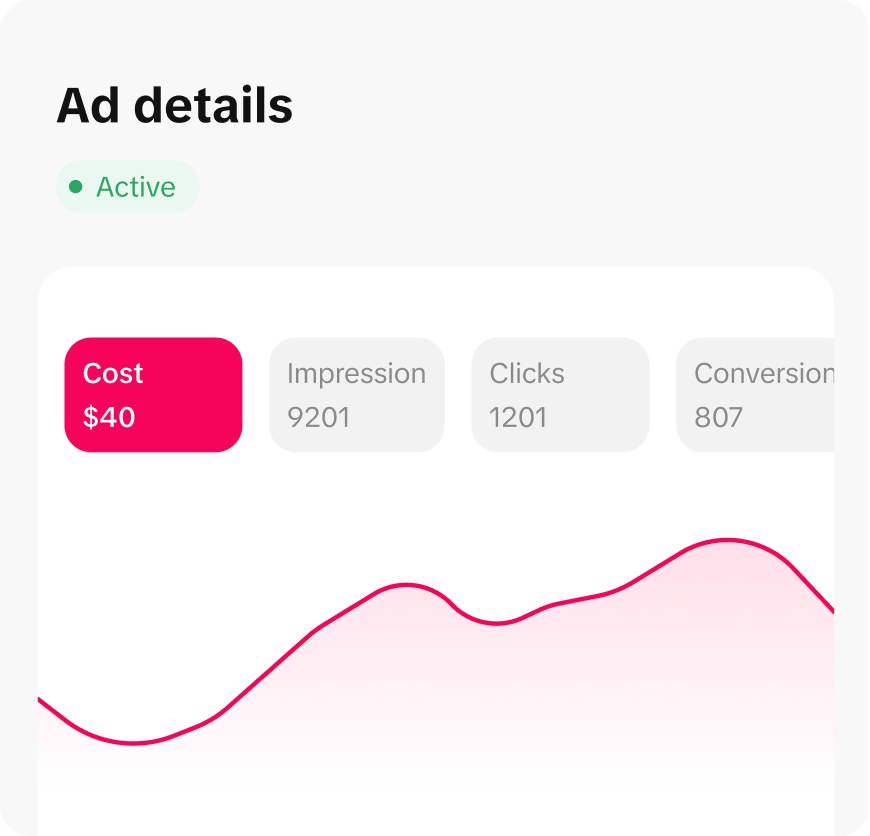
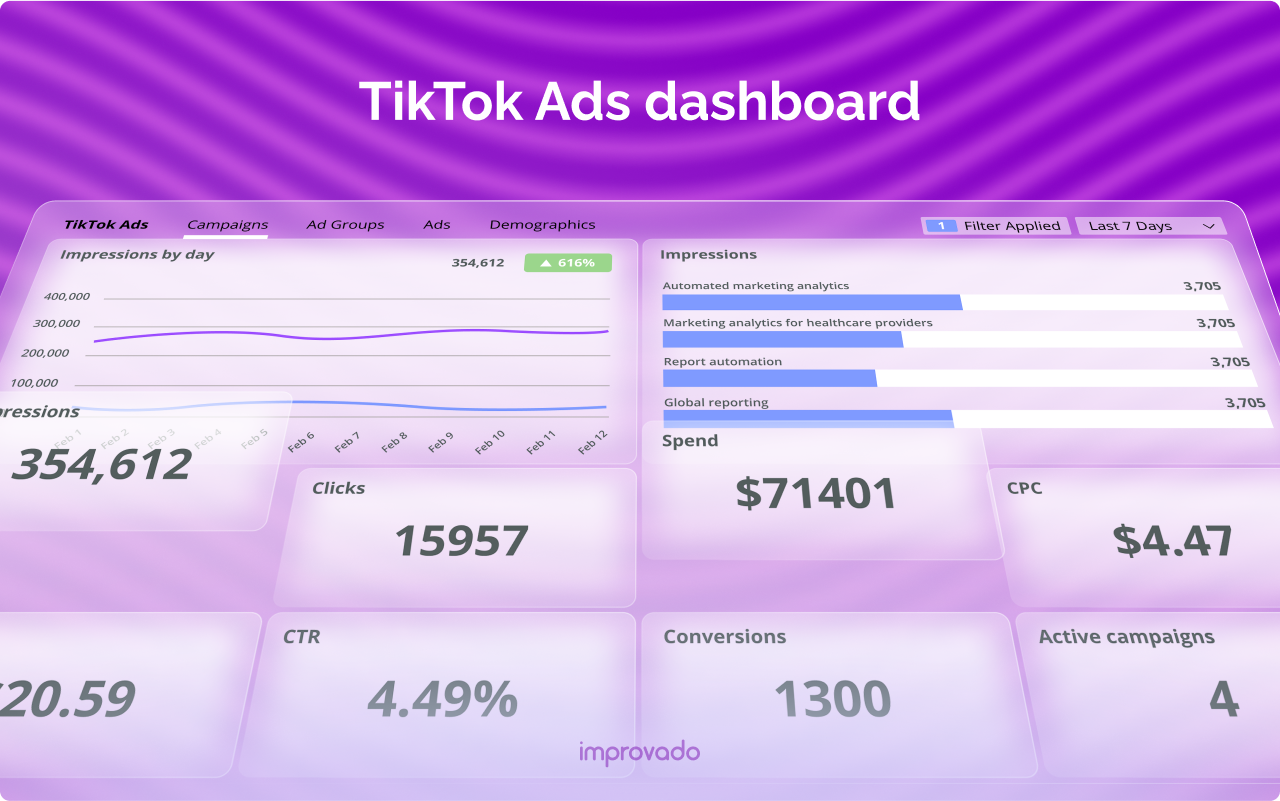
Track the performance of your campaigns in real-time. The dashboard provides metrics such as impressions, clicks, engagement rates, and conversion rates. These insights help you understand what's working and what needs improvement.
3. Audience Insights
Gain valuable insights into your target audience. The dashboard provides demographic data, interests, and behaviors of your audience, allowing you to tailor your campaigns accordingly.
4. Creative Tools
Access a variety of creative tools to enhance your ad content. From video templates to music libraries, these tools help you create engaging and visually appealing ads.
Using the TikTok Creative Center
In addition to the Ads Manager Dashboard, TikTok also offers the TikTok Creative Center, a resource library for marketers and content creators. Here's how you can use it to enhance your advertising efforts:
1. Trend Discovery
Use the Trend Discovery feature to find the latest hashtags, songs, and videos in your region and industry. This helps you stay ahead of the curve and create content that resonates with your audience.
2. Explore Top Ads
Browse the Top Ads Dashboard to see the best-performing ads on TikTok. Filter results by keywords, industry, and country to get ideas for your next campaign.
3. Music Library
Access a pre-curated music library to find the perfect songs for your videos. Explore themes like food, pet, and vlog to discover trending tracks that can elevate your content.
Tips for Effective Advertising on TikTok
To maximize the effectiveness of your TikTok ads, consider the following tips:
- Understand Your Audience: Use the audience insights provided by the dashboard to tailor your content and messaging.
- Leverage Trends: Stay updated with the latest trends and incorporate them into your ads to increase engagement.
- Optimize Creatives: Use the creative tools available to produce high-quality, engaging content that stands out.
- Monitor Performance: Regularly review your campaign performance and make adjustments as needed to improve results.
Conclusion
The TikTok Ads Manager Dashboard is an essential tool for anyone looking to leverage TikTok for advertising. By understanding its features and utilizing the resources available, you can create effective campaigns that resonate with your target audience. Whether you're new to TikTok advertising or looking to refine your strategy, the dashboard provides the tools and insights needed to succeed in this dynamic platform. With the right approach, you can unlock the full potential of TikTok and drive meaningful results for your business.

Posting Komentar untuk "How to Use the TikTok Ads Manager Dashboard: A Complete Overview"
Posting Komentar