
How to Use TikTok Ads Manager for Effective Conversion Tracking
TikTok has evolved from a platform for entertainment into a powerful tool for brands to drive engagement, awareness, and sales. With its unique algorithm and user behavior, TikTok offers a distinct opportunity for marketers to connect with audiences in a more authentic and impactful way. One of the most critical aspects of leveraging TikTok for business is conversion tracking, which allows you to measure the effectiveness of your ad campaigns and optimize them for better results. This is where TikTok Ads Manager comes into play.
Understanding TikTok Ads Manager

TikTok Ads Manager is the platform that enables businesses to create, manage, and track their advertising campaigns on TikTok. It provides a comprehensive suite of tools for targeting specific audiences, setting budgets, and measuring campaign performance. However, one of its most valuable features is conversion tracking, which allows you to monitor how users interact with your ads and whether they complete desired actions such as making a purchase, signing up for a newsletter, or downloading an app.
Why Conversion Tracking Matters
Conversion tracking is essential because it helps you understand the return on investment (ROI) of your TikTok ads. Without it, you're essentially shooting in the dark—posting content without knowing if it's driving real value for your business. By tracking conversions, you can:
- Identify which ads are performing well
- Optimize ad spend by focusing on high-performing campaigns
- Improve targeting strategies based on user behavior
- Enhance the overall effectiveness of your TikTok marketing strategy
Setting Up Conversion Tracking in TikTok Ads Manager

To begin using conversion tracking in TikTok Ads Manager, follow these steps:
1. Create a TikTok Business Account
Before you can access TikTok Ads Manager, you need a business account. If you don’t have one, sign up at TikTok Business. Once registered, you’ll gain access to the Ads Manager platform.
2. Install the TikTok Pixel
The TikTok Pixel is a snippet of code that tracks user interactions on your website or app. To install it:
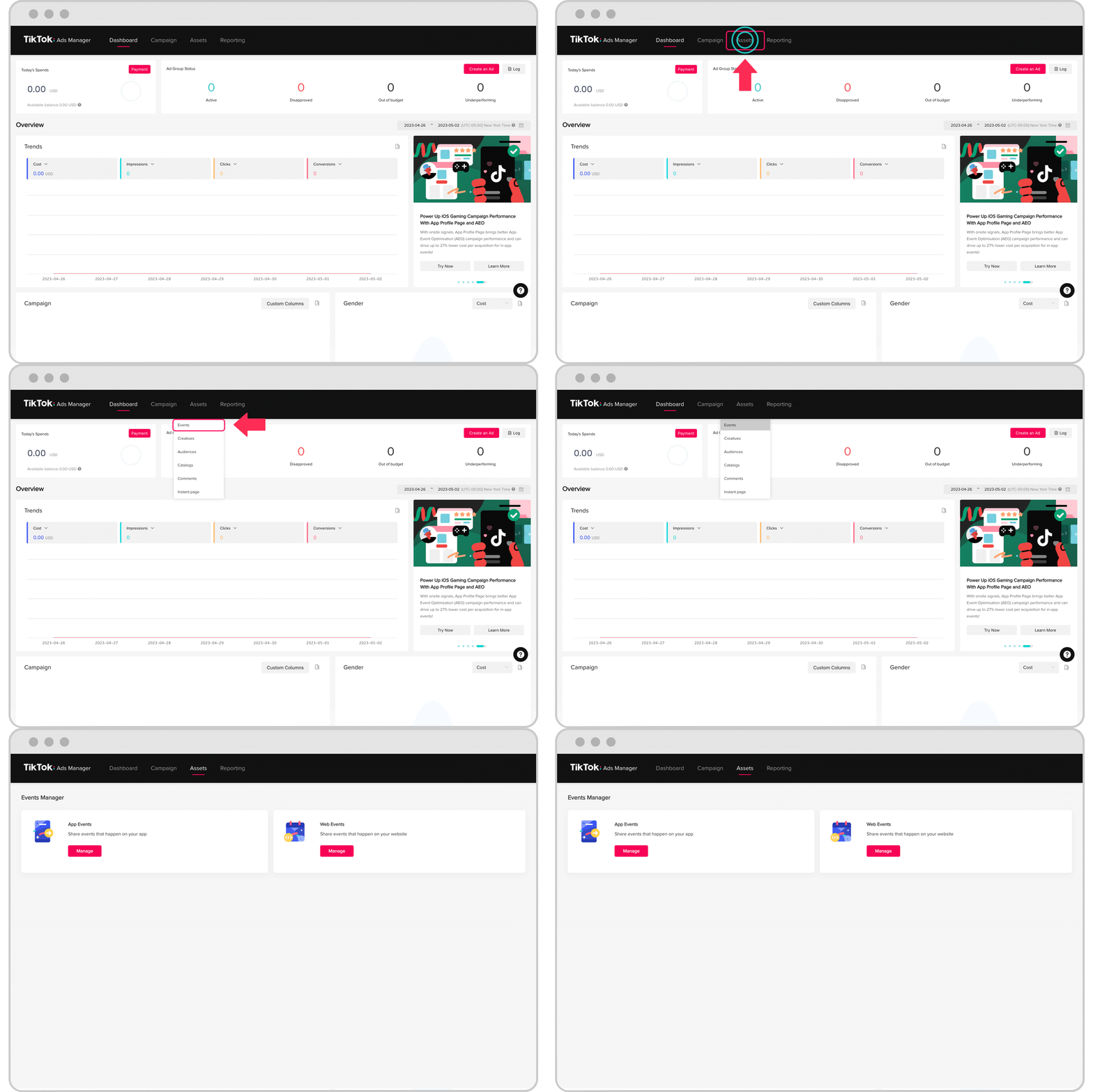
- Go to the Ads Manager dashboard.
- Navigate to the Pixels section.
- Click Create Pixel and follow the instructions to add the pixel to your website or app.
3. Define Your Conversion Events
In the Pixels section, you can define the specific actions you want to track, such as:
- Purchase
- Sign-up
- Add to Cart
- Download
Each event should be set up with clear parameters to ensure accurate tracking.
4. Link Your Pixel to Ad Campaigns
Once your pixel is installed and events are defined, link it to your ad campaigns. This ensures that any user activity on your site or app is recorded and attributed to the corresponding ad.
Best Practices for Effective Conversion Tracking
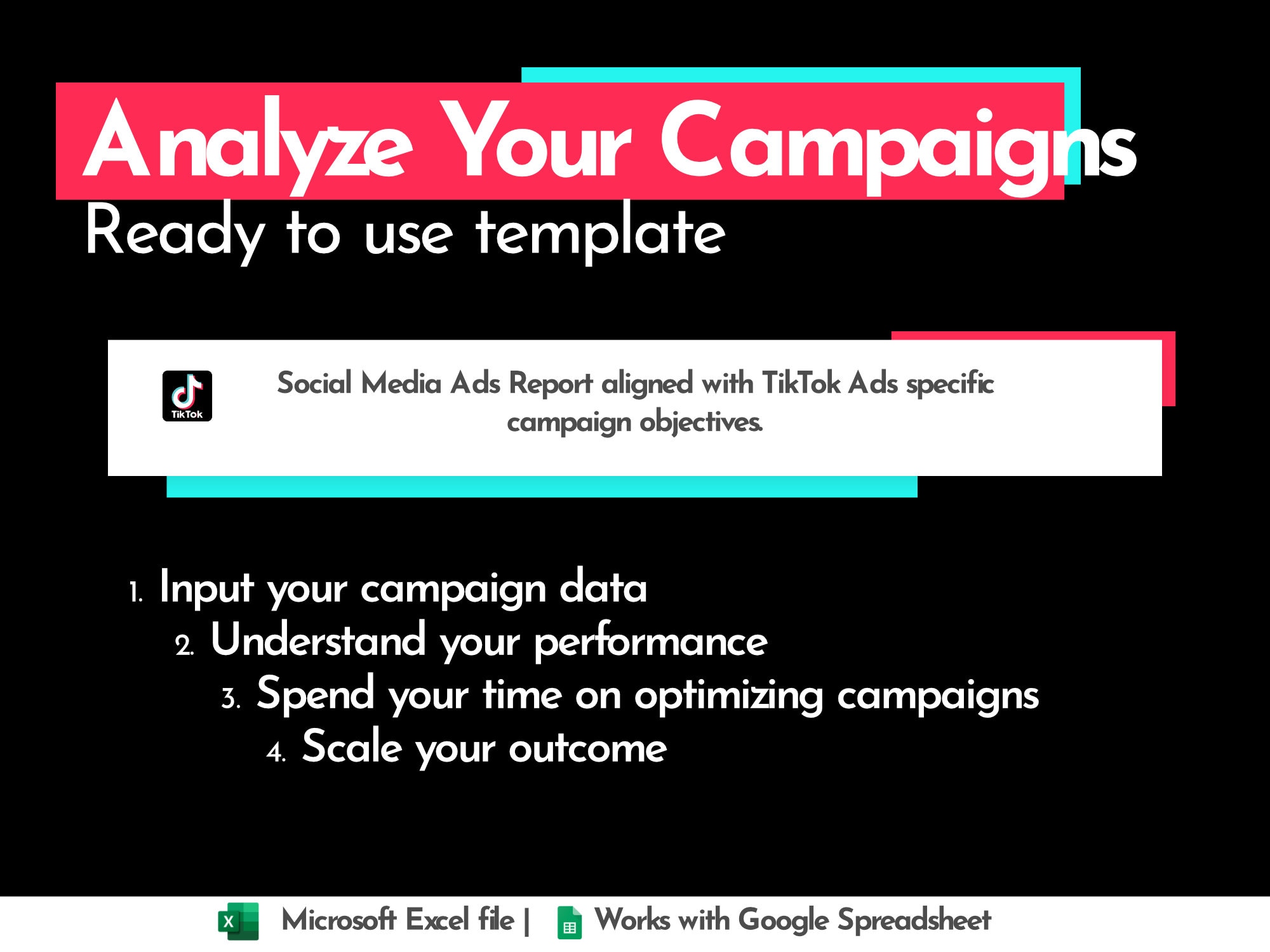
To maximize the benefits of conversion tracking, consider the following best practices:
1. Focus on Relevant KPIs
Identify the key performance indicators (KPIs) that align with your business goals. For example, if your goal is to increase sales, focus on the purchase event. If you’re aiming to grow your email list, track the sign-up event.
2. Use Custom Conversion Events
In addition to standard events, use custom conversion events to track unique actions that are important to your business. This could include things like video views, form submissions, or social media shares.
3. Monitor and Optimize Regularly
Regularly review your conversion data to identify trends and areas for improvement. Use A/B testing to experiment with different ad creatives, targeting options, and landing pages to see what works best.
4. Leverage Retargeting
Use the data from your conversion tracking to create retargeting campaigns. These campaigns target users who have already interacted with your brand, increasing the likelihood of conversion.
Common Challenges and Solutions
While conversion tracking is powerful, it’s not without its challenges. Here are some common issues and how to address them:
1. Inaccurate Tracking
If your conversion data isn’t accurate, it could be due to incorrect pixel installation or misconfigured events. Double-check your pixel setup and ensure that all events are properly defined.
2. Low Conversion Rates
If your conversion rates are low, consider optimizing your ad creatives, improving your landing pages, or refining your targeting. A/B testing can help you identify what’s working and what’s not.
3. Data Privacy Concerns
With increasing regulations around data privacy, it’s important to ensure that your tracking methods comply with relevant laws. Use GDPR-compliant triggers and avoid collecting unnecessary user data.
Conclusion
TikTok Ads Manager is a powerful tool that can help you track conversions and improve the effectiveness of your ad campaigns. By setting up conversion tracking correctly and following best practices, you can gain valuable insights into user behavior and make data-driven decisions to grow your business. Whether you’re a small business owner or a seasoned marketer, mastering conversion tracking on TikTok is essential for achieving long-term success on the platform.
Remember, the key to successful conversion tracking lies in understanding your audience, defining clear goals, and continuously optimizing your campaigns. With the right approach, TikTok can become a valuable asset in your digital marketing strategy.

Posting Komentar untuk "How to Use TikTok Ads Manager for Effective Conversion Tracking"
Posting Komentar