
How to Use TikTok Ads Manager for Effective Creative Uploads
TikTok has become a powerful platform for brands and marketers looking to reach a massive audience. With over 1 billion users globally, the platform offers unique opportunities for advertising through its TikTok Ads Manager. One of the most effective ways to leverage this tool is by using the TikTok Ads Manager creative upload feature. This allows advertisers to create and manage ad content directly within the platform, ensuring that their messages are delivered in a way that resonates with the TikTok community.
In this article, we’ll explore how to effectively use TikTok Ads Manager for creative uploads, from understanding the basics to optimizing your campaigns for maximum impact.
Understanding TikTok Ads Manager
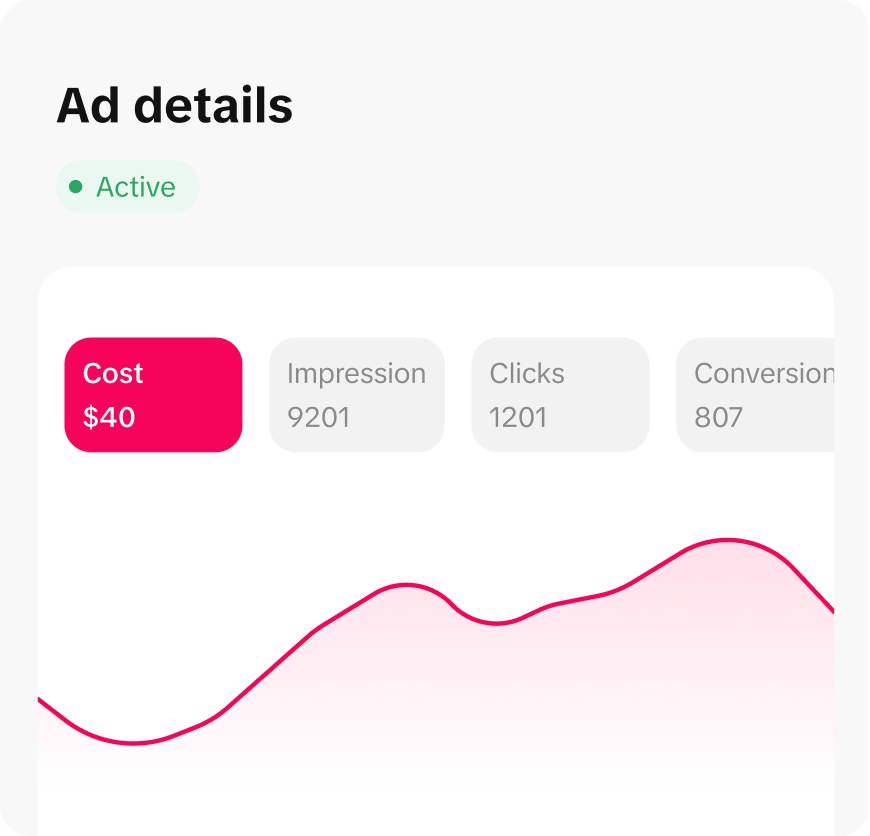
Before diving into the creative upload process, it's essential to understand what TikTok Ads Manager is and how it works. The TikTok Ads Manager is a centralized platform where advertisers can create, manage, and track their ad campaigns. It provides tools for targeting specific audiences, setting budgets, and uploading creatives—such as videos, images, and text-based ads.
One of the standout features of the Ads Manager is the creative upload function. This allows you to directly upload your ad content into the system, making it easier to manage and deploy across different campaigns. Whether you're creating native ads, in-feed ads, or other formats, the creative upload feature streamlines the process.
Step-by-Step Guide to Using TikTok Ads Manager for Creative Uploads
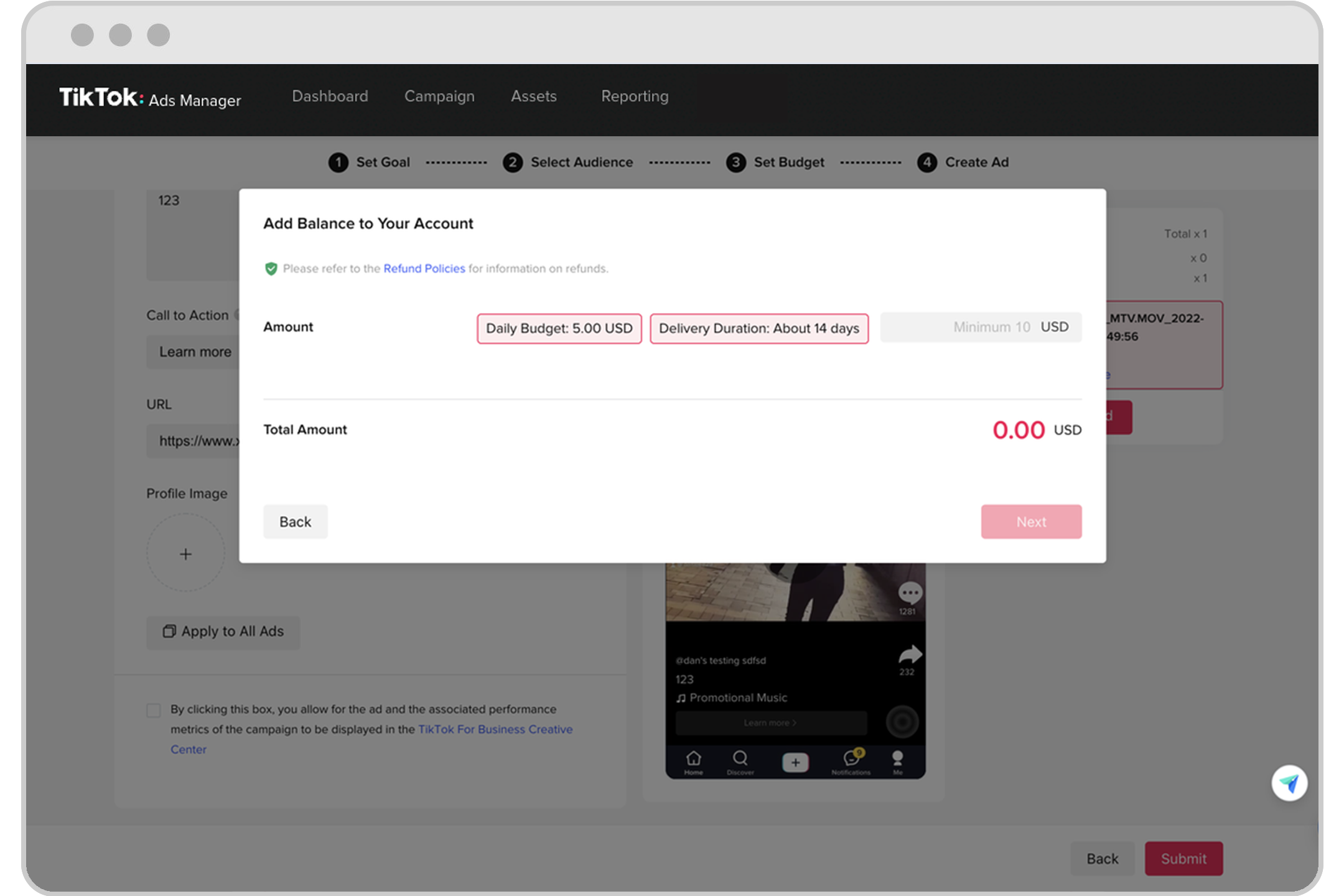
Here’s a step-by-step guide to help you get started with creative uploads on TikTok Ads Manager:
1. Create an Ad Account
To begin, you'll need to set up a TikTok Business account. If you're new to the platform, you can sign up using your existing Facebook or Google account. Once your business account is created, you can access the TikTok Ads Manager.
2. Access the Ads Manager
After logging in, navigate to the Ads Manager section. Here, you’ll find options to create new campaigns, manage existing ones, and upload creatives.
3. Choose Your Ad Format
TikTok offers several ad formats, including: - In-Feed Ads - Brand Takeover - Hashtag Challenges - Branded Effects
For most brands, In-Feed Ads are the most effective as they blend seamlessly with user-generated content (UGC), increasing engagement and conversion rates.
4. Prepare Your Creative Content
Before uploading, ensure your creative content meets TikTok’s guidelines. This includes: - Video resolution (1080x1920) - File size limits - Audio requirements - Text overlays
Your video should be engaging from the first few seconds, with clear messaging and a strong call-to-action (CTA).
5. Upload Your Creative
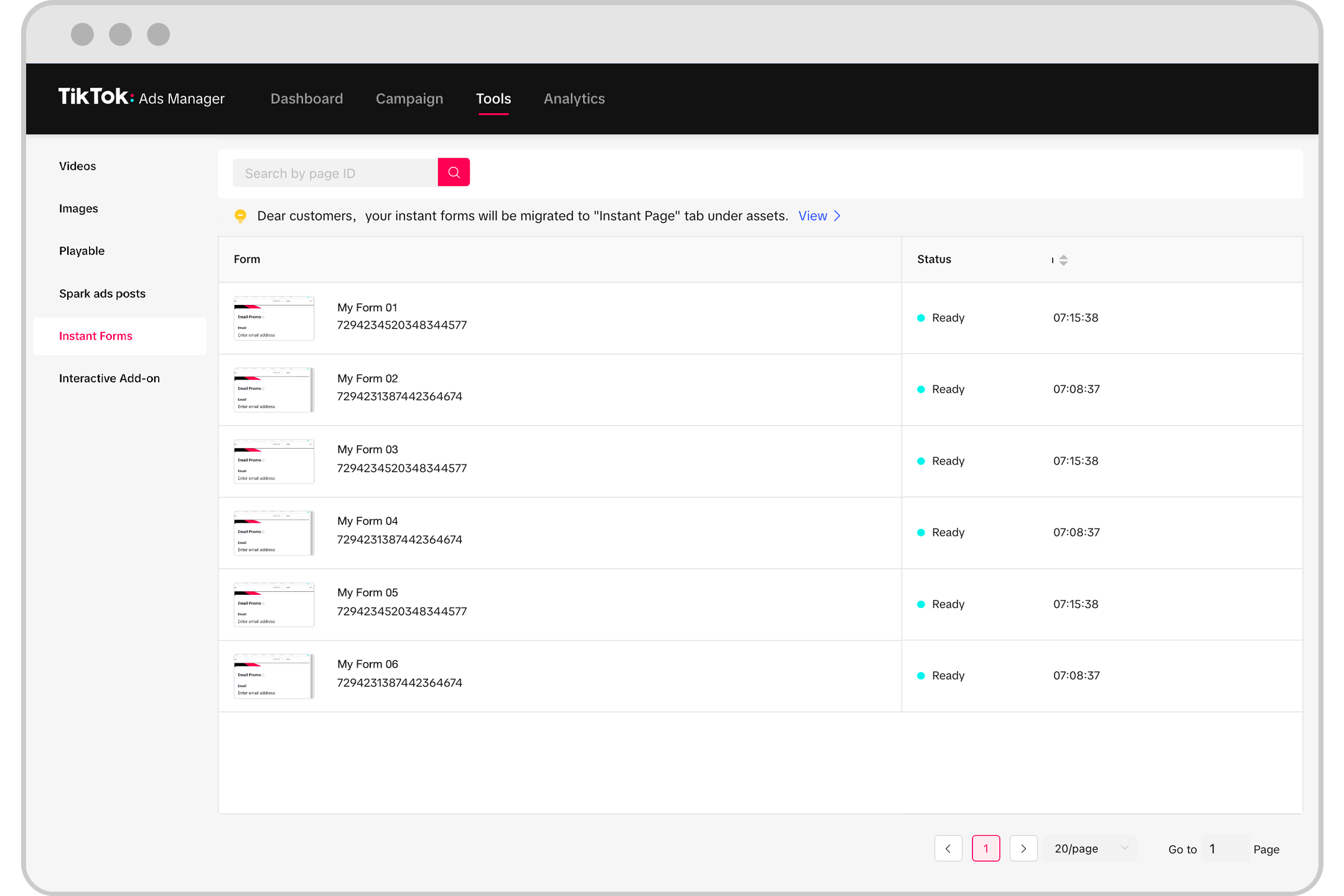
Once your content is ready, go to the Creative Upload section in the Ads Manager. You can either upload a pre-made video or use TikTok’s built-in editor to create and edit your ad directly within the platform.
6. Set Campaign Parameters
After uploading your creative, you’ll need to define your campaign parameters, such as: - Target audience (age, location, interests) - Budget and bid strategy - Ad schedule
7. Launch and Monitor
Once your campaign is set up, you can launch it and monitor its performance in real-time. TikTok Ads Manager provides detailed analytics, allowing you to track metrics like impressions, clicks, and conversions.
Tips for Effective Creative Uploads
To maximize the effectiveness of your TikTok Ads Manager creative uploads, consider these tips:
- Leverage Trends: TikTok is all about trends. Incorporate popular sounds, challenges, and hashtags to increase visibility.
- Keep It Short and Sweet: Users scroll quickly, so your video should grab attention in the first few seconds.
- Use High-Quality Visuals: Ensure your videos are clear, well-lit, and professionally edited.
- Add Captions: Many users watch videos without sound, so captions are crucial for conveying your message.
- Test Different Creatives: Experiment with various formats and styles to see what resonates best with your audience.
Conclusion
Using TikTok Ads Manager for creative uploads is a powerful way to connect with a global audience and drive engagement for your brand. By following the steps outlined above and leveraging TikTok’s unique features, you can create compelling ad content that stands out in the crowded social media landscape.
Whether you're a seasoned marketer or just starting out, mastering the TikTok Ads Manager creative upload process can significantly enhance your digital marketing strategy. With the right approach, you can turn your TikTok ads into viral success stories that drive real results.

Posting Komentar untuk "How to Use TikTok Ads Manager for Effective Creative Uploads"
Posting Komentar