
How to Use TikTok Ads Manager Mobile App: A Complete Guide
TikTok has become a powerful platform for businesses and creators to reach their target audience. With its massive user base and engaging content, it's no wonder that many are turning to TikTok Ads Manager to promote their products or services. This guide will walk you through the process of using the TikTok Ads Manager mobile app, from setting up your account to creating and managing your ads.
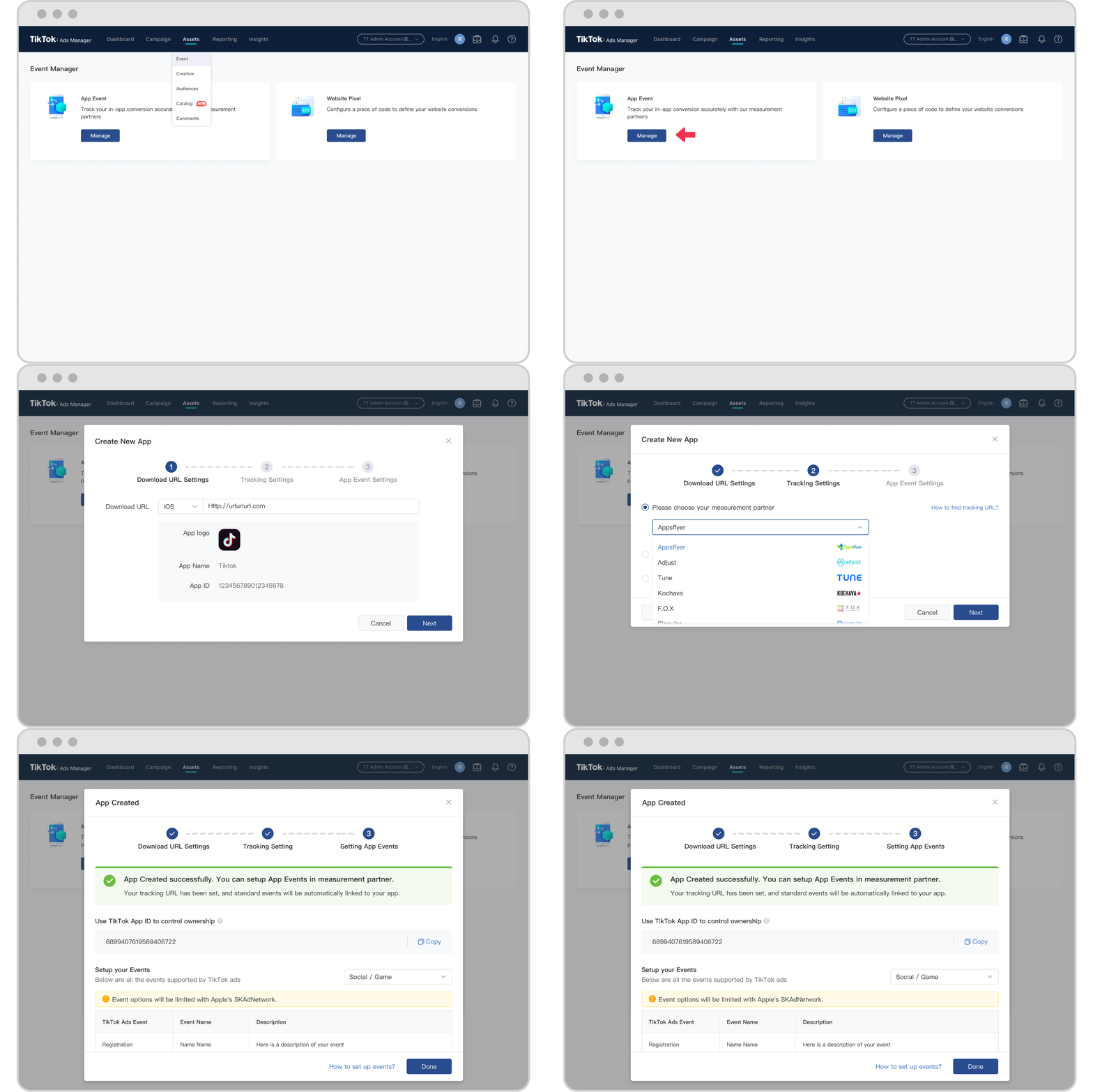
Understanding TikTok Ads Manager

Before diving into the steps, it's essential to understand what TikTok Ads Manager is and how it works. The TikTok Ads Manager is a tool that allows you to create, manage, and track your advertising campaigns on TikTok. It provides a comprehensive overview of your ad performance, helping you make informed decisions to optimize your marketing strategy.
Key Features of TikTok Ads Manager
- Campaign Creation: You can create different types of campaigns, such as brand awareness, traffic, conversions, and more.
- Ad Group Management: Organize your ads into groups based on your target audience, budget, and other criteria.
- Ad Creation: Upload your video, image, or text ads and set your desired targeting parameters.
- Performance Tracking: Monitor your ad performance with detailed analytics and insights.
Setting Up Your TikTok Ads Manager Account
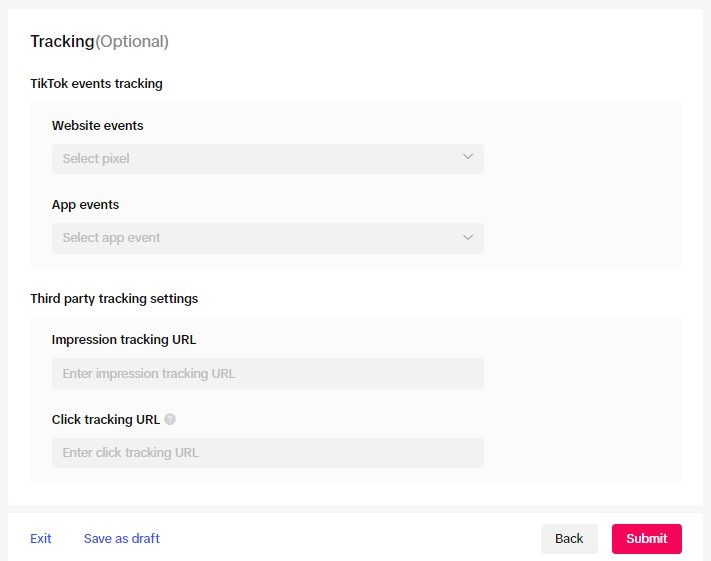
To start using TikTok Ads Manager, you'll need to create an account. Here's a step-by-step guide:
- Download the TikTok Ads Manager App: Available on both iOS and Android, you can download the app from the respective app stores.
- Create an Account: Open the app and follow the prompts to create a new account. You'll need to provide your email address and set a password.
- Verify Your Email: Check your inbox for a verification email and click on the link to confirm your account.
- Set Up Your Business Profile: Once verified, you'll be prompted to set up your business profile. This includes providing your company name, website, and other relevant details.
Creating Your First Campaign
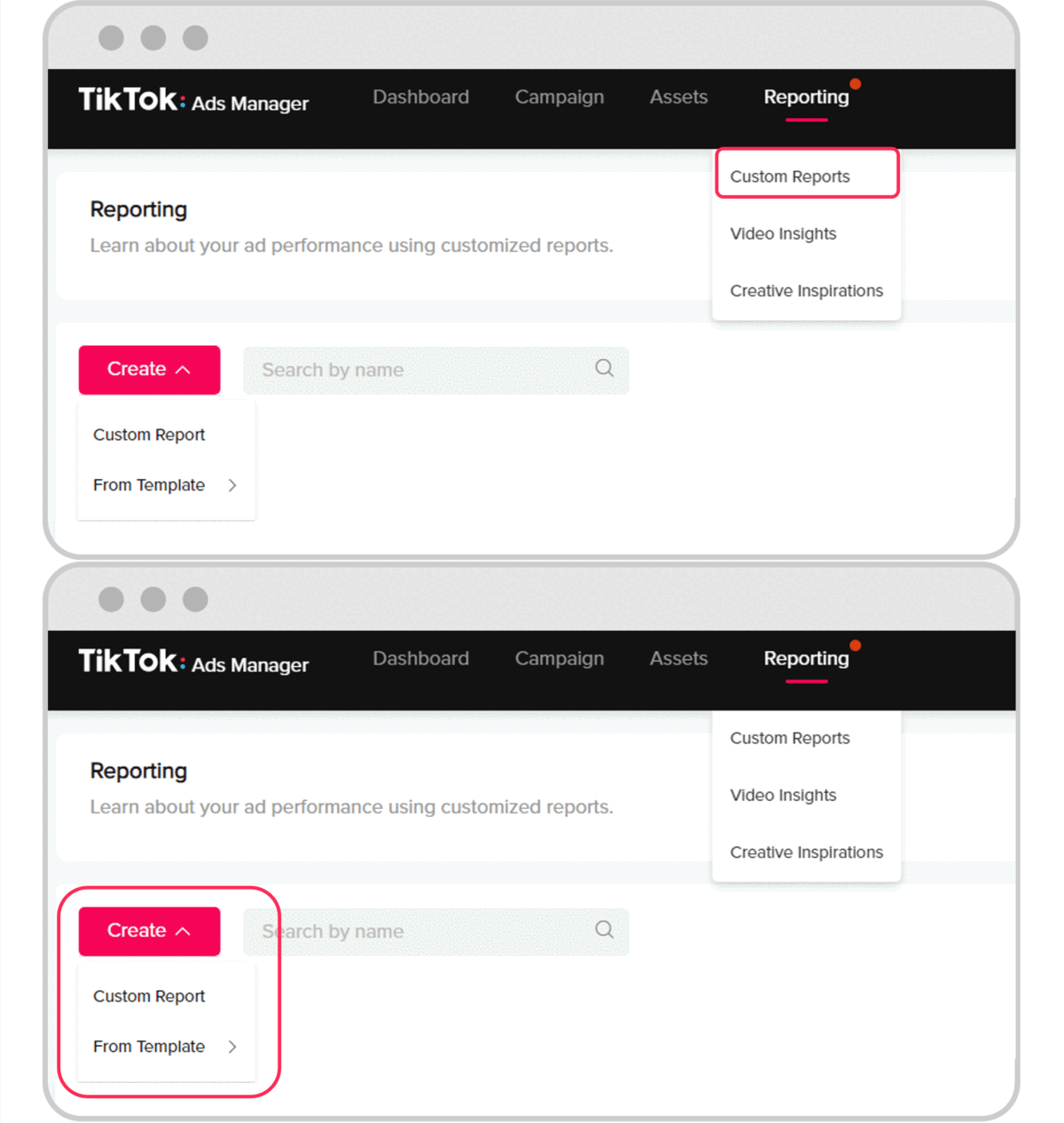
Once your account is set up, you can start creating your first campaign. Here's how:
- Select a Campaign Objective: Choose the goal of your campaign, such as increasing brand awareness, driving traffic to your website, or generating conversions.
- Choose a Campaign Type: TikTok offers various campaign types, including brand awareness, traffic, conversions, and more. Select the one that best fits your objective.
- Set Your Budget: Determine the daily or total budget for your campaign. You can also choose to let TikTok automatically manage your budget.
- Define Your Target Audience: Specify the demographics, interests, and behaviors of your target audience. You can also use lookalike audiences to reach similar users.
- Create Your Ad: Upload your video, image, or text ad. Add a compelling headline, description, and call-to-action.
- Review and Launch: Review your campaign settings and launch your ad.
Managing Your Campaigns

After launching your campaign, you'll need to monitor and manage it regularly. Here are some tips for effective campaign management:
- Monitor Performance: Track your ad performance using the analytics provided by TikTok Ads Manager. Look at metrics such as impressions, clicks, and conversions.
- Optimize Your Ads: Based on the performance data, make adjustments to your ads. This could include changing your targeting, adjusting your budget, or updating your ad creatives.
- A/B Testing: Test different versions of your ads to see which ones perform better. This can help you identify the most effective strategies for your audience.
- Adjust Your Budget: If your campaign is performing well, consider increasing your budget to reach more users. If it's not performing as expected, adjust your budget accordingly.
Advanced Tips for Using TikTok Ads Manager
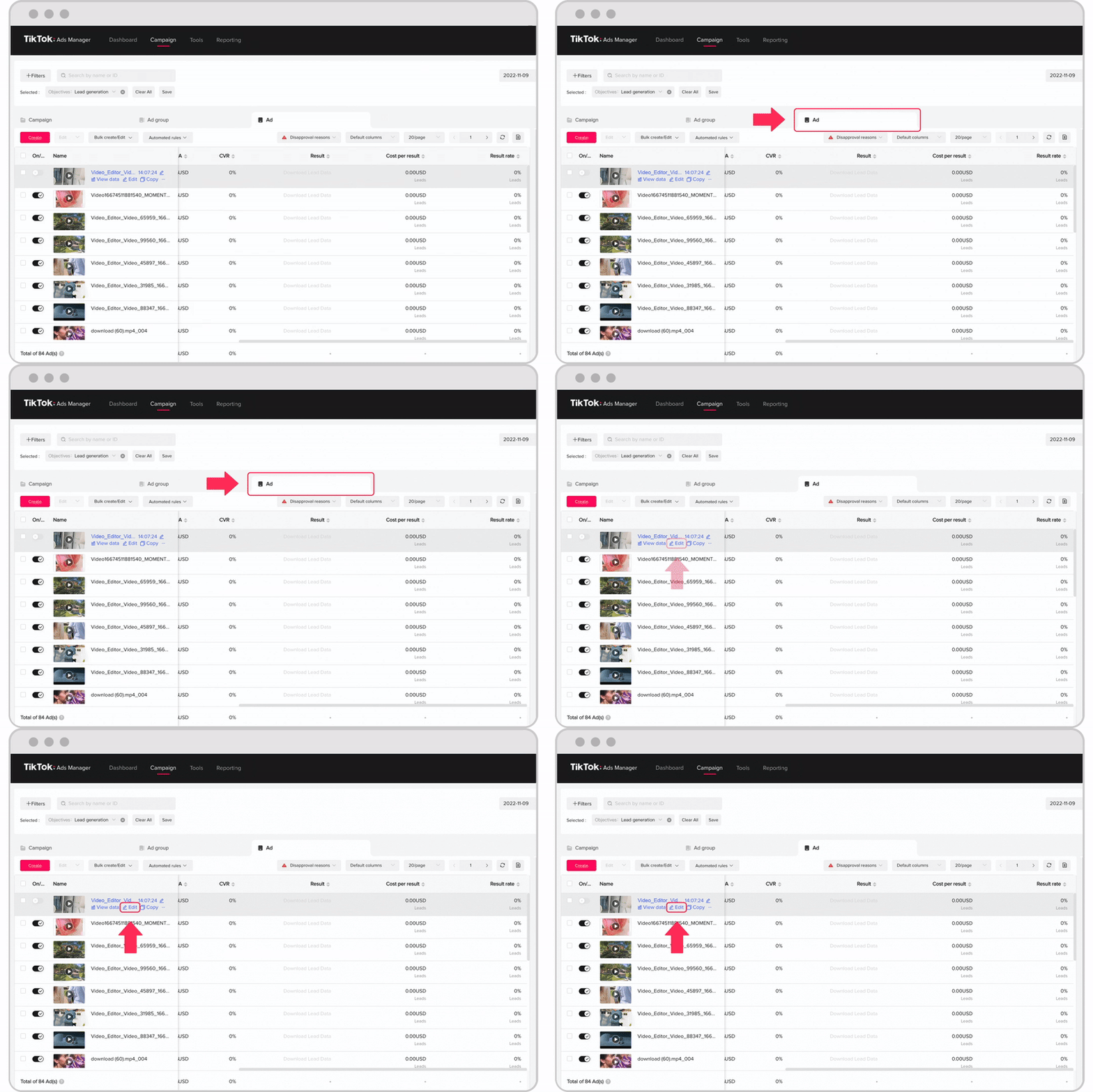
To get the most out of TikTok Ads Manager, consider these advanced tips:
- Use Lookalike Audiences: Leverage TikTok's lookalike audience feature to reach users who are similar to your existing customers.
- Leverage Retargeting: Create retargeting campaigns to reach users who have interacted with your previous ads or visited your website.
- Utilize TikTok Pixel: Install the TikTok Pixel on your website to track conversions and optimize your campaigns for better results.
- Stay Updated: Keep an eye on TikTok's updates and features to stay ahead of the competition. New tools and features are regularly added to enhance the advertising experience.
Conclusion
TikTok Ads Manager is a powerful tool that can help you reach your target audience and achieve your marketing goals. By following this guide, you can effectively set up and manage your campaigns, ensuring that your ads are seen by the right people at the right time. Whether you're a small business owner or a large enterprise, TikTok Ads Manager offers a range of features to help you succeed in the competitive world of digital marketing.

Posting Komentar untuk "How to Use TikTok Ads Manager Mobile App: A Complete Guide"
Posting Komentar