
How to Use TikTok Ads Manager on Your Mobile App: A Complete Guide
In today’s digital marketing landscape, TikTok has emerged as a powerful platform for brands to connect with their target audience. With its massive user base and high engagement rates, TikTok offers unique opportunities for businesses to grow their online presence. One of the most effective tools for leveraging this platform is the TikTok Ads Manager mobile app. This guide will walk you through everything you need to know about using the TikTok Ads Manager on your mobile device.
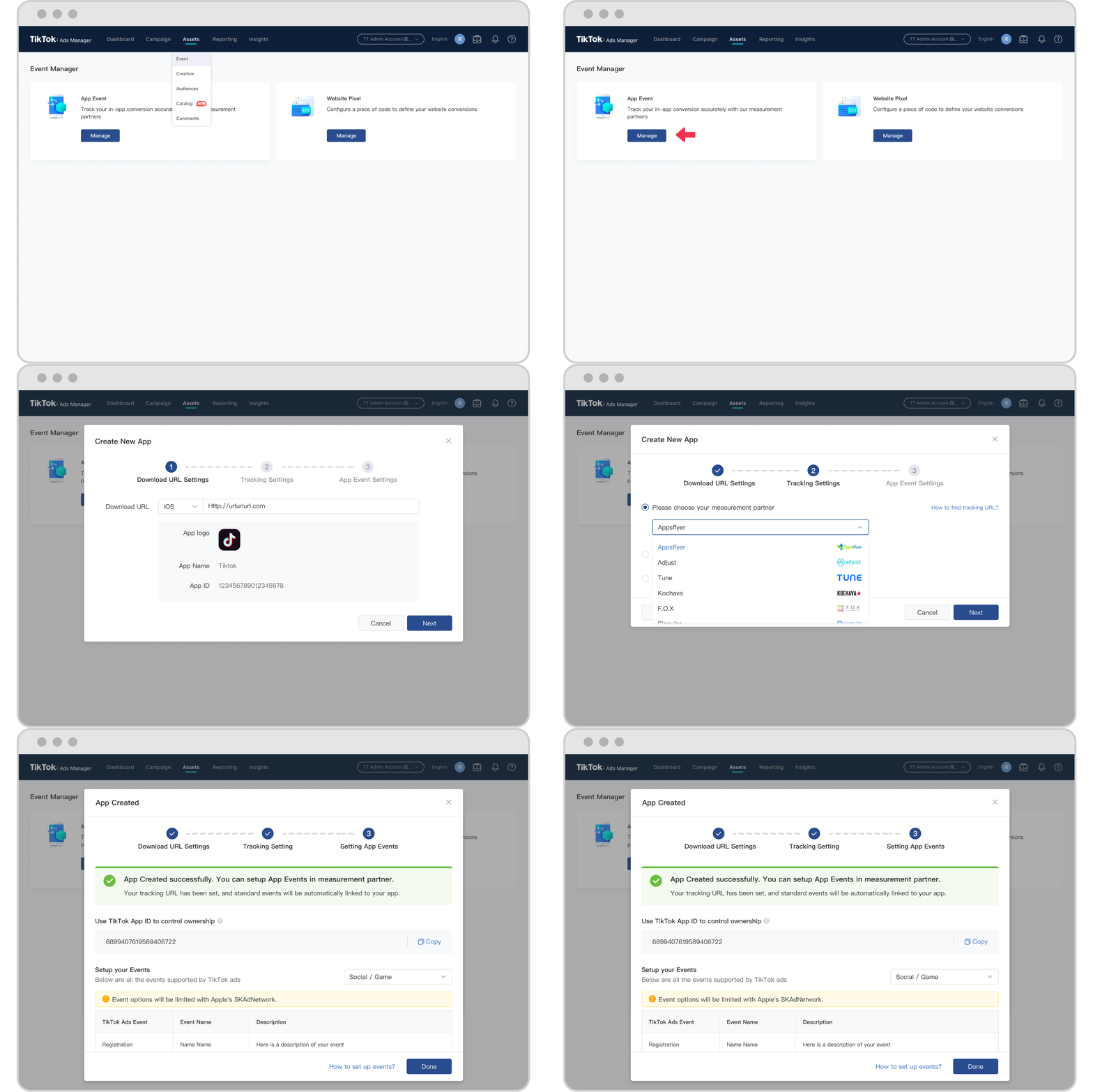
What is the TikTok Ads Manager?
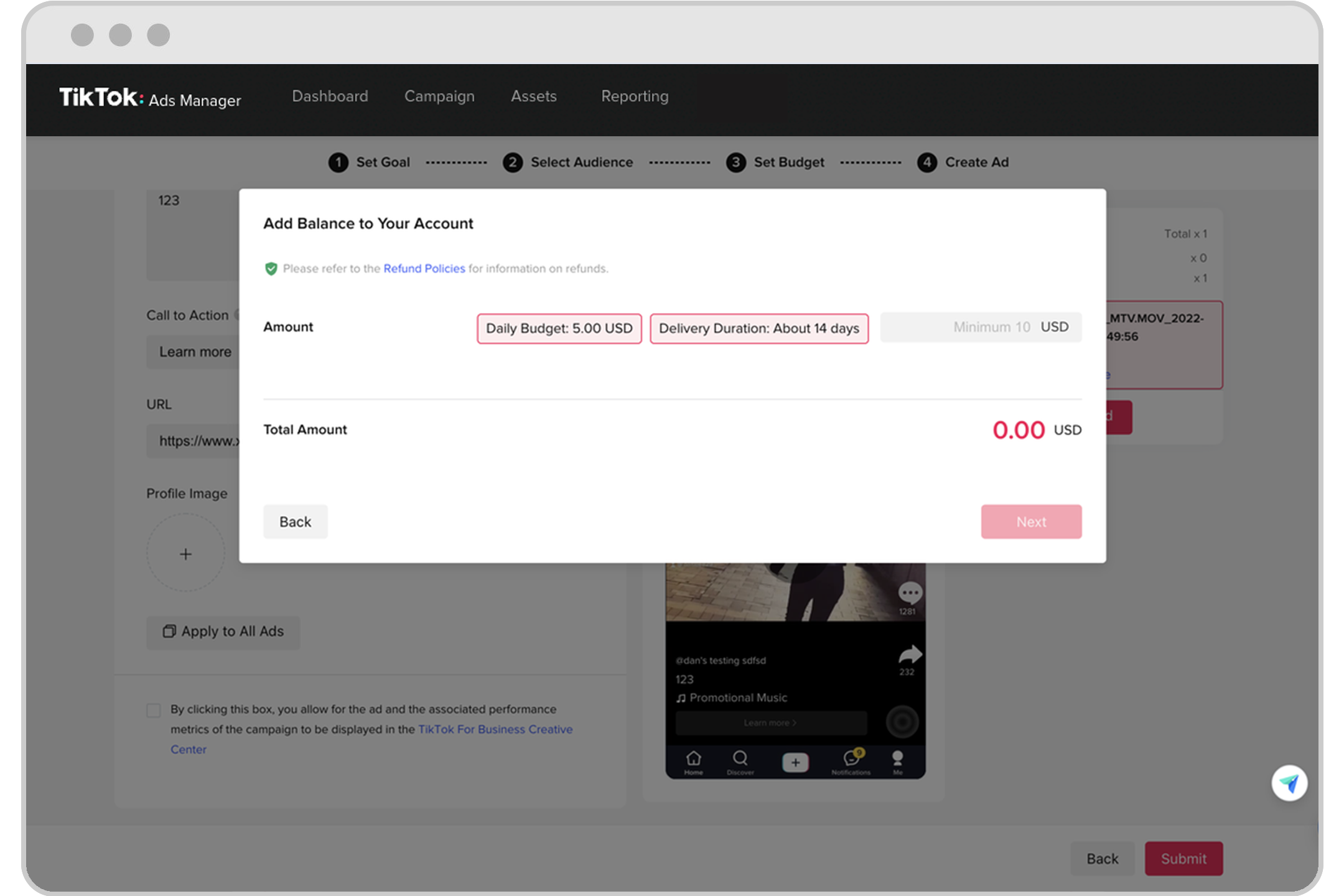
The TikTok Ads Manager is a comprehensive tool designed for advertisers to create, manage, and optimize their ad campaigns directly from their mobile devices. It allows users to set up targeted ads, track performance in real-time, and adjust strategies based on data-driven insights. Whether you're a small business owner or a large enterprise, the TikTok Ads Manager provides the flexibility and control needed to run successful advertising campaigns.
Getting Started with TikTok Ads Manager

Before you can start using the TikTok Ads Manager on your mobile app, you'll need to set up an account. Here's how:
1. Create an Ad Account
To begin, visit the TikTok Business website and create an ad account. If you're self-serving, follow the instructions provided in the Business Help Center. If you're managing multiple accounts, your sales representative will guide you through the process.
2. Download the TikTok Ads Manager App
Once your account is set up, download the TikTok Ads Manager app from the Google Play Store (for Android) or the Apple App Store (for iOS). The app is available for free and offers a user-friendly interface that makes it easy to navigate and manage your campaigns.
3. Log In and Set Up Your Campaign
After downloading the app, log in using your TikTok Business credentials. From there, you can start setting up your first campaign by selecting your campaign objective, defining your target audience, and choosing your ad format.
Key Features of the TikTok Ads Manager Mobile App
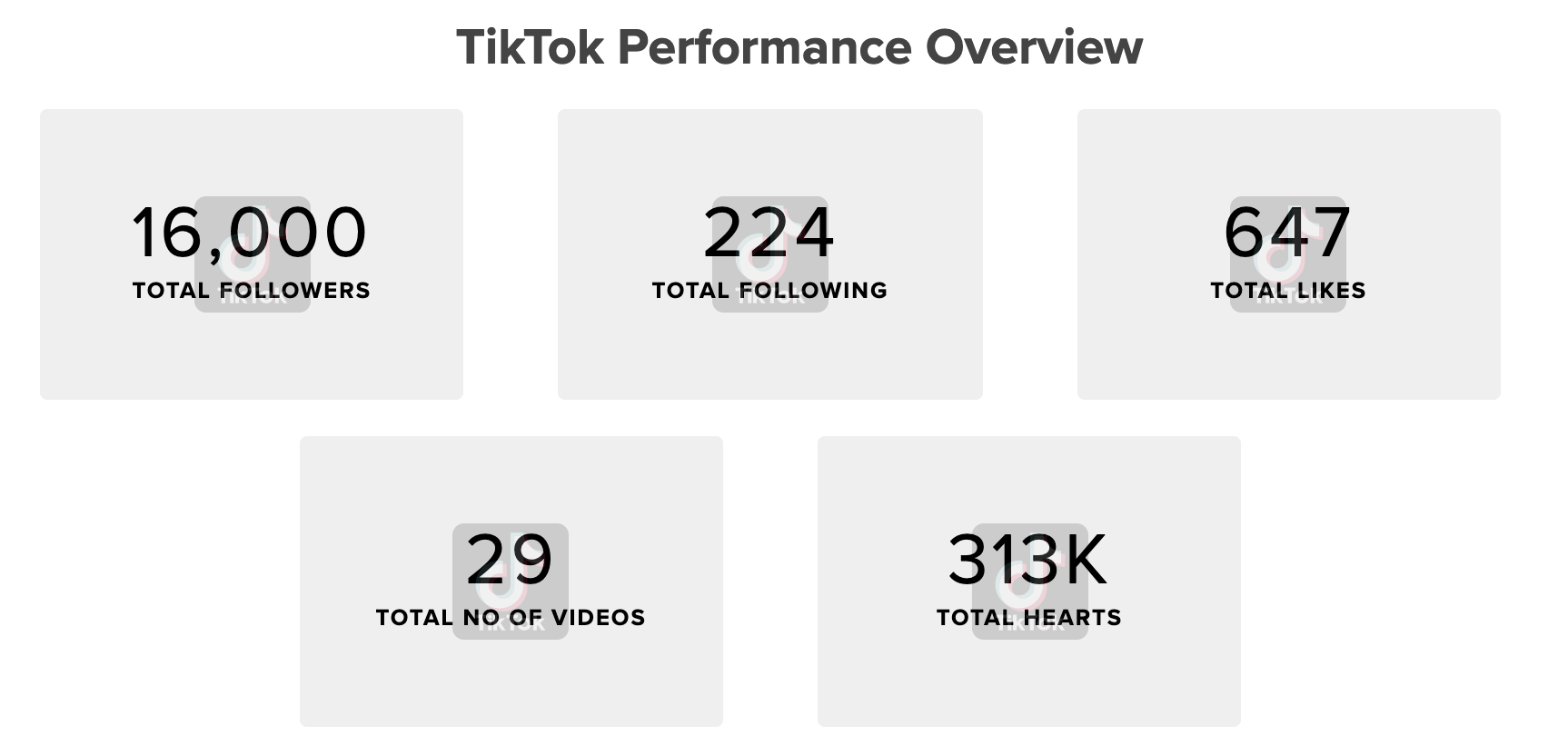
The TikTok Ads Manager mobile app is packed with features that make it easy to create and manage effective ad campaigns. Here are some of the key features:
1. Campaign Creation and Management
With the TikTok Ads Manager, you can easily create and manage your ad campaigns. You can choose from various campaign objectives, such as increasing brand awareness, driving traffic, or generating conversions. The app also allows you to set daily or total budgets, giving you full control over your spending.
2. Audience Targeting
One of the most powerful features of the TikTok Ads Manager is its ability to target specific audiences. You can define your target audience based on demographics, interests, and behaviors. This ensures that your ads reach the right people at the right time.
3. Ad Formats
The TikTok Ads Manager supports a variety of ad formats, including In-Feed Ads, Top View Ads, Carousel Ads, and Branded Hashtag Challenges. Each format offers unique benefits, allowing you to choose the one that best suits your campaign goals.
4. Real-Time Analytics
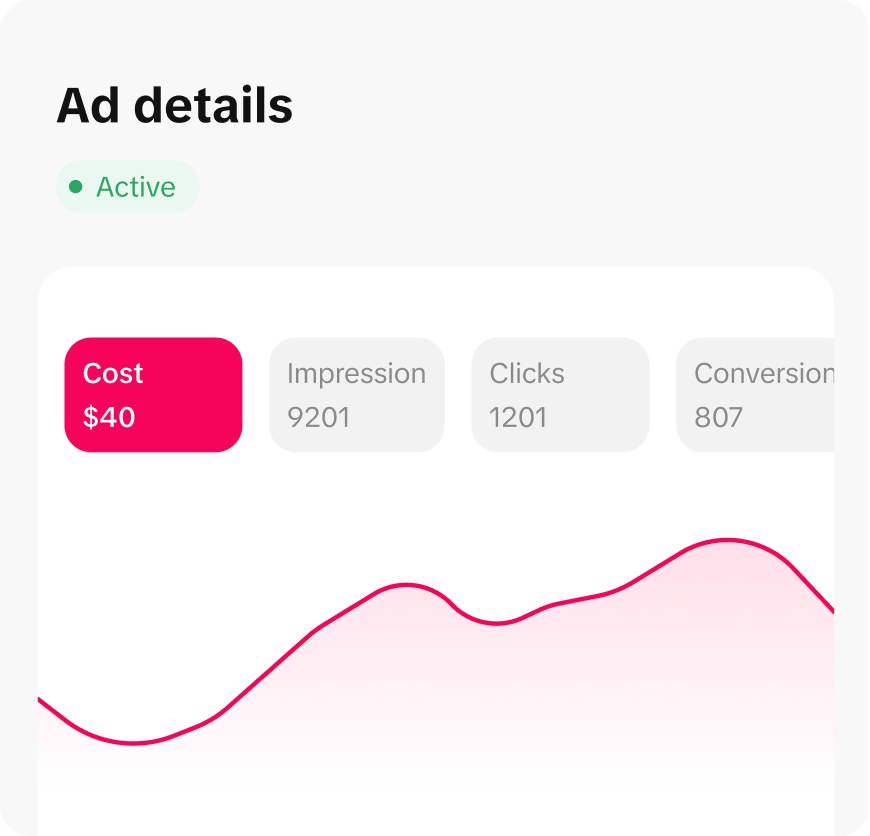
The app provides real-time analytics so you can monitor the performance of your ads. You can track metrics such as impressions, clicks, and conversions, and use this data to optimize your campaigns for better results.
Tips for Using TikTok Ads Manager on Your Mobile App
To get the most out of the TikTok Ads Manager on your mobile app, consider the following tips:
1. Focus on Creativity
TikTok users love engaging and creative content. Make sure your ads are visually appealing and align with the trends on the platform. Use high-quality videos and images to capture attention and encourage interaction.
2. Use Targeted Advertising
Take advantage of the audience targeting features to ensure your ads reach the right people. Define your target audience based on factors like age, gender, location, and interests to maximize the effectiveness of your campaigns.
3. Monitor Performance Regularly
Use the real-time analytics feature to track the performance of your ads. Regularly review your data to identify what's working and what needs improvement. Adjust your strategies accordingly to achieve better results.
4. Test Different Ad Formats
Experiment with different ad formats to see which ones resonate best with your audience. Try In-Feed Ads, Top View Ads, and Branded Hashtag Challenges to determine which format delivers the best engagement and conversion rates.
Conclusion
The TikTok Ads Manager mobile app is an essential tool for anyone looking to leverage the power of TikTok for their advertising efforts. With its intuitive interface, robust targeting capabilities, and real-time analytics, the app makes it easy to create and manage effective ad campaigns. By following the steps outlined in this guide and using the tips provided, you can unlock the full potential of TikTok Ads Manager and drive meaningful results for your business.

Posting Komentar untuk "How to Use TikTok Ads Manager on Your Mobile App: A Complete Guide"
Posting Komentar