
How to Use TikTok Ads Manager Reporting Dashboard for Effective Campaigns
In the ever-evolving world of digital marketing, TikTok has emerged as a powerful platform for reaching a vast and engaged audience. For marketers, leveraging TikTok's advertising tools is essential to drive brand awareness, generate leads, and boost sales. One of the most critical tools in this arsenal is the TikTok Ads Manager Reporting Dashboard. This dashboard allows advertisers to track, analyze, and optimize their campaigns with precision. In this article, we’ll explore how to use the TikTok Ads Manager Reporting Dashboard effectively to maximize campaign performance.
Understanding the TikTok Ads Manager Reporting Dashboard

The TikTok Ads Manager offers three primary views for tracking campaign performance: the Dashboard, the Campaign Page, and the Reporting Page. Each of these views serves a specific purpose and provides valuable insights into different aspects of your ad campaigns.
1. Dashboard Page: A Bird’s-Eye View
The Dashboard page is your first stop when you log into TikTok Ads Manager. It provides a high-level overview of your account’s performance, including metrics such as total ad spend, impressions, clicks, and campaign status. This view is ideal for quickly assessing the overall health of your campaigns and identifying any anomalies or trends that need further investigation.
Key Features:
- Real-time metrics: Get up-to-date data on impressions, clicks, and conversions.
- Campaign status tracking: Monitor which campaigns are active, paused, or completed.
- Performance trends: Identify spikes or drops in engagement to make timely adjustments.
2. Campaign Page: Deep Dive into Performance
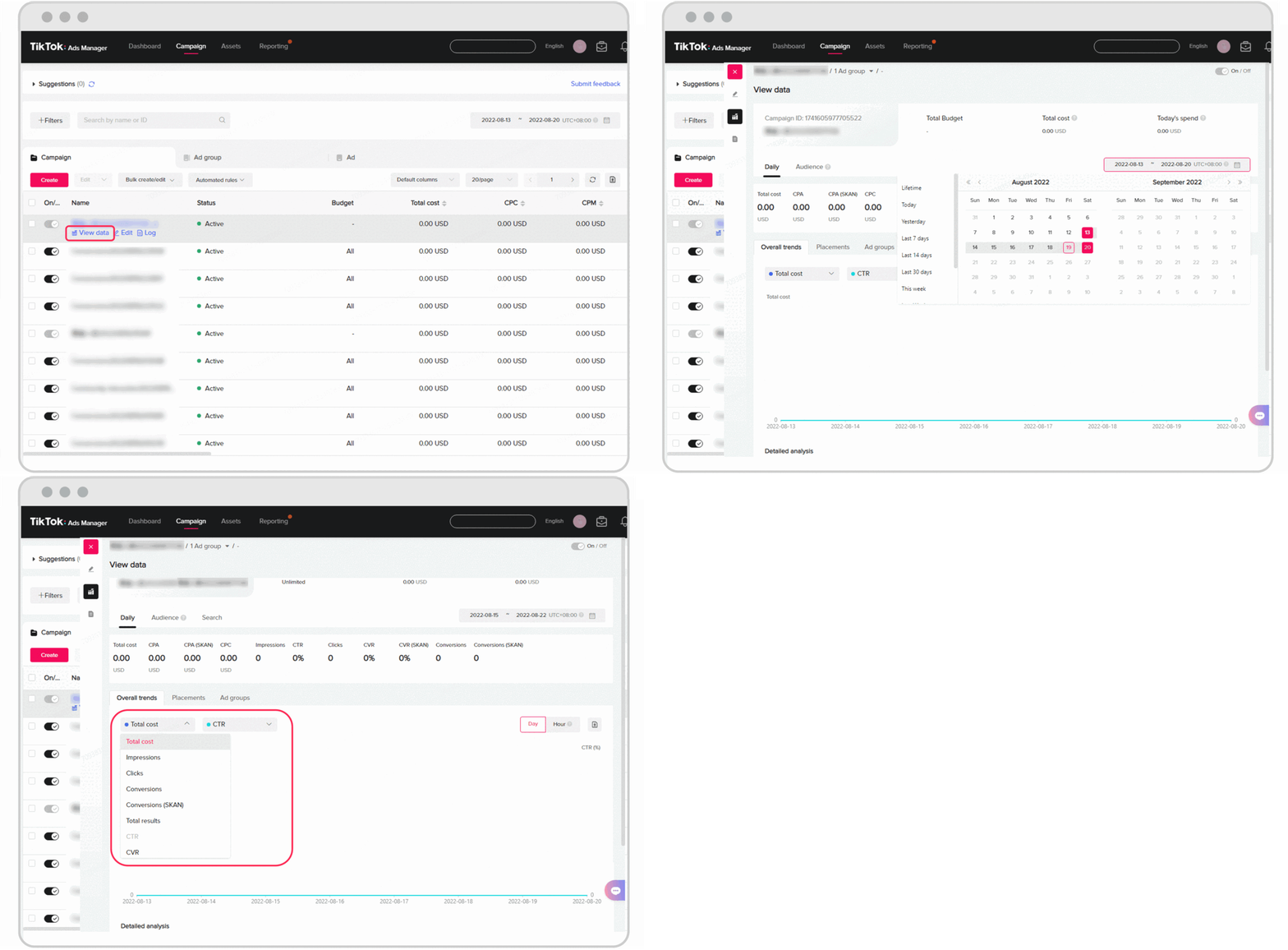
If you notice an issue on the Dashboard, the Campaign Page allows you to dig deeper into individual campaigns, ad groups, and ads. This view provides more detailed metrics and customization options to help you understand how each part of your campaign is performing.
Key Features:
- Search and filter: Quickly locate specific campaigns by name, ID, or other criteria.
- Customizable columns: Tailor the data displayed to focus on the metrics that matter most to your business.
- Audience breakdowns: Analyze performance by demographics, location, device, and other dimensions.
3. Reporting Page: Custom Reports and Scheduling
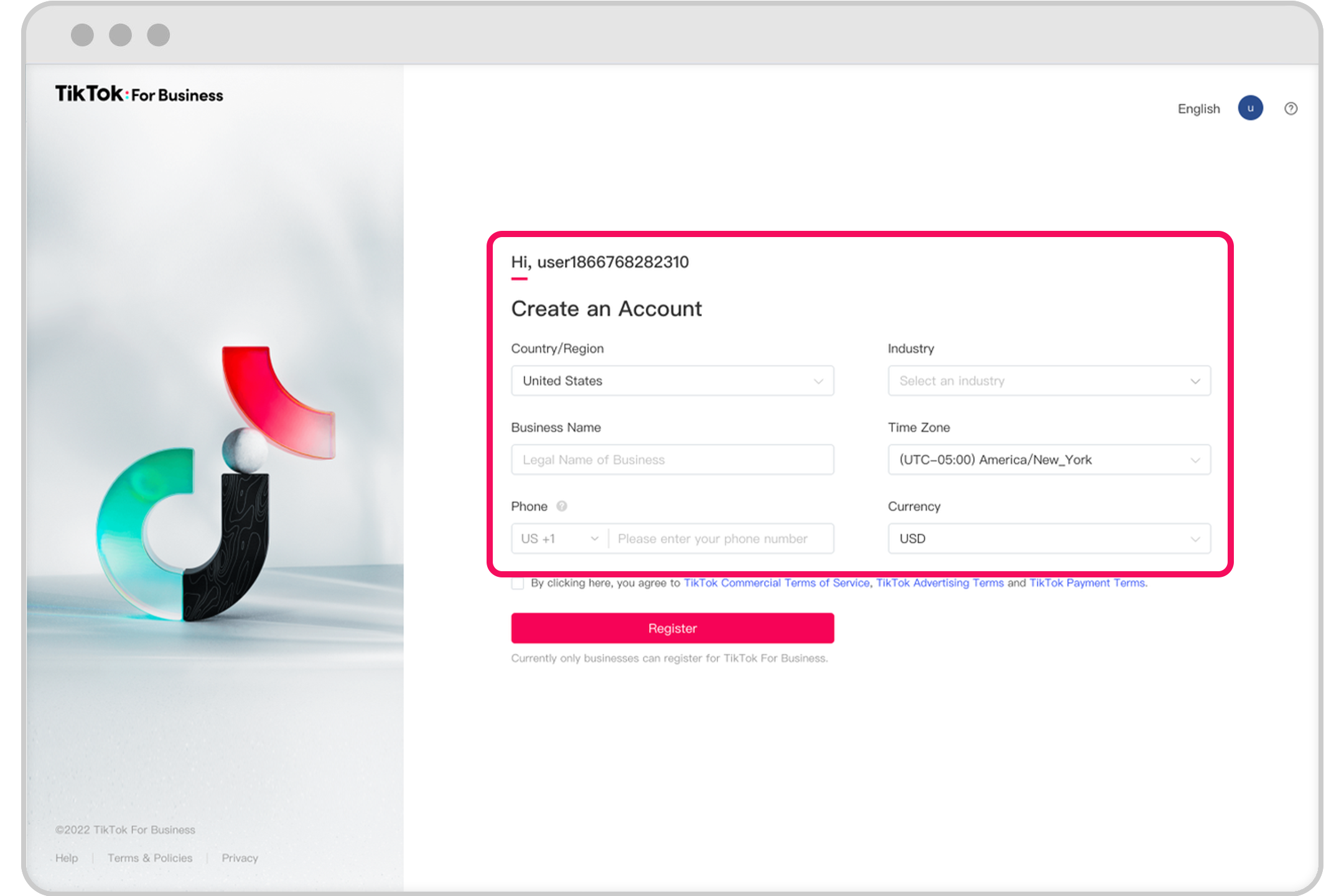
The Reporting Page is where you can create and schedule custom reports to gain deeper insights into your campaign performance. This feature is especially useful for teams that need to share data with stakeholders or track progress over time.
Key Features:
- Custom report creation: Select dimensions and metrics to build reports tailored to your needs.
- Scheduled reporting: Set up automated reports to be delivered via email at regular intervals.
- Export options: Export reports in xlsx or csv formats for easy analysis and sharing.
Best Practices for Using the Reporting Dashboard
To get the most out of the TikTok Ads Manager Reporting Dashboard, consider the following best practices:
1. Monitor Key Metrics Regularly
Track essential metrics such as Impressions, Clicks, CTR (Click-Through Rate), Conversion Rate, CPC (Cost Per Click), and ROAS (Return on Ad Spend). These metrics provide a clear picture of how well your campaigns are performing and where improvements may be needed.
2. Use Filters and Segmentation
Leverage the filtering and segmentation features to drill down into specific audiences or campaign types. For example, you can compare the performance of different ad creatives or target different age groups to see what resonates best.
3. Schedule Regular Reports
Set up scheduled reports to ensure you’re consistently monitoring your campaign performance. This helps you stay informed without having to manually check the dashboard every day.
4. Compare Campaigns Across Platforms
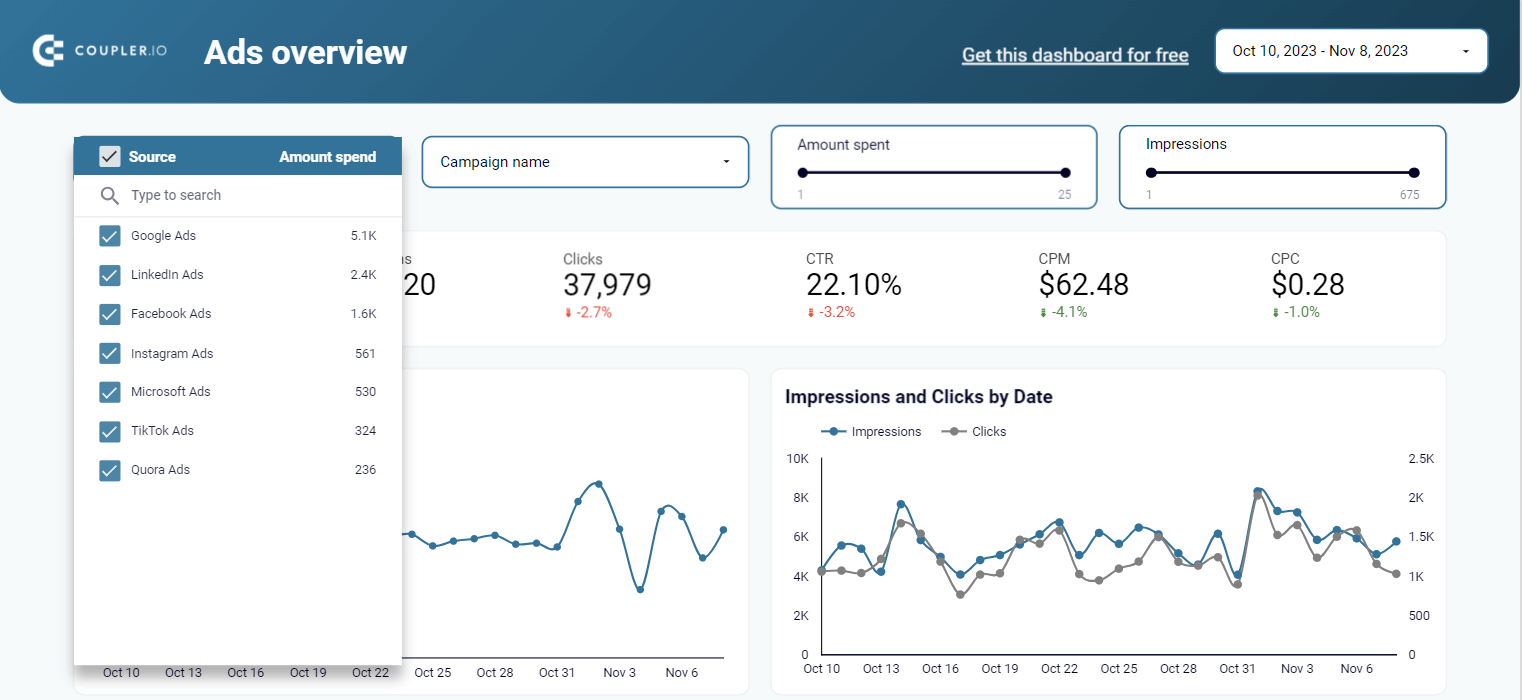
If you're running ads on multiple platforms, use the PPC multi-channel dashboard to compare performance across TikTok, Facebook, Google, and more. This helps you allocate your budget more effectively and identify which channels deliver the best results.
Conclusion
The TikTok Ads Manager Reporting Dashboard is a powerful tool that enables marketers to track, analyze, and optimize their ad campaigns with ease. By understanding the different views available and implementing best practices, you can gain valuable insights into your campaign performance and make data-driven decisions to improve results. Whether you're a seasoned marketer or just starting out, mastering the TikTok Ads Manager Reporting Dashboard is essential for success in today’s competitive digital landscape.

Posting Komentar untuk "How to Use TikTok Ads Manager Reporting Dashboard for Effective Campaigns"
Posting Komentar