
How to Use TikTok Ads Manager: A Step-by-Step Video Tutorial
TikTok has become a dominant force in the digital advertising landscape, offering businesses a unique platform to connect with a vast and engaged audience. For those looking to harness the power of TikTok Ads Manager, understanding how to effectively use this tool is essential. This article provides a comprehensive guide on how to use TikTok Ads Manager, complete with a step-by-step video tutorial.
Getting Started with TikTok Ads Manager

Before diving into the intricacies of TikTok Ads Manager, you need to set up an ad account. If you're a self-serve customer, refer to the Business Help Center article for detailed instructions. For those managing multiple accounts, your sales representative will provide guidance on the process. A comprehensive onboarding guide is also available for further assistance.
Once your account is created, you can start exploring the features of TikTok Ads Manager. This tool allows you to create, manage, and optimize your ad campaigns directly from your dashboard. The interface is designed to be user-friendly, making it accessible even for those new to digital advertising.
Understanding TikTok Ads Manager Features

TikTok Ads Manager offers a range of features that help you reach your target audience effectively. Here are some key components:
- Campaign Creation: Start by defining your campaign objective, such as brand awareness, traffic, or conversions.
- Ad Groups: Organize your ads into groups based on different themes or target audiences.
- Ad Creatives: Upload your video content, which should be optimized for the TikTok platform.
- Targeting Options: Utilize demographic, geographic, and interest-based targeting to reach your ideal audience.
- Budget Management: Set daily or lifetime budgets for your campaigns and monitor your spending.
Creating Effective TikTok Ad Creatives
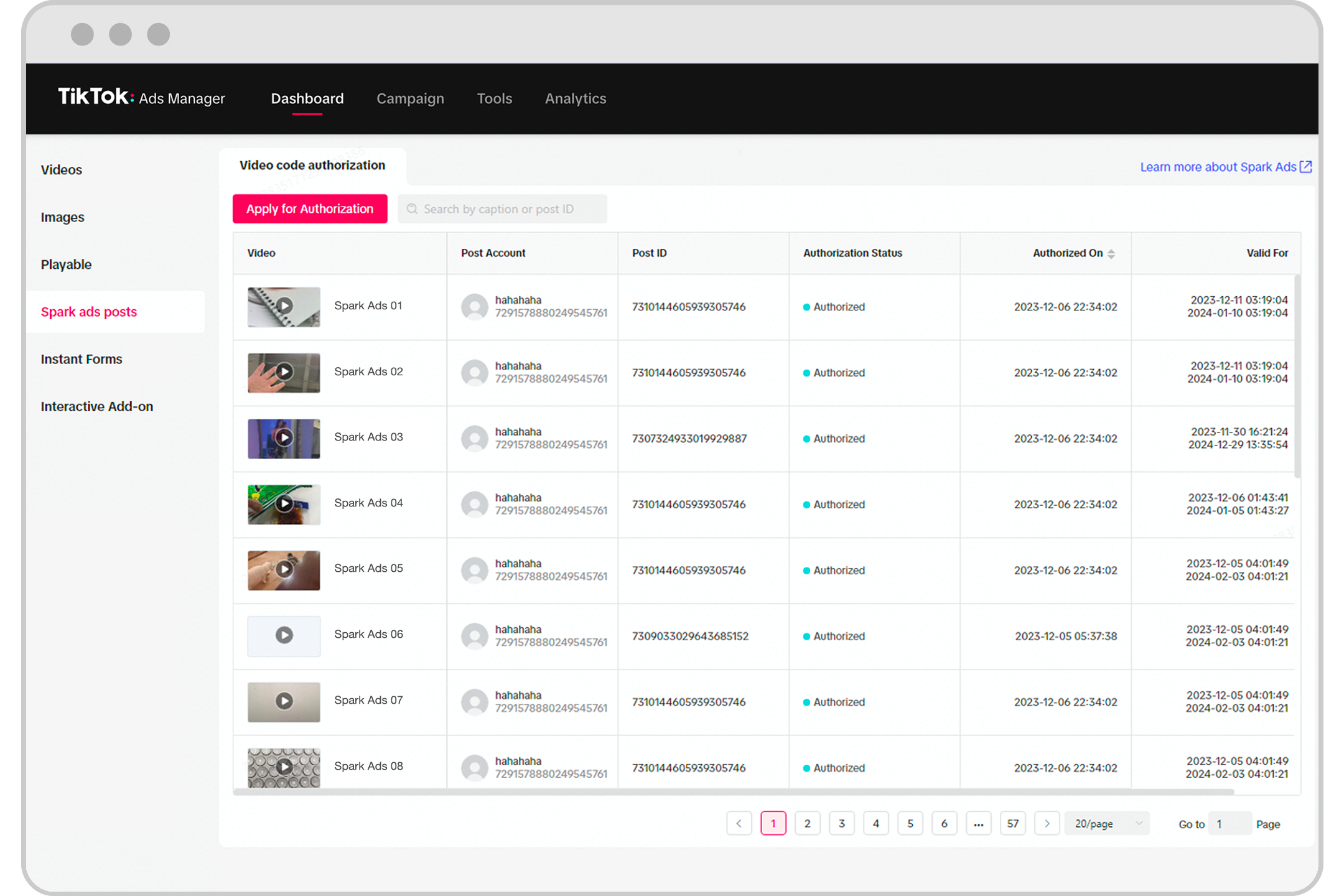
In 2026, the effectiveness of TikTok advertising hinges on creating content that captures attention quickly. Here are some best practices for developing compelling ad creatives:
- Hook in 3 Seconds: Your video must grab attention within the first few seconds. Use a provocative question or a clear articulation of a pain point.
- Focus on UGC: Users prefer authentic, unpolished content. Embrace a "lo-fi" approach with smartphone footage and natural lighting.
- Use Sound-On: TikTok is watched with sound, so incorporate a clear voice-over or trending music to enhance engagement.
- Native Text and Subtitles: Use TikTok’s native fonts and styles to make your ad look organic. Keep text short and focused on one idea per screen.
- Show, Don’t Tell: Visual proof is more powerful than words. Demonstrate the problem, solution, and result clearly.
Optimizing Your Campaigns
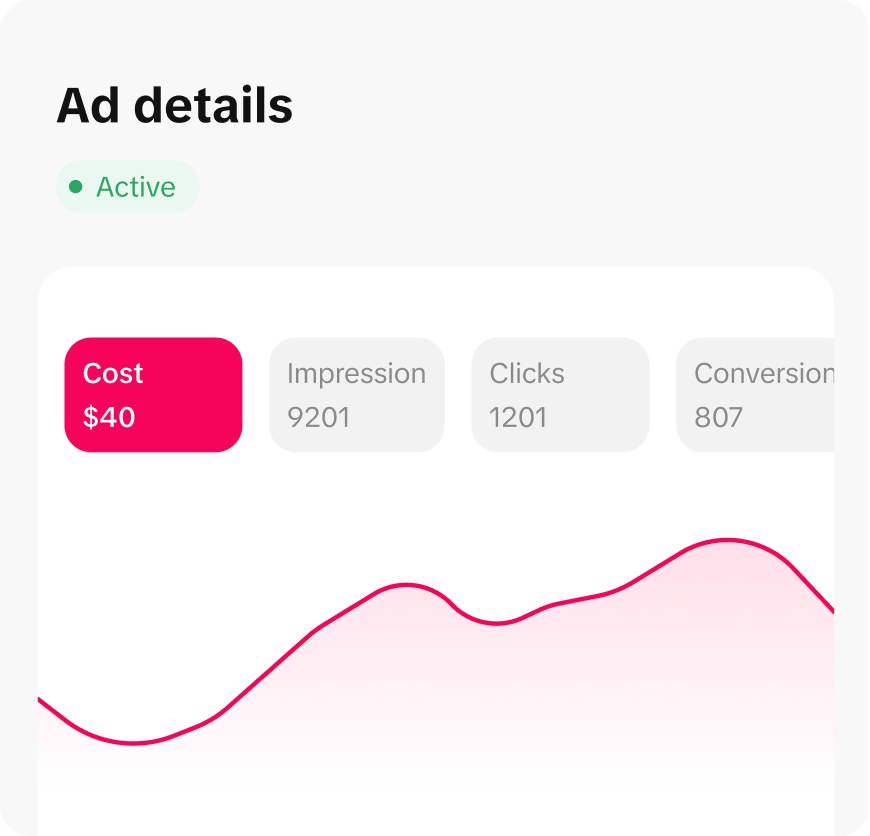
Once your ads are live, it's crucial to monitor their performance and make adjustments as needed. Here are some optimization strategies:
- Track Key Metrics: Monitor metrics such as click-through rate (CTR), conversion rate, and cost per click (CPC).
- A/B Testing: Experiment with different ad creatives, headlines, and calls to action to determine what resonates best with your audience.
- Adjust Targeting: Refine your targeting based on the performance data to reach the most relevant users.
- Update Content Regularly: Keep your ad content fresh and engaging by updating it regularly to maintain audience interest.
Conclusion
TikTok Ads Manager is a powerful tool that enables businesses to reach a massive audience with targeted, engaging ads. By following the steps outlined in this guide and incorporating best practices for creating effective ad creatives, you can maximize the impact of your TikTok advertising efforts. Whether you're a seasoned marketer or just starting out, mastering TikTok Ads Manager can significantly enhance your digital marketing strategy. With the right approach, your ads can stand out in the crowded TikTok feed and drive meaningful results for your business.

Posting Komentar untuk "How to Use TikTok Ads Manager: A Step-by-Step Video Tutorial"
Posting Komentar