
How to Use the TikTok Ads Performance Dashboard: A Complete Guide
TikTok has become a critical platform for brands looking to connect with a massive and engaged audience. As more businesses invest in TikTok ads, understanding how to effectively use the TikTok Ads Performance Dashboard becomes essential. This tool provides valuable insights into ad performance, helping marketers make data-driven decisions to optimize their campaigns. In this guide, we’ll walk you through the key features of the TikTok Ads Performance Dashboard and how to leverage them for better results.
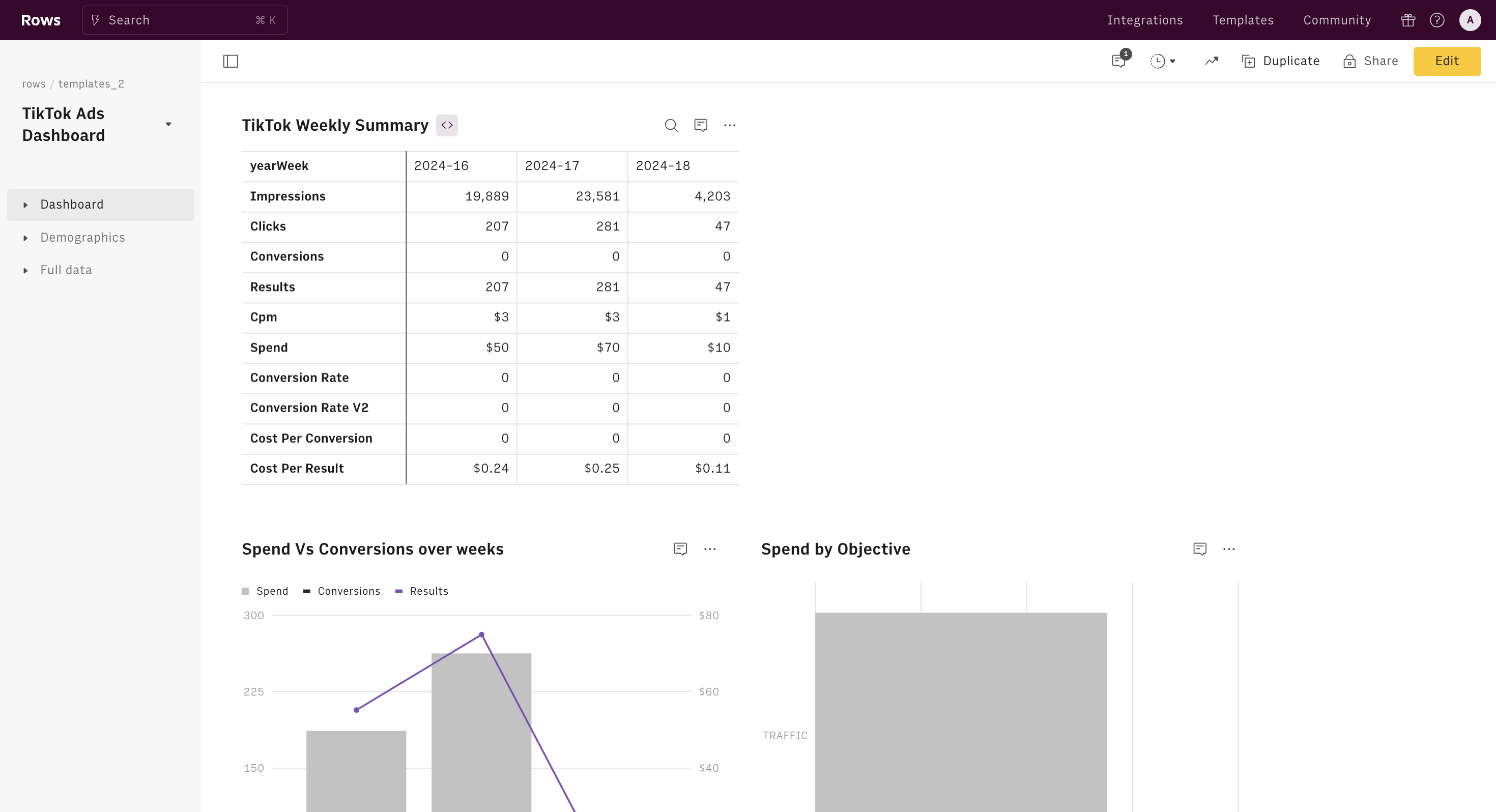
Understanding the TikTok Ads Performance Dashboard

The TikTok Ads Performance Dashboard is a centralized hub where advertisers can monitor and analyze the performance of their TikTok ad campaigns. It offers a range of metrics and tools that help you track the effectiveness of your ads, identify areas for improvement, and refine your strategy.
Key Features of the Dashboard
- Campaign Overview: This section provides a summary of all your active and past campaigns. You can view details such as campaign name, start date, end date, budget, and status.
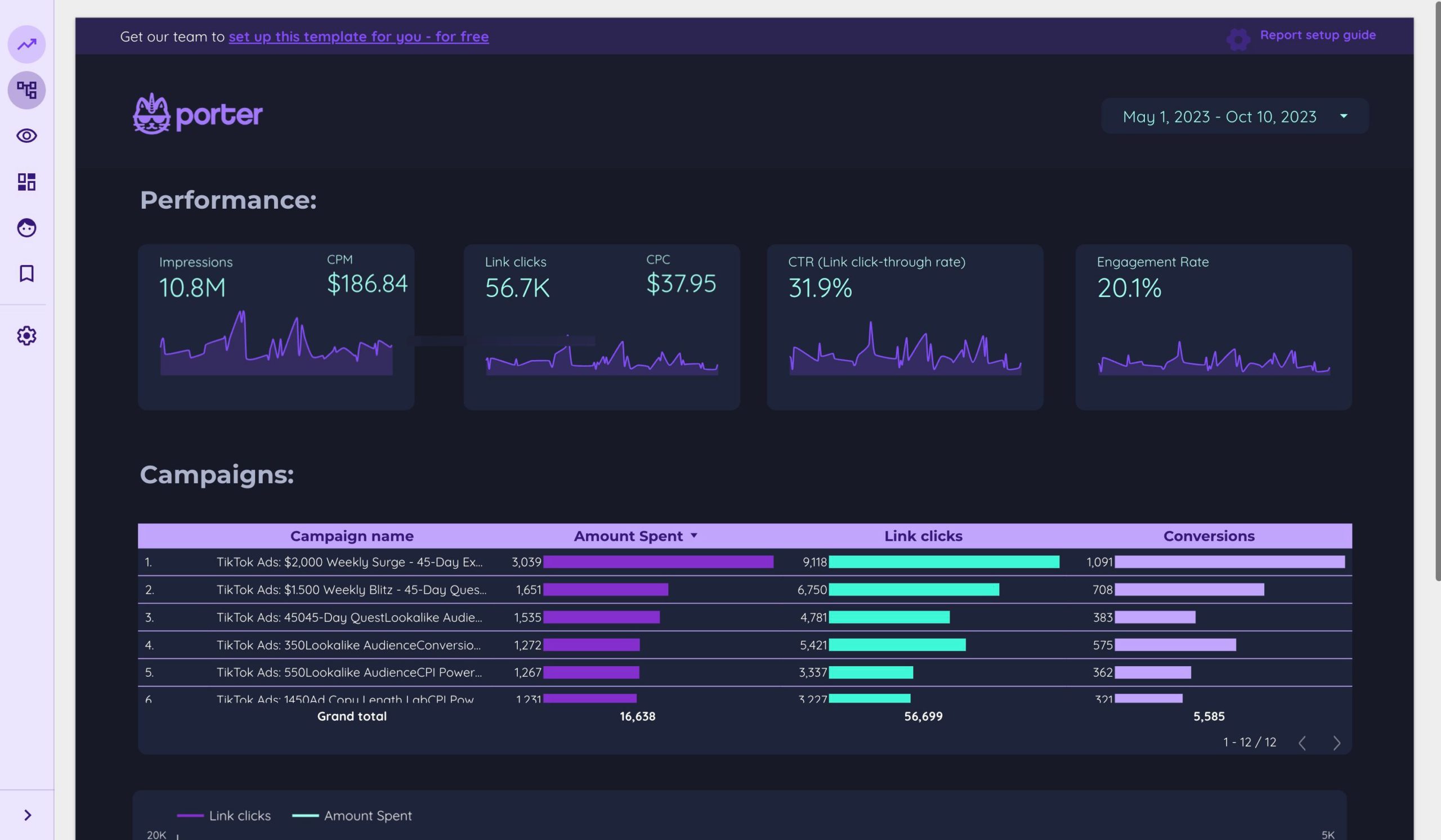
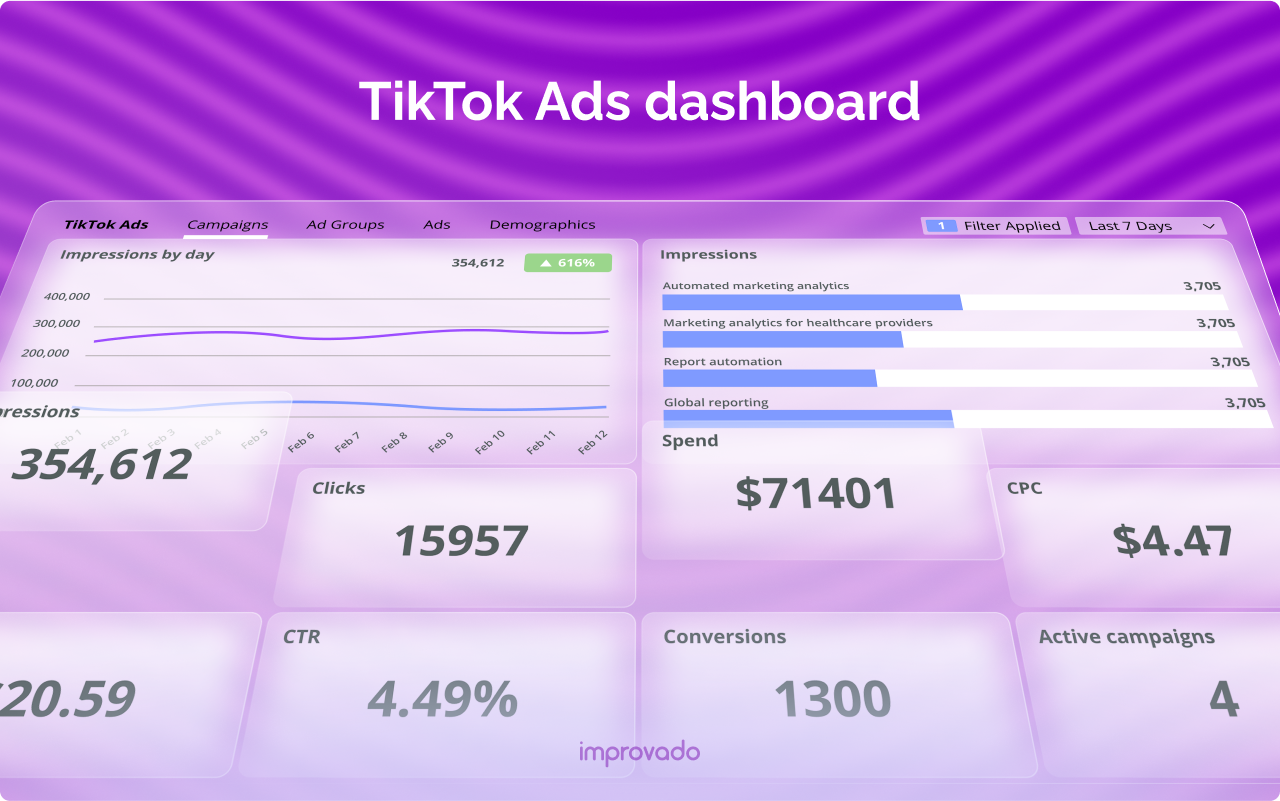
- Performance Metrics: The dashboard displays essential metrics like impressions, clicks, click-through rate (CTR), cost per click (CPC), and return on ad spend (ROAS). These metrics help you understand how well your ads are performing.
- Audience Insights: Gain insights into your target audience, including demographics, interests, and behaviors. This information can help you tailor your ads to better resonate with your audience.
- Ad Group Analysis: Break down your campaigns into ad groups to analyze the performance of different ad variations. This allows you to see which creatives or strategies are most effective.
- Conversion Tracking: Track conversions from your ads, such as website visits, app installs, or purchases. This helps you measure the impact of your campaigns on your business goals.
Navigating the Dashboard
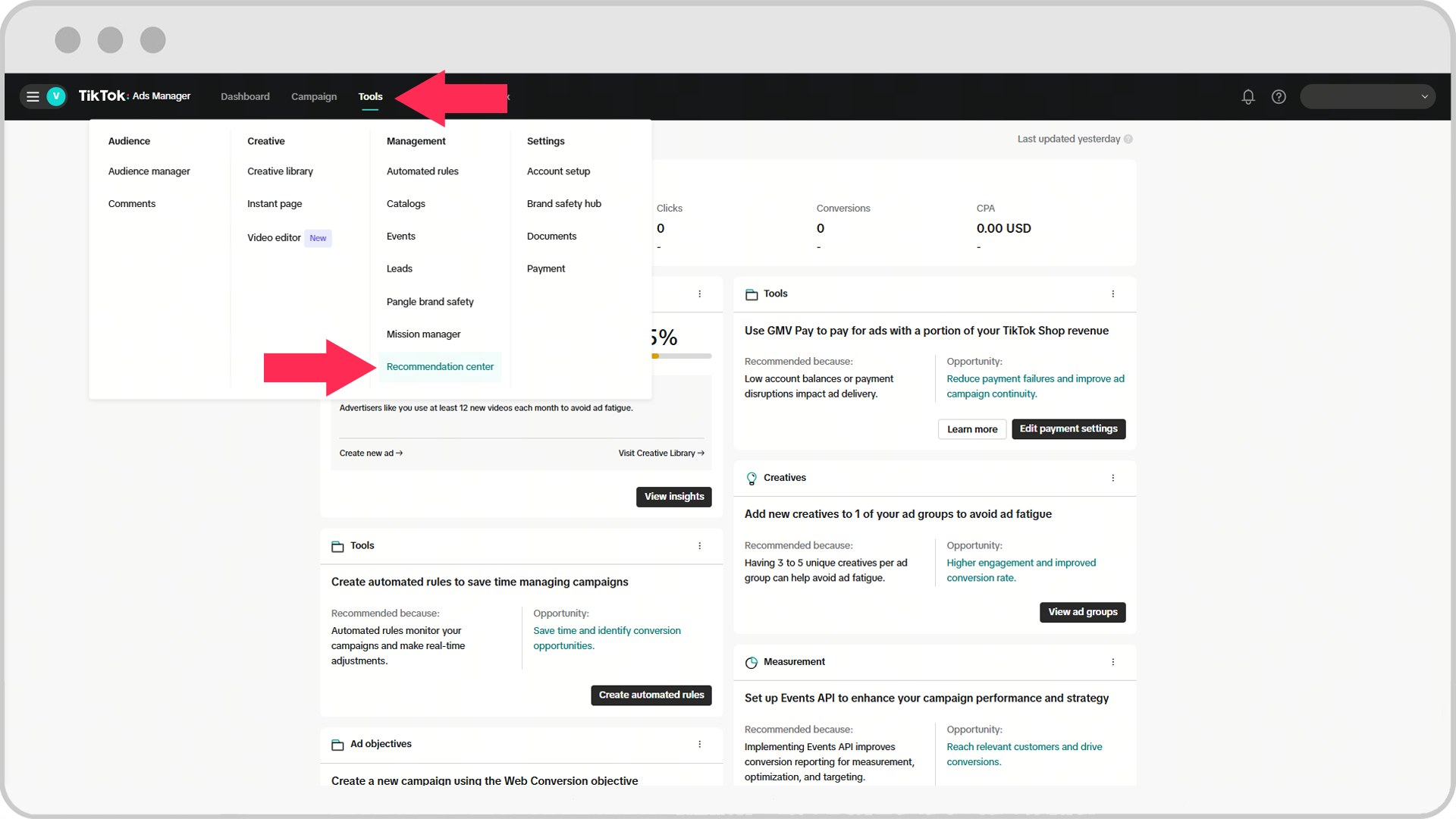
To access the TikTok Ads Performance Dashboard, log in to your TikTok Business account and navigate to the "Ads" section. From there, select "Performance" to view the dashboard.
Step-by-Step Guide to Using the Dashboard
- Log In to Your Account: Start by logging in to your TikTok Business account. If you don’t have one, you’ll need to create it first.
- Navigate to the Ads Section: Once logged in, go to the "Ads" section from the main menu.
- Select Performance: Click on "Performance" to access the dashboard.
- Review Campaign Overview: Check the campaign overview to get a snapshot of your current and past campaigns.
- Analyze Performance Metrics: Review the performance metrics to understand how your ads are performing. Look for trends and patterns that can inform your strategy.
- Use Audience Insights: Utilize the audience insights feature to gain a deeper understanding of your target audience. This can help you refine your targeting and messaging.
- Break Down Ad Groups: Analyze your ad groups to see which creatives or strategies are driving the best results. This can help you optimize your campaigns for better performance.
- Track Conversions: Monitor conversions to see how your ads are impacting your business goals. This can help you measure the ROI of your campaigns.
Optimizing Your TikTok Ads Strategy
Using the TikTok Ads Performance Dashboard effectively requires a strategic approach. Here are some tips to help you optimize your TikTok ads strategy:
1. Set Clear Goals
Before launching any campaign, define clear objectives. Whether you’re aiming to increase brand awareness, drive traffic to your website, or boost sales, having clear goals will help you measure the success of your campaigns.
2. Monitor Key Metrics
Regularly monitor key metrics such as CTR, CPC, and ROAS. These metrics provide insights into the effectiveness of your ads and can help you identify areas for improvement.
3. Test and Refine
Use A/B testing to compare different ad variations and determine which ones perform best. Continuously refine your strategy based on the data you collect from the dashboard.
4. Leverage Audience Insights
Use the audience insights feature to understand who your target audience is and what they’re interested in. Tailor your ads to better resonate with your audience and improve engagement.
5. Optimize for Conversions
Track conversions to see how your ads are driving business outcomes. Use this data to refine your campaigns and improve the ROI of your advertising efforts.
Common Pitfalls to Avoid
While the TikTok Ads Performance Dashboard is a powerful tool, there are common pitfalls that advertisers should avoid:
- Ignoring Data: Don’t overlook the data provided by the dashboard. Regularly review your metrics to make informed decisions.
- Overlooking Audience Insights: Failing to use audience insights can lead to ineffective targeting and lower engagement rates.
- Not Testing Variations: Not testing different ad variations can limit your ability to find the most effective strategies.
- Neglecting Conversion Tracking: Failing to track conversions can prevent you from measuring the true impact of your campaigns.
Conclusion
The TikTok Ads Performance Dashboard is an invaluable tool for any advertiser looking to maximize the effectiveness of their TikTok ad campaigns. By understanding how to use the dashboard and leveraging its features, you can gain valuable insights into your ad performance, refine your strategy, and achieve better results. With a data-driven approach, you can ensure that your TikTok ads are not only reaching the right audience but also driving meaningful engagement and conversions.

Posting Komentar untuk "How to Use the TikTok Ads Performance Dashboard: A Complete Guide"
Posting Komentar