
How to Use TikTok Ads Reporting and Insights for Better Campaign Performance
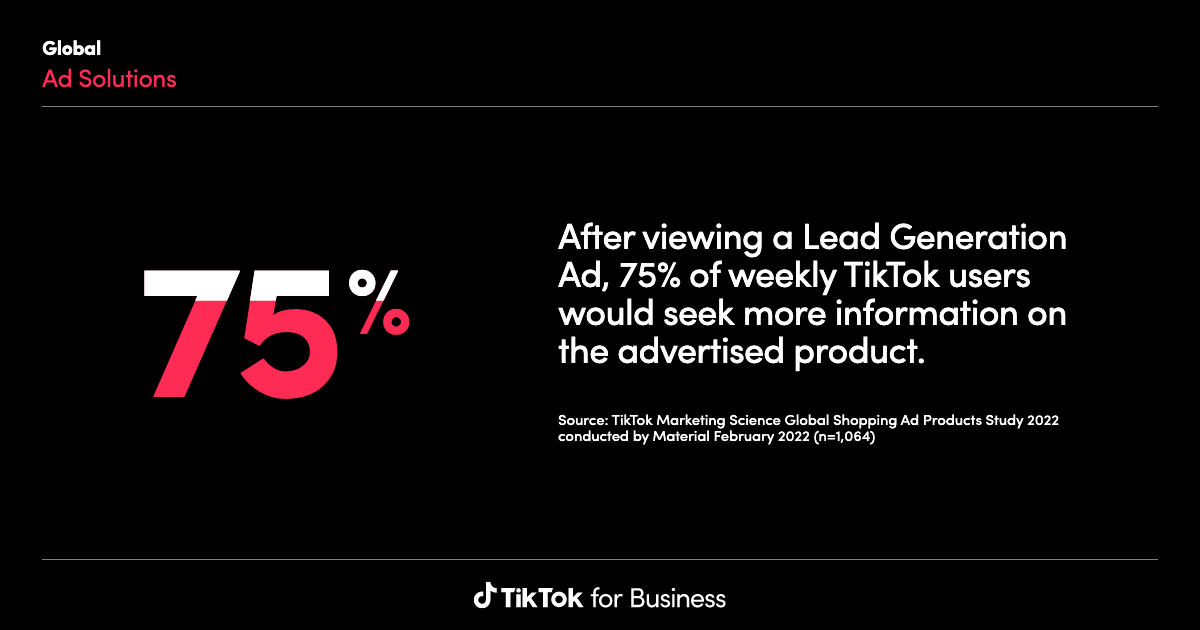
In the fast-paced world of digital marketing, TikTok has emerged as a powerful platform for businesses to reach a younger, engaged audience. With its short-form video content and creative potential, TikTok is an excellent place to run advertising campaigns. However, understanding how your ads are performing is crucial to optimizing your strategy and achieving better results. This is where TikTok Ads Reporting and Insights come into play. In this article, we'll explore how to effectively use these tools to improve your campaign performance.
Understanding TikTok Ads Reporting Tools
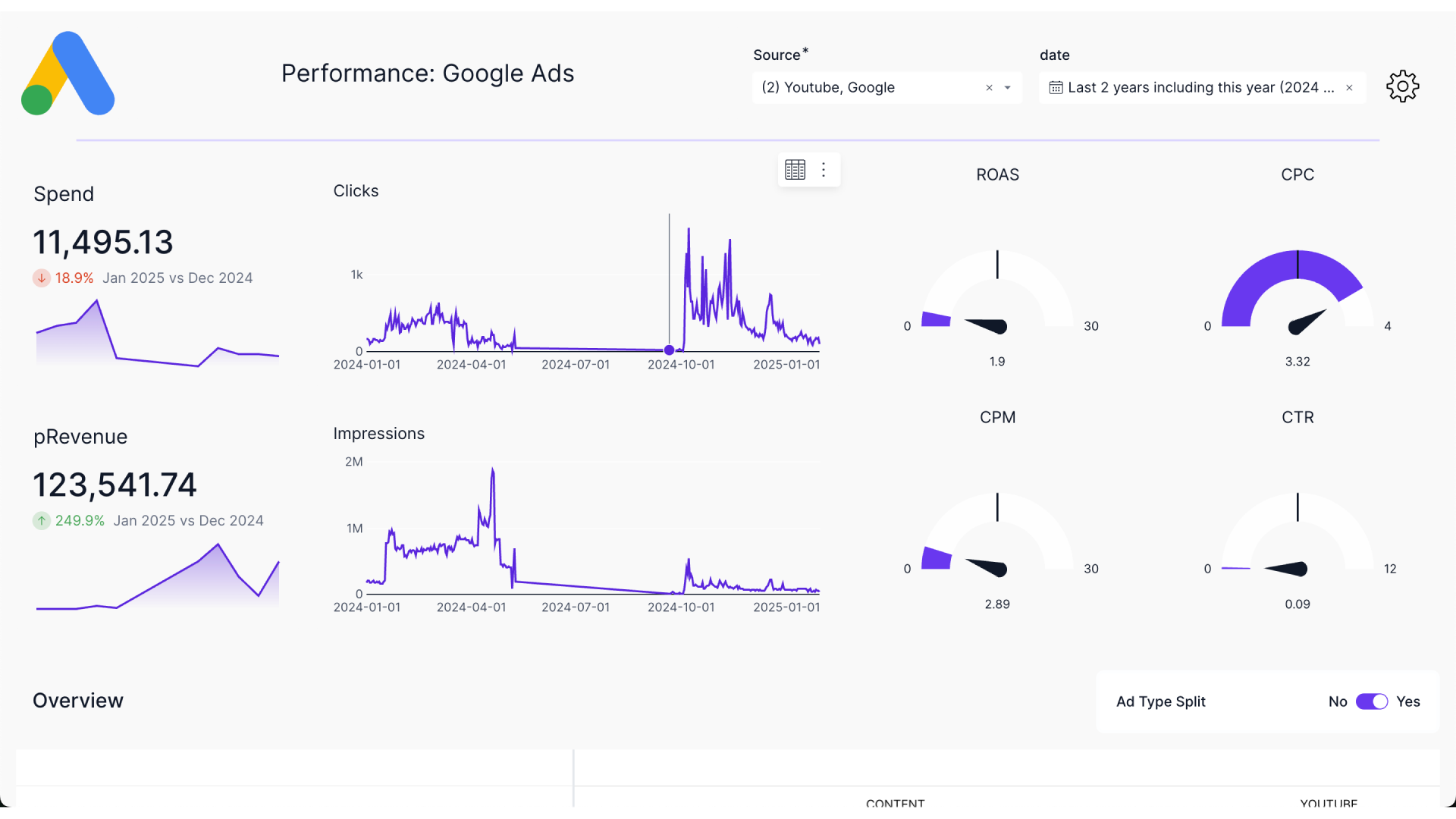
TikTok Ads Manager offers three primary methods for analyzing your campaign's performance:
- Dashboard Page: A bird's-eye view of your account.
- Campaign Page: A deep dive into performance by campaign.
- Reporting Page: Customizable performance reports sent directly to your inbox.
These tools allow you to quickly surface your campaign’s performance story in just a few clicks, helping you make informed decisions.
Dashboard Page: A Bird's-Eye View
The Dashboard page provides a high-level overview of your campaigns, ad groups, and ads. It shows up-to-date metrics, ad spend, and the status of all your campaigns. Here are some tips for using the Dashboard effectively:
- Monitor operation logs by clicking the 'Log' link in the Ad Group Status area.
- Check the status of all campaigns, ad groups, and ads to ensure that ongoing ads are 'Active'.
- View performance metrics broken down by different dimensions, including demographics, operating system, and dayparting.
Campaign Page: Your Performance Microscope
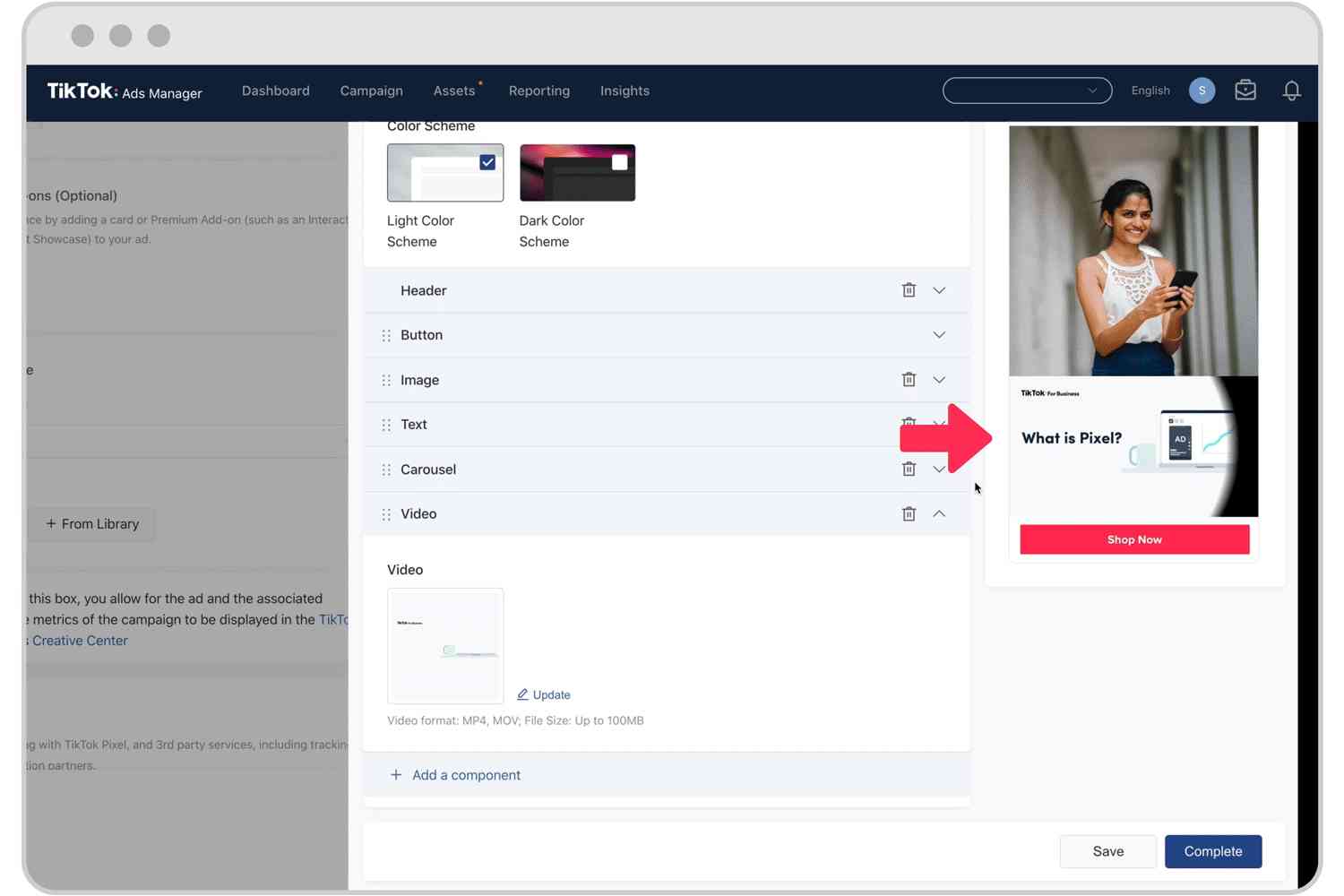
If you notice an anomaly on the Dashboard, or want to filter for specific campaigns, the Campaign page is where you should go. This page allows you to look into the details of your individual campaigns, ad groups, and ads.
Here's how to navigate the Campaign page:
- Search and filter for specific campaigns by name or ID.
- Customize your columns to show the data you need.
- View data to get performance details and audience breakdowns.
- Export any interesting data or charts to share with your team.
Reporting Page: Results Straight to Your Inbox
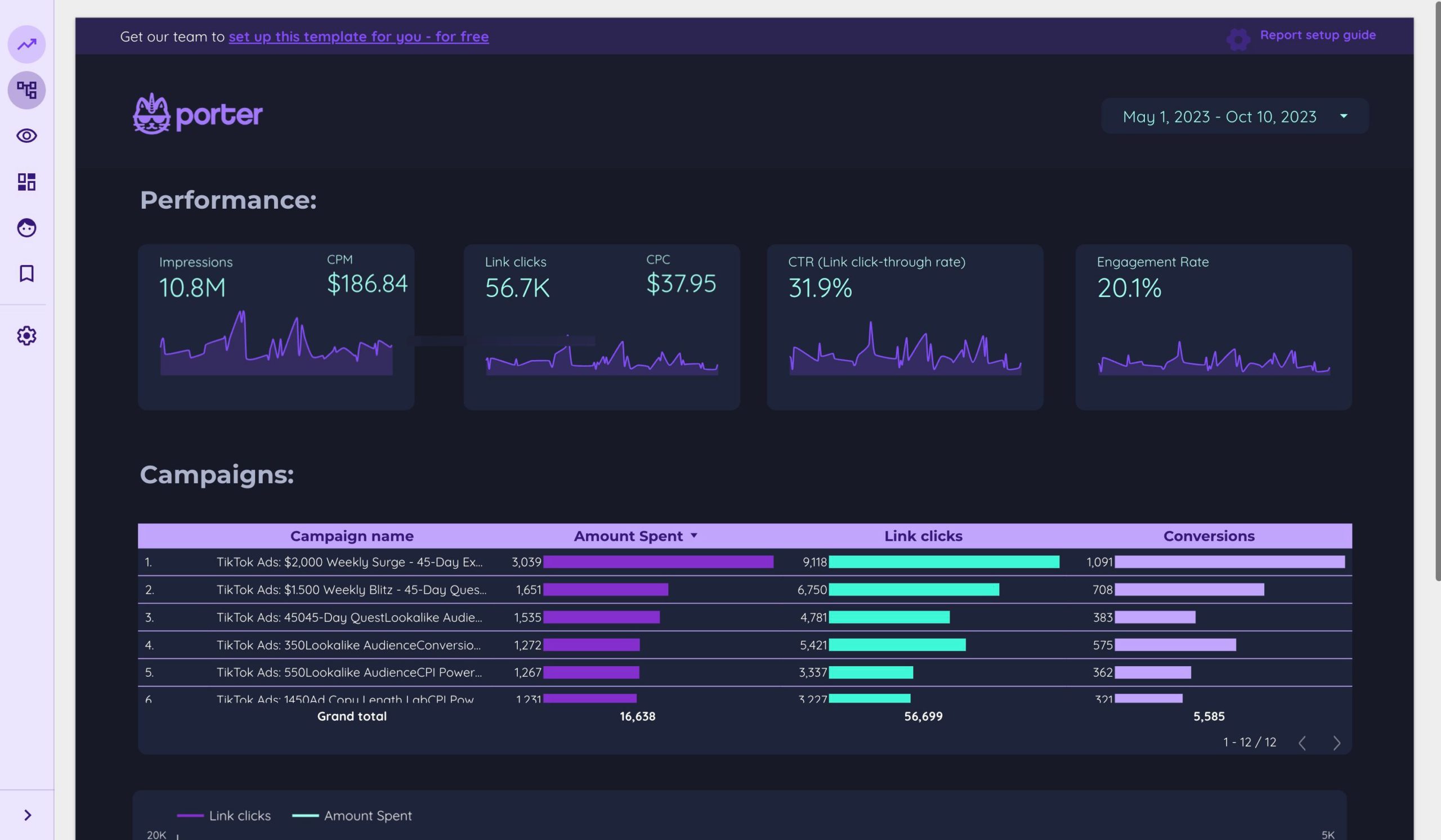
The Reporting page allows you to customize and manage the export and delivery of your reports on a schedule that works for you.
Here's how to create a report:
- Create a custom report or use a pre-defined template.
- Select dimensions and metrics such as CPM, CPC, CTR, and CVR.
- Set the time range for your data.
- Schedule reports to be delivered via email.
Key Metrics to Track
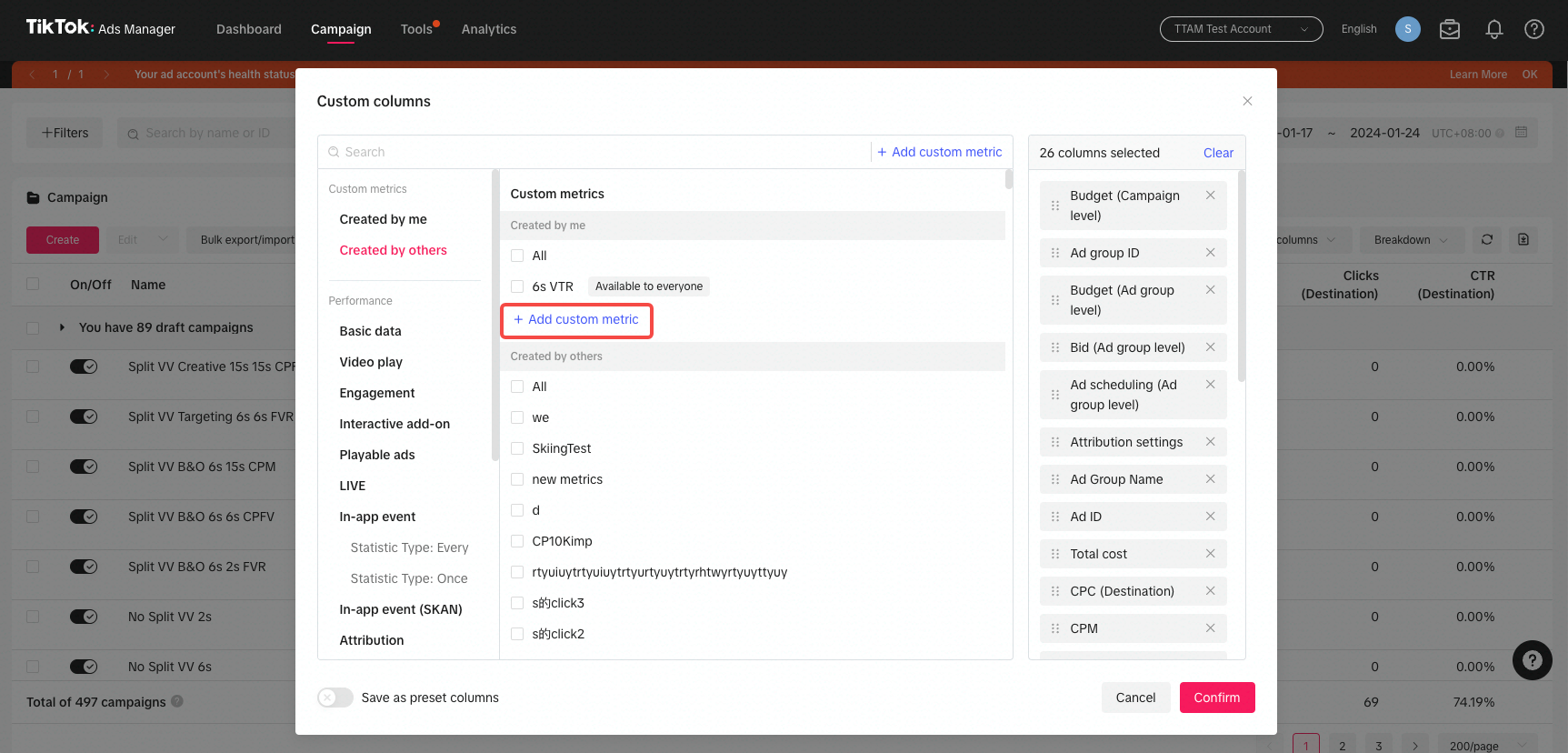
To gain meaningful insights from TikTok Ads Reporting and Insights, focus on the following key metrics:
- Impressions and Reach: Understand how many times your ad was displayed and how many unique users saw it.
- Engagement Metrics: Track click-through rates (CTR), engagement rates, and video views.
- Demographics: Know who’s engaging with your ad by age, gender, location, and device.
- Conversion Tracking: Measure conversions, whether it’s app installs, website visits, or product purchases.
- Ad Placement: Analyze which placements (e.g., For You Page, Story Ads) perform best.
Tips for Optimizing Your Campaigns
Using TikTok Ads Reporting and Insights, you can optimize your campaigns in several ways:
- A/B Testing: Experiment with different ad creatives, targeting options, and ad formats.
- Budget Allocation: Allocate more of your budget to the campaigns and placements that perform best.
- Real-Time Optimization: Adjust your campaign in real-time based on performance data.
Conclusion
TikTok Ads Reporting and Insights are invaluable tools for any marketer looking to improve their campaign performance. By leveraging these tools, you can make data-driven decisions, optimize your targeting and ad creative, and achieve better results. Start exploring TikTok Ads Manager today and take control of your campaign's success.

Posting Komentar untuk "How to Use TikTok Ads Reporting and Insights for Better Campaign Performance"
Posting Komentar