
How to Use TikTok Ads Reporting Custom Features for Better Campaign Insights
TikTok has become a dominant force in the digital marketing landscape, offering businesses a unique platform to connect with their target audience through engaging short-form videos. As more brands leverage TikTok for advertising, the need for advanced analytics and reporting tools has never been more critical. One of the most powerful features available to advertisers is TikTok Ads Reporting Custom, which allows users to tailor their campaign insights to better understand performance and optimize strategies.
In this article, we’ll explore how to effectively use TikTok Ads Reporting Custom features to gain deeper campaign insights, improve ad performance, and achieve better return on investment (ROI).
Understanding TikTok Ads Reporting Custom
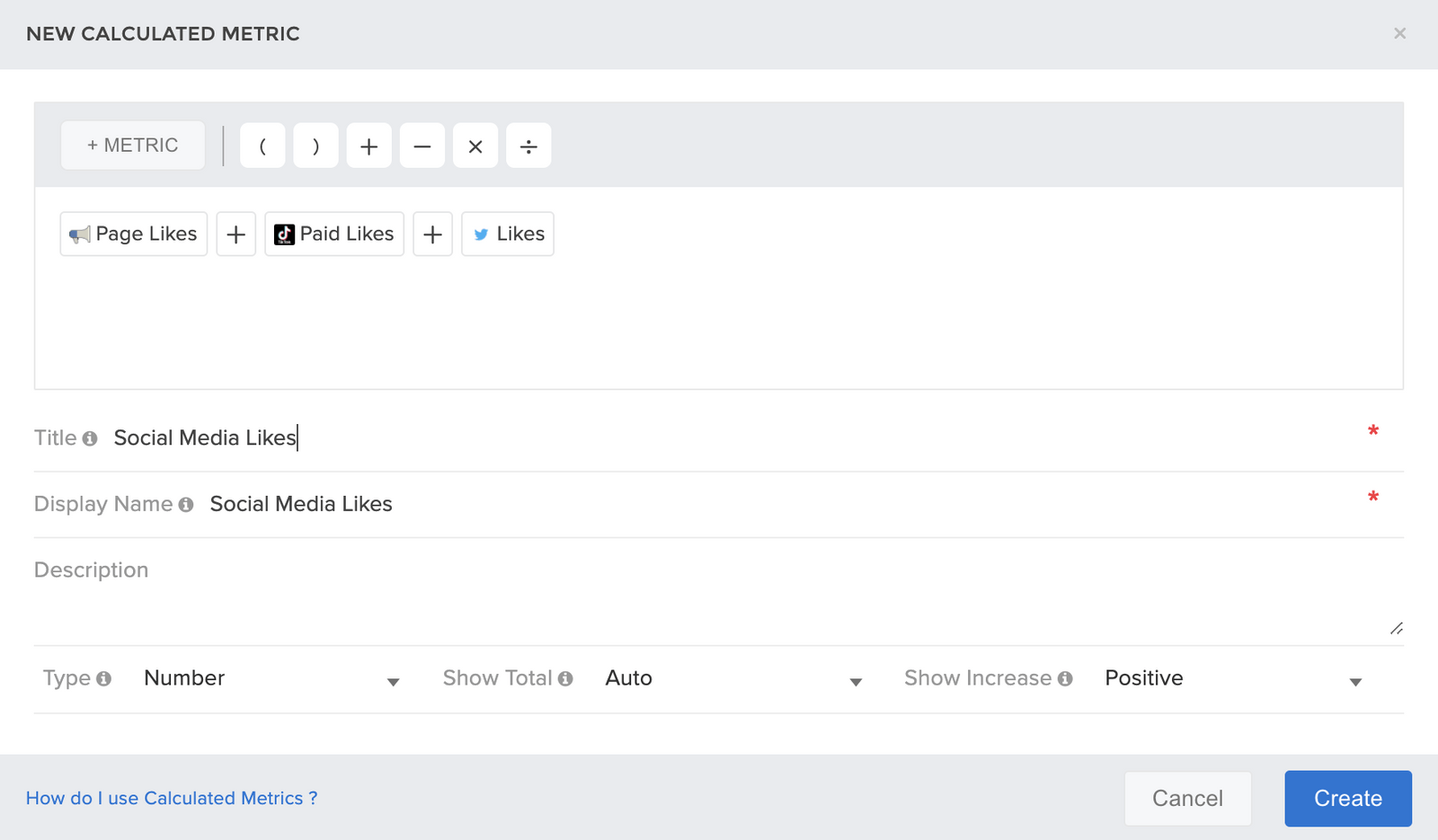
TikTok Ads Reporting Custom is a feature within the TikTok Ads Manager that enables advertisers to create personalized reports based on specific metrics, time frames, and campaign objectives. This customization allows marketers to focus on the data that matters most to their business, rather than sifting through generic reports.
Key benefits of using custom reporting include:
- Tailored insights: Focus on metrics relevant to your campaign goals, such as engagement rates, click-through rates (CTR), or conversion rates.
- Time frame flexibility: Analyze performance over different periods, including daily, weekly, or monthly intervals.
- Custom segmentation: Break down data by demographics, ad formats, or content types to identify trends and patterns.
By leveraging these capabilities, businesses can make data-driven decisions that lead to more effective ad campaigns.
Steps to Access and Customize TikTok Ads Reports
To start using TikTok Ads Reporting Custom, follow these steps:
- Log in to TikTok Ads Manager: Navigate to the official TikTok Ads Manager dashboard and log in with your account credentials.
- Select your campaign: Choose the specific campaign you want to analyze.
- Access the reporting section: Click on the "Reports" tab to view available reports.
- Create a custom report:
- Click on the "Create Report" button.
- Select the metrics you want to include, such as impressions, clicks, conversions, or engagement.
- Define the time range for your report.
- Add filters based on audience segments, ad formats, or other criteria.
- Generate and download the report: Once your custom report is set up, generate it and download it in your preferred format (e.g., CSV, Excel, or PDF).
Key Metrics to Track Using Custom Reports
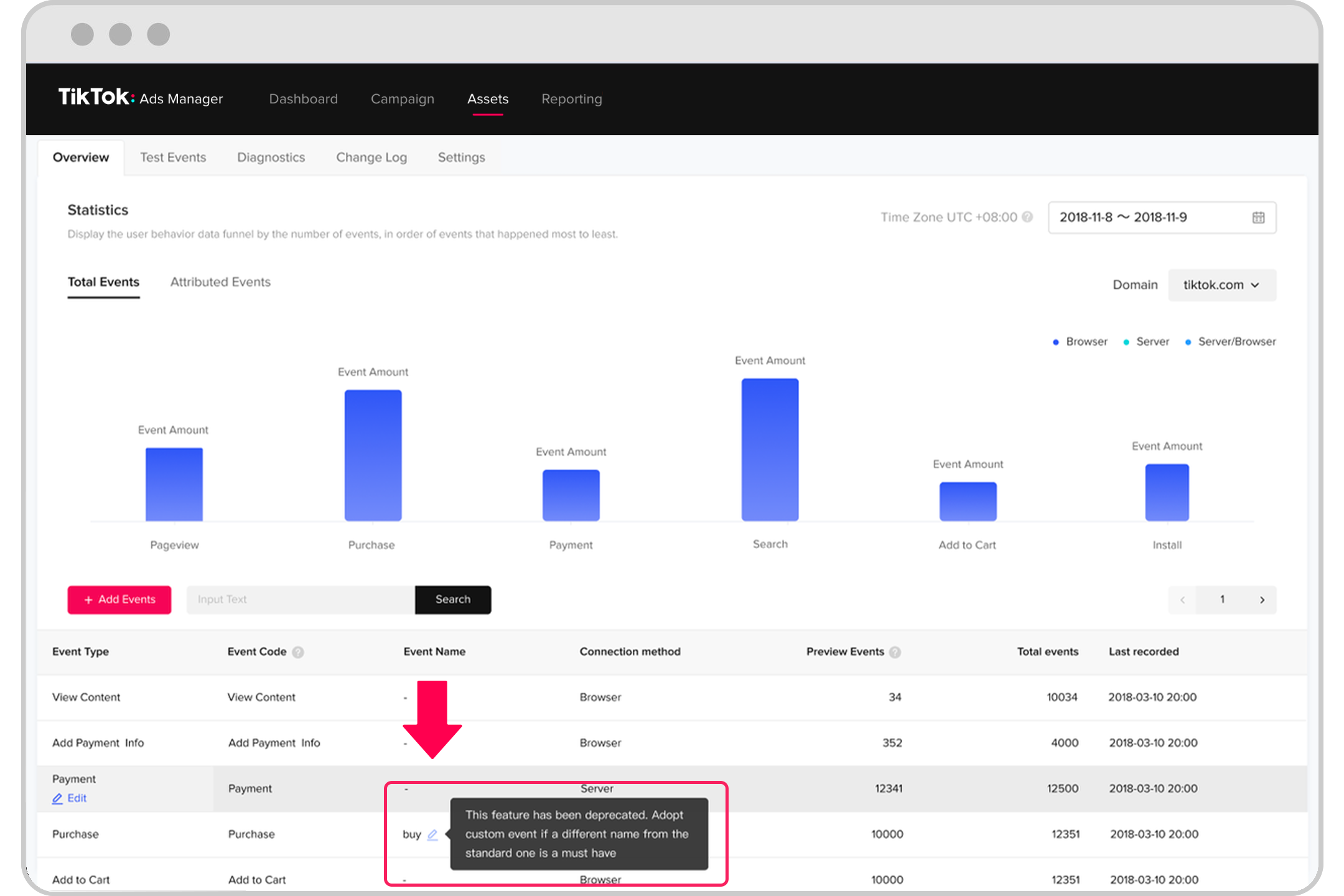
When creating custom reports, certain metrics are essential for evaluating the success of your TikTok ads. Here are some key metrics to consider:
- Impressions: The number of times your ad was shown to users.
- Click-through rate (CTR): The percentage of users who clicked on your ad after seeing it.
- Conversion rate: The percentage of users who completed a desired action, such as making a purchase or signing up for a newsletter.
- Engagement rate: The level of interaction with your ad, including likes, comments, shares, and saves.
- Cost per click (CPC): The average cost you pay for each click on your ad.
- Return on ad spend (ROAS): A measure of how much revenue you generate for every dollar spent on advertising.
Tracking these metrics helps you understand which aspects of your campaign are performing well and where improvements are needed.
Tips for Optimizing Your TikTok Ads Strategy
Using TikTok Ads Reporting Custom is not just about gathering data—it's about using that data to refine your advertising strategy. Here are some tips to help you get the most out of your reports:
- Identify high-performing content: Look for patterns in your custom reports to determine which types of content resonate most with your audience.
- Test different ad formats: Experiment with video, image, or carousel ads and track their performance using custom reports.
- Refine targeting parameters: Use demographic and interest-based data from your reports to adjust your audience targeting.
- Monitor trends over time: Compare performance across different time frames to spot seasonal trends or shifts in user behavior.
Conclusion
TikTok Ads Reporting Custom is a powerful tool that empowers advertisers to gain deeper insights into their campaigns and make informed decisions. By customizing reports to focus on relevant metrics and analyzing performance over time, businesses can optimize their ad strategies for greater success.
As TikTok continues to evolve as a major advertising platform, mastering its reporting features will be essential for staying ahead of the competition. Whether you're a seasoned marketer or just starting out, taking advantage of TikTok Ads Reporting Custom can help you unlock new opportunities and drive better results from your campaigns.
With the right approach and tools, you can turn raw data into actionable insights, ultimately leading to more effective and profitable TikTok advertising efforts.

Posting Komentar untuk "How to Use TikTok Ads Reporting Custom Features for Better Campaign Insights"
Posting Komentar