
How to Use TikTok Creative Assistant: A Step-by-Step Tutorial for Creators
The rise of TikTok as a dominant platform for content creation has led to the development of innovative tools that help creators and brands maximize their impact. One such tool is the TikTok Creative Assistant, an AI-powered solution designed to streamline the creative process and empower users with data-driven insights. Whether you're a seasoned creator or just starting out, understanding how to use the TikTok Creative Assistant can significantly enhance your ability to produce engaging and effective content.
What Is TikTok Creative Assistant?
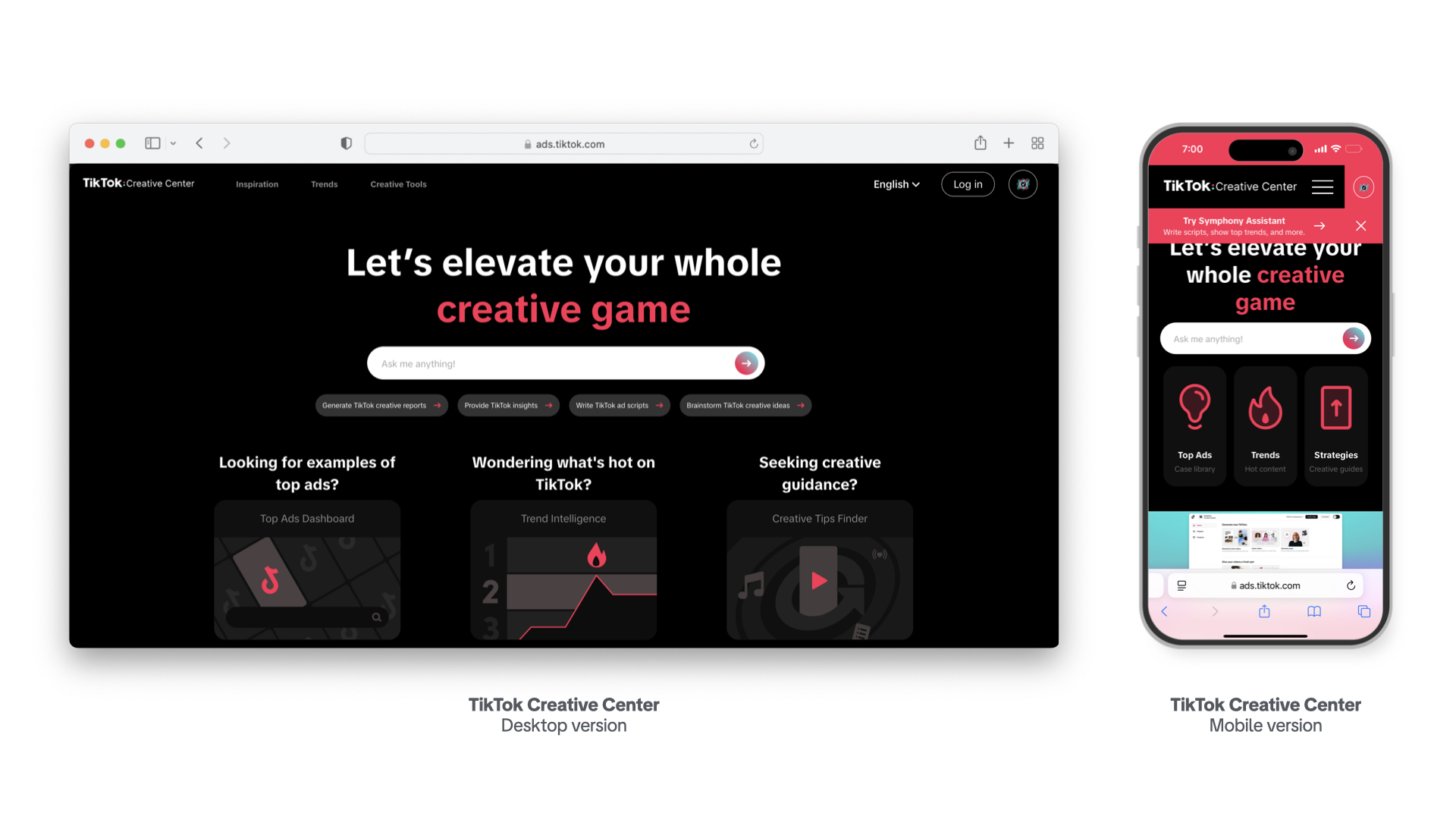
The TikTok Creative Assistant is an AI-driven tool integrated into the TikTok Creative Center, a hub for marketers and creators to access resources, trends, and creative tools. This assistant acts as a collaborative partner, offering guidance on best practices, brainstorming ideas, and even helping to draft scripts for TikTok videos and ads.
Key features include: - Idea generation: The assistant can suggest creative concepts based on your brand, industry, or target audience. - Scriptwriting: It helps craft compelling ad scripts that highlight key benefits and resonate with viewers. - Research support: You can ask it to analyze top-performing ads and trends within your niche.
This tool is particularly useful for those looking to improve their TikTok presence by leveraging AI to stay ahead of trends and create content that stands out.
Getting Started With TikTok Creative Assistant
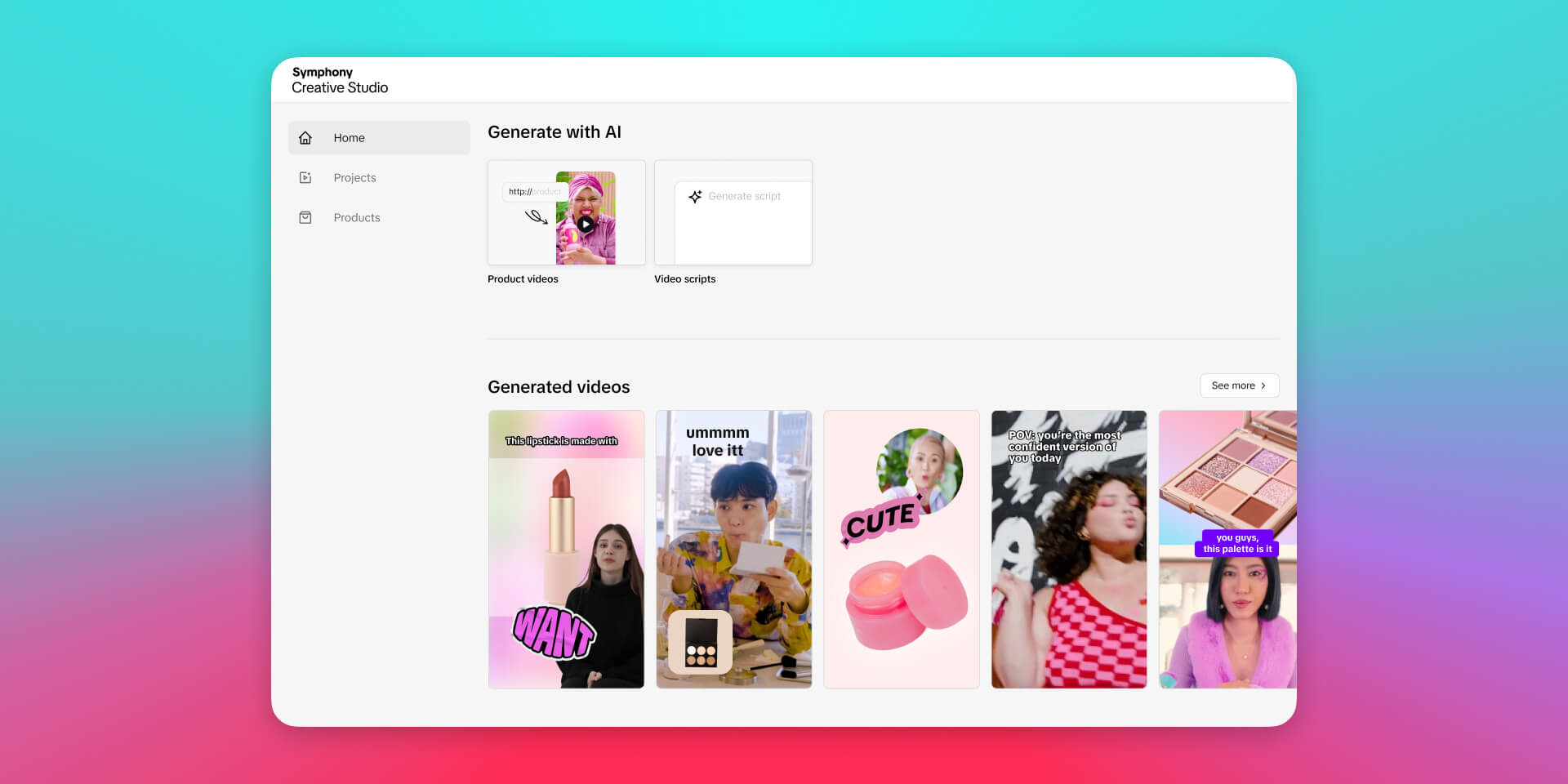
To begin using the TikTok Creative Assistant, you need to log in to the TikTok Creative Center with a TikTok for Business account. Once logged in, the assistant becomes accessible as a feature within the platform.
Here are some initial steps to get started:
- Familiarize yourself with the interface: The Creative Center provides a range of tools, including trend discovery, ad analytics, and music libraries. Understanding these will help you make the most of the assistant's capabilities.
- Use suggested prompts: TikTok offers example prompts to help you test the assistant’s functionality. These include:
- "I am new to creating videos on TikTok. What are some best practices I need to know before starting?"
- "Show me top-performing ads on Creative Center in the [industry] industry."
- "Write a TikTok ad script for my [industry] brand named [name], targeting [market] and [target audience]."
- Customize your requests: While the prompts are helpful, the assistant is flexible. You can tailor your questions to suit your specific needs, whether it's brainstorming ideas or refining a script.
Key Features of TikTok Creative Assistant

The TikTok Creative Assistant is more than just a tool—it's a comprehensive resource that supports every stage of the creative process. Here are some of its standout features:
1. Idea Generation
If you're facing writer's block or simply looking for fresh inspiration, the assistant can generate unique TikTok ideas tailored to your brand or topic. It draws from a vast database of trending content and successful campaigns to provide relevant suggestions.
2. Script Writing and Refinement
Writing a compelling TikTok script can be challenging, especially if you're targeting a specific audience. The assistant can help you draft a script that highlights your product's key benefits and aligns with current trends. It also allows you to refine and adjust the script based on your feedback.
3. Research and Trend Analysis
Understanding what's working on TikTok is crucial for success. The assistant can analyze top-performing ads and trends within your industry, giving you valuable insights into what resonates with audiences. This feature is particularly useful for brands looking to optimize their ad strategies.
4. Collaboration and Control
While the assistant offers suggestions, it's important to remember that you're always in control. You can choose to use, edit, discard, or redo any content generated by the assistant. This ensures that your creative vision remains intact while benefiting from AI-driven support.
Tips for Maximizing the TikTok Creative Assistant
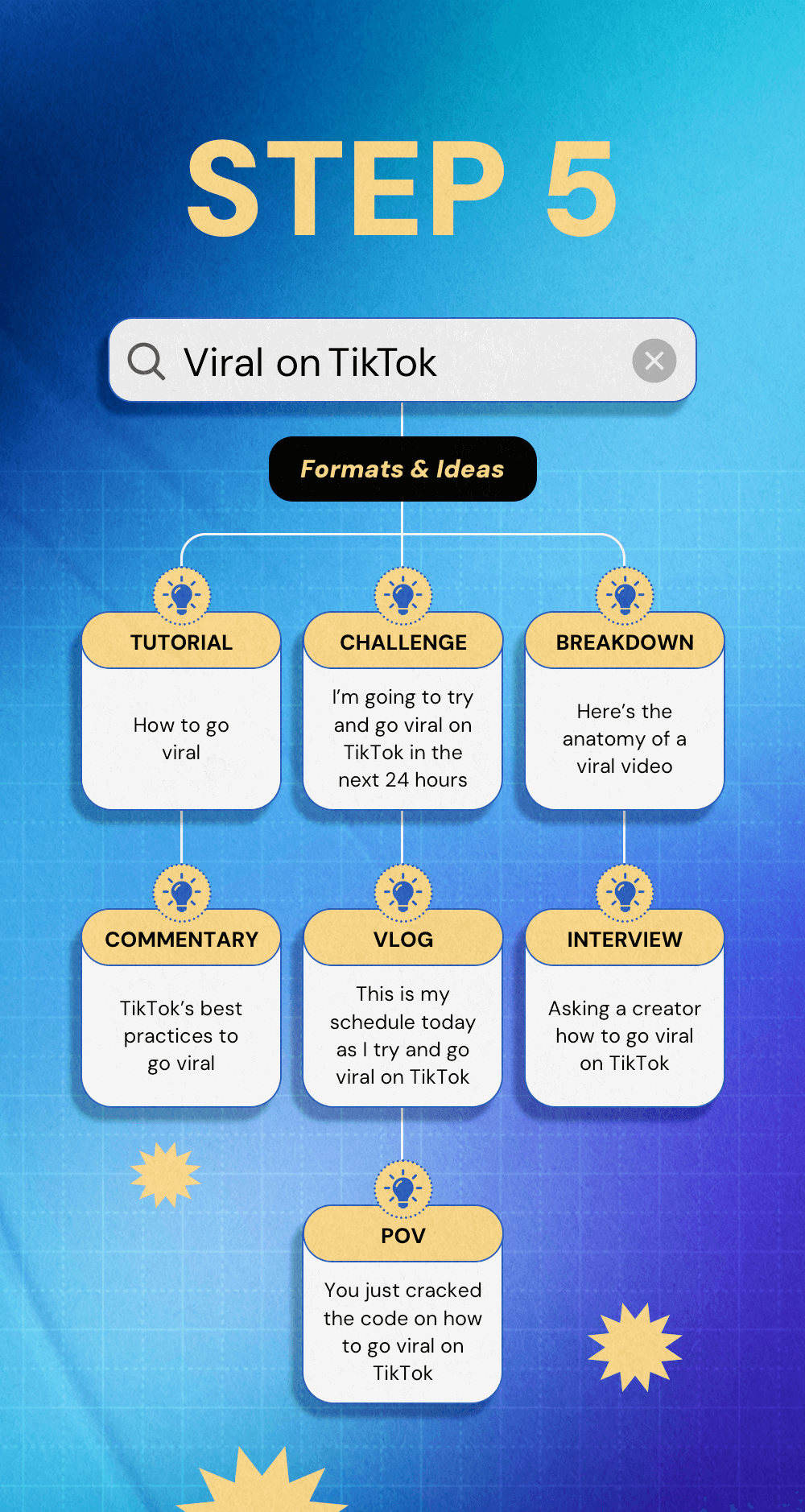
To get the most out of the TikTok Creative Assistant, consider the following tips:
- Be specific with your queries: The more detailed your request, the better the assistant can tailor its responses to your needs.
- Leverage trend data: Use the assistant to identify trending hashtags, songs, and topics that align with your brand.
- Combine with other tools: Pair the assistant with the TikTok Creative Center's other features, such as the Trend Discovery tool and Audio Library, to enhance your content strategy.
- Experiment and iterate: Don't be afraid to try different approaches. The assistant is a launchpad for creativity, so feel free to explore and refine your ideas.
Conclusion
The TikTok Creative Assistant is a powerful tool that can elevate your content creation process on TikTok. By providing AI-driven insights, idea generation, and scriptwriting support, it empowers creators and brands to stay ahead of trends and produce high-quality content. Whether you're a beginner or an experienced creator, integrating this tool into your workflow can help you achieve greater visibility and engagement on the platform.
By following the steps outlined in this tutorial and utilizing the assistant's features effectively, you'll be well-equipped to create content that resonates with your audience and drives results. As TikTok continues to evolve, tools like the Creative Assistant will play an increasingly important role in shaping the future of digital content creation.

Posting Komentar untuk "How to Use TikTok Creative Assistant: A Step-by-Step Tutorial for Creators"
Posting Komentar