
How to Use TikTok Effects: A Complete Tutorial for Beginners
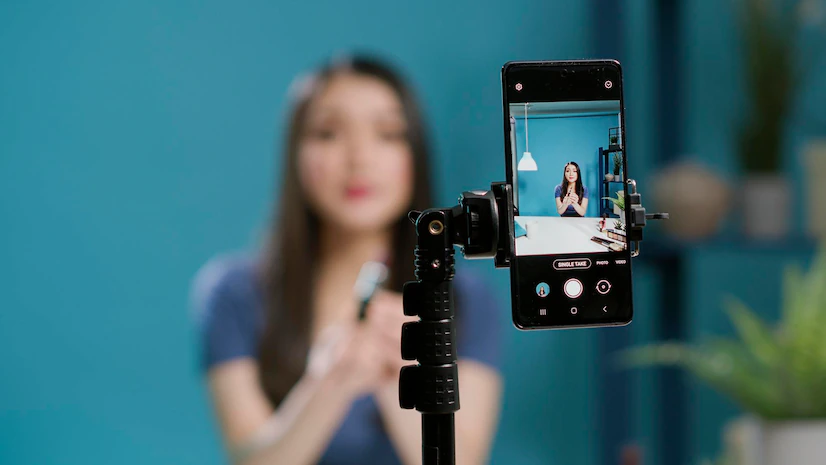
TikTok has become a powerful platform for content creators, offering a variety of tools and features to enhance the user experience. Among these, TikTok effects have gained significant popularity due to their ability to transform videos into engaging and visually appealing content. If you're new to using TikTok effects, this tutorial will guide you through the process step by step.
Understanding TikTok Effects
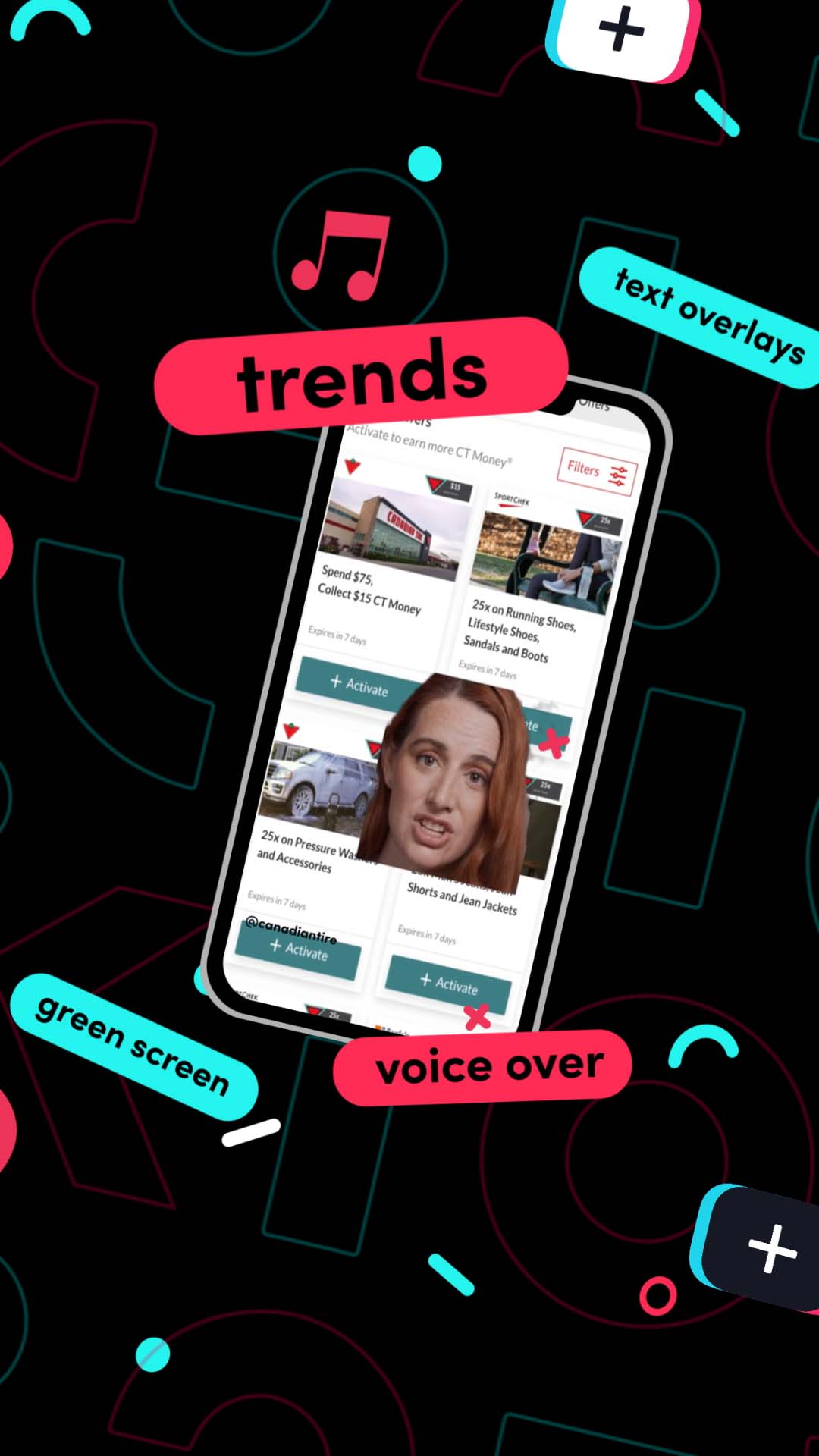
TikTok effects are digital enhancements that can be applied to videos to add visual interest, humor, or creativity. These effects range from simple filters and transitions to complex augmented reality (AR) experiences. They allow users to personalize their content and stand out in a crowded social media landscape.
To access TikTok effects, open the TikTok app and start recording or selecting a video. Tap on the "Effects" icon, which looks like a sparkle, to browse through available effects. You can also search for specific effects using the search bar.
Exploring the Effects Library

Once you've accessed the effects library, you'll find a wide array of options. These include:
- Filters: Apply different color tones and lighting effects to your video.
- Transitions: Add smooth transitions between clips to create a more dynamic video.
- AR Effects: Use augmented reality to add virtual elements such as animations, 3D objects, or interactive features to your videos.
Each effect has a description and a preview, allowing you to see how it will look before applying it. Experiment with different effects to find what works best for your content.
Customizing Your Effects

TikTok allows users to customize effects to suit their personal style. Here are some ways to do this:
- Adjust Settings: Most effects have adjustable settings, such as intensity, duration, or position. Tap on the effect to access these options.
- Combine Effects: You can apply multiple effects to a single video. This can create unique and eye-catching results.
- Save Favorites: If you find an effect you love, save it to your favorites for easy access in the future.
By customizing effects, you can create a distinct visual identity for your content, making it more recognizable and engaging.
Using TikTok Effect House

For those looking to dive deeper into creating their own effects, TikTok Effect House is a powerful tool. This AR software allows creators to design and publish their own effects directly to TikTok. Here's how to get started:
- Download the Software: Visit the official website to download TikTok Effect House for Windows PC. Ensure your system meets the requirements: Windows 11/10, a minimum 1 GHz processor (2.4 GHz recommended), 4GB RAM (8GB or more recommended), and a GPU with DX11 support.
- Create Your Effect: Open the software and use the intuitive interface to design your effect. You can use prebuilt templates or create your own from scratch.
- Test Your Effect: Before publishing, test your effect within the software to ensure it works as intended.
- Publish to TikTok: Once satisfied, connect your TikTok account and publish your effect. It will then be available for others to use.
TikTok Effect House is ideal for creators who want to take their content to the next level by designing unique and personalized effects.
Tips for Effective Use of TikTok Effects

To make the most of TikTok effects, consider the following tips:
- Use Effects Sparingly: While effects can enhance your content, overusing them can be distracting. Find a balance that complements your video without overwhelming it.
- Stay Trending: Keep an eye on current trends and popular effects. Incorporating these into your content can increase its visibility and engagement.
- Experiment and Innovate: Don't be afraid to try new effects and combinations. Innovation can set your content apart and attract a larger audience.
By following these tips, you can effectively utilize TikTok effects to create compelling and engaging content.
Conclusion

In conclusion, TikTok effects are a valuable tool for content creators looking to enhance their videos and stand out on the platform. By understanding how to use these effects, exploring the effects library, customizing your creations, and utilizing tools like TikTok Effect House, you can elevate your content and engage your audience more effectively. Whether you're a beginner or an experienced creator, mastering TikTok effects can significantly impact your success on the platform. Start experimenting today and discover the creative possibilities that TikTok effects offer!

Posting Komentar untuk "How to Use TikTok Effects: A Complete Tutorial for Beginners"
Posting Komentar