
How to Verify Your Business on TikTok Ads Manager in 2024
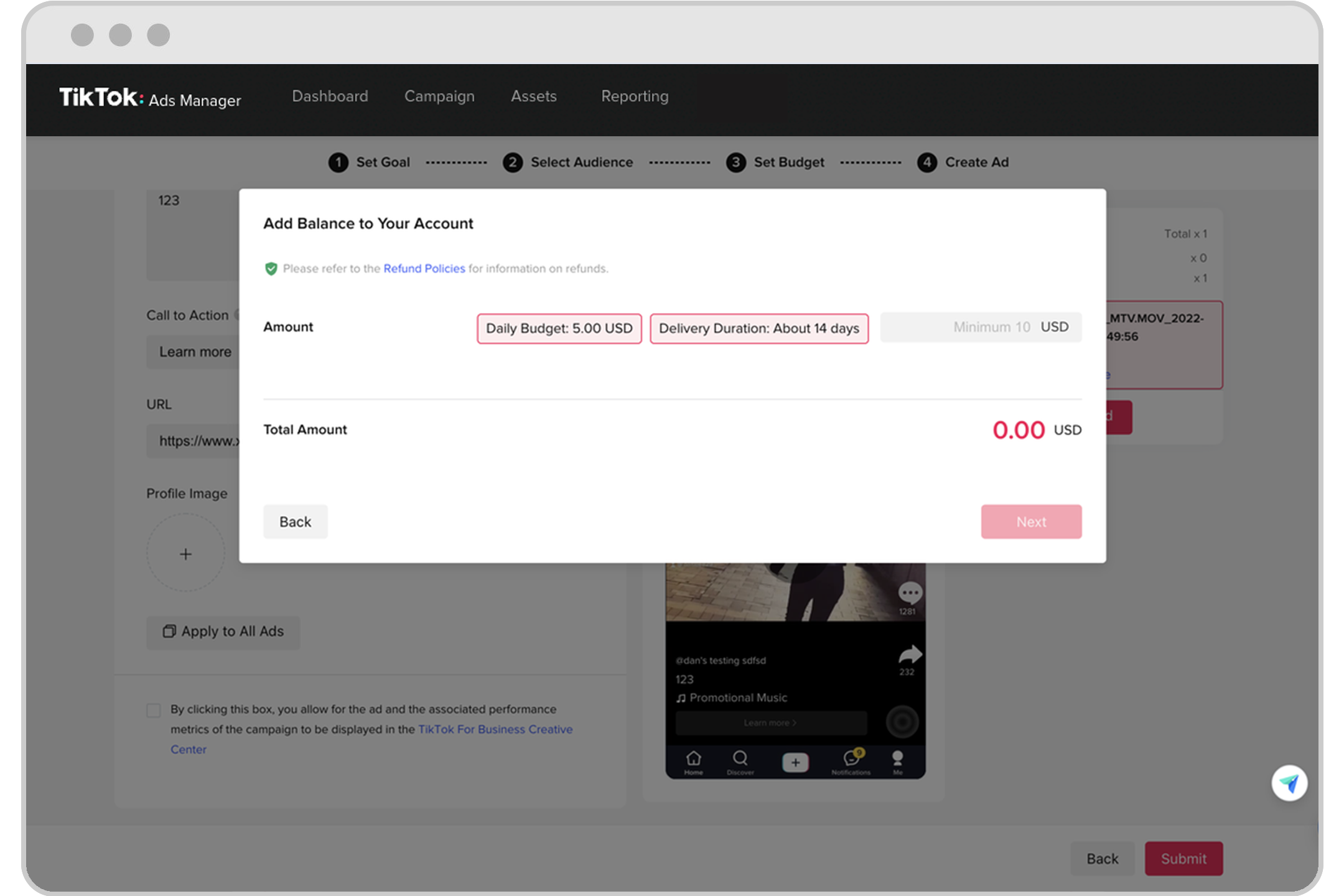
In today's digital landscape, social media platforms have become essential tools for businesses to reach their target audiences. Among these, TikTok has emerged as a powerful platform for marketing, offering unique opportunities for brands to engage with younger demographics. However, to fully leverage TikTok's advertising capabilities, businesses must first verify their accounts through the TikTok Ads Manager. This article will guide you through the process of verifying your business on TikTok Ads Manager in 2024.
Why Verify Your Business on TikTok Ads Manager?
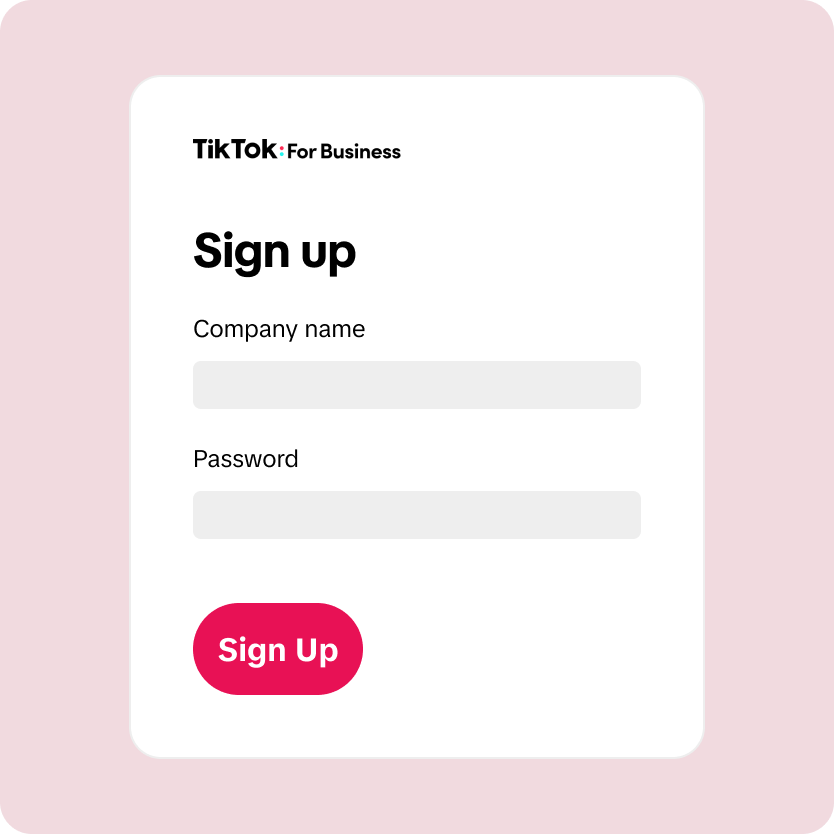
Verifying your business on TikTok Ads Manager is crucial for several reasons:
- Enhanced Credibility: Verified businesses are more trustworthy in the eyes of users and potential customers.
- Access to Advanced Features: Verification unlocks access to advanced advertising tools and features that can help you run more effective campaigns.
- Compliance and Security: It ensures that your business complies with TikTok's policies and helps protect against fraudulent activities.
Steps to Verify Your Business on TikTok Ads Manager
1. Create a TikTok Business Account
Before you can verify your business, you need to have a TikTok business account. If you don't already have one, you can create it by following these steps:
- Open the TikTok app and go to your profile.
- Tap on the three dots (•••) in the top-right corner.
- Select "Switch to Pro Account" or "Create a Business Account."
- Follow the prompts to set up your business account, including providing your business name, email address, and phone number.
2. Access TikTok Ads Manager
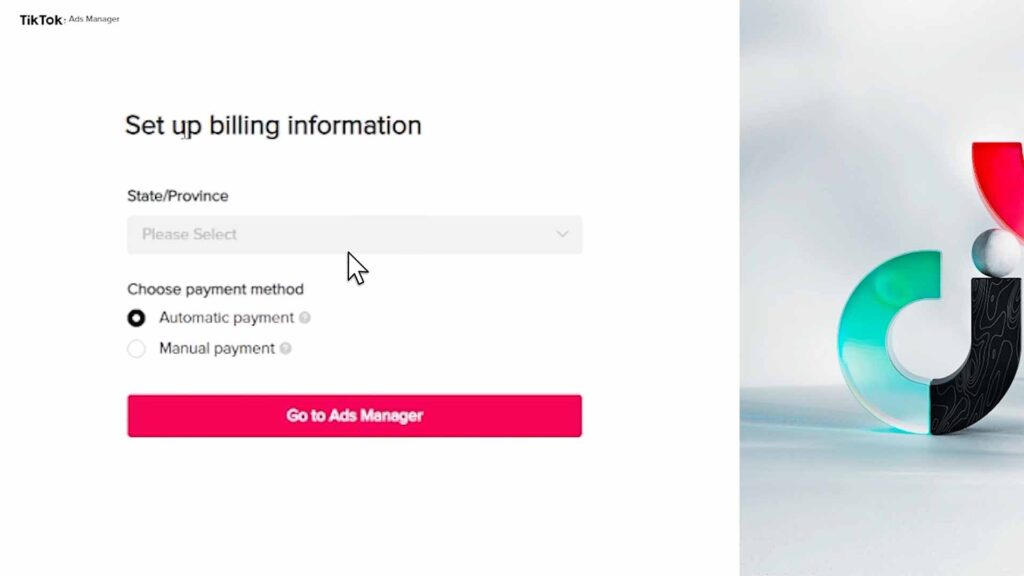
Once you have a business account, you can access TikTok Ads Manager by following these steps:
- Open the TikTok app and go to your profile.
- Tap on the three dots (•••) in the top-right corner.
- Select "Ads Manager" from the menu.
- If you haven't set up an ad account yet, you'll be prompted to do so.
3. Set Up Your Ad Account
To set up your ad account, follow these steps:
- Choose the type of ad account you want to create (e.g., self-serve or managed).
- Provide your business information, including your company name, website, and contact details.
- Upload any required documents, such as a government-issued ID or business license.
4. Complete the Verification Process
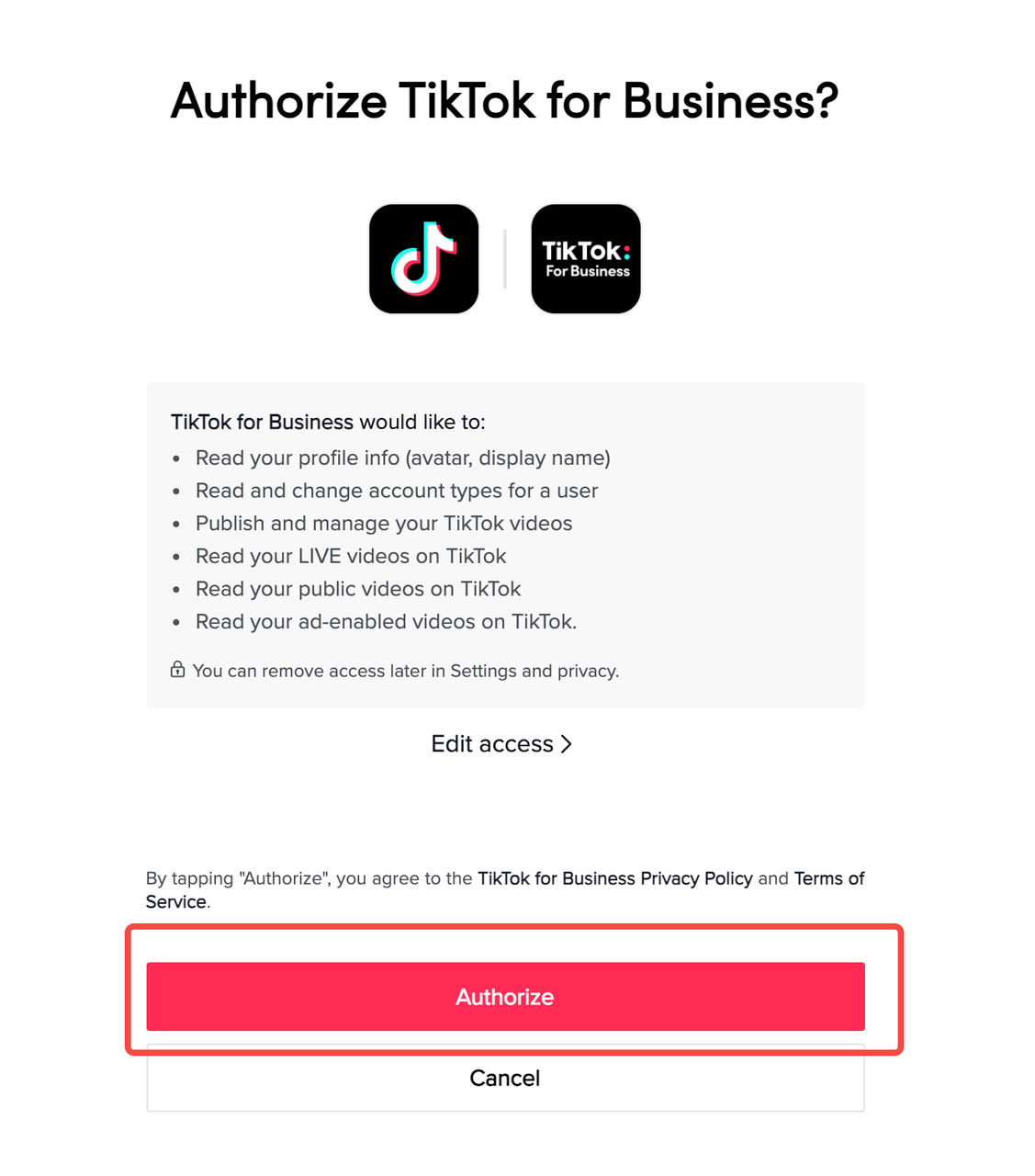
After setting up your ad account, you'll need to complete the verification process. This typically involves the following steps:
- Provide Business Information: Enter your business name, address, and other relevant details.
- Upload Documents: Submit documents that prove your business's legitimacy, such as a business license, tax identification number, or bank statements.
- Verify Your Phone Number: Confirm your phone number to ensure it's associated with your business account.
- Submit for Review: Once you've provided all the necessary information, submit your application for review.
TikTok will then review your application and notify you once your business has been verified.
Tips for a Smooth Verification Process
- Ensure Accuracy: Double-check all the information you provide to avoid delays in the verification process.
- Use Clear Documents: Make sure the documents you upload are clear and legible.
- Be Patient: The verification process can take a few days, so be patient and avoid resubmitting your application unless instructed to do so.
Benefits of a Verified Business Account
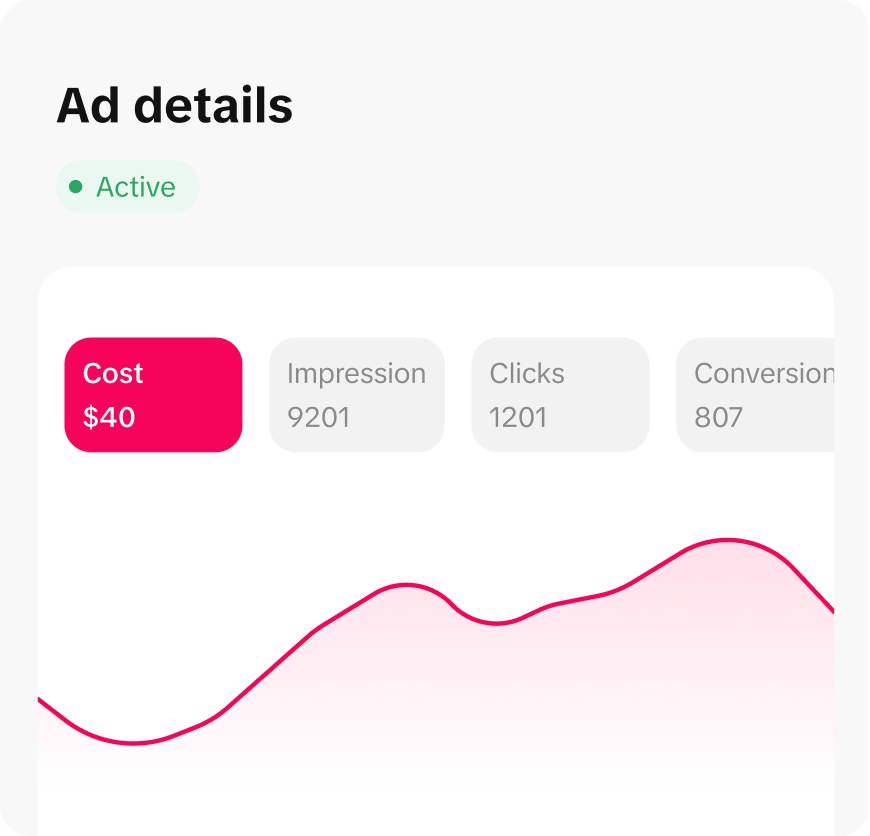
Once your business is verified, you'll enjoy several benefits, including:
- Increased Visibility: Verified businesses often receive more visibility on TikTok.
- Better Engagement: Users are more likely to engage with content from verified businesses.
- Access to Analytics: You'll have access to detailed analytics to help you measure the success of your campaigns.
Conclusion
Verifying your business on TikTok Ads Manager is an essential step for any brand looking to leverage the power of TikTok for marketing. By following the steps outlined in this article, you can ensure a smooth and successful verification process. With a verified account, you'll be well-equipped to run effective advertising campaigns and connect with your target audience on this dynamic platform.

Posting Komentar untuk "How to Verify Your Business on TikTok Ads Manager in 2024"
Posting Komentar