
How to Verify Your TikTok Advertising Account: A Step-by-Step Guide
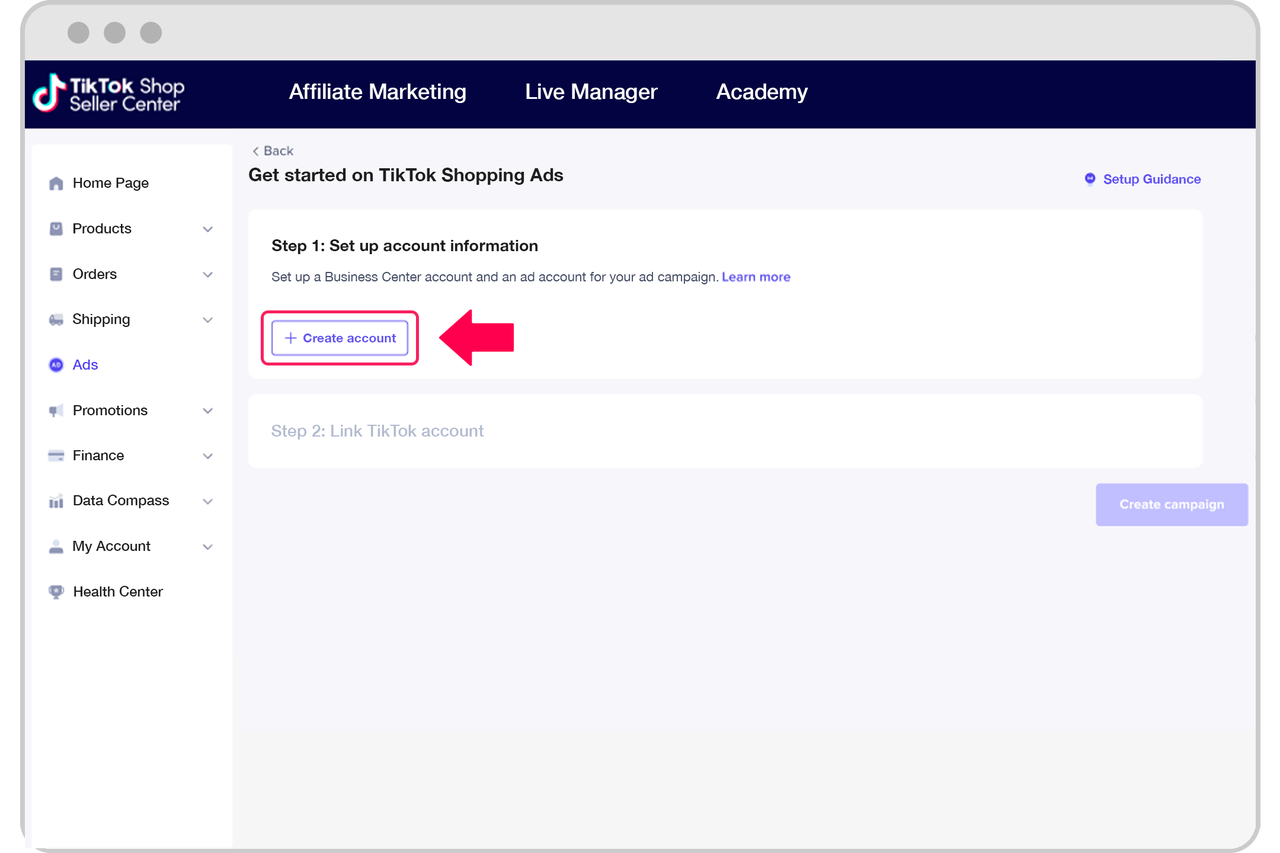
In the ever-evolving landscape of digital marketing, TikTok has emerged as a powerful platform for brands and businesses to connect with their target audience. With over 1.5 billion active users, it's no surprise that many advertisers are looking to leverage this platform. However, before you can start running ads on TikTok, you need to verify your advertising account. This guide will walk you through the process of verifying your TikTok advertising account, ensuring that you're ready to launch effective ad campaigns.
Why Verify Your TikTok Advertising Account?

Verifying your TikTok advertising account is crucial for several reasons. It helps protect your brand from impersonation, ensures that your ads are seen by the right audience, and gives you access to advanced features and tools that can enhance your advertising efforts. Additionally, verified accounts often enjoy higher visibility and credibility, which can lead to better engagement and conversion rates.
Step-by-Step Guide to Verifying Your TikTok Advertising Account
Step 1: Create a TikTok Business Account
Before you can verify your advertising account, you need to have a TikTok business account. If you don't already have one, you can create it by following these steps:
- Open the TikTok app on your mobile device.
- Tap on the "Profile" icon in the bottom right corner.
- Tap on the "Menu" icon (three horizontal lines) at the top right.
- Select "Settings and Privacy."
- Tap on "Account."
- Choose "Switch to Business Account."
Once you've switched to a business account, you'll be able to access the TikTok Ads Manager, where you can start setting up your advertising campaigns.
Step 2: Access the TikTok Ads Manager
After creating your business account, you'll need to access the TikTok Ads Manager. Here's how:
- Open the TikTok app.
- Tap on the "Profile" icon.
- Tap on the "Menu" icon.
- Select "Ads Manager."
From here, you can manage your ad campaigns, view performance metrics, and access other advertising tools.
Step 3: Apply for Verification
To verify your TikTok advertising account, you'll need to apply through the TikTok Ads Manager. Follow these steps:
- In the TikTok Ads Manager, tap on the "Settings" icon.
- Select "Verification."
- Choose the type of verification you're applying for (Personal or Institutional).
- Fill out the required information, including your business name, contact details, and any supporting documents.
- Submit your application.
It's important to note that TikTok may take up to 30 days to review your application. During this time, you can continue creating and managing your ad campaigns, but you won't be able to run ads until your account is verified.
Step 4: Provide Supporting Documents
When applying for verification, you'll need to provide supporting documents to prove the legitimacy of your business. These may include:
- A government-issued ID (such as a driver's license or passport)
- Proof of business registration
- Bank statements or financial records
- Media coverage or press mentions
These documents help TikTok verify that your account belongs to a legitimate business or individual.
Step 5: Wait for Approval
After submitting your application, you'll need to wait for approval. TikTok typically takes up to 30 days to review verification requests. During this time, you can continue creating and managing your ad campaigns, but you won't be able to run ads until your account is verified.
If your application is denied, TikTok will provide feedback explaining why. You can then address the issues and reapply after 30 days.
Tips for a Successful Verification Process
1. Ensure Your Account Is Active and Engaged
TikTok looks for active and engaged accounts when considering verification requests. Make sure you're posting regularly and interacting with your audience. This not only improves your chances of verification but also helps build a loyal following.
2. Maintain a Professional Profile
Your TikTok profile should be professional and consistent with your brand. This includes using a clear profile picture, writing a compelling bio, and ensuring your username matches your business name or a variation of it.
3. Build a Strong Online Presence
In addition to your TikTok account, having a strong online presence across other platforms can help strengthen your verification request. This includes having a website, social media profiles, and any relevant media coverage.
4. Be Patient and Persistent
The verification process can take time, so it's important to be patient and persistent. If your application is denied, don't be discouraged. Use the feedback provided to improve your account and reapply after 30 days.
Conclusion
Verifying your TikTok advertising account is an essential step in establishing your brand's presence on the platform. By following the steps outlined in this guide, you can ensure that your account is verified and ready to run effective ad campaigns. Remember to maintain an active and engaged account, provide supporting documents, and be patient throughout the verification process. With dedication and persistence, you'll be well on your way to leveraging TikTok's vast audience for your business.

Posting Komentar untuk "How to Verify Your TikTok Advertising Account: A Step-by-Step Guide"
Posting Komentar