
How to View and Manage Your TikTok Ads Manager Billing History
TikTok has evolved from a platform for short-form videos into a powerful marketing tool that businesses of all sizes are leveraging. For startups, this is particularly beneficial because it allows them to compete with larger brands without the need for massive budgets. However, as you start using TikTok's advertising features, managing your billing history becomes an essential task. Understanding how to view and manage your TikTok Ads Manager billing history can help you keep track of your ad spend, optimize your budget, and ensure transparency in your marketing efforts.
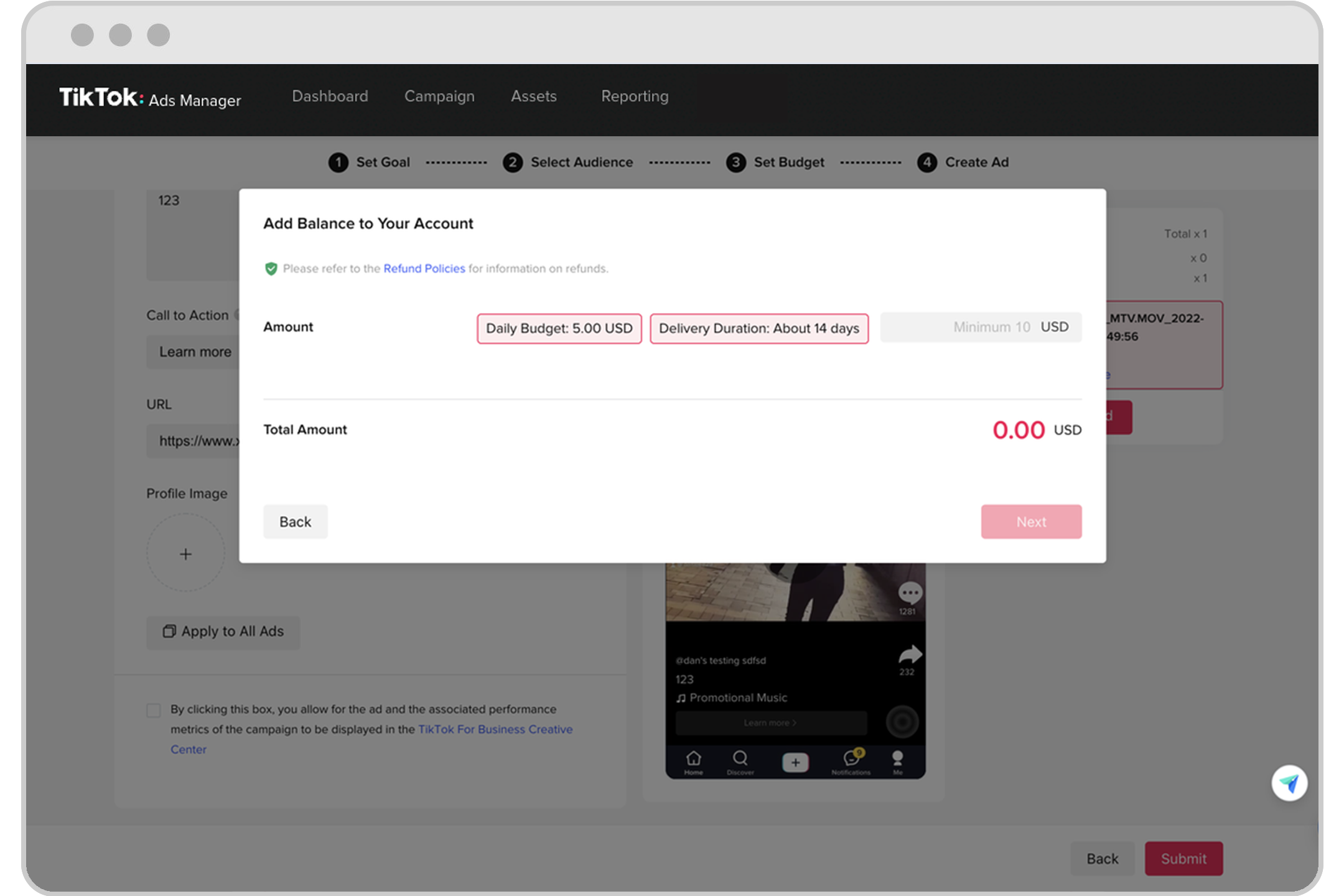
What Is TikTok Ads Manager?
TikTok Ads Manager is a platform that allows users to create, manage, and monitor their advertising campaigns on TikTok. It provides tools for setting up ad groups, selecting target audiences, choosing ad formats, and tracking performance metrics. One of the key features of TikTok Ads Manager is its ability to show detailed billing information, which includes your payment history, transaction details, and credit balances.
How to Access Your Billing History
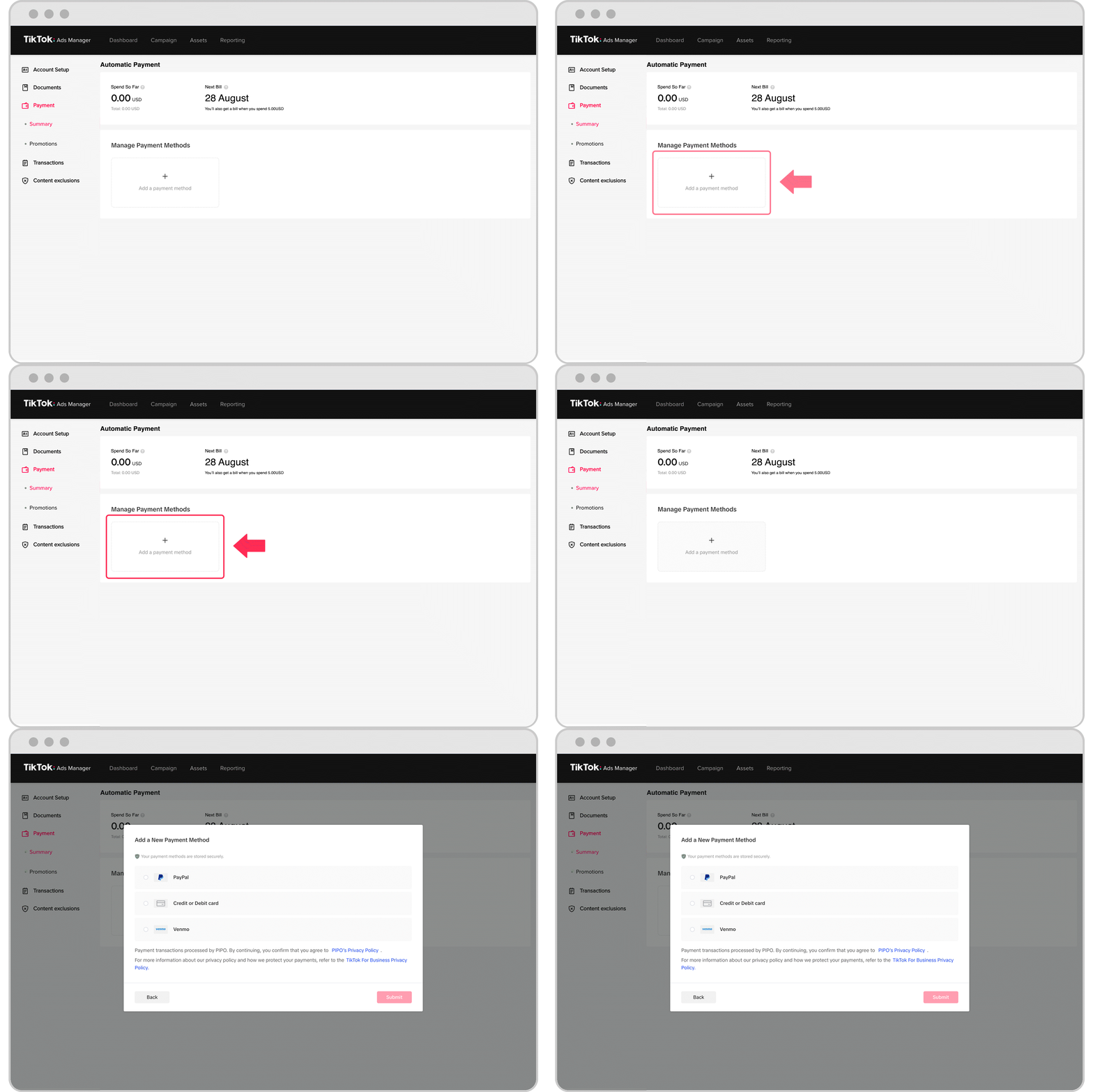
To access your TikTok Ads Manager billing history, follow these steps:
- Log in to your TikTok Ads Manager account using your business account credentials.
- Navigate to the "Billing" section within the Ads Manager dashboard.
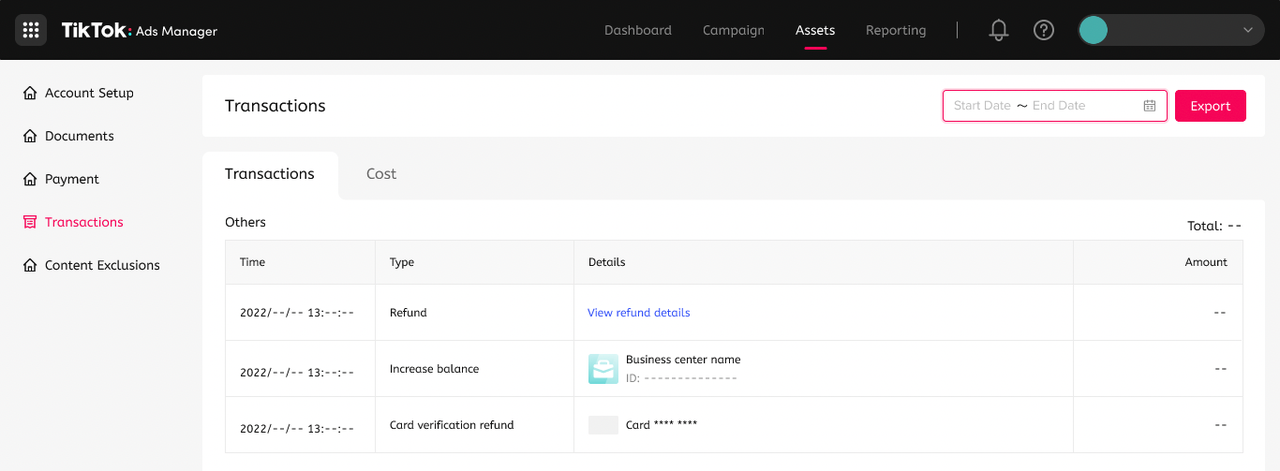
- Select "Payment History" or "Transaction History" to view a list of all your past transactions.
Once there, you will see a list of all your payments, including dates, amounts, and descriptions of each transaction. This data can be invaluable when reconciling your ad spend or preparing financial reports.
Key Details You Can Find in Your Billing History
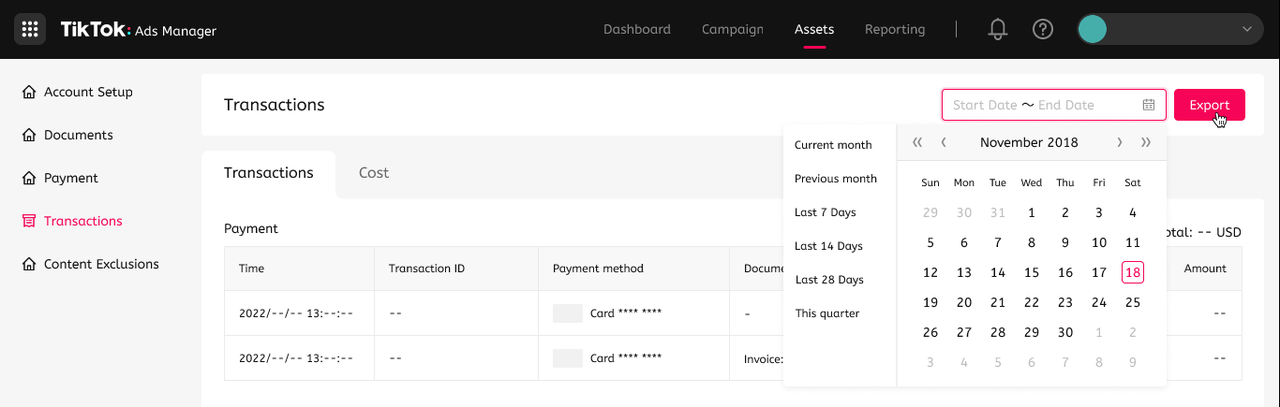
Your billing history contains several important pieces of information that can help you manage your ad spending effectively. These include:
- Date of Transaction: The date when the payment was made or the credit was applied.
- Amount: The amount of money involved in the transaction.
- Description: A brief description of the transaction, such as "Credit Applied" or "Payment Made."
- Status: The status of the transaction, such as "Completed," "Pending," or "Failed."
By reviewing these details, you can quickly identify any discrepancies or issues with your payments.
Managing Your Billing History
In addition to viewing your billing history, TikTok Ads Manager also allows you to manage your payment methods and billing settings. Here are some tips for managing your billing history effectively:
- Update Payment Methods Regularly: Ensure that your payment methods are up to date to avoid any interruptions in your ad campaigns.
- Review Transactions Frequently: Regularly check your billing history to ensure that all transactions are accurate and that no unauthorized charges have occurred.
- Use Credit Balances Wisely: If you have a credit balance, make sure to use it efficiently by applying it to future ad campaigns rather than letting it expire.
Tips for Optimizing Your Ad Spend
Managing your billing history is not just about tracking payments—it’s also about optimizing your ad spend. Here are some tips to help you get the most out of your TikTok ads:
- Start Small and Test: Begin with small ad budgets and test different ad variations to see what works best.
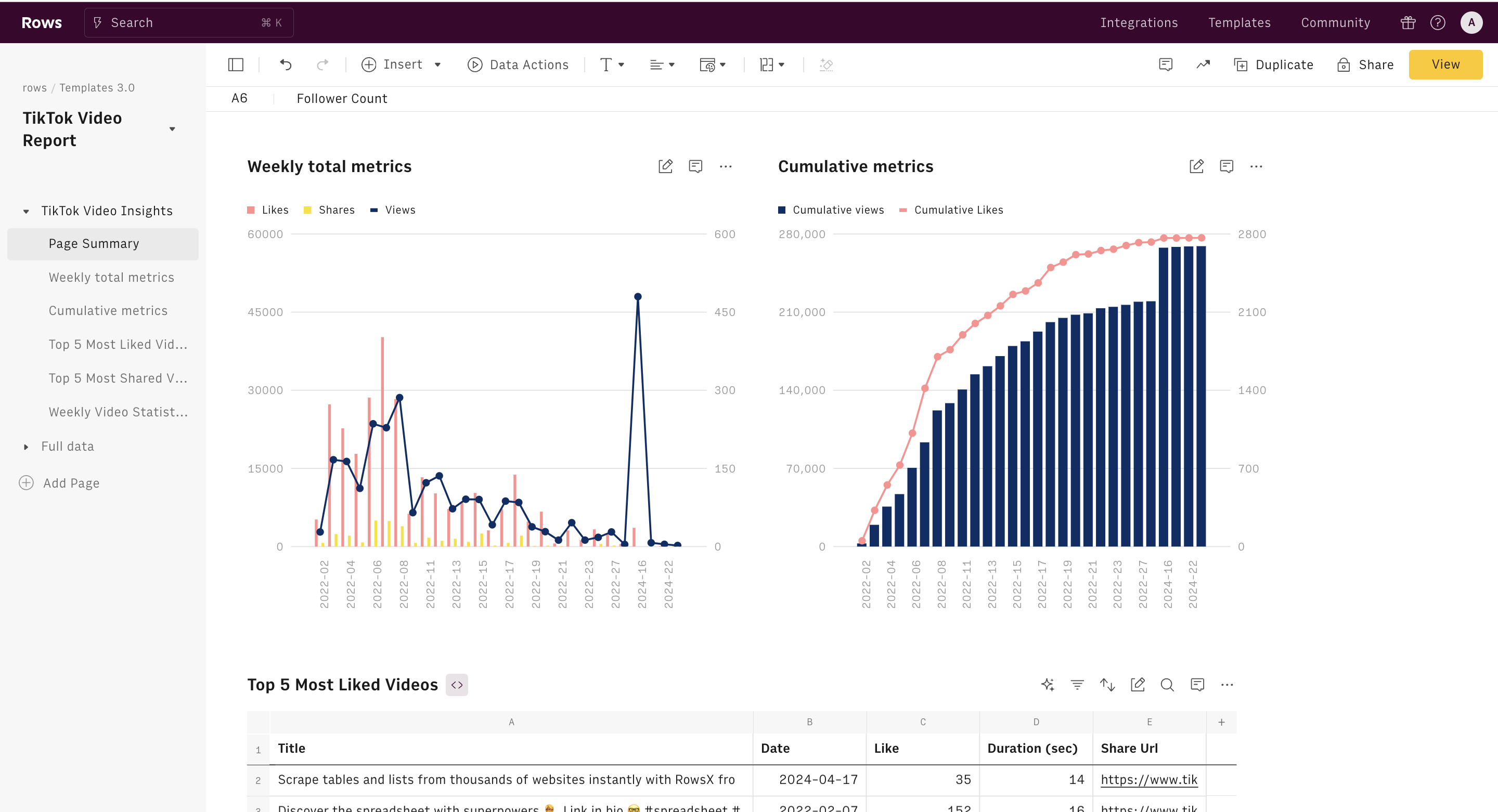
- Track Performance Metrics: Use TikTok Ads Manager to track key performance indicators such as views, clicks, and engagement rates.
- Leverage AI Tools: Consider using AI-powered tools to create and optimize your ads, which can help reduce costs while improving performance.
Conclusion
As TikTok continues to grow as a marketing platform, understanding how to view and manage your TikTok Ads Manager billing history becomes increasingly important. By keeping track of your ad spend, you can make informed decisions, optimize your campaigns, and ensure that your marketing budget is being used effectively. Whether you're a startup or a seasoned marketer, mastering your billing history is a crucial step in maximizing your success on TikTok.

Posting Komentar untuk "How to View and Manage Your TikTok Ads Manager Billing History"
Posting Komentar