
TikTok Ads Manager Features Breakdown: What You Need to Know
TikTok has become one of the most powerful platforms for digital marketing, offering a robust suite of tools through its TikTok Ads Manager. Whether you're a seasoned marketer or just starting out, understanding the features and metrics available in the TikTok Ads Manager is essential to maximizing your ad performance. This article will break down the key features, their importance, and how they can be leveraged effectively.

Understanding the TikTok Ads Manager
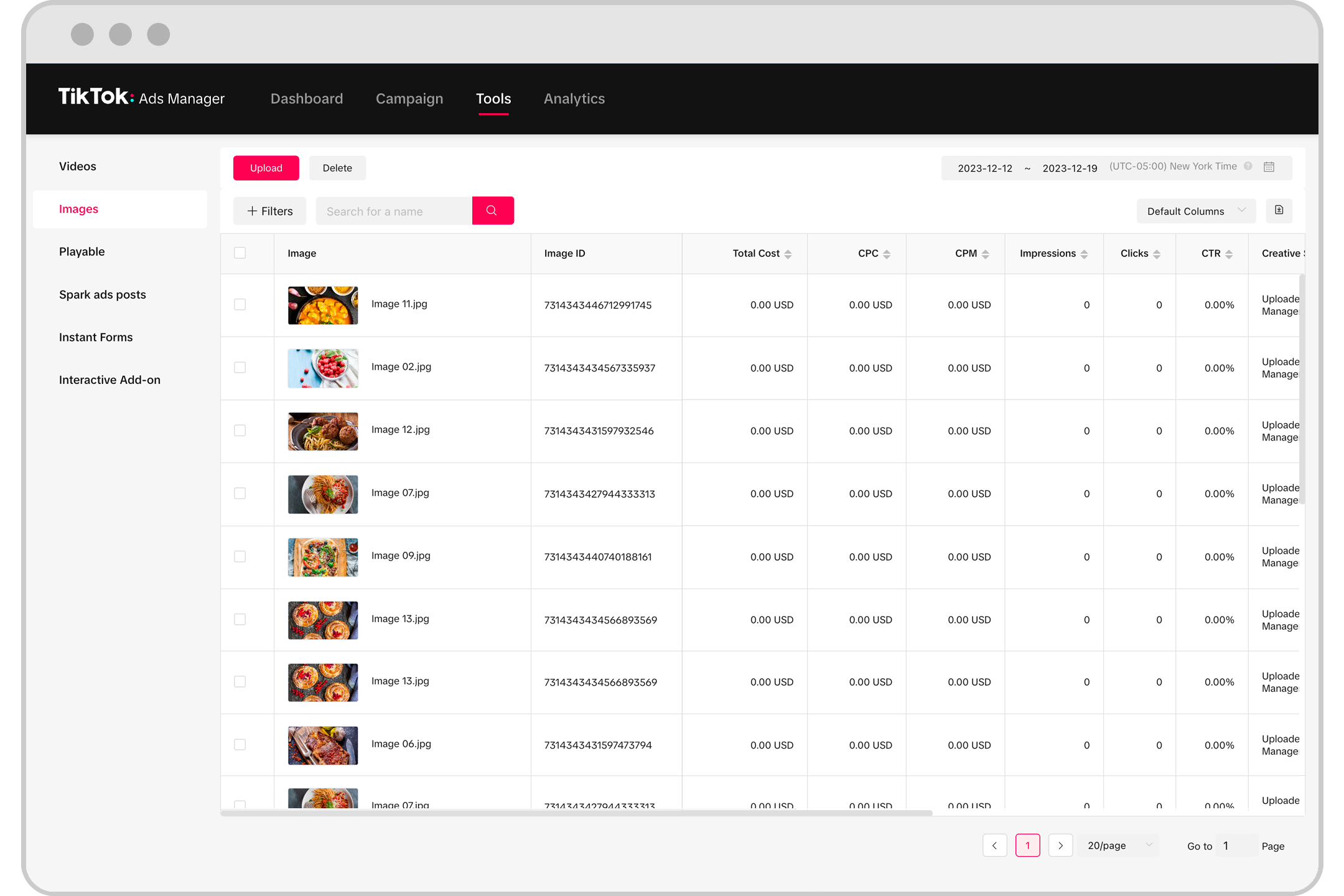
The TikTok Ads Manager is the central hub where advertisers can create, manage, and analyze their ad campaigns. It offers a range of tools that allow users to target specific audiences, track campaign performance, and optimize ad content for better results. Here are some of the core features:
1. Ad Creation and Campaign Setup
Creating an ad on TikTok starts with setting up your campaign. The process involves selecting your campaign objective (e.g., brand awareness, traffic, conversions), defining your target audience, choosing your ad format (video, image, carousel, etc.), and setting your budget and schedule.
- Audience Targeting: Use demographics, interests, behaviors, and custom audiences to reach your ideal customers.
- Ad Formats: Choose from video ads, static image ads, or carousel ads depending on your goals.
- Budget and Schedule: Set daily or lifetime budgets and choose when your ads should run.
2. Real-Time Performance Tracking
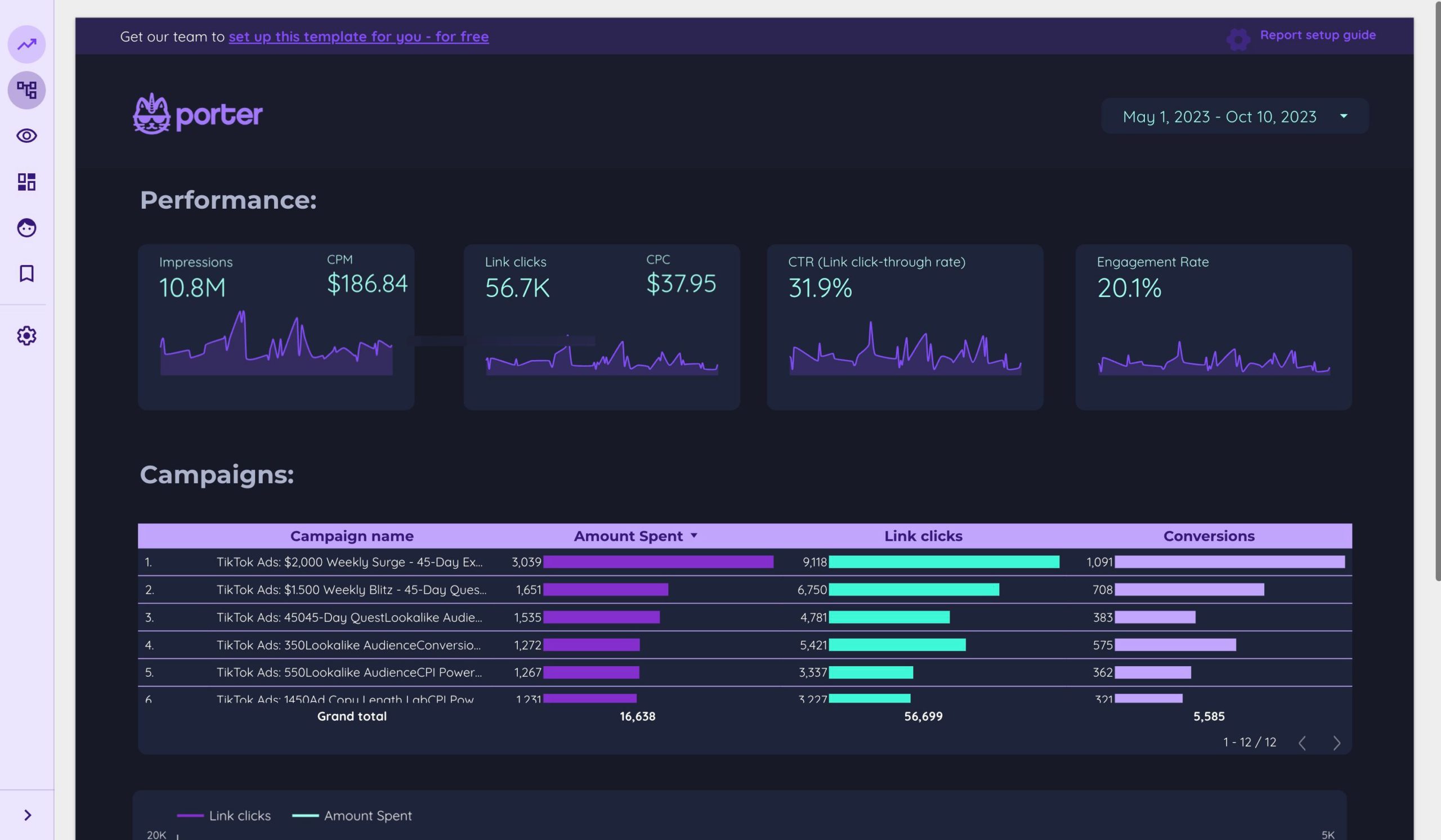
One of the most valuable features of the TikTok Ads Manager is the ability to track your ad performance in real time. This includes metrics like impressions, clicks, conversions, and more.
- Impressions: Measures how many times your ad was shown to users.
- Clicks: Tracks the number of times users clicked on your ad.
- Conversions: Indicates how many users completed a desired action after clicking on your ad.
3. Audience Insights and Analytics
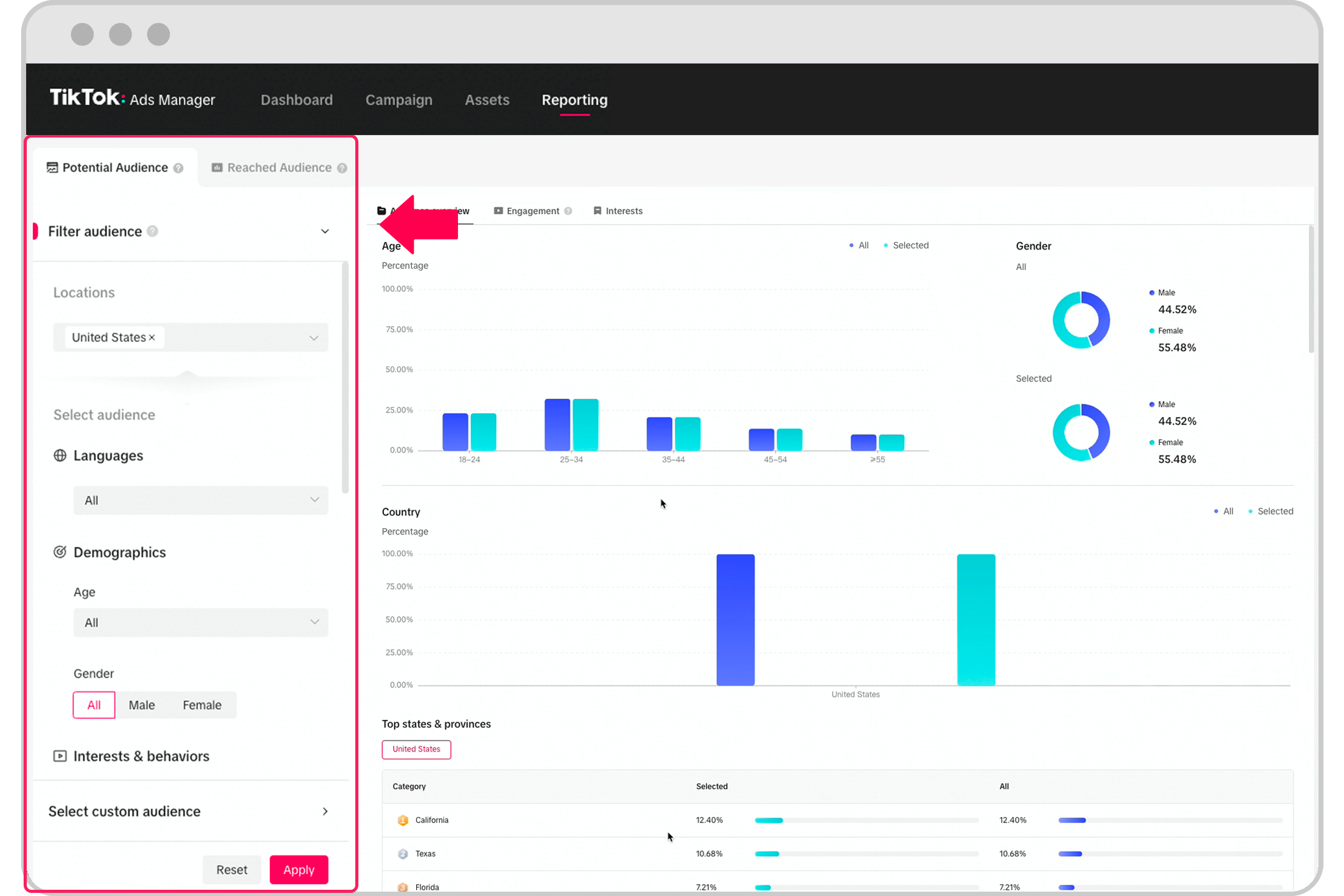
Understanding your audience is crucial for effective advertising. The TikTok Ads Manager provides detailed analytics that help you understand who is engaging with your ads and how.
- Demographics: View data on age, gender, location, and device usage.
- Behavioral Insights: See what actions users take after viewing your ads, such as clicks, shares, or comments.
- Custom Audiences: Create and retarget specific groups of users based on their interactions with your brand.
4. A/B Testing and Optimization
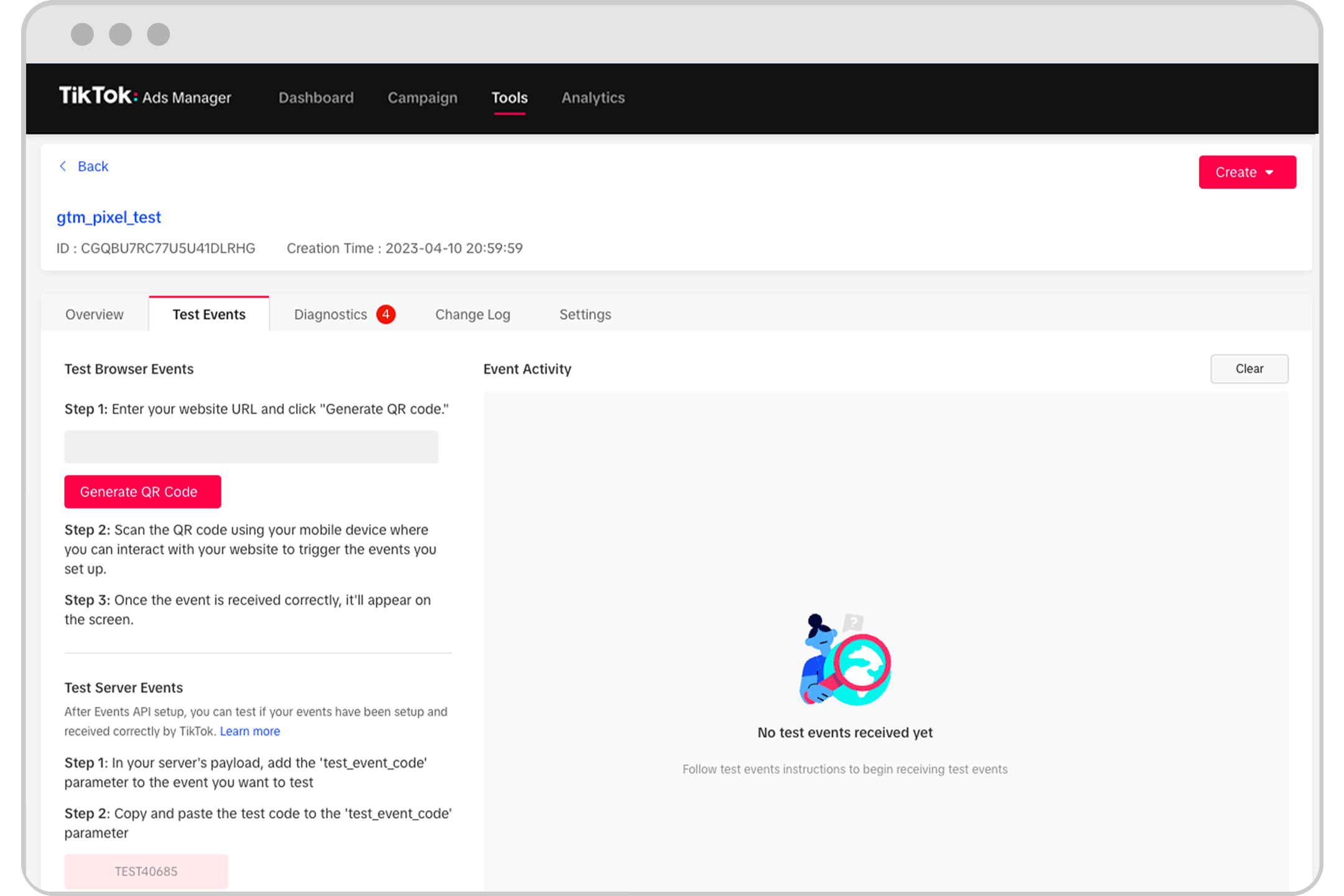
Testing different versions of your ads is a powerful way to improve performance. The TikTok Ads Manager allows you to run A/B tests to compare different creatives, headlines, or calls-to-action.
- Test Variations: Create multiple versions of your ad to see which performs best.
- Optimize Based on Data: Use the insights from your tests to refine your strategy and improve ROI.
5. Budget Management and Bidding Strategies
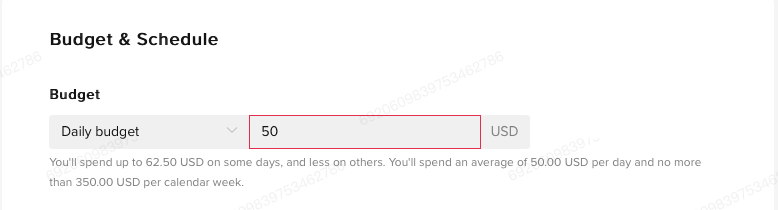
Managing your ad budget effectively is key to achieving your marketing goals. The TikTok Ads Manager offers various bidding strategies to help you control your spending while maximizing results.
- Cost Per Click (CPC): Pay only when users click on your ad.
- Cost Per Impression (CPM): Pay for every 1,000 impressions your ad receives.
- Cost Per Conversion (CPA): Pay only when a user completes a specific action, such as a purchase or sign-up.
6. Creative Tools and Content Optimization
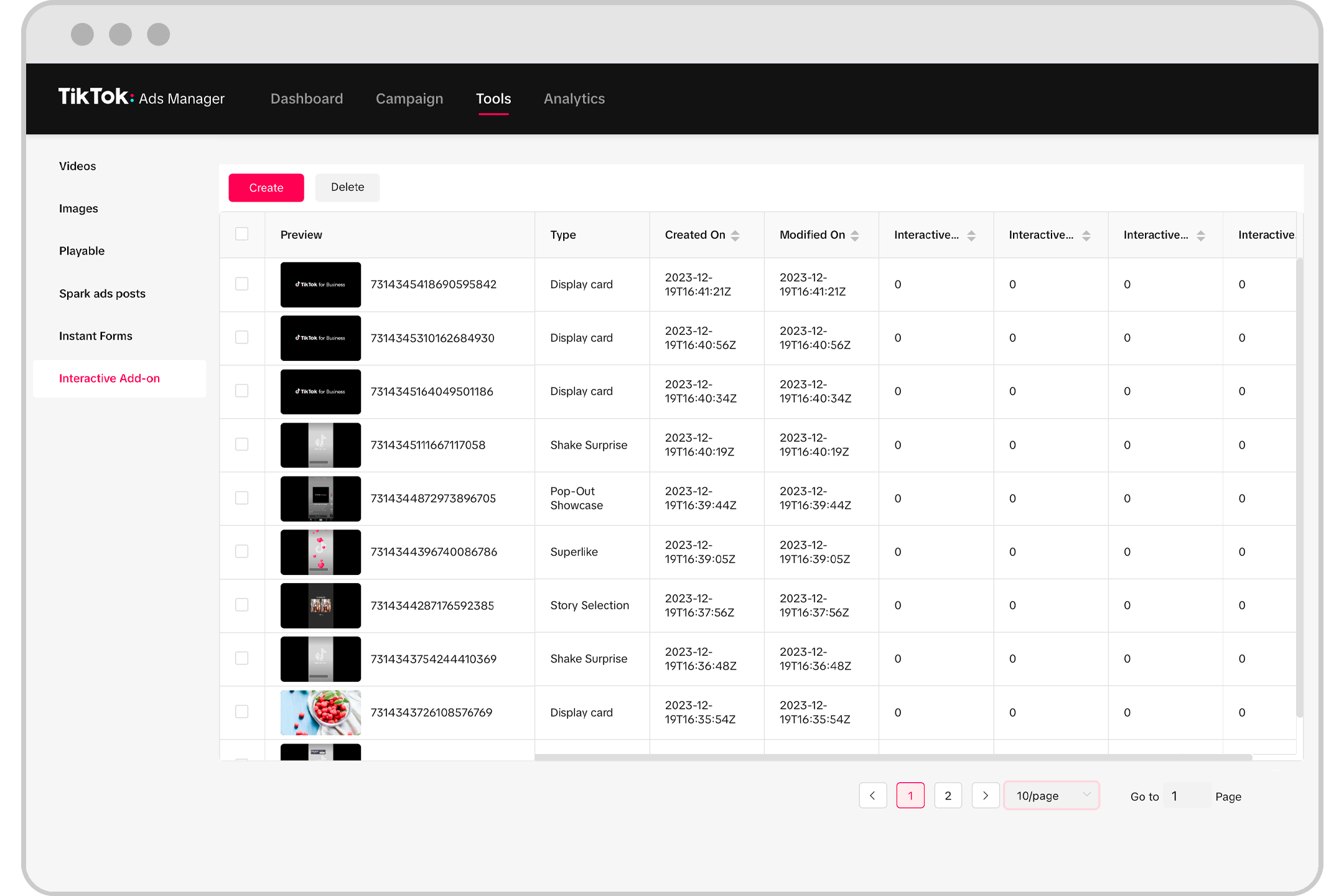
TikTok’s platform is highly visual, so having the right creative tools is essential. The Ads Manager provides access to various tools that help you create and optimize your ad content.
- Video Editing Tools: Edit your videos directly within the platform to enhance engagement.
- Creative Library: Store and reuse your best-performing ad creatives for future campaigns.
- AI-Powered Suggestions: Get recommendations on how to improve your ad content based on performance data.
Key Metrics to Track in TikTok Ads Manager

To get the most out of your TikTok Ads Manager, it's important to track the following key metrics:
1. Impressions
Measures how many times your ad was shown to users. High impressions indicate good reach, but they don’t necessarily mean high engagement.
2. Clicks
Tracks how many users clicked on your ad. A high number of clicks suggests that your ad is compelling and relevant to your audience.
3. Click-Through Rate (CTR)
Calculates the percentage of users who clicked on your ad after seeing it. A higher CTR means your ad is more engaging.
4. Conversion Rate
Measures the percentage of users who completed a desired action after clicking on your ad. This is a critical metric for assessing the effectiveness of your campaign.
5. Cost Per Click (CPC)
Shows how much you pay for each click on your ad. Lower CPC means more efficient spending.
6. Return on Ad Spend (ROAS)
Calculates the revenue generated from your ads compared to the cost of the ads. A higher ROAS indicates a more profitable campaign.
Conclusion
The TikTok Ads Manager is a powerful tool that offers a wide range of features to help you create, manage, and optimize your ad campaigns. By understanding the key features and metrics, you can make informed decisions that lead to better performance and higher returns on your advertising investment. Whether you're targeting a broad audience or focusing on niche markets, the TikTok Ads Manager provides the tools you need to succeed in the ever-evolving world of digital marketing.

Posting Komentar untuk "TikTok Ads Manager Features Breakdown: What You Need to Know"
Posting Komentar