
TikTok Ads Manager: How to Fix Payment Processing Issues in 2024
Introduction
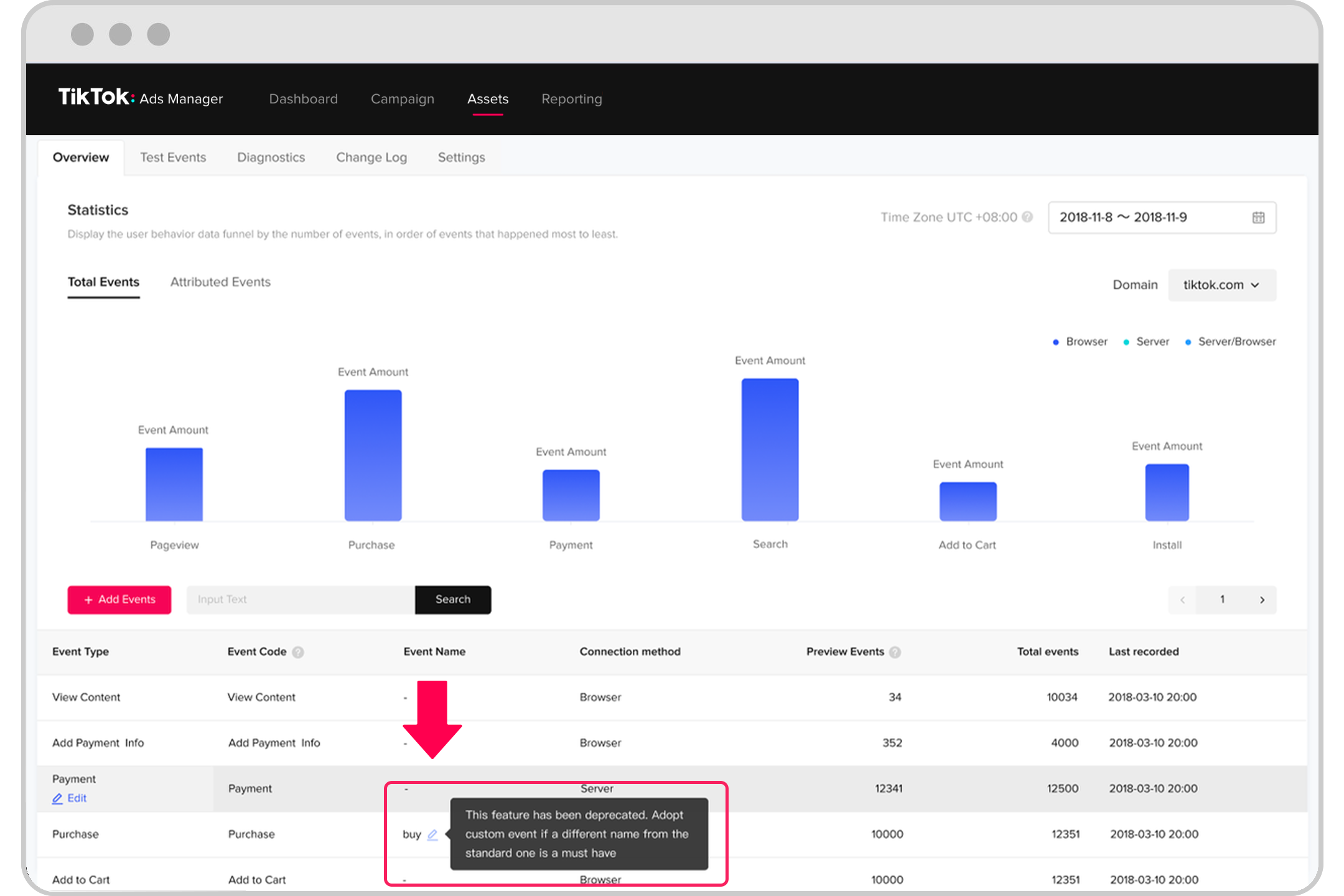
TikTok has become a powerful platform for businesses looking to expand their reach and drive sales. With the TikTok Ads Manager, advertisers can create and manage ad campaigns that target specific audiences. However, one of the most common issues that users face is payment processing problems. These issues can be frustrating, especially when they prevent you from running your ads. In this article, we will explore the reasons behind these payment issues and provide practical solutions to fix them.
Common Causes of Payment Processing Issues
There are several reasons why you might encounter payment processing issues on TikTok Ads Manager. Understanding these causes can help you troubleshoot the problem more effectively.
-
Unsupported Payment Method
If your bank or payment provider does not support the method you're using, you may see an error message like, “Your bank has disapproved this payment. Please use a different payment method or consult with your bank.” -
Incorrect Information
Entering incorrect details such as an invalid card number, expired card, or wrong billing address can lead to payment failures. -
Insufficient Funds
If your account doesn’t have enough funds to cover the payment, you’ll receive a message like, “Insufficient funds. Please check your balance or use another payment method.” -
Network or Browser Issues
A poor internet connection or browser compatibility problems can cause transactions to fail. -
Authentication Problems
If the identity attached to your payment method isn't verified, you might see an error like, “User authentication was unsuccessful. Please consult with your bank or use another payment method.” -
Expired Payment Method
Using an expired card or a payment method that has been deactivated by your bank can also result in failed payments.
[IMAGE: TikTok Ads Manager payment processing issues 2024]
Step-by-Step Solutions to Fix Payment Issues
If you’re facing payment processing issues on TikTok Ads Manager, here are some steps you can take to resolve them:
1. Verify Your Payment Information
Double-check the details you’ve entered, including your card number, expiration date, and billing address. Make sure your card is valid and hasn’t expired.
2. Use a Different Payment Method
If your current payment method is not working, try using a different one. TikTok supports credit cards, debit cards, and other payment options. You can add a new payment method through the Ads Manager or Business Center.
3. Check for Sufficient Funds
Ensure that your selected payment method has enough funds to cover the transaction. If your account balance is low, consider adding more funds or using a different card.
4. Clear Your Browser Cache
Sometimes, browser cache issues can interfere with payment processing. Clear your browser’s cache and cookies, and try completing the payment again. You can also try using incognito mode to avoid any interference.
5. Disable VPN or Pop-up Blockers
If you’re using a VPN or pop-up blocker, it might prevent the 3D Secure Verification page from loading. Turn off these features and try again.
6. Contact Your Bank
If the issue persists, contact your bank or payment institution for more details about the rejection. They can help you understand why the payment was declined and what steps you can take to resolve it.
[IMAGE: TikTok Ads Manager payment processing issues 2024]
Preventing Future Payment Issues
To avoid payment processing issues in the future, follow these best practices:
- Regularly Update Your Payment Information: Ensure that your payment methods are up-to-date and valid.
- Use a Reliable Internet Connection: A stable internet connection is essential for successful transactions.
- Monitor Your Account Balance: Keep track of your account balance to avoid insufficient funds.
- Enable 3D Secure Verification: This adds an extra layer of security and can help prevent unauthorized transactions.
- Review TikTok’s Payment Policies: Familiarize yourself with TikTok’s payment terms and conditions to avoid any violations.
[IMAGE: TikTok Ads Manager payment processing issues 2024]
Conclusion
Payment processing issues on TikTok Ads Manager can be frustrating, but they are often easy to resolve with the right approach. By understanding the common causes and following the troubleshooting steps outlined in this article, you can ensure that your ad campaigns run smoothly without interruption. If you continue to experience problems, don’t hesitate to reach out to TikTok support or your bank for further assistance. With the right tools and knowledge, you can make the most of TikTok’s advertising platform and achieve your marketing goals.

Posting Komentar untuk "TikTok Ads Manager: How to Fix Payment Processing Issues in 2024"
Posting Komentar