
TikTok Ads Manager Reporting Guide: How to Track and Analyze Your Campaigns
TikTok has evolved from a platform for entertainment into a powerful marketing tool. For brands, especially startups, leveraging TikTok Ads Manager is essential for reaching a vast audience and driving conversions. However, the key to success lies in understanding how to track and analyze your campaigns effectively. This guide will walk you through the essentials of using TikTok Ads Manager reporting to optimize your ad performance.
Understanding TikTok Ads Manager
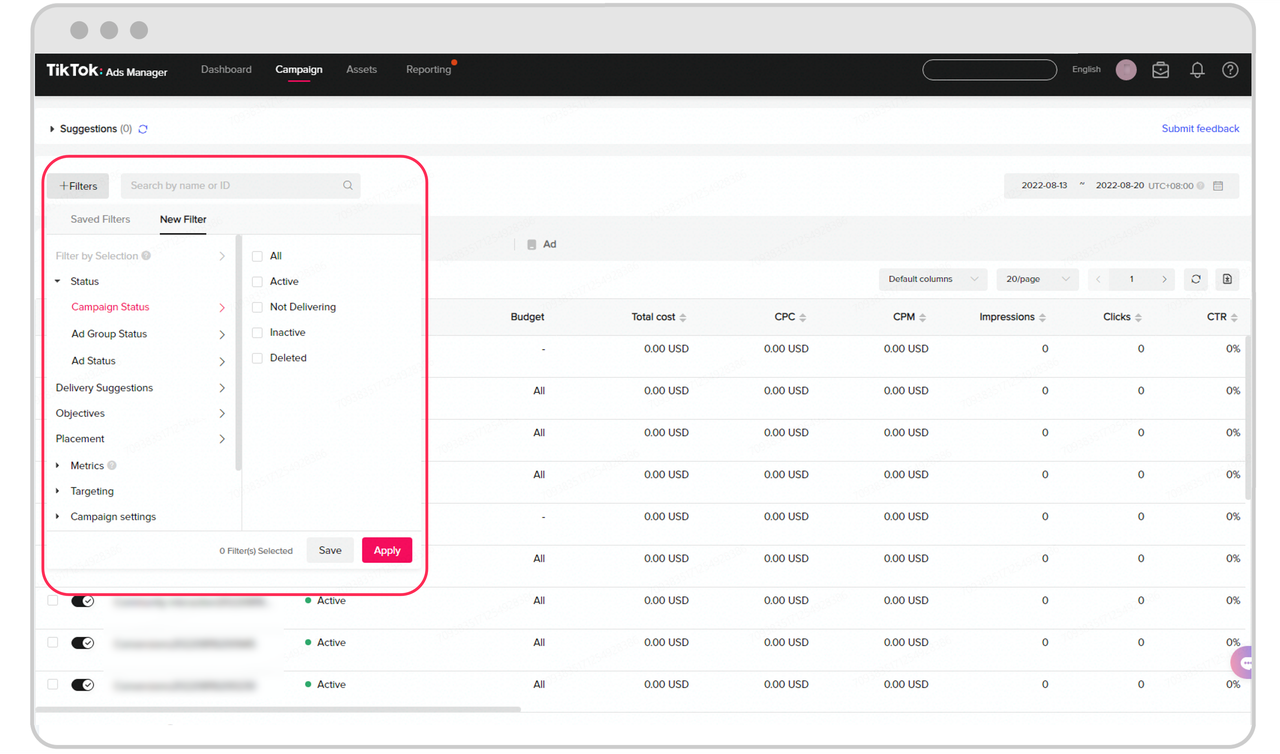
Before diving into reporting, it's crucial to understand what TikTok Ads Manager is. It is a platform where advertisers can create, manage, and monitor their ad campaigns on TikTok. The interface allows you to set up targeting, budget, and creative elements for your ads. To start, you need to create an ad account, which can be done through the Business Help Center or with guidance from a sales representative if managing multiple accounts.
Key Features of TikTok Ads Manager
- Campaign Creation: Set up different types of campaigns such as brand awareness, consideration, and conversion.
- Ad Formats: Choose from in-feed ads, TopView ads, Spark Ads, and more.
- Targeting Options: Define your audience based on demographics, interests, behaviors, and more.
- Budget Management: Control your spending with daily or lifetime budgets.
Setting Up Your First Campaign

Once your account is set up, the next step is to create your first campaign. Start by defining your campaign objective. Whether you're aiming for brand awareness, traffic, or conversions, each objective will influence how you structure your campaign.
Step-by-Step Setup
- Choose Campaign Objective: Select from brand awareness, traffic, app installs, lead generation, or conversions.
- Set Budget: Decide on a daily or total budget based on your goals.
- Define Target Audience: Use TikTok’s targeting options to reach your ideal audience.
- Create Ad Assets: Upload videos, images, and text that align with your campaign message.
- Launch Campaign: Review your settings and launch your campaign.
Tracking Performance with TikTok Ads Manager
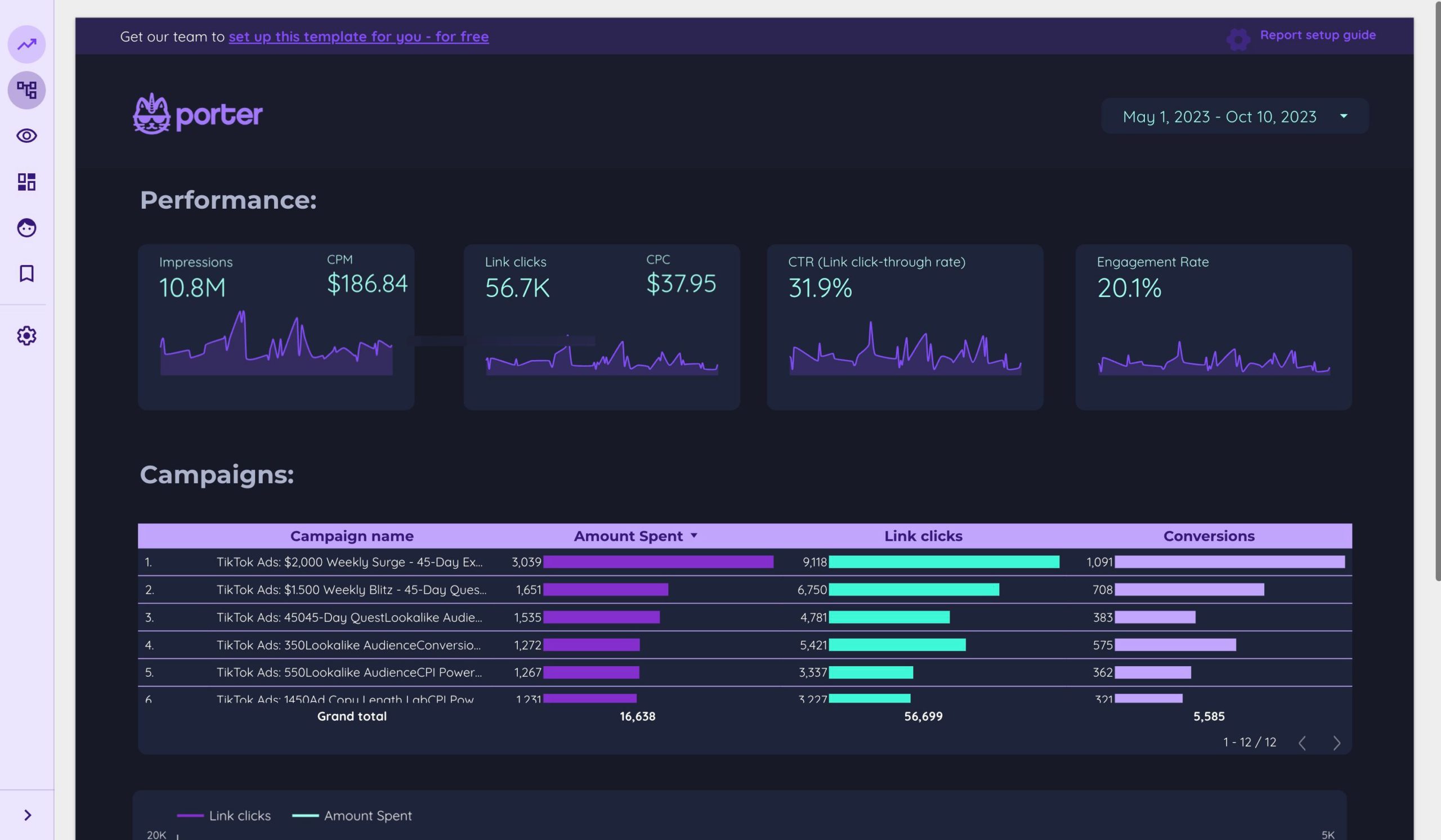
After launching your campaign, it's time to track its performance. TikTok Ads Manager provides a comprehensive dashboard where you can view various metrics.
Key Metrics to Monitor
- Impressions: The number of times your ad was shown.
- Click-Through Rate (CTR): Measures how often users click on your ad.
- Conversion Rate: Tracks how many users complete a desired action after clicking your ad.
- Cost Per Click (CPC): The average cost for each click on your ad.
- Return on Ad Spend (ROAS): Calculates the revenue generated compared to your ad spend.
Using the Reporting Tools
TikTok Ads Manager offers detailed reports that allow you to analyze your campaign performance. You can filter data by date ranges, ad formats, and audience segments. Utilize these insights to identify what's working and what needs improvement.
Optimizing Your Campaigns
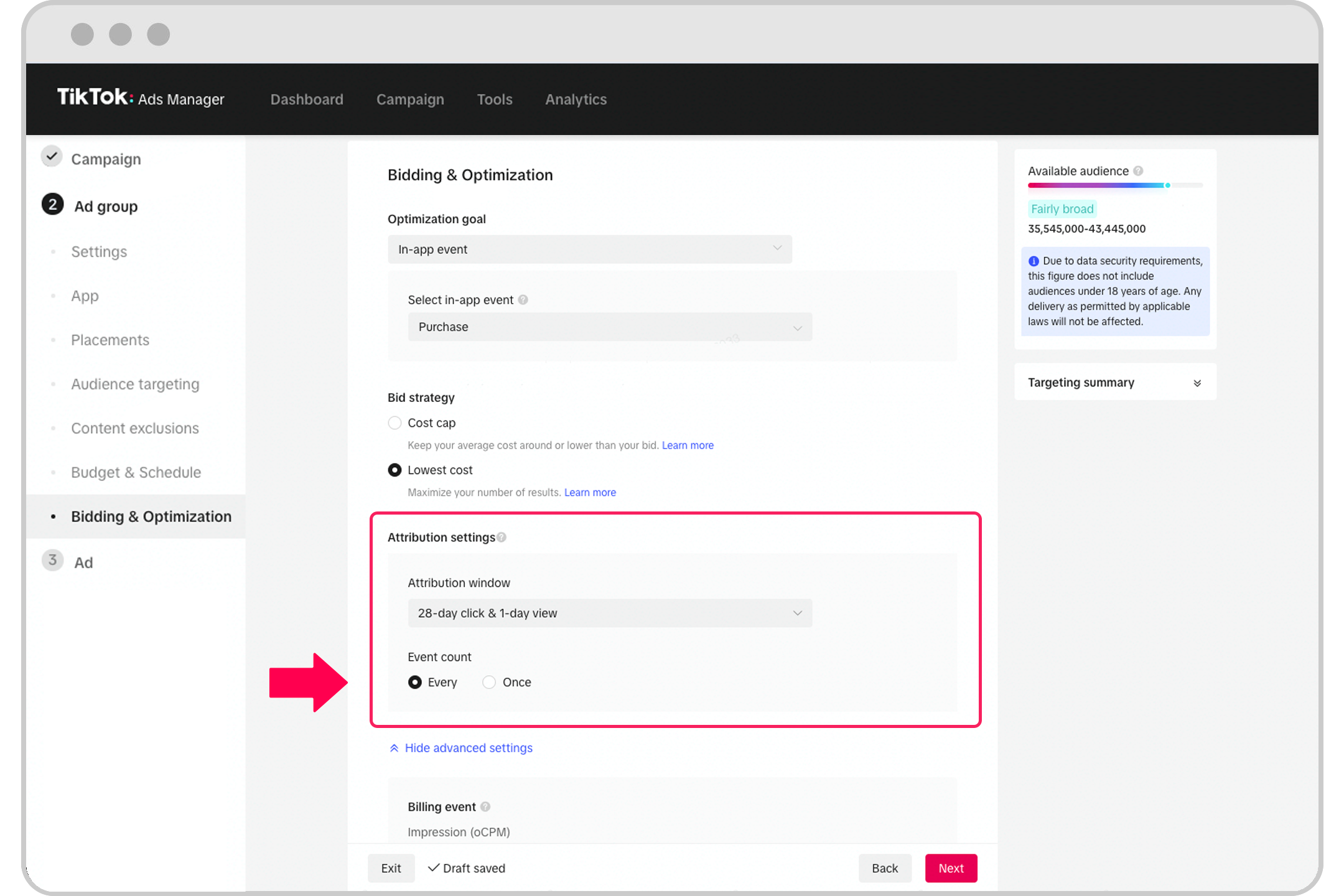
Optimization is a continuous process. Based on the data you collect, make adjustments to improve your campaign performance.
Tips for Optimization
- A/B Testing: Test different ad creatives, headlines, and calls-to-action to see what resonates with your audience.
- Adjust Targeting: Refine your audience targeting based on performance data.
- Update Creative Elements: Refresh your ad content to keep it engaging and relevant.
- Monitor Trends: Stay updated on TikTok trends and incorporate them into your campaigns when appropriate.
Common Mistakes to Avoid

Even with the best intentions, some common mistakes can hinder your campaign success. Being aware of these pitfalls can help you avoid them.
Common Pitfalls
- Overproduced Content: High-quality production doesn't always translate to better performance. Authentic, relatable content often performs better.
- Ignoring Trends: Failing to adapt to TikTok culture can limit your reach.
- Selling Too Aggressively: Users prefer value and entertainment before purchase prompts.
- Not Optimizing for Search: Ignoring TikTok SEO reduces long-term discoverability.
Conclusion
Mastering TikTok Ads Manager reporting is essential for any brand looking to succeed on TikTok. By understanding the platform, setting up effective campaigns, tracking performance, and continuously optimizing, you can maximize your ad spend and achieve your marketing goals. Remember, the key to success on TikTok lies in authenticity, creativity, and data-driven decisions. With the right approach, even startups can compete with larger brands and achieve significant results.

Posting Komentar untuk "TikTok Ads Manager Reporting Guide: How to Track and Analyze Your Campaigns"
Posting Komentar