
TikTok Pixel Installation Guide 2024: Step-by-Step Tutorial for Marketers
Introduction to TikTok Pixel and Its Importance in 2024
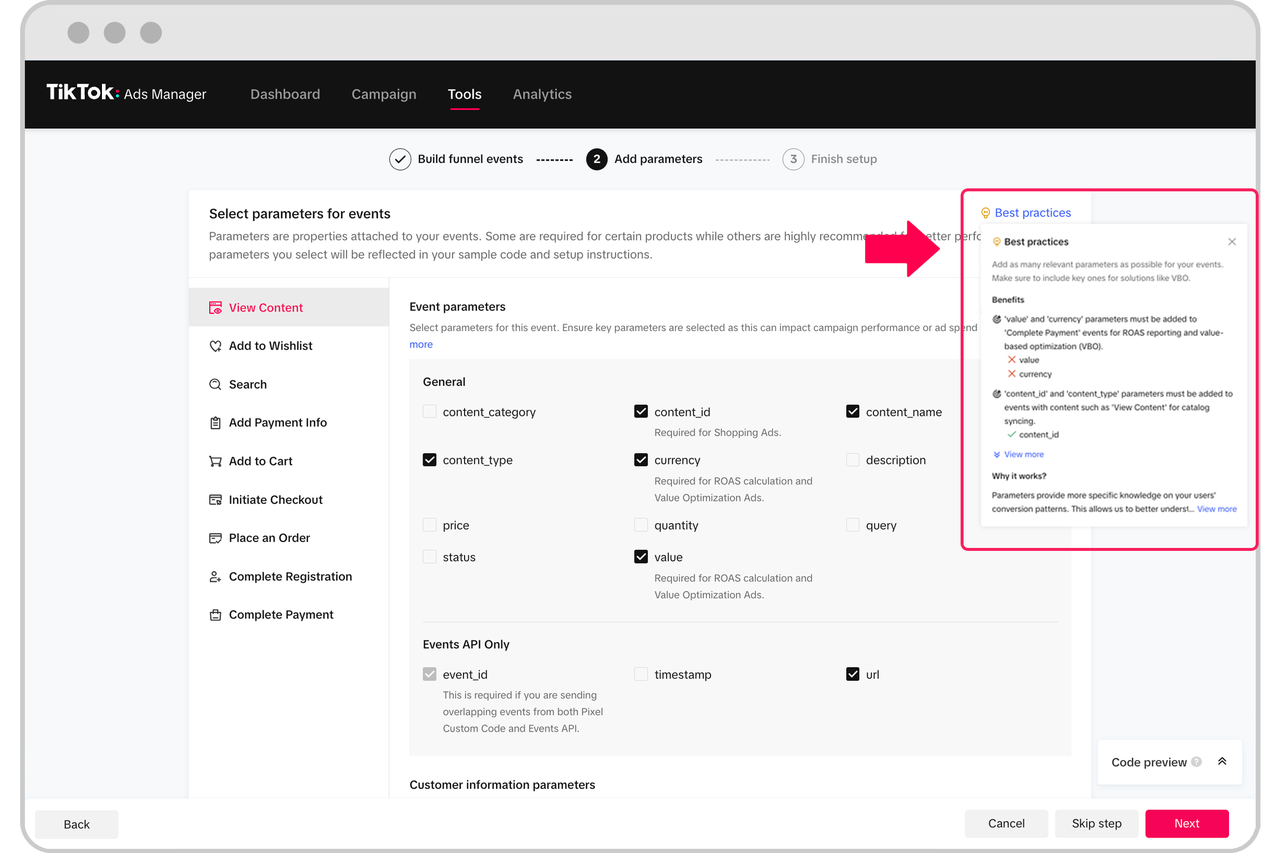
In the ever-evolving digital marketing landscape, TikTok has emerged as a powerful platform for brands to connect with their target audience. As of 2024, TikTok's user base continues to grow, making it an essential tool for marketers looking to expand their reach. One of the key tools that enable effective tracking and optimization on TikTok is the TikTok Pixel. This snippet of code allows businesses to track user interactions, measure ad performance, and gain valuable insights into customer behavior. For marketers, understanding how to install and use the TikTok Pixel is crucial for maximizing the return on investment (ROI) from their advertising campaigns.
Step 1: Accessing the TikTok Business Tools
Before you can install the TikTok Pixel, you need to ensure that you have access to the necessary tools within your TikTok account. Start by logging into your TikTok for Business account. If you don't have one, you'll need to create it. Once logged in, navigate to the TikTok Business Center. This is where you'll find all the tools related to your business account, including the TikTok Ads Manager.
Step 2: Connecting Your TikTok Account to Your Business Profile
To proceed with the installation, you must connect your personal TikTok account to your business profile. This step ensures that all data collected through the TikTok Pixel is associated with your business account. To do this, go to the "Settings" section of your TikTok for Business account and select "Connect Accounts." From there, follow the prompts to link your personal account to your business profile.
Step 3: Setting Up the TikTok Ads Manager

Once your accounts are connected, the next step is to set up the TikTok Ads Manager. This is where you'll create and manage your advertising campaigns. Navigate to the TikTok Ads Manager and log in using your business account credentials. If this is your first time accessing the Ads Manager, you may need to verify your business information and set up payment methods.
Step 4: Creating or Selecting a TikTok Pixel

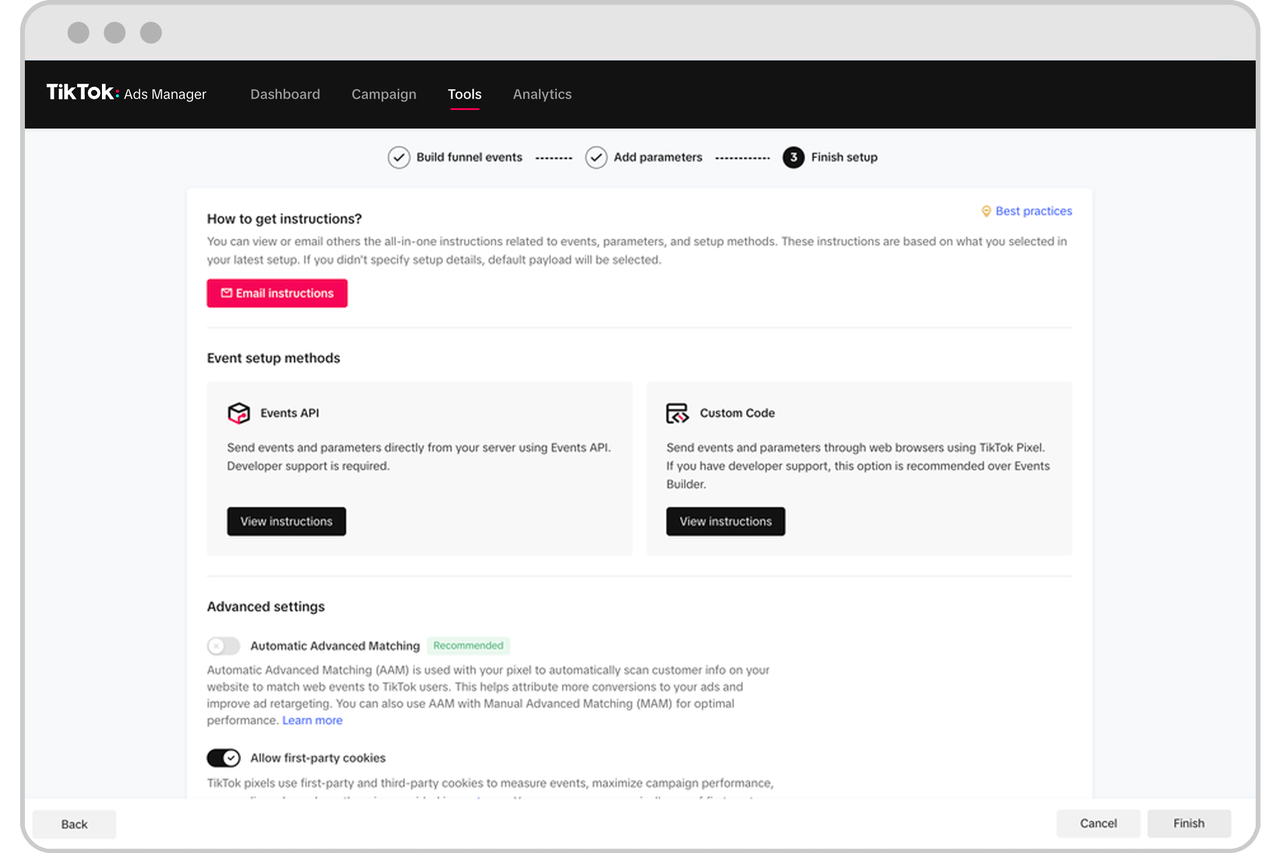
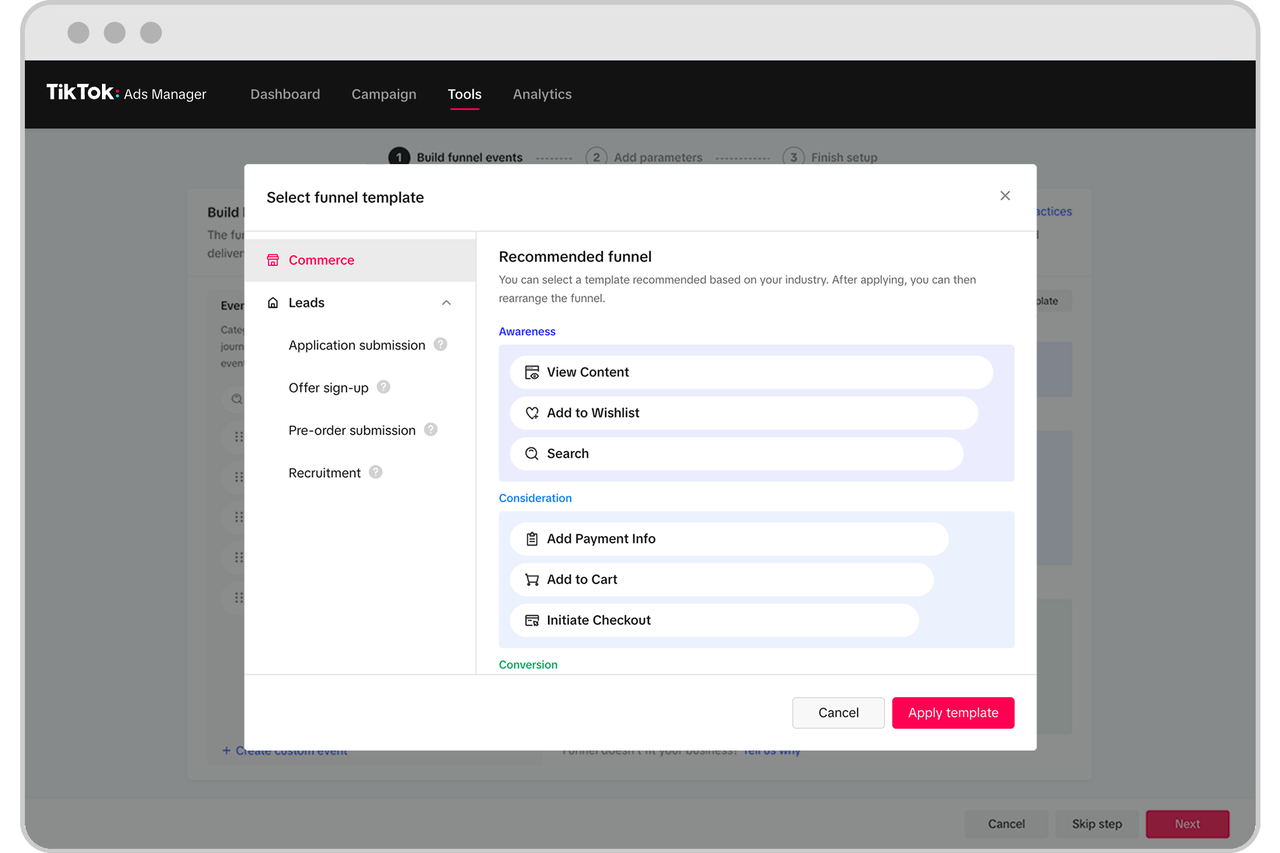
Now that your accounts are set up, it's time to create or select a TikTok Pixel. In the TikTok Ads Manager, go to the "Pixel" section. Here, you can either create a new pixel or select an existing one. When creating a new pixel, you'll need to provide a name for it and specify the website you want to track. This is also where you can define the types of events you want to track, such as page views, purchases, or sign-ups.
Step 5: Installing the TikTok Pixel Code
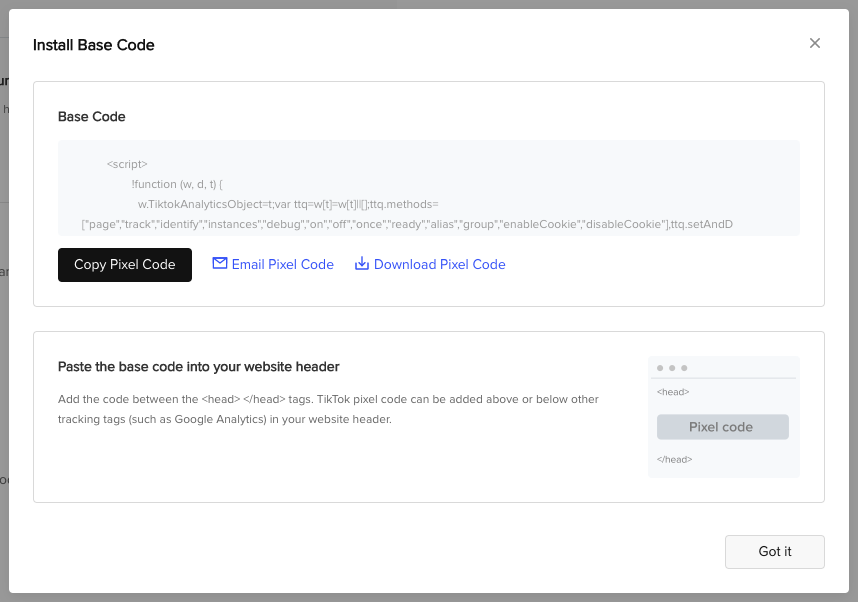
After setting up your pixel, you'll need to install the pixel code on your website. The code will be provided by TikTok, and you can copy it directly from the Ads Manager. Depending on your website platform, the installation process may vary. For example, if you're using Shopify, you can install the TikTok app from the Shopify App Store and follow the instructions to add the pixel code to your site. For other platforms, you may need to manually add the code to your website's HTML.
Step 6: Verifying the Installation
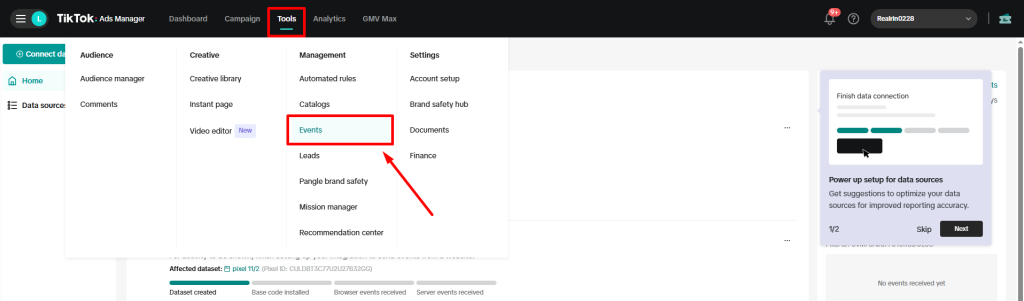
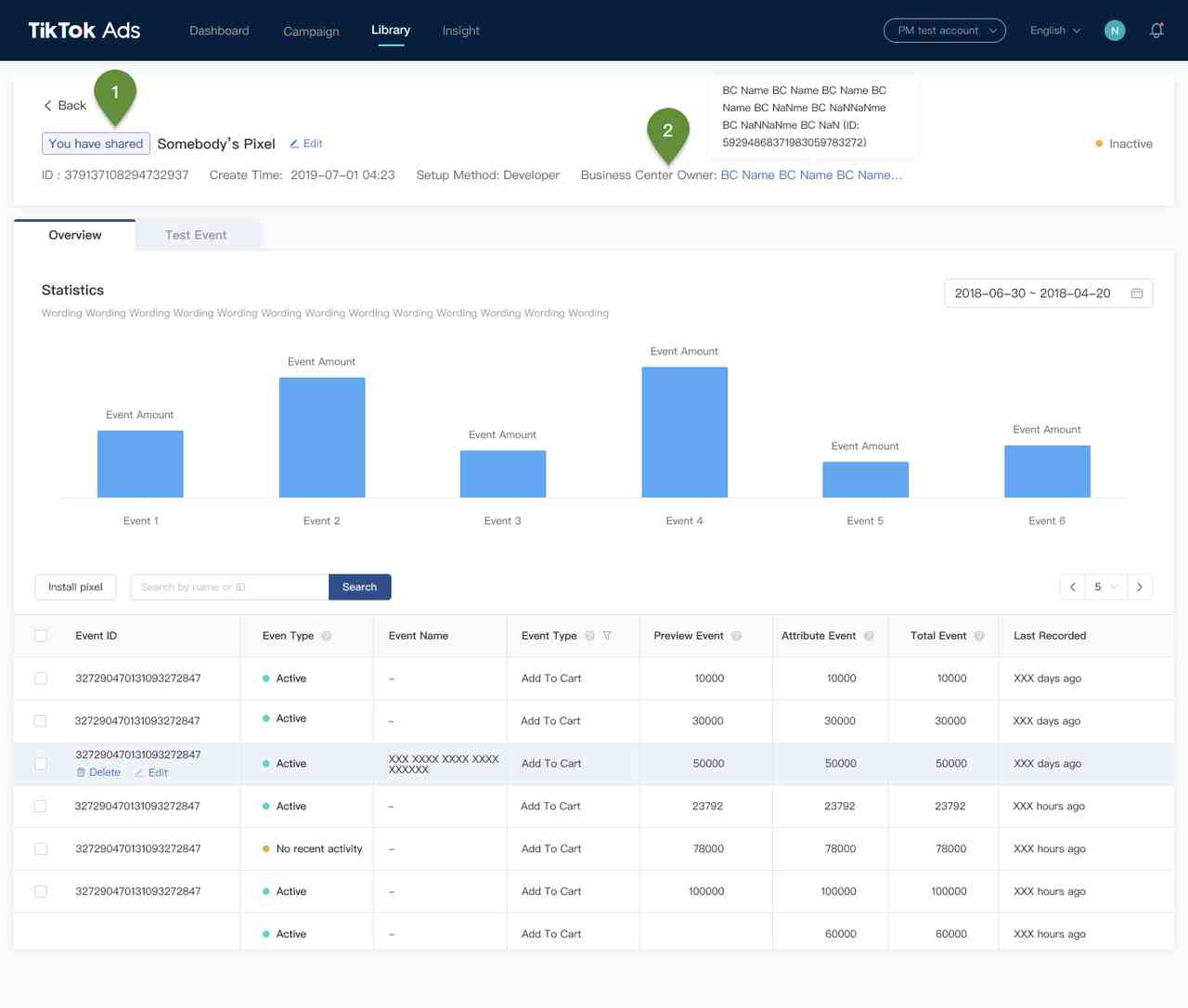
Once the pixel code is installed, it's important to verify that it's working correctly. You can do this by checking the "Pixel" section in the TikTok Ads Manager. There, you should see a confirmation that the pixel is active and collecting data. Additionally, you can use TikTok's built-in testing tools to simulate user interactions and ensure that the pixel is tracking them accurately.
Conclusion: Maximizing the Value of TikTok Pixel in 2024
Installing the TikTok Pixel is a critical step for any marketer looking to leverage the power of TikTok for their business. By following the steps outlined in this guide, you can ensure that your pixel is properly set up and functioning to track user interactions and optimize your advertising campaigns. As TikTok continues to evolve, staying updated with the latest tools and best practices will be essential for success in 2024 and beyond.

Posting Komentar untuk "TikTok Pixel Installation Guide 2024: Step-by-Step Tutorial for Marketers"
Posting Komentar