
Top TikTok Ads Video Editing Tips to Boost Engagement and Conversions

TikTok has become a powerful platform for businesses to connect with their target audience through engaging video content. With its massive user base, especially among younger demographics, TikTok offers unique opportunities for brands to increase visibility, drive traffic, and boost conversions. However, creating effective TikTok ads requires more than just a catchy idea—it demands strategic video editing that captures attention in the first few seconds. In this article, we’ll explore essential video editing tips that can help you maximize the impact of your TikTok ads.
Understand TikTok’s Unique Format
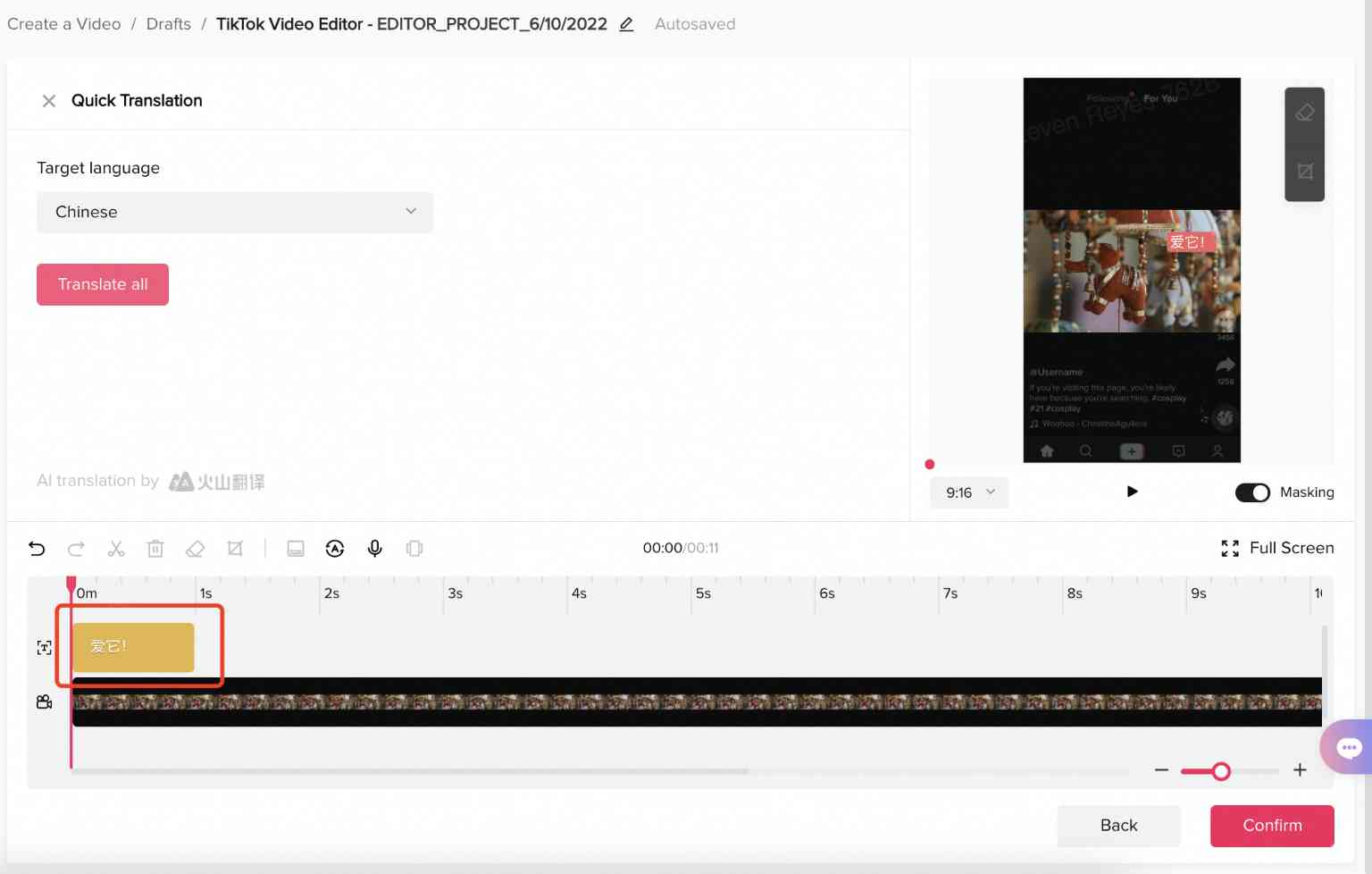
Before diving into editing, it's crucial to understand how TikTok works. Unlike other platforms, TikTok is designed for vertical viewing, which means your videos should be shot and edited in a 9:16 aspect ratio. This format ensures that your content fills the entire screen, making it more engaging for users who scroll vertically on their phones.
Key Points: - Portrait Orientation: Always shoot and edit in portrait mode (9:16) to optimize for mobile viewing. - Video Dimensions: Use 1080x1920 pixels as the standard resolution for maximum clarity. - File Size: Keep your file size under 500 MB for ads and within the limits for regular videos (72 MB for Android and 287.76 MB for Apple).
Focus on the First Few Seconds

The TikTok algorithm prioritizes content that keeps viewers engaged from the start. If your video doesn’t grab attention in the first 2-3 seconds, users are likely to scroll past it. Therefore, your editing should focus on creating a strong hook right at the beginning.
Tips to Create a Strong Hook: - Start with a Question or Statement: Engage viewers immediately by posing a question or making a bold statement. - Use Visuals That Stand Out: Incorporate eye-catching graphics, text overlays, or transitions to draw attention. - Add Music Early: A popular song or soundbite can instantly hook viewers and set the tone for your ad.
Keep It Short and Sweet
TikTok users have short attention spans, so your video should be concise and to the point. While the maximum length is three minutes, shorter videos tend to perform better. Aim for a duration between 5-15 seconds for in-feed ads and up to 60 seconds for newsfeed ads.
Why Shorter is Better: - Higher Engagement Rates: Shorter videos are more likely to be watched in full. - Better Algorithm Performance: The TikTok algorithm favors content that keeps viewers watching. - Clear Message: A concise video ensures your message is delivered effectively without overwhelming the viewer.
Use Text and Captions Effectively
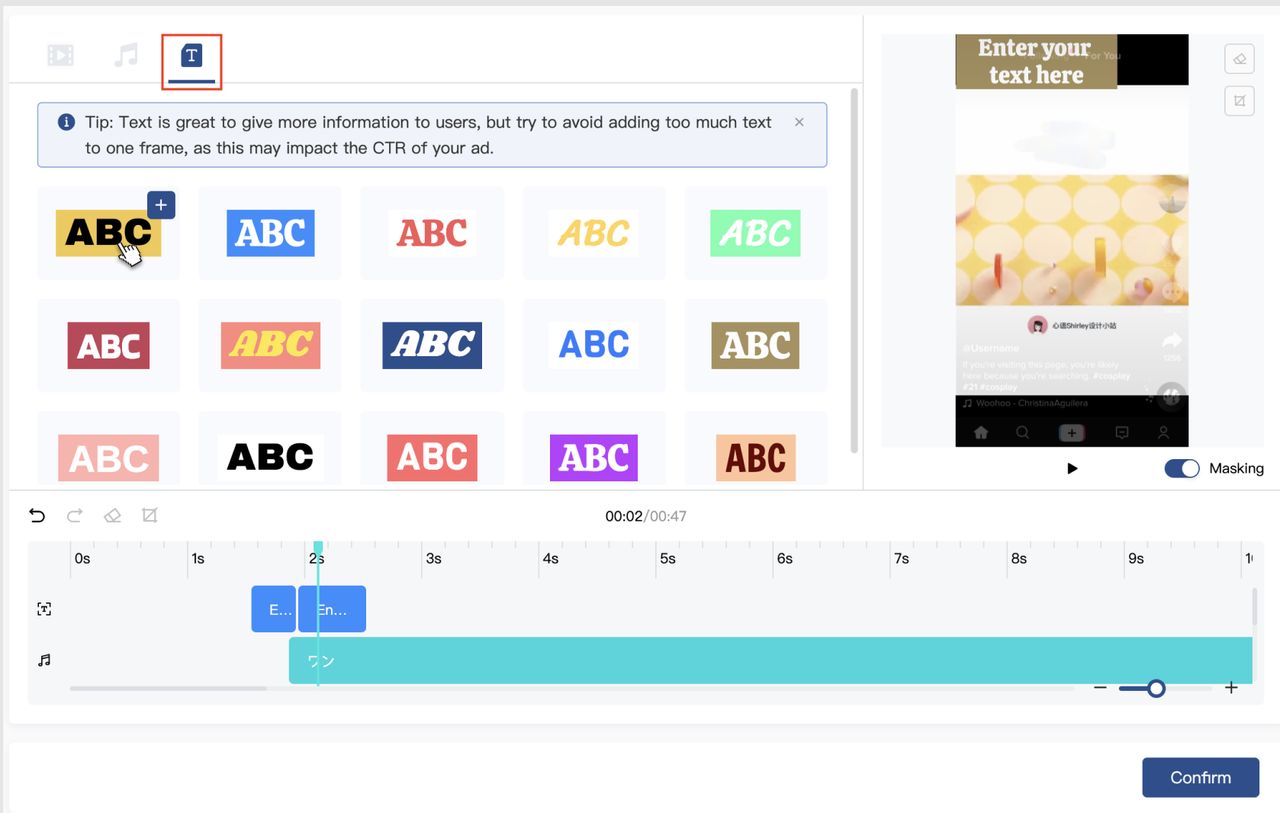
Many TikTok users watch videos without sound, so adding text and captions is essential for conveying your message. Make sure your text is large, readable, and placed in a visible area of the screen.
Best Practices for Text: - Use Bold and Clear Fonts: Choose fonts that are easy to read on small screens. - Keep It Simple: Avoid overcrowding your video with too much text. - Highlight Key Messages: Use text to emphasize important points like call-to-actions or product benefits.
Leverage Music and Sound
Music plays a significant role in the TikTok experience. Choosing the right track can enhance the mood of your video and make it more memorable. Additionally, using sound effects strategically can add depth and engagement to your content.
Tips for Using Music: - Choose Trending Songs: Use popular tracks that resonate with your target audience. - Sync Audio with Visuals: Ensure that the music aligns with the visuals to create a cohesive experience. - Add Voiceover or Narration: If you’re using a voiceover, make sure it’s clear and matches the tone of your video.
Optimize for Mobile Viewing
Since most TikTok users access the app on their phones, your video should be optimized for mobile viewing. This includes ensuring that all elements are visible on smaller screens and that the video flows smoothly when scrolled through.
Optimization Tips: - Avoid Obstructive Elements: Make sure that text and graphics don’t cover important parts of the video. - Test on Different Devices: Preview your video on various phone sizes to ensure it looks good on all devices. - Use High-Quality Images: Blurry or low-resolution images can detract from the overall quality of your ad.
Utilize Hashtags and Trends
Hashtags and trends are integral to TikTok’s success. By incorporating relevant hashtags and participating in trending challenges, you can increase the visibility of your videos and reach a wider audience.
How to Use Hashtags: - Research Popular Hashtags: Use tools like TikTok’s “Discover” page to find trending hashtags related to your brand. - Create Branded Hashtags: Encourage users to engage with your brand by creating a unique hashtag for your campaign. - Mix Old and New Trends: Combine established trends with new ideas to keep your content fresh and engaging.
Analyze and Refine Your Strategy
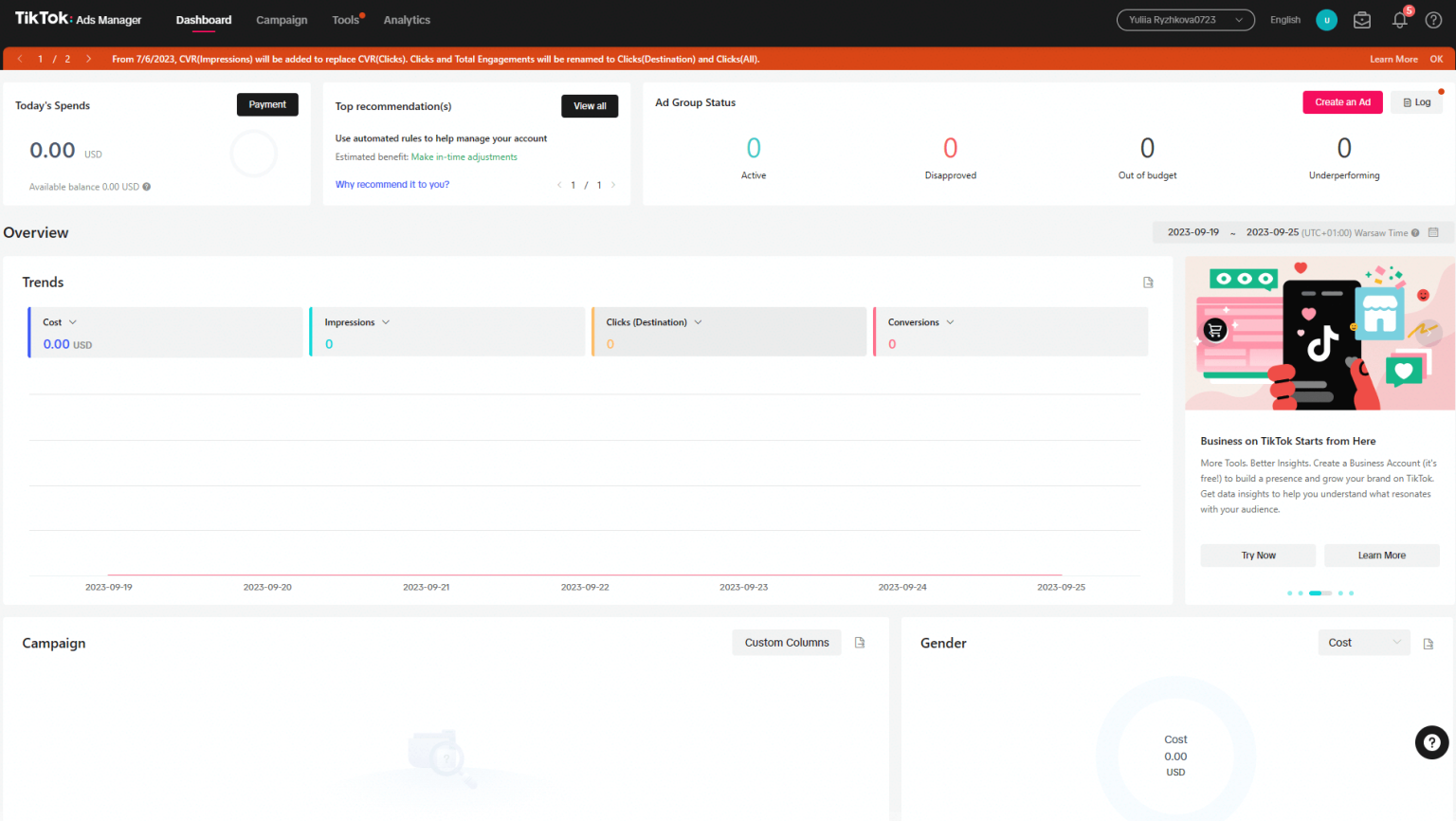
After publishing your TikTok ad, it’s important to analyze its performance and refine your strategy accordingly. Use TikTok’s analytics tools to track metrics like views, engagement, and click-through rates. This data will help you understand what works and what needs improvement.
Key Metrics to Track: - View Count: Measures how many people watched your video. - Engagement Rate: Tracks likes, comments, shares, and saves. - Click-Through Rate (CTR): Indicates how many users clicked on your link or call-to-action.
Conclusion
Creating effective TikTok ads requires a combination of creativity, strategy, and technical skill. By following these video editing tips, you can ensure that your content stands out in a crowded feed and resonates with your target audience. Whether you're a seasoned marketer or just starting out, mastering the art of TikTok video editing can significantly boost your engagement and conversions. Start experimenting with these techniques today and watch your TikTok ads thrive.

Posting Komentar untuk "Top TikTok Ads Video Editing Tips to Boost Engagement and Conversions"
Posting Komentar