
Understanding the TikTok Ads Manager Interface: A Complete Guide
TikTok has become one of the most powerful platforms for digital advertising, offering businesses a unique opportunity to connect with a vast and engaged audience. As part of this ecosystem, the TikTok Ads Manager plays a critical role in helping advertisers create, manage, and optimize their ad campaigns. For marketers and business owners, understanding the interface of the TikTok Ads Manager is essential to crafting effective ad strategies.
What is the TikTok Ads Manager?
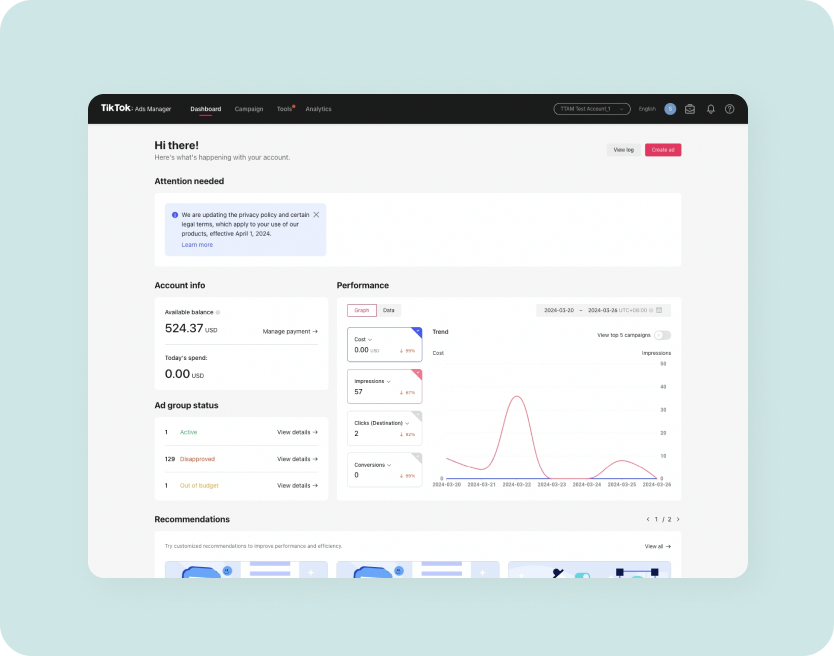
The TikTok Ads Manager is the central hub where advertisers can design, launch, and track their ad campaigns on TikTok. It provides tools for setting campaign objectives, defining target audiences, creating ad creatives, and analyzing performance metrics. Whether you're running a simple awareness campaign or a complex conversion-focused strategy, the Ads Manager offers a structured way to manage every aspect of your advertising efforts.
Key Components of the TikTok Ads Manager Interface

The TikTok Ads Manager is designed to be intuitive, but it’s important to understand its key components to make the most of its features:
- Campaign Overview
- This section gives a high-level view of all your active campaigns.
- You can see performance metrics such as impressions, clicks, and conversions.
-
It also allows you to pause, edit, or delete campaigns.
-
Ad Groups
- Ad groups are subsets of your campaign that allow you to segment your targeting, budget, and creative elements.
-
Each ad group can have different settings, such as specific audiences, budgets, and ad formats.
-
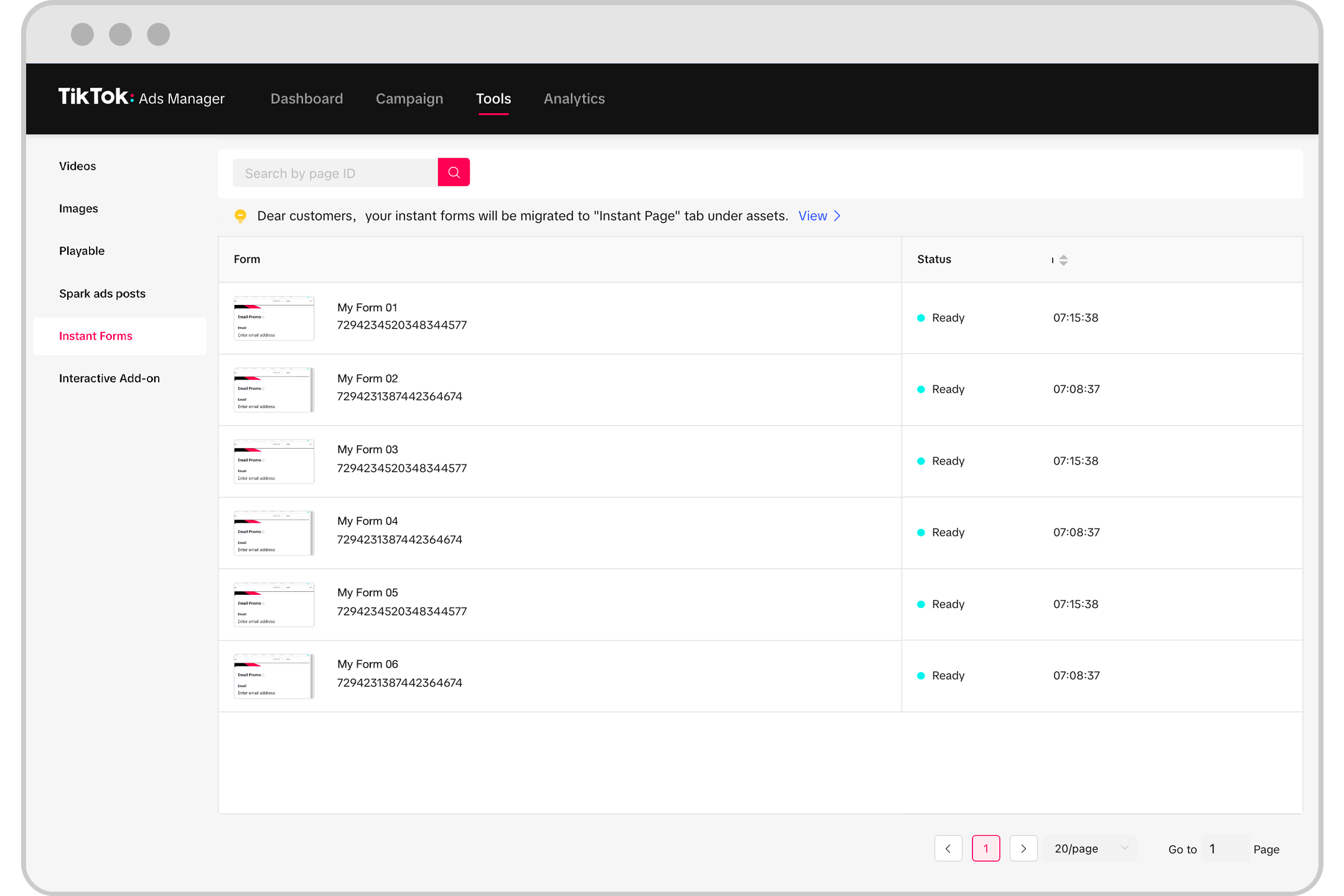
Ad Creatives
- Here, you upload and manage the visual and audio content for your ads.
- You can test multiple versions of your creatives to determine which performs best.
-
The platform supports videos, images, and text-based ads.
-
Targeting Options
- The targeting panel lets you define who sees your ads based on demographics, interests, behaviors, and more.
-
You can also use lookalike audiences to reach users similar to your existing customers.
-
Performance Analytics
- The analytics dashboard provides insights into how your ads are performing.
- Metrics include click-through rate (CTR), conversion rate, cost per click (CPC), and return on ad spend (ROAS).
- You can compare different ad groups and creatives to identify what works best.
Navigating the TikTok Ads Manager
To get started with the TikTok Ads Manager, follow these steps:
- Create an Account
- If you haven’t already, sign up for a TikTok Business account.
-
You’ll need to verify your business and set up a payment method.
-
Set Up Your First Campaign
- Choose a campaign objective (e.g., brand awareness, traffic, conversions).
- Define your target audience and budget.
-
Select the ad format (e.g., video, image, carousel).
-
Design Your Ad Creatives
- Upload your video or image assets.
- Add text overlays, music, and other elements to enhance engagement.
-
Ensure your creatives meet TikTok’s specifications (e.g., 9:16 aspect ratio, sound-on).
-
Launch and Monitor
- Once your campaign is live, monitor its performance using the analytics tools.
- Adjust your targeting, budget, or creatives as needed to improve results.
Tips for Effective Ad Management
To maximize the effectiveness of your TikTok ad campaigns, consider the following tips:
- Use High-Quality Creatives: On TikTok, first impressions matter. Use eye-catching visuals and compelling audio to grab attention.
- Test Multiple Variants: Run A/B tests with different creatives to see what resonates with your audience.
- Leverage Trends: Incorporate trending sounds, challenges, and hashtags to increase visibility.
- Optimize for Mobile: Since most TikTok users watch on mobile devices, ensure your ads are optimized for smaller screens.
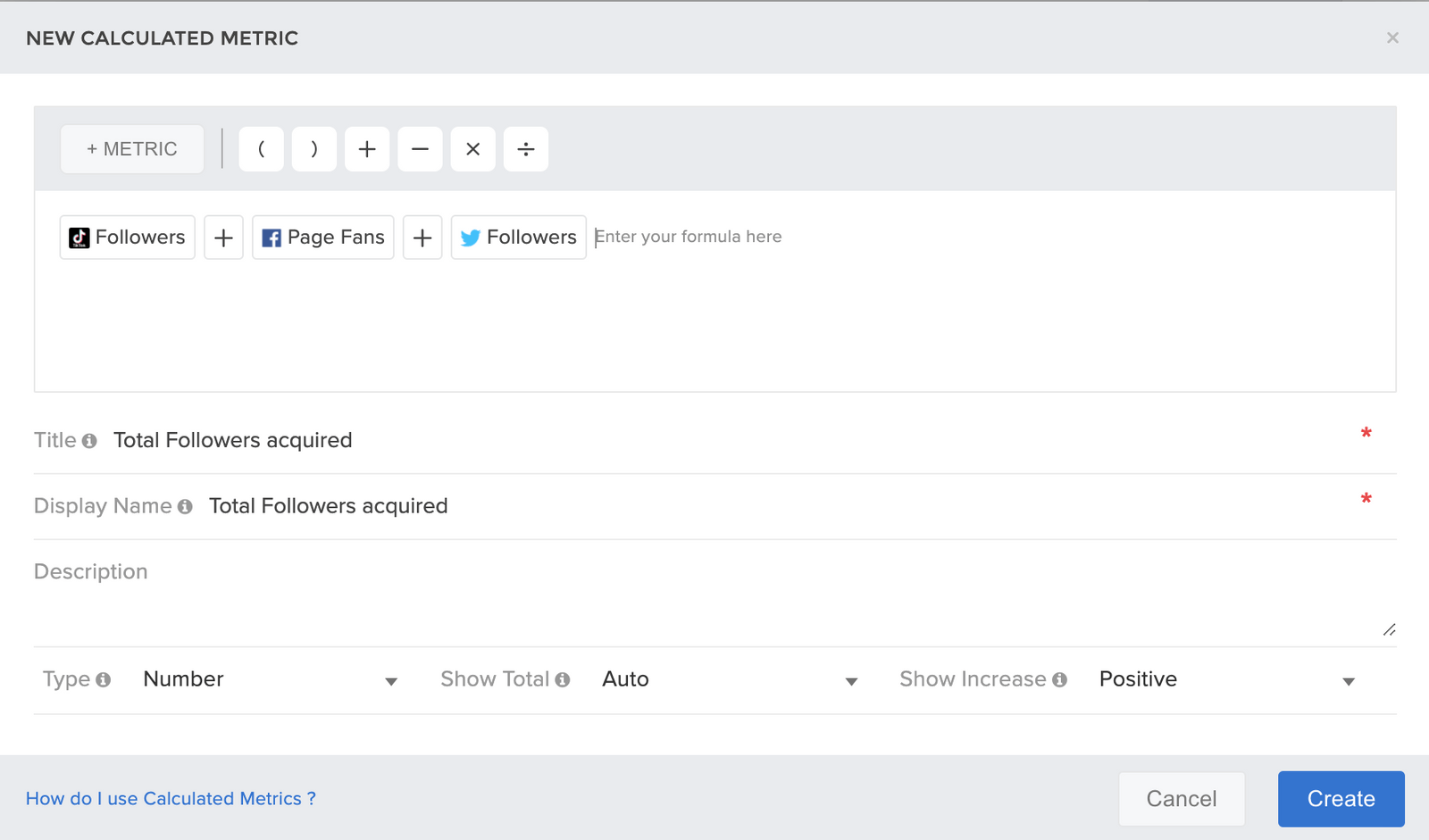
- Track Performance Metrics: Regularly review your campaign data to identify areas for improvement.
Conclusion
The TikTok Ads Manager is a powerful tool that enables businesses to effectively advertise on one of the fastest-growing social media platforms. By understanding its interface and leveraging its features, advertisers can create engaging, high-performing campaigns that resonate with TikTok’s dynamic user base.
Whether you’re new to TikTok advertising or looking to refine your strategy, mastering the TikTok Ads Manager is a crucial step in unlocking the full potential of your digital marketing efforts. With the right approach, you can turn your ads into viral hits that drive real results.

Posting Komentar untuk "Understanding the TikTok Ads Manager Interface: A Complete Guide"
Posting Komentar