
Understanding TikTok Ads Manager Billing Options: A Complete Guide
TikTok has become a powerful platform for businesses to reach their target audience through engaging video content. One of the key components of running successful ad campaigns on TikTok is understanding the billing options available in the TikTok Ads Manager. These options not only influence how you pay for your ads but also affect the overall management and performance of your campaigns. This guide will walk you through the different billing options, their benefits, and how to choose the best one for your business.
What is TikTok Ads Manager?

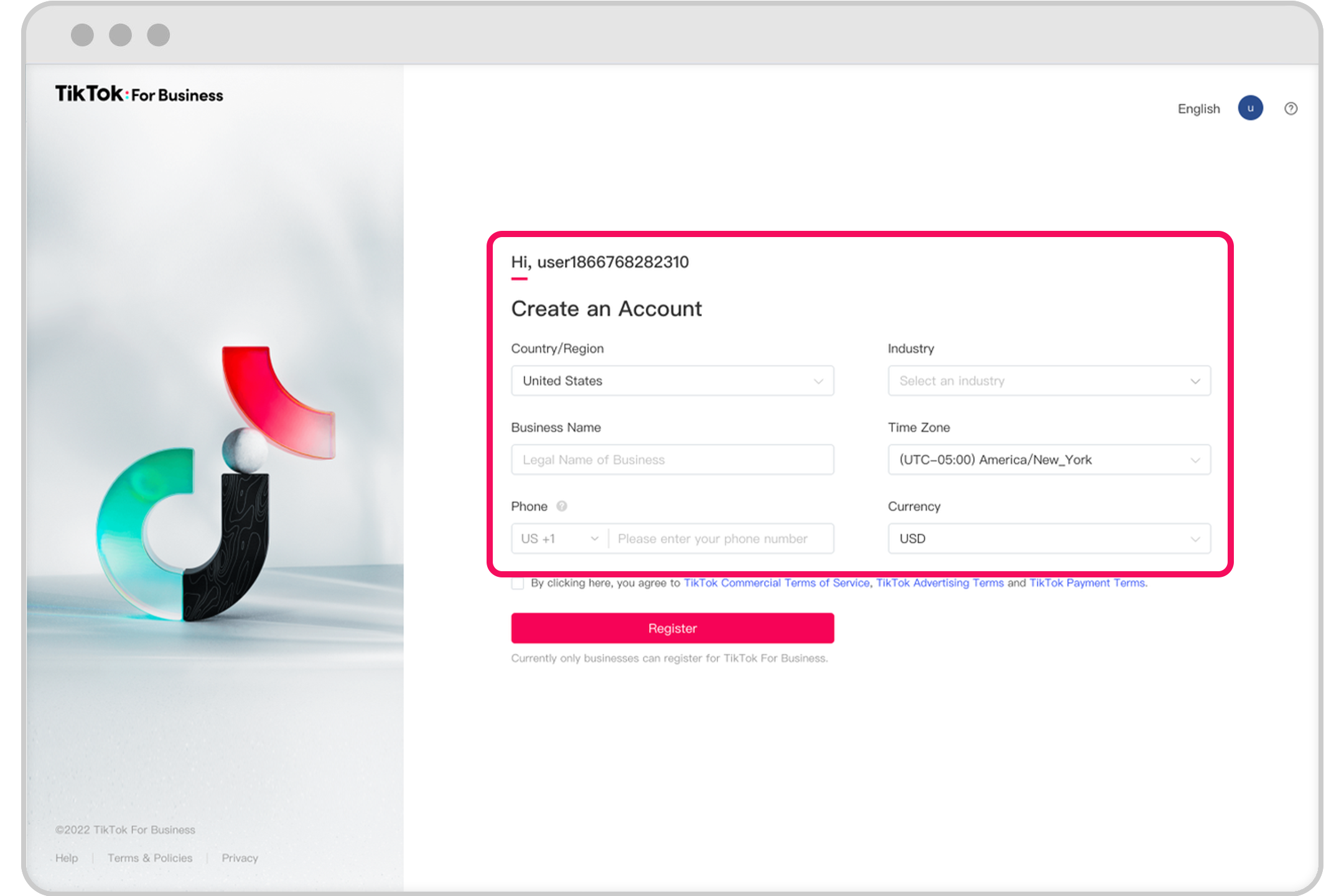
Before diving into the billing options, it's important to understand what TikTok Ads Manager is. It is a tool that allows advertisers to create, manage, and track their ad campaigns on TikTok. To start using it, you need to create an ad account. If you're a self-serve customer, you can refer to the Business Help Center for guidance. For those managing multiple accounts, your sales representative will assist you with the process.
Overview of TikTok Ads Manager Billing Options
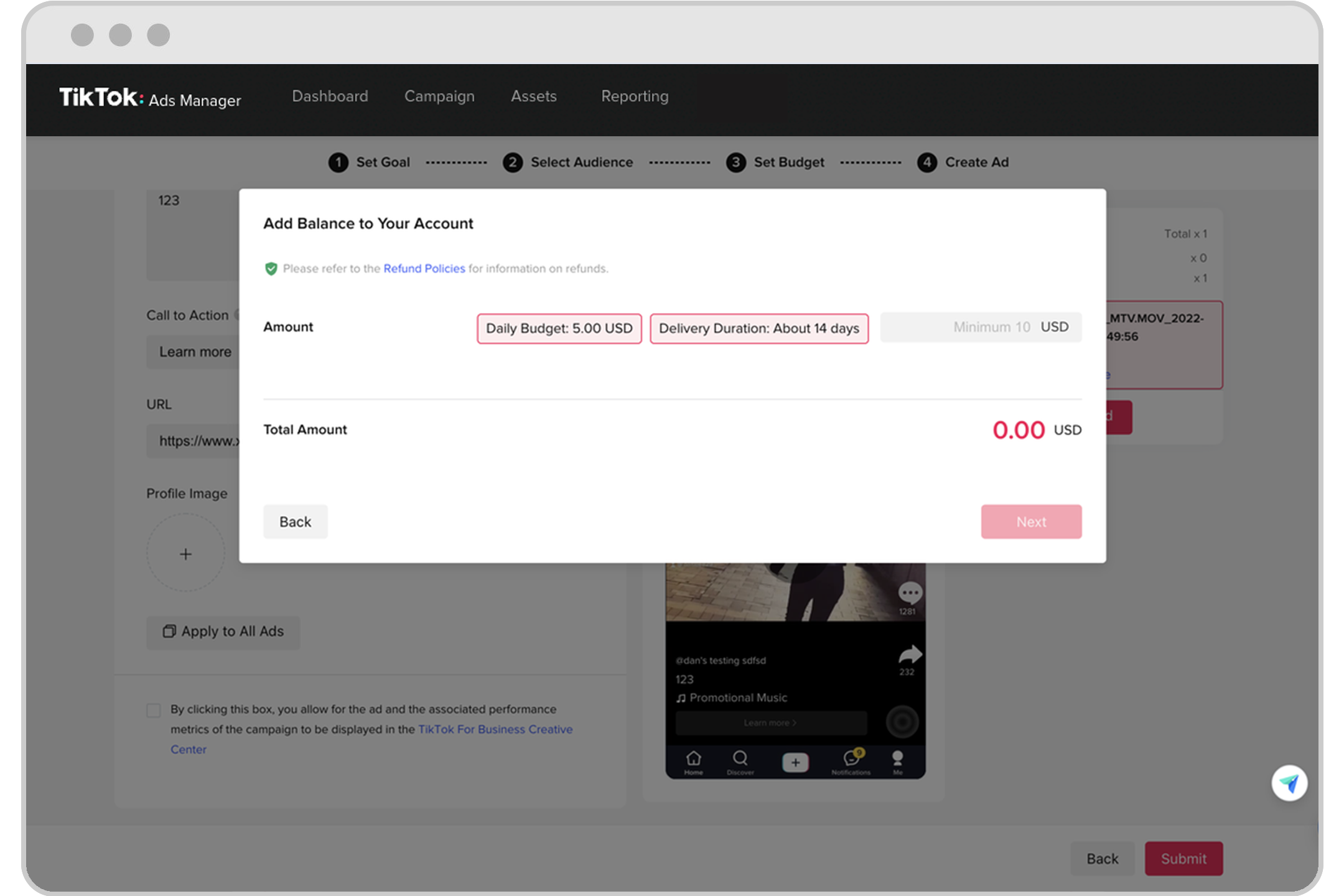
TikTok offers three main billing options for advertisers: Prepay, Automatic Payment (Auto-Pay), and Monthly Invoicing. Each option has its own set of features and benefits, making it essential to choose the one that aligns with your business needs.
1. Prepay
The prepay option requires you to pay a 100% advance deposit into TikTok’s bank account before your ads can appear. This means that you must have sufficient funds in your account to cover the cost of your ad campaign both before and during its run. If your balance is insufficient, TikTok may halt any current ad campaigns or refuse new ones.
Benefits: - No recurring charges - Full control over your budget
Considerations: - You need to maintain a sufficient balance at all times - Unused funds are carried over to future campaigns
2. Automatic Payment (Auto-Pay)
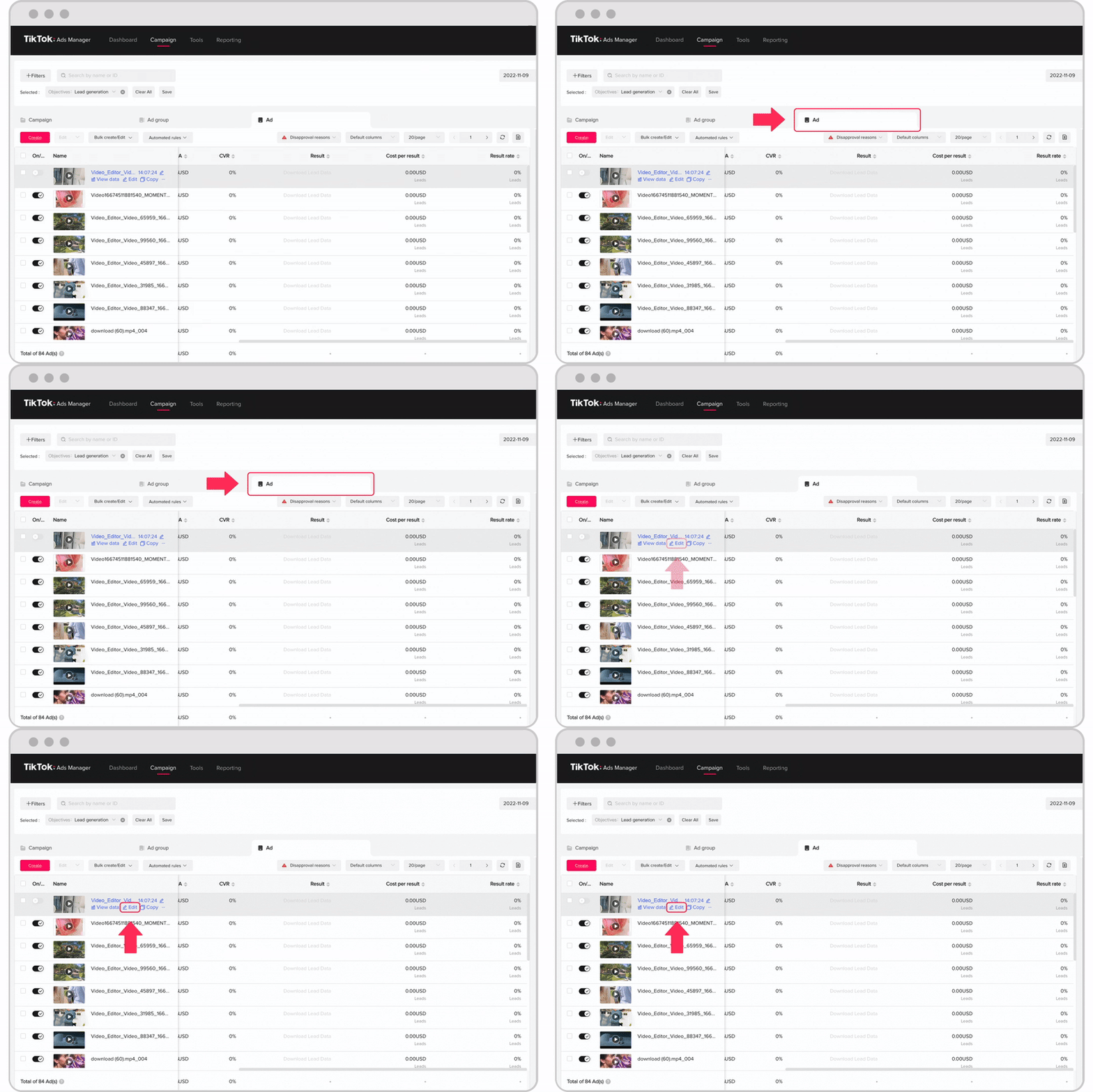
With Auto-Pay, ad delivery charges are automatically billed to your account when you reach your account’s billing threshold or bill date—whichever comes first. This option is ideal for businesses that prefer a hands-off approach to managing their ad spend.
Benefits: - Convenient and automated - Helps avoid campaign interruptions due to insufficient funds
Considerations: - If a payment attempt fails more than twice, TikTok may halt active campaigns or reject new ones - Requires a valid payment method linked to your account
3. Monthly Invoicing
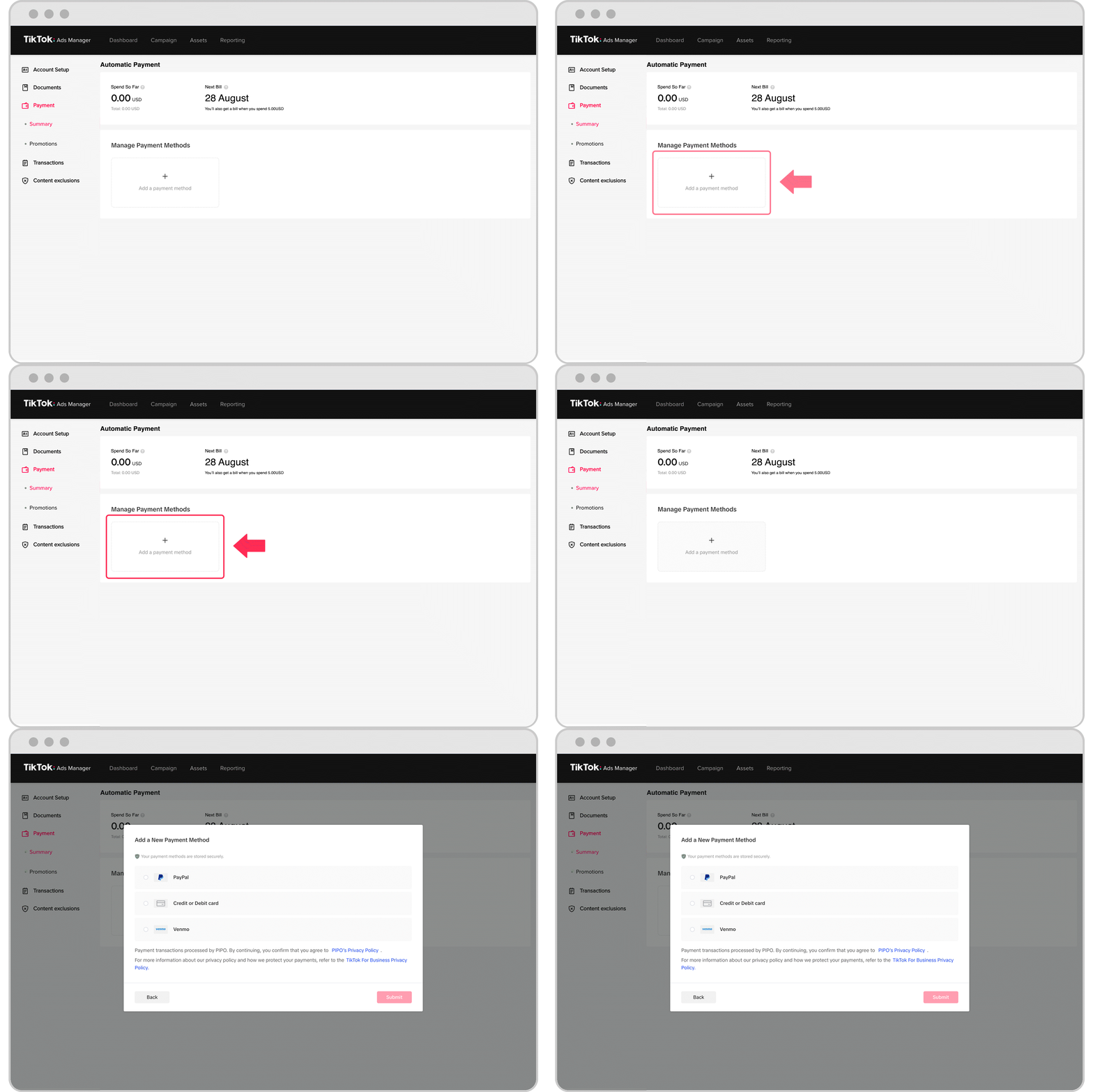
Monthly invoicing is available to qualified businesses and involves receiving an invoice for Ad Buying Transactions on a monthly basis or after the order ends. Payments are due 30 days from the invoice date and can be made via bank transfer, credit card, or other accepted methods.
Benefits: - Ideal for businesses that prefer to manage payments on a monthly basis - Offers flexibility in payment timing
Considerations: - Not available to all businesses; eligibility is determined by TikTok - Requires timely payment to avoid disruptions in ad delivery
Choosing the Right Billing Option for Your Business
Selecting the right billing option depends on several factors, including your business size, budget, and ad campaign goals. Here are some considerations to help you make an informed decision:
- Prepay is suitable for businesses that want full control over their ad spend and are comfortable maintaining a balance in their account.
- Auto-Pay is ideal for businesses that prefer convenience and want to avoid manual payment processing.
- Monthly Invoicing is best for businesses that need flexibility in payment timing and have a structured financial workflow.
Tips for Managing TikTok Ads Manager Billing
To ensure smooth ad campaign operations, consider the following tips:
- Verify payment information: Double-check the details you enter in TikTok Ads Manager to avoid errors.
- Ensure sufficient funds: Keep a buffer in your account to prevent campaign interruptions.
- Use a reliable internet connection: A stable connection helps prevent payment failures.
- Update payment methods regularly: Ensure your payment methods are up-to-date and valid.
Conclusion
Understanding TikTok Ads Manager billing options is crucial for effectively managing your ad campaigns. Whether you choose to prepay, use automatic payments, or opt for monthly invoicing, each option has its own advantages and considerations. By selecting the right billing method for your business, you can ensure a seamless ad experience and maximize the impact of your TikTok marketing efforts.
For more information on setting up your TikTok ad account or troubleshooting payment issues, refer to the TikTok Business Help Center or contact your sales representative for personalized assistance. With the right tools and strategies, you can take full advantage of TikTok's advertising platform and achieve your marketing goals.

Posting Komentar untuk "Understanding TikTok Ads Manager Billing Options: A Complete Guide"
Posting Komentar