
Understanding TikTok Ads Scheduling Options: A Complete Guide
TikTok has evolved from a platform for entertainment into a powerful tool for brands to reach their target audience, drive engagement, and boost sales. One of the key features that help brands manage their content effectively is TikTok Ads Scheduling Options. Whether you're running a small business or a large-scale marketing campaign, understanding how to schedule your ads can significantly improve your strategy and results.
What Are TikTok Ads Scheduling Options?
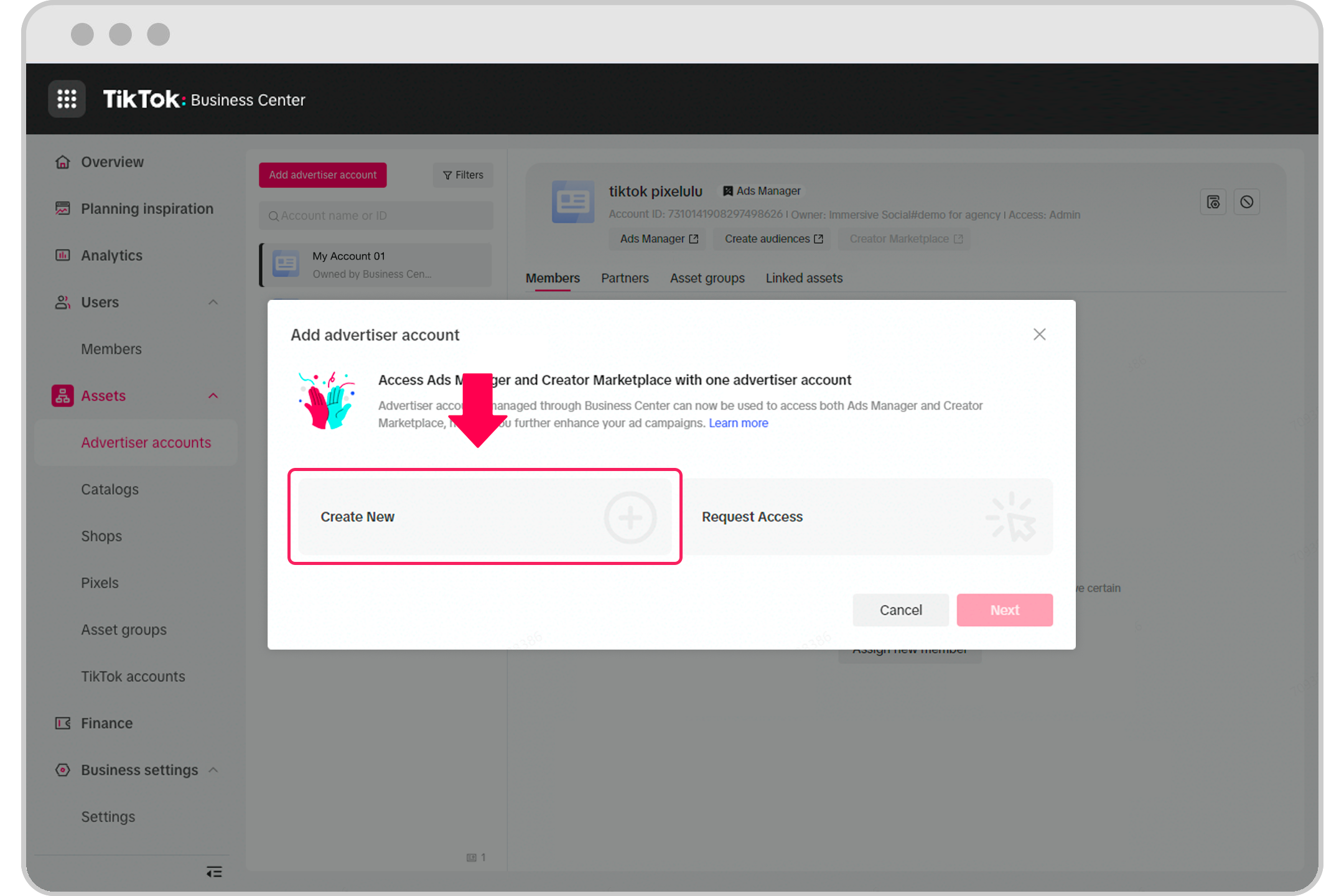
TikTok Ads Scheduling Options allow creators and businesses to plan and automate their ad campaigns by setting specific dates and times for their videos to go live. This feature ensures that your content is posted at optimal times when your audience is most active, increasing the chances of engagement and conversions.
With this functionality, you can avoid last-minute rush and ensure consistency in your posting schedule, which is crucial for maintaining brand presence on the platform.
Why Scheduling Your TikTok Ads Matters
-
Consistency is Key
Posting regularly helps build a loyal following and keeps your brand top-of-mind. By scheduling your ads, you can maintain a consistent presence without having to manually upload each video. -
Optimize for Peak Times
TikTok users are most active during certain hours of the day. Scheduling your ads allows you to post when your audience is most likely to engage, increasing your visibility and reach. -
Plan Ahead for Campaigns
Whether it's a product launch, holiday promotion, or event announcement, scheduling gives you the flexibility to plan your content calendar well in advance. -
Reduce Stress and Time Management
Instead of scrambling to post at the last minute, scheduling lets you focus on creating high-quality content while the system handles the timing.
How to Schedule TikTok Ads: A Step-by-Step Guide
To take advantage of TikTok’s scheduling options, you need a Business Account. Here’s how to do it:
1. Log In on a Web Browser
Go to tiktok.com and log in using your account. Ensure you’re logged in with a Business Account, as this feature is only available for such accounts.
2. Upload and Edit Your Video
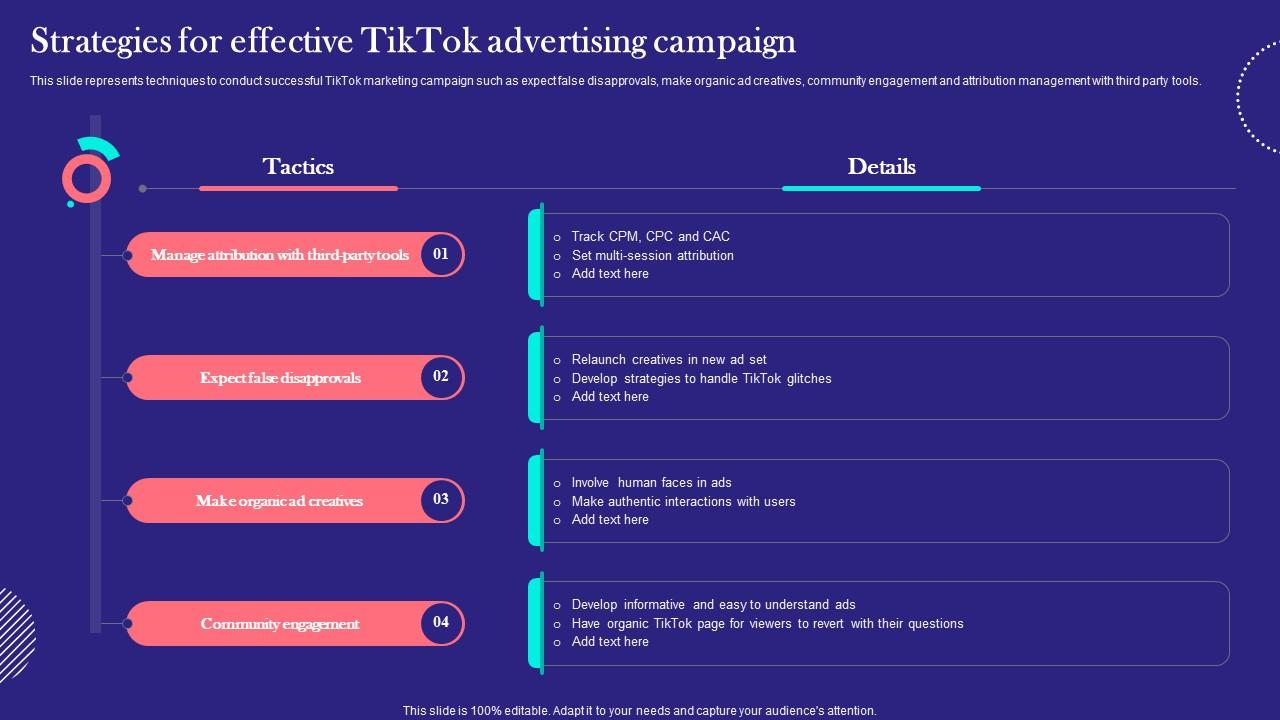
Navigate to the upload video page by clicking the Cloud icon at the top right corner of your feed. From here, you can upload your video, add a caption, hashtags, and set privacy settings like who can comment or duet your video.
3. Toggle the Schedule Button
After editing your video, look for the schedule button. Click it to select a date and time for your post. The default time zone will be based on your computer’s settings.
4. Confirm and Schedule
Once you’ve chosen your preferred date and time, click Schedule. You’ll see your scheduled posts listed alongside drafts in your profile view.
Note: Once a post is scheduled, you cannot edit the video, captions, or scheduled time. If changes are needed, you must delete the scheduled post and re-upload the updated version.
Best Practices for Scheduling TikTok Ads
-
Use a Content Calendar
Plan your content in advance using a calendar to ensure a steady flow of posts and avoid gaps in your strategy. -
Test Different Times
Experiment with different posting times to determine when your audience is most active. Use TikTok’s analytics tools to track performance and adjust accordingly. -
Leverage Trends
Schedule your ads around trending topics or events to maximize visibility. However, make sure the content aligns with your brand message and audience interests. -
Monitor Scheduled Posts
Keep an eye on your scheduled posts to ensure they go live as planned. You’ll receive a push notification once your post is live.
Tips for Maximizing TikTok Ads Scheduling
-
Batch Uploads
Upload multiple videos at once and schedule them for different days. This saves time and keeps your content pipeline full. -
Combine with Other Features
Use TikTok’s Spark Ads or In-feed Ads to promote your scheduled content. These ad formats can help amplify your reach and drive more traffic. -
Track Performance
Use TikTok’s built-in analytics to monitor the performance of your scheduled ads. Look at metrics like watch time, shares, and click-through rates to refine your strategy.
Common Mistakes to Avoid
-
Overloading Your Schedule
While consistency is important, overloading your schedule can lead to burnout and lower-quality content. Focus on quality over quantity. -
Ignoring Audience Behavior
Don’t just post at random times. Understand when your audience is most active and tailor your schedule accordingly. -
Neglecting Analytics
Failing to track the performance of your scheduled ads means you won’t know what’s working and what needs improvement.
Conclusion
TikTok Ads Scheduling Options are a game-changer for brands looking to streamline their content strategy and maximize their impact on the platform. By planning ahead, optimizing for peak times, and staying consistent, you can turn your TikTok presence into a powerful marketing tool.
Whether you're a small business owner or a seasoned marketer, leveraging these scheduling features will help you stay ahead of the curve and achieve better results on TikTok.

Posting Komentar untuk "Understanding TikTok Ads Scheduling Options: A Complete Guide"
Posting Komentar