
Understanding User Roles in TikTok Ads Manager: A Complete Guide
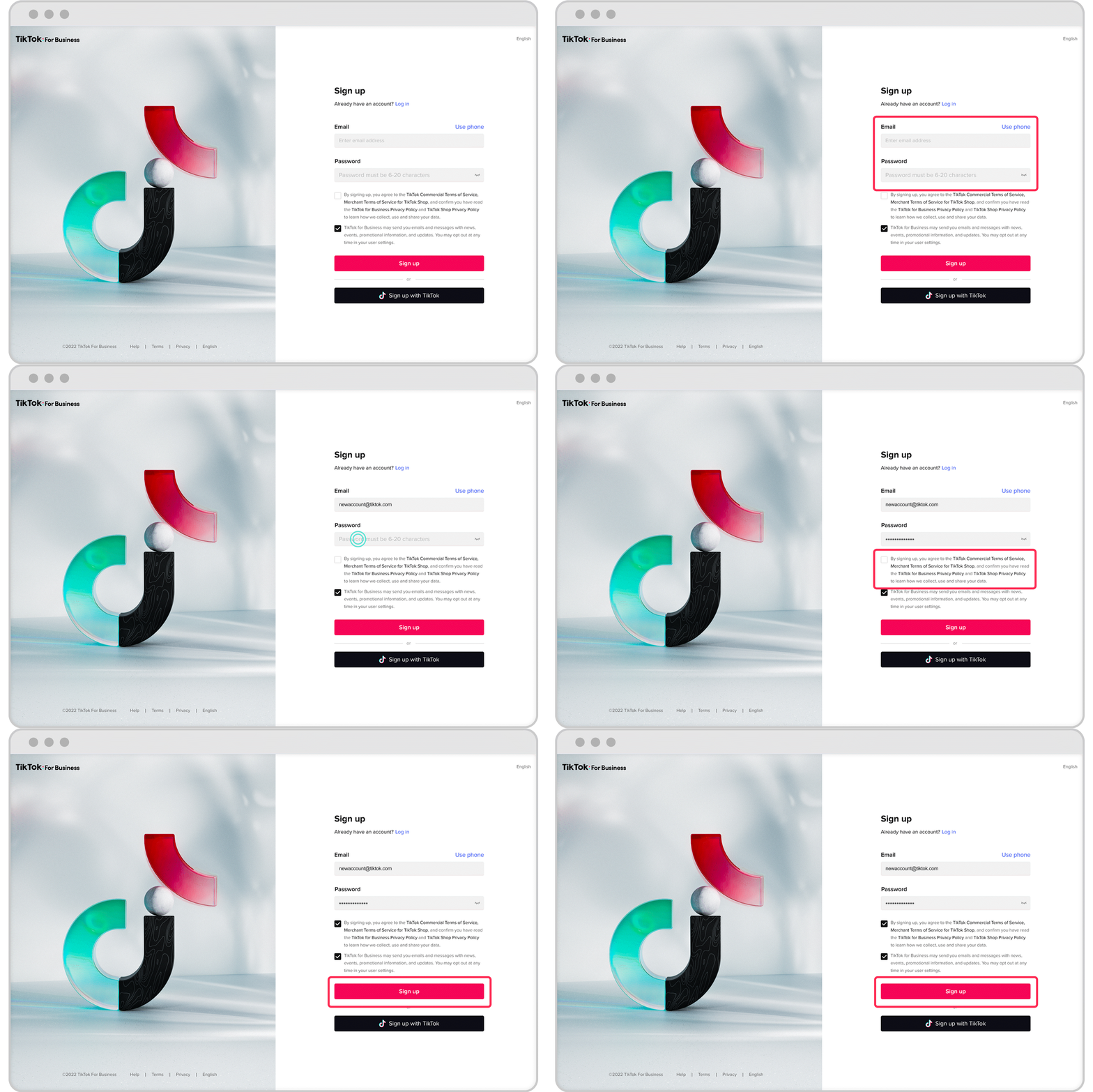
TikTok has evolved from a platform for short-form videos and trends into a powerful marketing tool that businesses of all sizes are leveraging to reach their target audiences. One of the key features that make TikTok an effective advertising platform is the TikTok Ads Manager, which allows users to create, manage, and analyze ad campaigns. However, for businesses with multiple team members or external partners, understanding the user roles within TikTok Ads Manager is essential to ensure smooth operations, security, and efficiency.
In this guide, we’ll explore the different user roles available in TikTok Ads Manager, what each role entails, and how they contribute to the success of your advertising strategy.
What Are User Roles in TikTok Ads Manager?
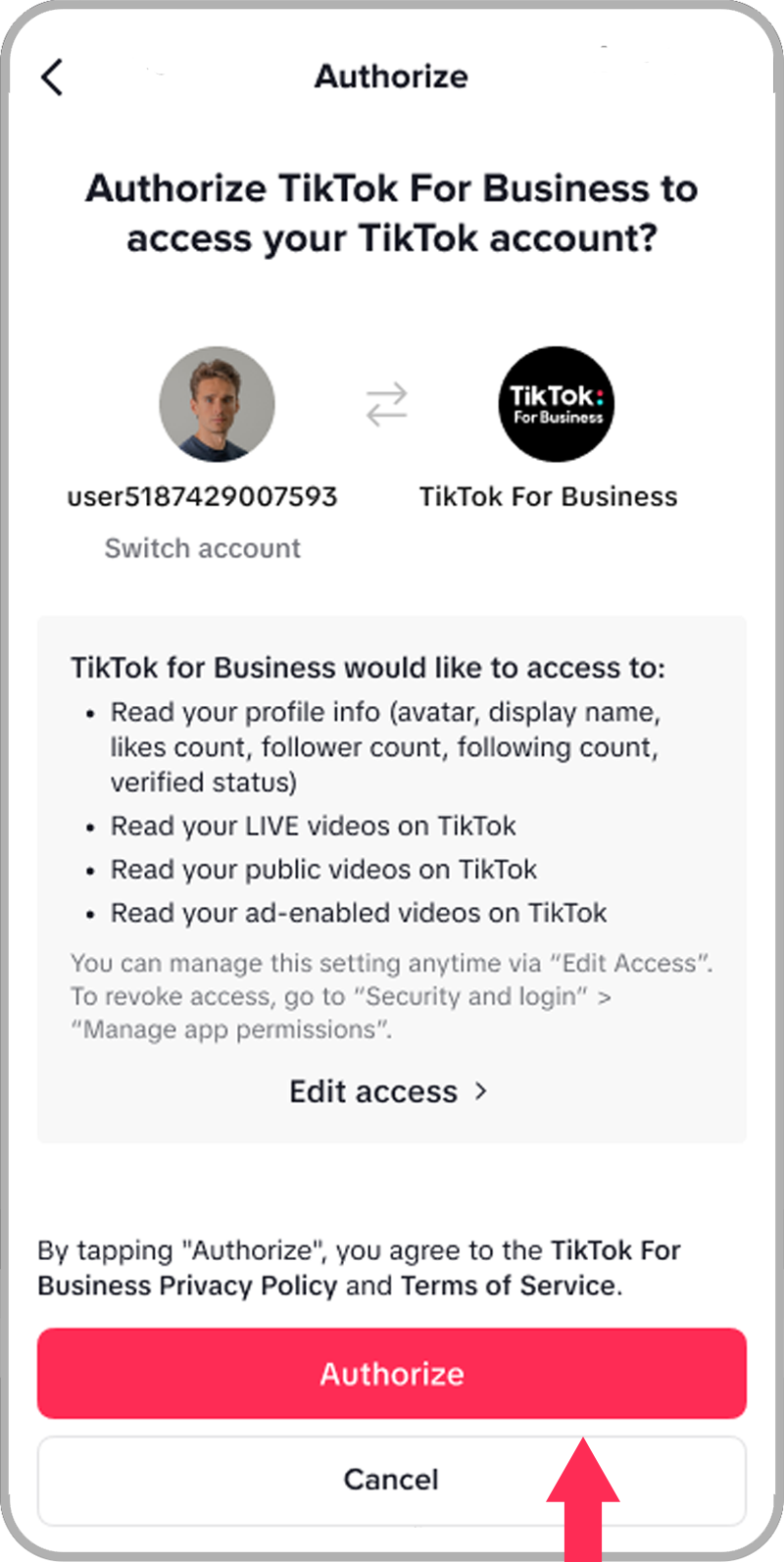
User roles in TikTok Ads Manager define the level of access and permissions that different individuals have when managing ad accounts. These roles help maintain control over who can create, edit, view, or delete ads, ensuring that sensitive data and campaign settings are protected while allowing collaboration among team members.
There are typically three main user roles in TikTok Ads Manager:
- Admin
- Standard User
- View-Only User
Let’s take a closer look at each of these roles.
1. Admin Role
The Admin role is the most powerful and provides full access to all features within TikTok Ads Manager. An admin can:
- Create and manage ad accounts
- Add and remove other users
- Assign roles to other users
- Edit, pause, or delete any ad campaign
- View detailed performance reports
- Access billing information and payment methods
This role is typically assigned to senior marketers, business owners, or account managers who have overall responsibility for the company's advertising strategy.
Key Benefits: - Full control over all ad activities - Ability to manage team members - Access to critical financial and performance data
2. Standard User Role
The Standard User role allows individuals to manage specific aspects of ad campaigns without having full administrative privileges. This role is ideal for team members who need to create and monitor ads but do not require access to sensitive data or the ability to change account settings.
A standard user can:
- Create and edit ad campaigns
- Monitor campaign performance
- Access reports related to their own campaigns
- Respond to comments and engage with the audience
However, they cannot add or remove other users, access billing details, or modify account-level settings.
Key Benefits: - Flexibility to manage ad campaigns - Ability to collaborate on content creation - Limited access to sensitive information
3. View-Only User Role
The View-Only User role is the most restricted and is designed for individuals who only need to see campaign data without making any changes. This role is often used by stakeholders, executives, or non-marketing team members who want to stay informed about ad performance without being involved in day-to-day management.
A view-only user can:
- View campaign performance metrics
- Access reports and analytics
- See ad creatives and targeting settings
They cannot create, edit, or delete any ads or campaign settings.
Key Benefits: - Provides transparency without risk of accidental changes - Keeps non-core team members informed - Ensures data security
Best Practices for Managing User Roles
To ensure that your TikTok Ads Manager is secure and efficient, consider the following best practices:
- Assign roles based on responsibilities: Only grant admin access to those who truly need it. Use standard or view-only roles for others.
- Regularly review user access: Periodically check who has access to your ad accounts and update roles as needed.
- Train team members: Ensure that everyone understands their role and the limitations of their access.
- Use multi-factor authentication (MFA): Protect your account from unauthorized access by enabling MFA for all users.
By properly managing user roles in TikTok Ads Manager, you can streamline your advertising efforts, enhance security, and ensure that your team is working efficiently toward common goals.

Posting Komentar untuk "Understanding User Roles in TikTok Ads Manager: A Complete Guide"
Posting Komentar