
How to Configure a TikTok Ad Account: Step-by-Step Guide
TikTok has become one of the most powerful platforms for digital marketing, offering businesses a unique way to connect with a younger, highly engaged audience. One of the first steps in leveraging TikTok for advertising is setting up and configuring your TikTok Ad Account. This guide will walk you through the process of creating and managing your TikTok ad account, ensuring that you can start running effective campaigns right away.
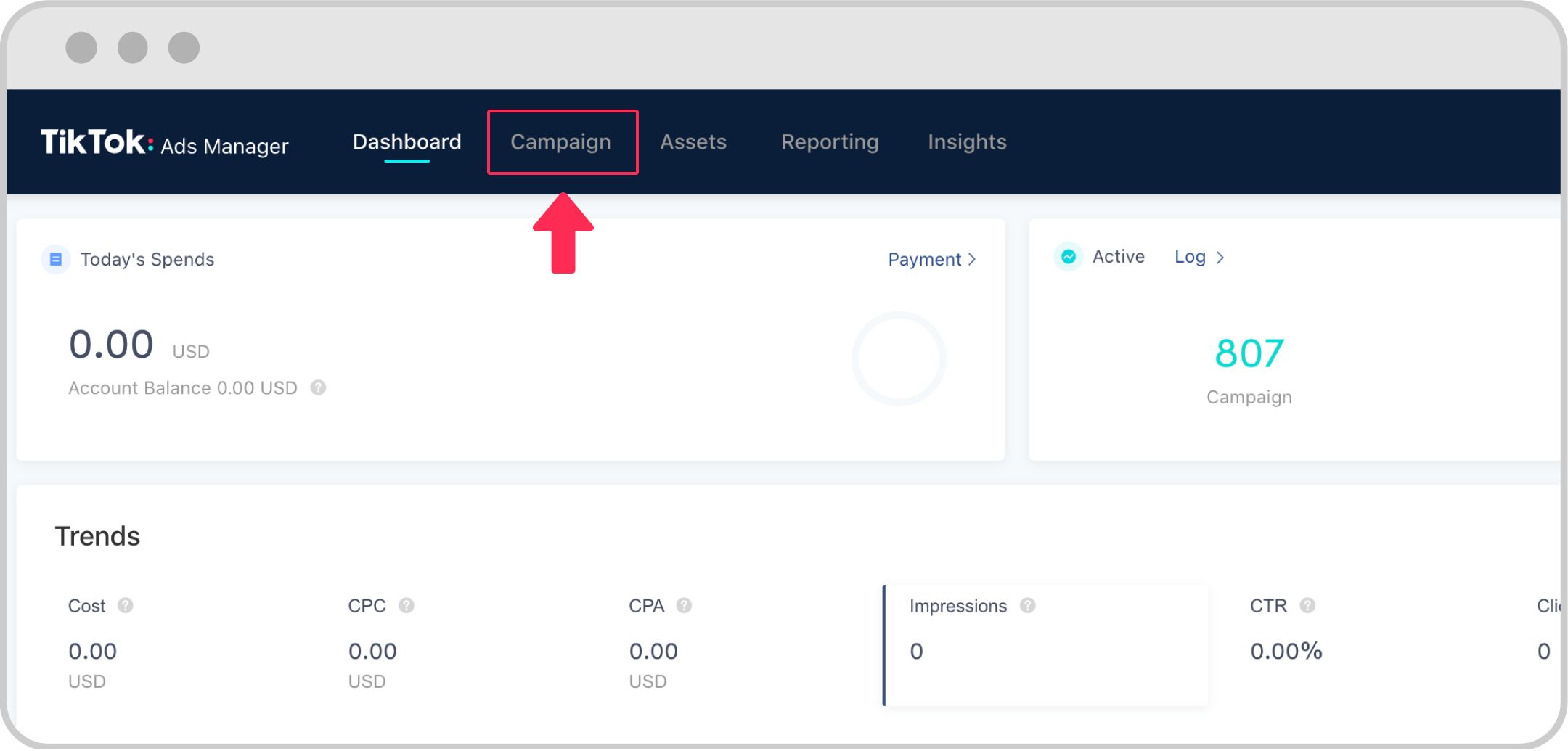
Step 1: Create a TikTok Ads Account
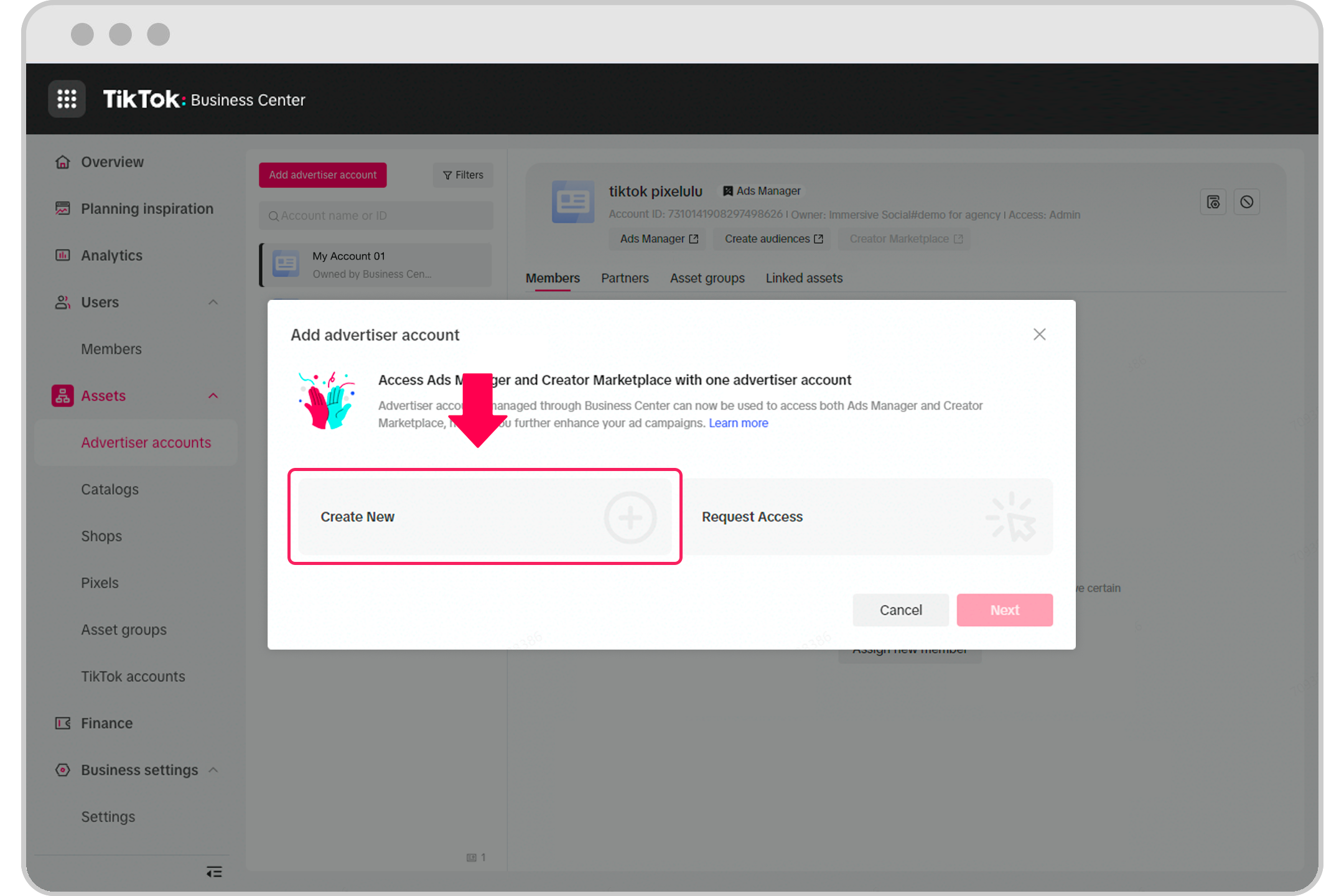
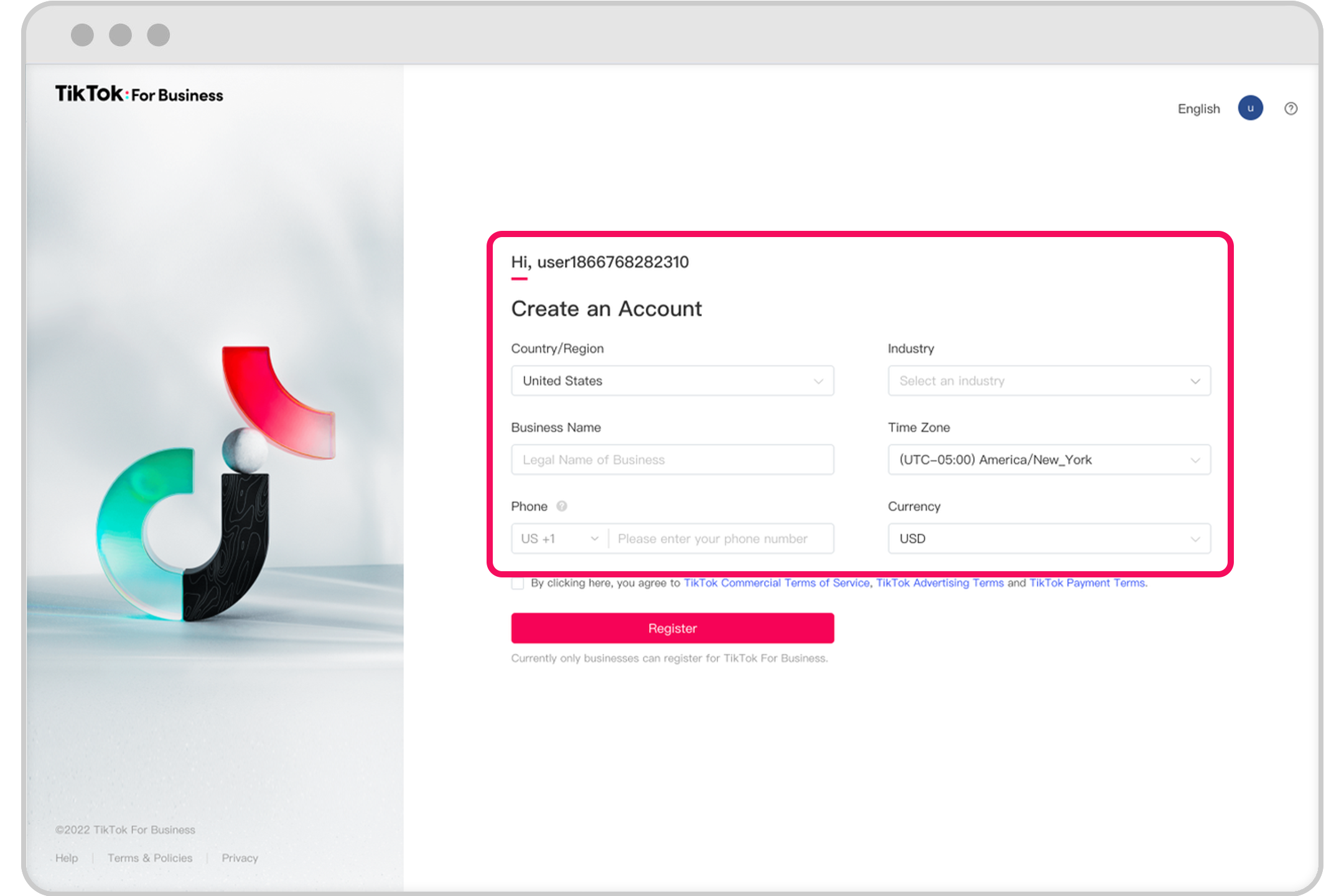
Before you can configure your TikTok ad account, you need to sign up for one. Here’s how:
1. Visit the TikTok Ads Manager
Go to https://ads.tiktok.com and click on "Create an Ad." You’ll be prompted to enter your business details, such as your company name, website, and contact information.
2. Choose Your Location
Select the country or region where your business operates. This is important because it determines which ad formats and targeting options are available to you.
3. Submit Your Information
After filling out the required fields, submit your form. A TikTok representative will contact you within 48 hours to set up your account.
Note: If you're based in India, Vietnam, Japan, Taiwan, Malaysia, Indonesia, or Thailand, you may be able to sign up directly without going through a representative.
Step 2: Set Up Your Campaign
Once your account is created, you'll have access to the TikTok Ads Manager. From here, you can begin setting up your first campaign.
1. Select a Campaign Objective
TikTok offers several campaign objectives, including:
- Traffic (drive traffic to your website)
- App Install (increase app downloads)
- Conversions (generate sales or leads)
- Brand Awareness (increase brand visibility)
Choose the objective that aligns with your business goals.
2. Name Your Campaign
Give your campaign a clear and descriptive name. This will help you track performance later.
3. Define Your Budget
Set a daily or lifetime budget for your campaign. The minimum spend for biddable ads is $500, but you can choose a higher amount if needed.
Step 3: Create an Ad Group
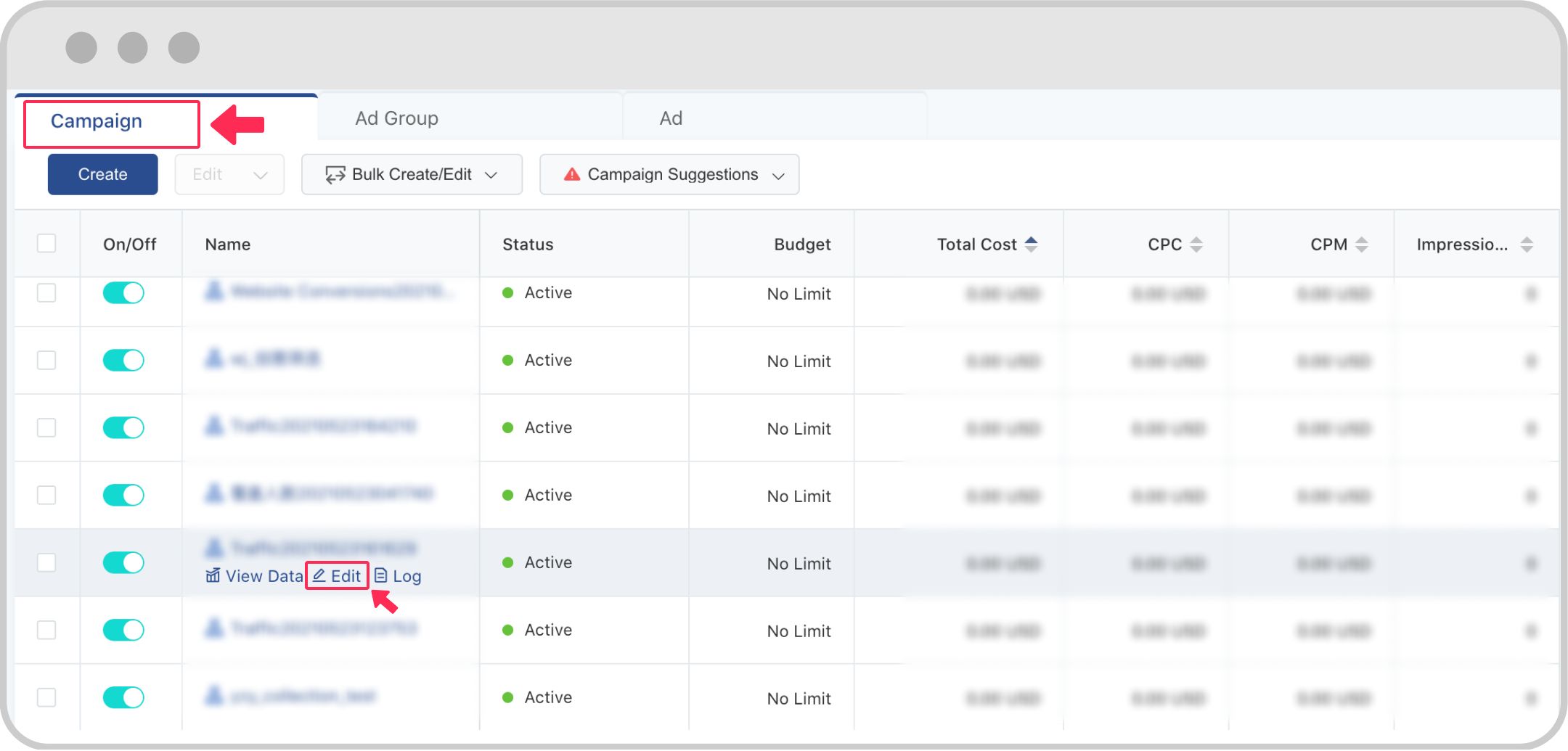
An ad group is a collection of ads that share the same targeting, budget, and optimization settings. Creating an ad group allows you to test different ad variations and optimize performance.
1. Choose Ad Placements
Decide where your ads will appear. TikTok recommends using automatic placements so that the system can optimize ad delivery across devices and apps. Alternatively, you can manually select placements.
2. Define Your Target Audience
Use TikTok's targeting options to reach the right people. You can target users by:
- Age
- Gender
- Location
- Interests
- Device type
- Custom audiences (e.g., uploaded lists)
You can also create lookalike audiences based on your existing customers.
3. Set Your Budget and Schedule
Choose a daily or lifetime budget for your ad group. You can also specify the duration of your campaign and set specific times when your ads should run.
Step 4: Set Bidding and Optimization Goals
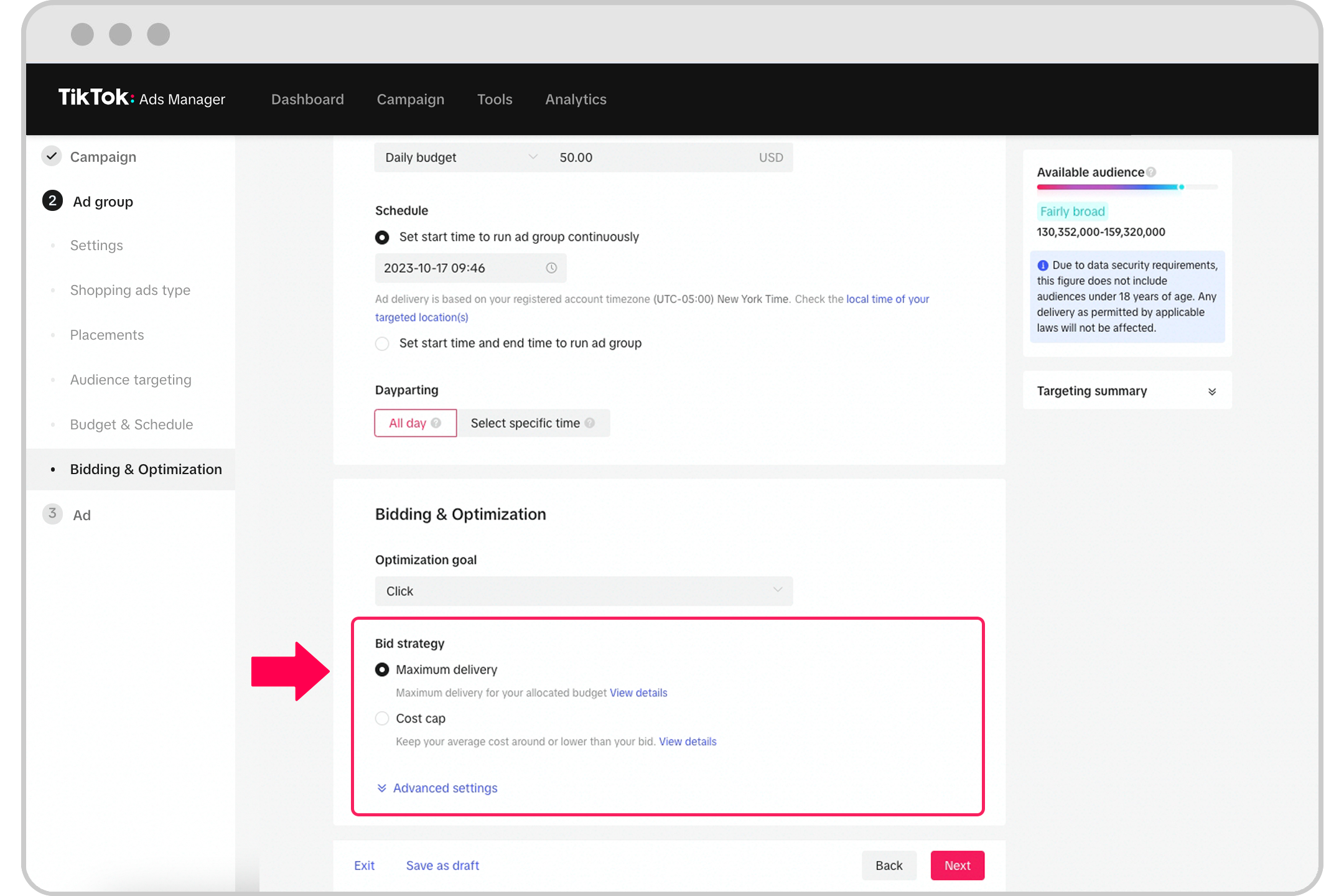
TikTok uses a bidding system to determine which ads get shown. Here are the key options:
1. Bidding Strategy
Choose from the following bidding strategies:
- Bid Cap: Sets a maximum cost per result.
- Cost Cap: Sets a target average cost per result.
- Lowest Cost: Maximizes results at the lowest possible cost.
2. Optimization Goal
Select an optimization goal based on your campaign objective. Options include:
- Impressions
- Clicks
- Conversions
- Video Views
3. Delivery Type
Choose between standard delivery (evenly spreads your budget over time) or accelerated delivery (spends your budget as quickly as possible).
Step 5: Upload Your Ad Creative
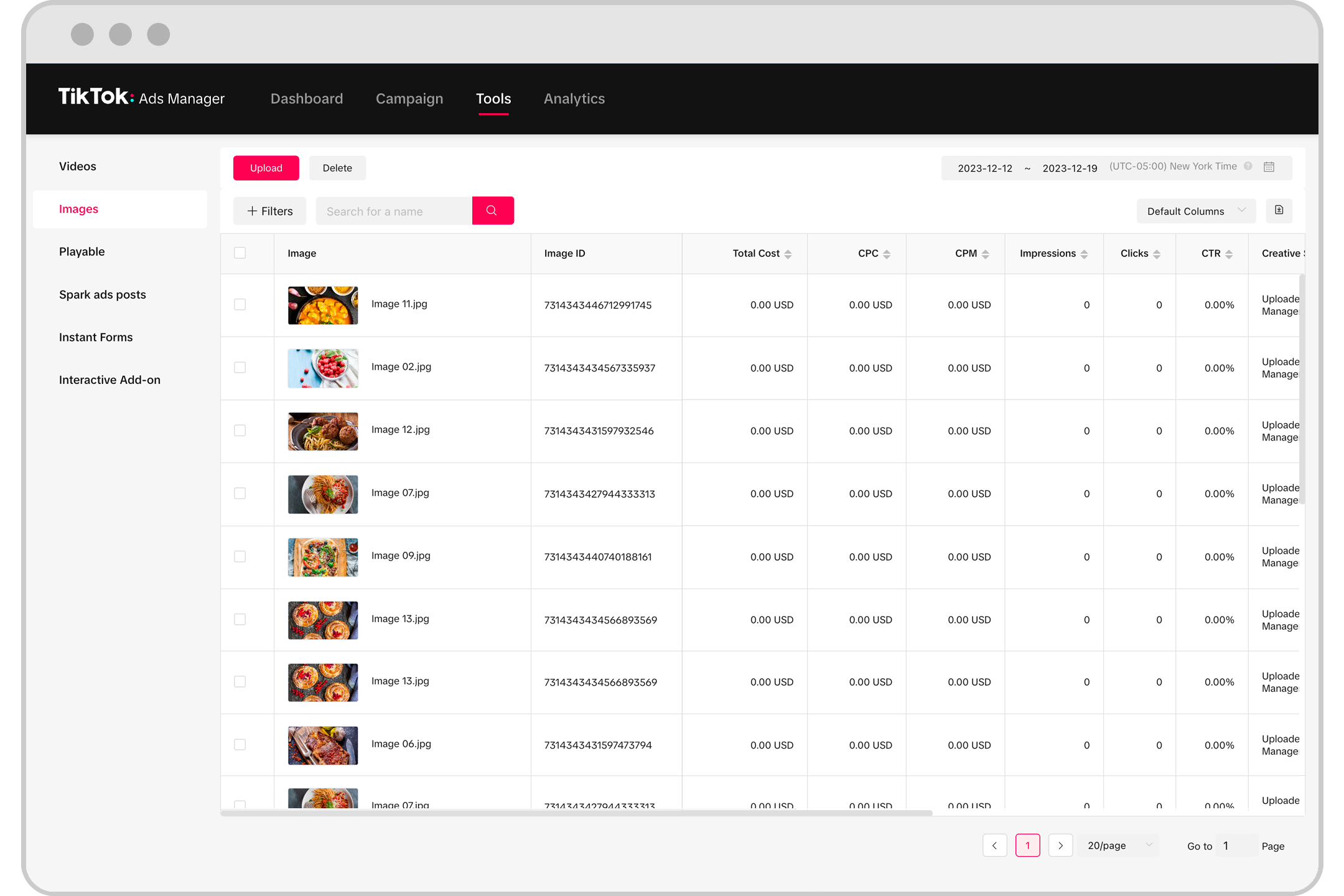
Now it's time to create your ad. TikTok supports various ad formats, including:
- In-feed video ads
- Brand Takeover ads
- TopView ads
- Branded Hashtag Challenges
- Spark Ads
1. Choose Your Format
Select the ad format that best suits your campaign. For example, TopView ads are ideal for brand awareness, while In-feed ads are great for driving traffic.
2. Upload Your Media
Upload your video or image files. TikTok accepts common file types like MP4, MOV, and JPG. Ensure your media meets the platform’s specifications for resolution, aspect ratio, and duration.
3. Add Text and Call-to-Action
Include a call-to-action (CTA) button, such as "Shop Now" or "Learn More." Add text to your ad to reinforce your message.
Step 6: Review and Submit
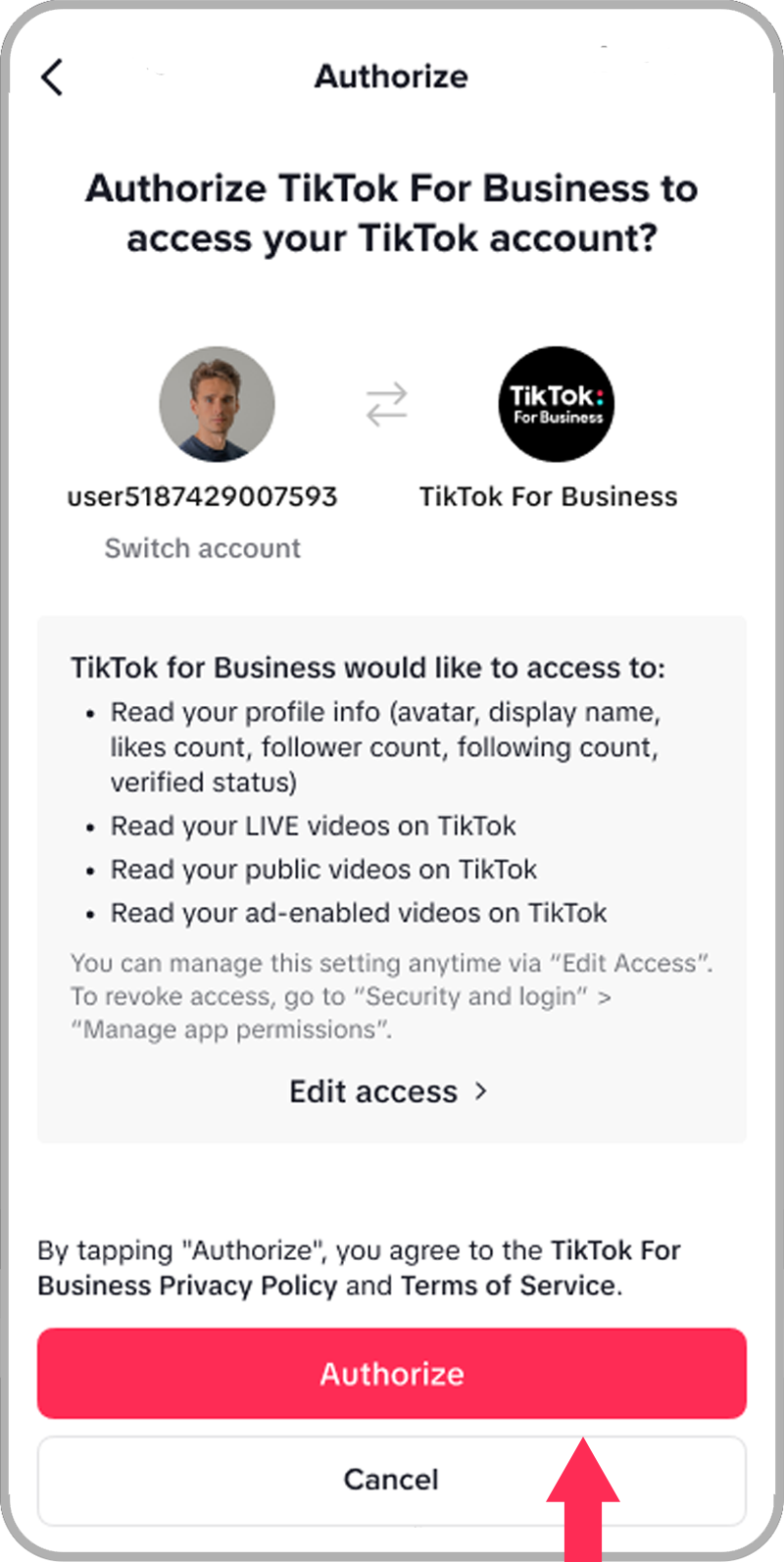
Before launching your ad, review all the details to ensure everything is correct. TikTok will review your ad for compliance with its policies before it goes live.
1. Preview Your Ad
Use the preview feature to see how your ad will appear to users.
2. Submit for Approval
Click "Submit" to send your ad for review. Once approved, your ad will go live according to your schedule.
Conclusion
Configuring a TikTok ad account is a straightforward process that involves creating an account, setting up your campaign, defining your audience, and uploading your creative content. By following these steps, you can start running effective TikTok ads that engage your target audience and drive meaningful results.
Whether you're looking to increase brand awareness, drive traffic, or generate sales, TikTok offers a powerful platform for digital marketing. With the right strategy and configuration, your TikTok ad campaigns can become a valuable part of your overall marketing efforts.

Posting Komentar untuk "How to Configure a TikTok Ad Account: Step-by-Step Guide"
Posting Komentar