
How to Create a TikTok Ad Account: A Step-by-Step Guide for 2024
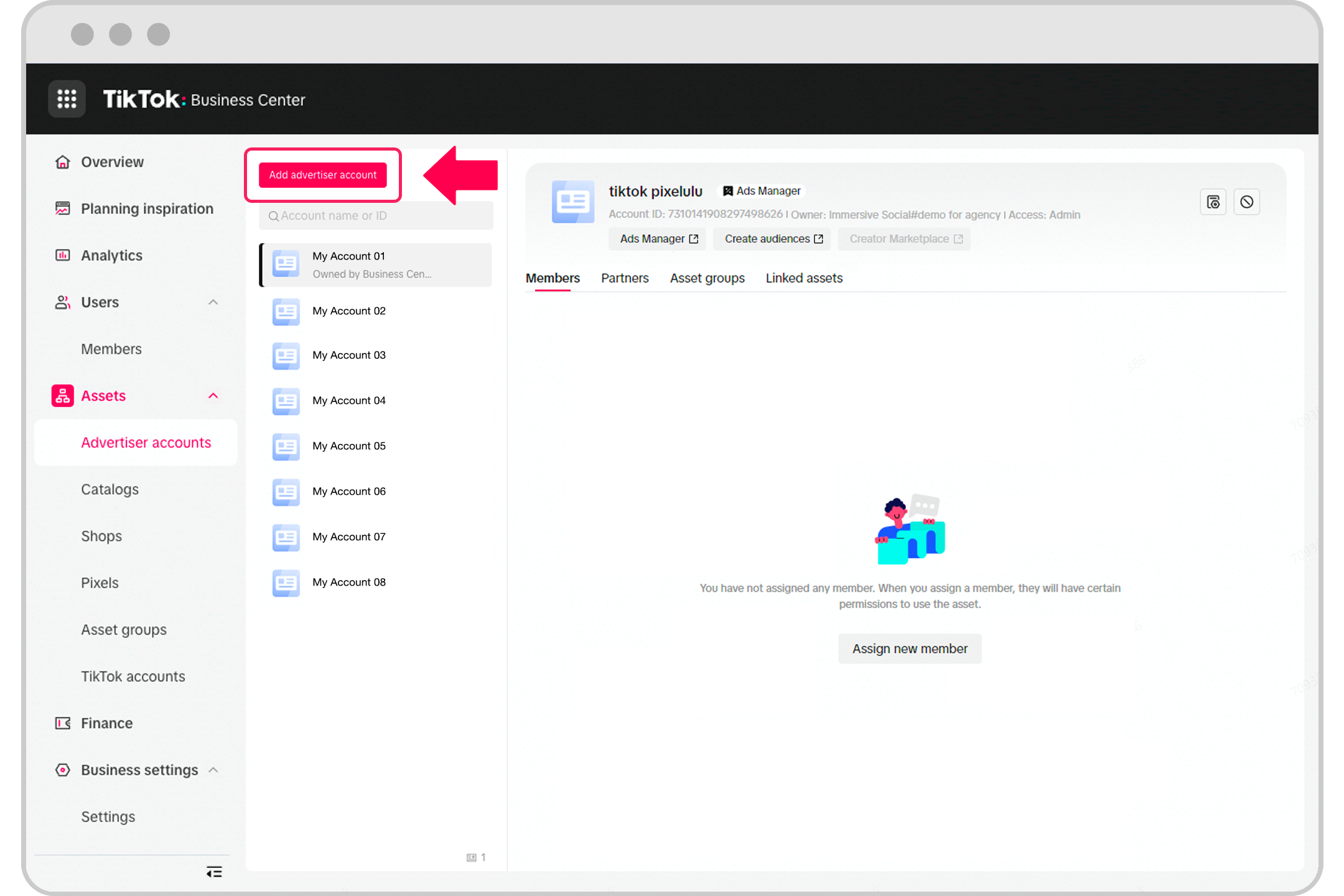
TikTok has become one of the most powerful platforms for digital marketing, especially for businesses targeting Gen Z and younger audiences. With over 1 billion active users and a high engagement rate, TikTok offers a unique opportunity to reach a vast audience through targeted advertising. However, setting up a TikTok ad account requires a clear understanding of the platform's tools and processes. This guide will walk you through the essential steps to create a TikTok ad account and start running effective campaigns in 2024.
Why TikTok Ads Matter
Before diving into the setup process, it's important to understand why TikTok ads are worth your time. According to recent data, 60% of TikTok users are Gen Z, and the platform is known for its high user engagement, with an average of 8 daily opens per user. Additionally, TikTok’s ad formats—such as in-feed videos, brand takeovers, and hashtag challenges—are designed to capture attention quickly and drive conversions. For businesses that align with TikTok’s demographics, this platform can be a game-changer.
Step 1: Create a TikTok Business Account
The first step in creating a TikTok ad account is to set up a business profile. If you already have a personal account, you can convert it to a business account or create a new one. Here’s how:
-
Download the TikTok App
Make sure you have the TikTok app installed on your smartphone or computer. -
Sign Up for a Business Account
Open the app and tap on "Create Account." Choose "Business Account" and enter your email address or phone number. -
Verify Your Email or Phone Number
TikTok will send a verification code to your email or phone. Enter the code to confirm your account. -
Fill in Your Business Information
Provide details such as your company name, website, and category (e.g., retail, entertainment, etc.). This helps TikTok categorize your content and target the right audience. -
Set Up Your Profile
Add a profile picture, bio, and link to your website. Make sure your profile is professional and reflects your brand identity.
Step 2: Access TikTok Ads Manager

Once your business account is set up, you’ll need to access the TikTok Ads Manager to start creating and managing your ad campaigns.
-
Log In to TikTok Ads Manager
Go to https://ads.tiktok.com and log in using your TikTok business account credentials. -
Complete the Onboarding Process
TikTok may prompt you to complete an onboarding process, which includes answering questions about your business, marketing goals, and target audience. -
Verify Your Business
You may need to verify your business by providing additional information, such as your business license or tax ID. This ensures that your account meets TikTok’s policies and guidelines.
Step 3: Set Up Your Ad Campaign

After accessing the Ads Manager, you can begin setting up your first ad campaign. Follow these steps:
1. Choose Your Campaign Objective
TikTok allows you to select from several campaign objectives, including:
- Traffic: Drive users to your website.
- Conversions: Encourage users to make a purchase or sign up for a service.
- App Installs: Promote your mobile app.
- Brand Awareness: Increase visibility for your brand.
Choose the objective that aligns with your business goals.
2. Define Your Target Audience
TikTok gives you the ability to target specific demographics, interests, and behaviors. You can narrow down your audience based on factors such as:
- Age
- Gender
- Location
- Interests
- Device type
- Previous interactions with your brand
Use TikTok’s targeting tools to create custom audiences or use lookalike audiences to reach similar users.
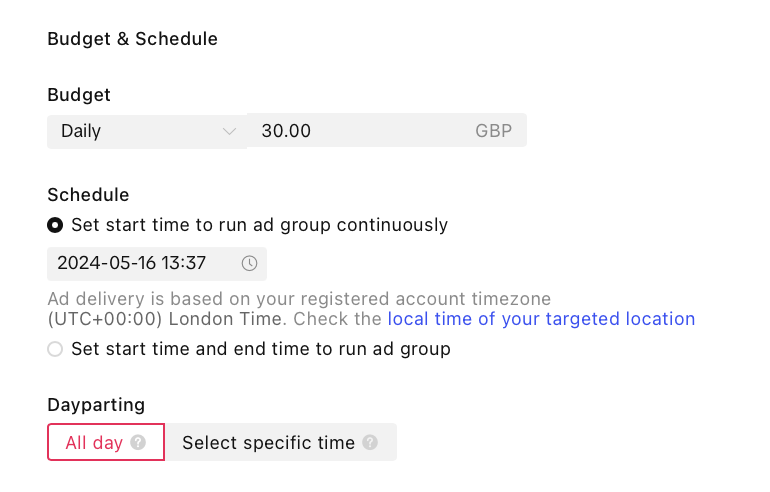
3. Set Your Budget
Determine how much you want to spend on your campaign. TikTok offers flexible budget options, including:
- Daily Budget: Set a maximum amount you’re willing to spend each day.
- Total Budget: Set a total budget for the entire campaign.
You can also choose between Standard Delivery (evenly distribute your budget) or Accelerated Delivery (spend your budget faster).
4. Select Your Ad Format
TikTok offers several ad formats to choose from, including:
- In-Feed Video Ads: These appear in users’ “For You” feed and are the most common ad format.
- Brand Takeover Ads: Full-screen ads that appear when users open the app.
- Top-View Ads: Full-screen ads that appear at the top of the “For You” page.
- Branded Hashtag Challenges: Encourage users to participate in a branded challenge using a specific hashtag.
- Collection Ads: Allow users to browse products directly within the app.
Choose the format that best suits your campaign goals and budget.
Step 4: Create Your Ad Content
Now that your campaign is set up, it’s time to create your ad content. TikTok emphasizes creativity and authenticity, so focus on producing engaging, short-form videos that resonate with your audience.
Tips for Creating Effective TikTok Ads:
- Keep It Short: Most successful TikTok videos are between 15 and 30 seconds long.
- Use Trending Sounds and Hashtags: Incorporate popular sounds and hashtags to increase visibility.
- Be Authentic: Users connect with real, relatable content. Avoid overly polished or salesy messages.
- Add a Clear Call-to-Action (CTA): Encourage users to take action, such as visiting your website or following your account.
Once your content is ready, upload it to the Ads Manager and select the appropriate ad format.
Step 5: Monitor and Optimize Your Campaign
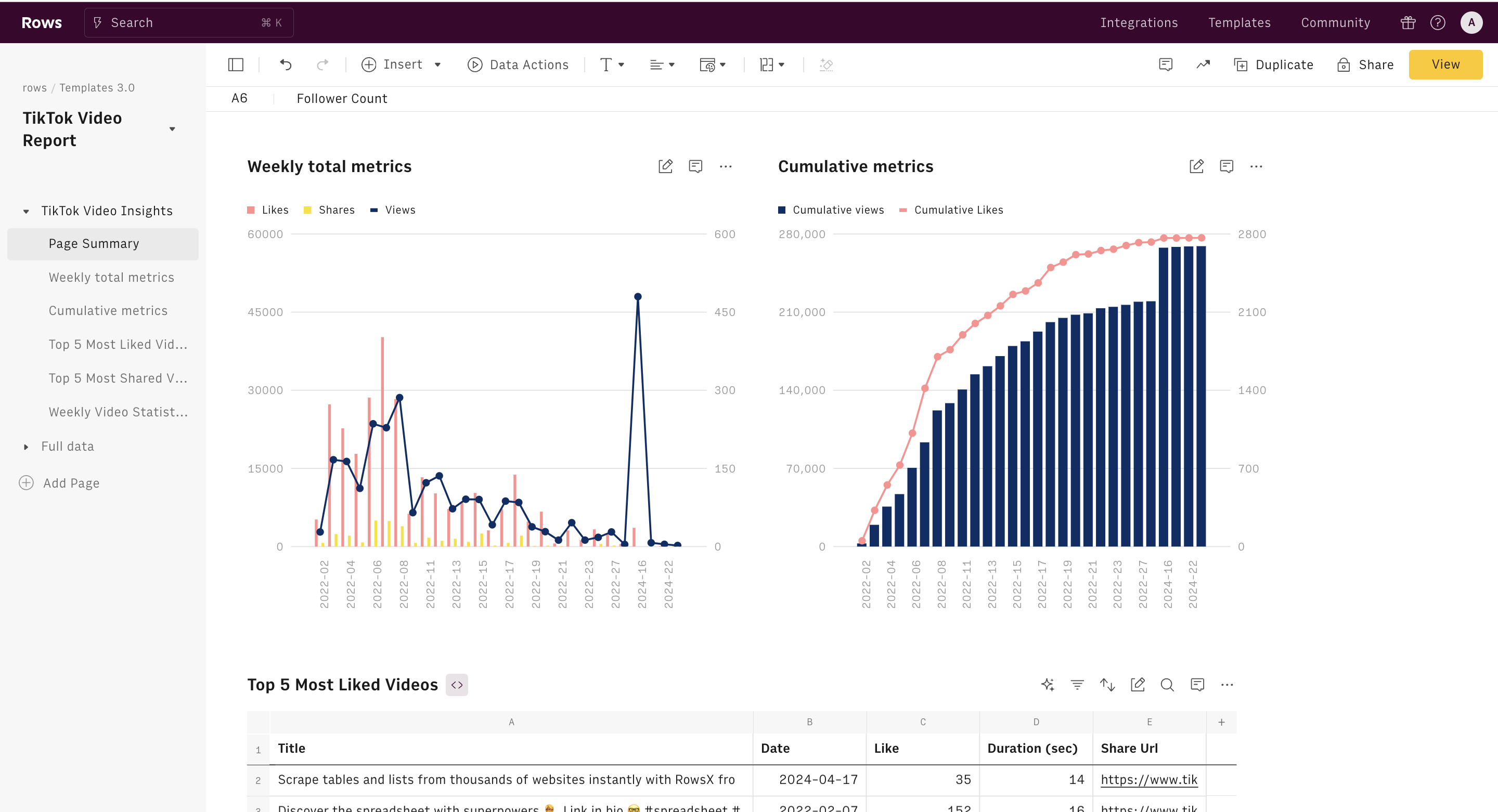
After launching your campaign, it’s crucial to monitor its performance and make adjustments as needed. TikTok provides detailed analytics, including metrics such as:
- Click-through rate (CTR)
- Cost per click (CPC)
- Conversion rate
- Impressions
- Engagement rate
Use this data to refine your targeting, adjust your budget, and improve your ad content. Regularly reviewing your campaign performance will help you maximize your return on investment (ROI).
Conclusion
Creating a TikTok ad account is a straightforward process that opens the door to a powerful marketing channel. By following these steps, you can effectively set up and manage your TikTok ad campaigns to reach a large, engaged audience. Whether you're a small business or a large enterprise, TikTok offers valuable opportunities to grow your brand and drive sales. With the right strategy and creative approach, your TikTok ads can become a key component of your overall marketing efforts.
[IMAGE: TikTok ad account creation guide for 2024]

Posting Komentar untuk "How to Create a TikTok Ad Account: A Step-by-Step Guide for 2024"
Posting Komentar