
How to Create a TikTok Ads Account: Step-by-Step Guide for 2024
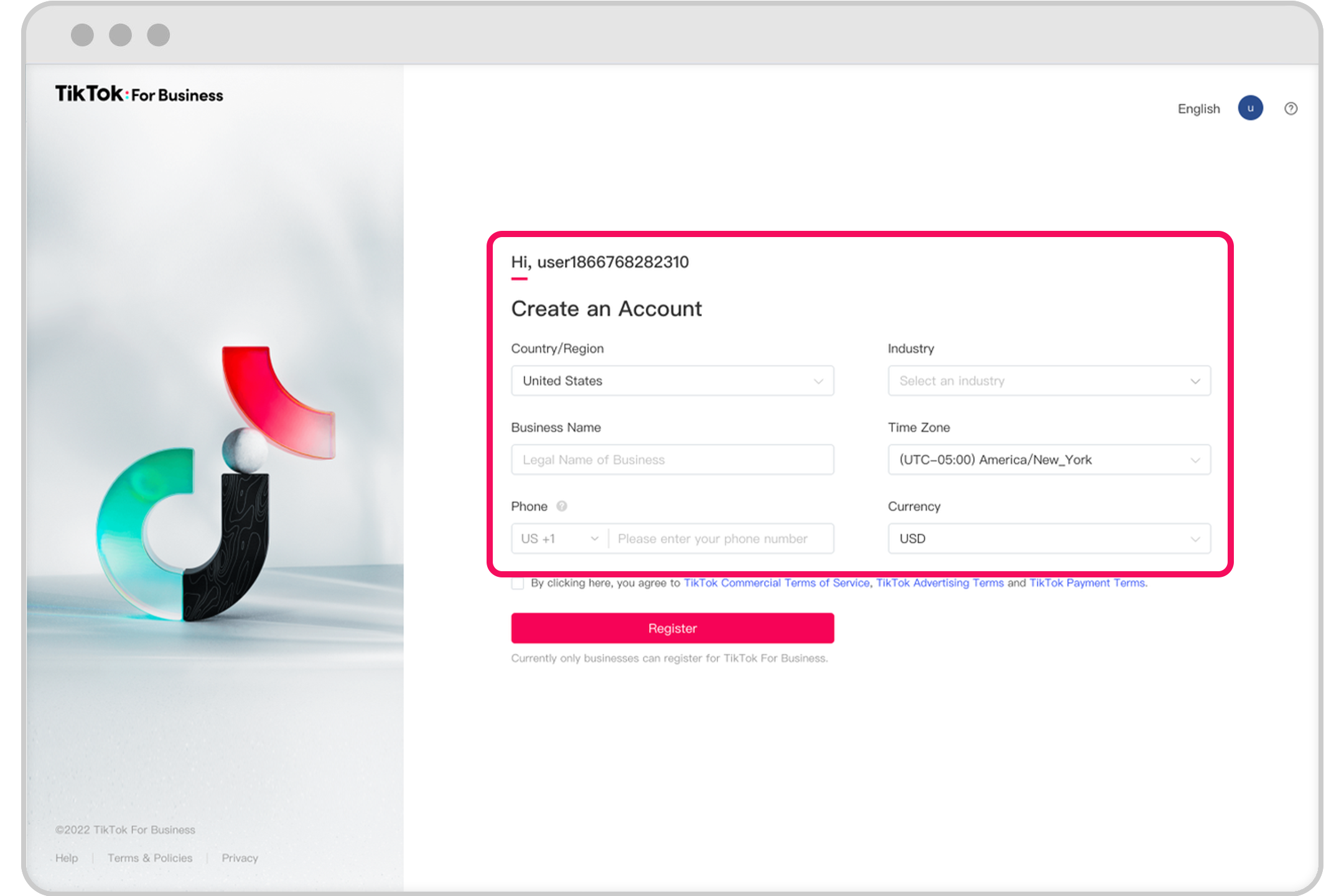
TikTok has become one of the most powerful platforms for businesses to reach a younger, tech-savvy audience. With over a billion active users, it's no wonder that many brands are turning to TikTok advertising to boost their visibility and drive engagement. If you're looking to create a TikTok Ads account, this guide will walk you through the process step by step.
Why Use TikTok Ads?
TikTok ads offer a unique way to connect with users through creative and engaging content. Whether you're promoting products, services, or brand awareness, TikTok provides various ad formats to suit your campaign goals. From in-feed ads to brand takeovers, each format allows you to tailor your message to resonate with your target audience.
Step 1: Set Up Your Business Account
Before you can create a TikTok Ads account, you need to have a business account on TikTok. Here’s how to do it:
- Download the TikTok App: If you haven't already, download the TikTok app from the Google Play Store or Apple App Store.
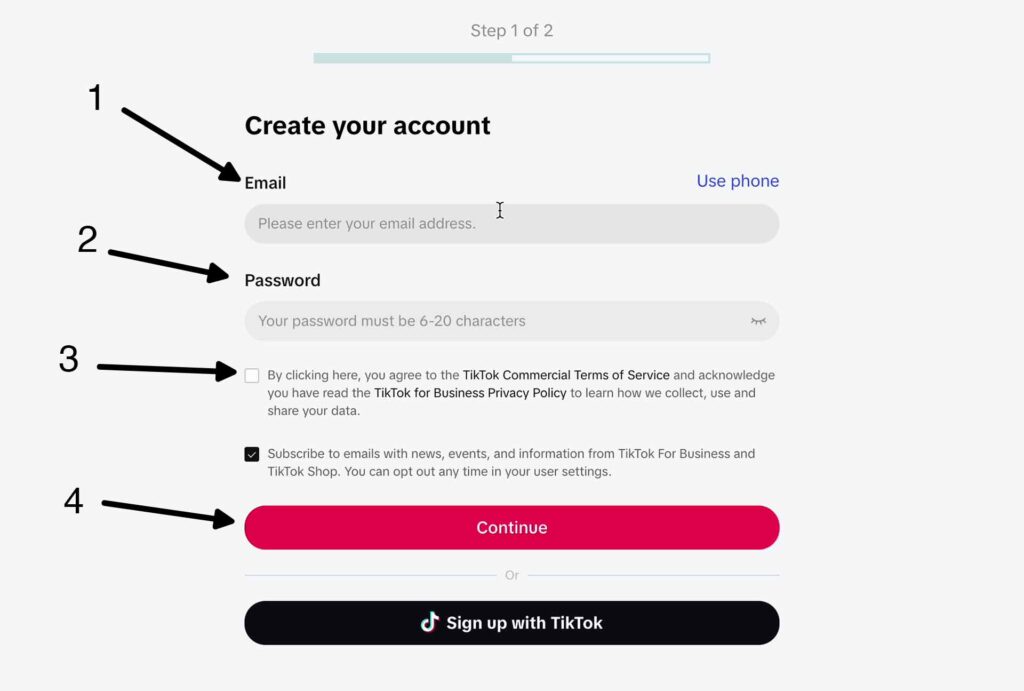
- Create a Personal Account: Sign up using your email or phone number. Make sure to choose a username that reflects your brand or business.
- Convert to a Business Account:
- Open the TikTok app and go to your profile.
- Tap the three dots (•••) in the top right corner.
- Select "Manage Account" and then "Switch to Business Account."
- Follow the prompts to complete the switch, including providing your business name and contact information.
Step 2: Access TikTok Ads Manager

Once you have a business account, you can access TikTok Ads Manager to start creating your ads.
- Open TikTok Ads Manager:
- On your mobile device, open the TikTok app and go to your profile.
- Tap the three dots (•••) and select "Ads Manager."
-
Alternatively, you can access TikTok Ads Manager via the web at ads.tiktok.com.
-
Log In:
- If you’re using the web version, log in with your TikTok credentials.
- If you’re using the mobile app, you’ll be prompted to log in if you're not already signed in.
Step 3: Create an Ad Account
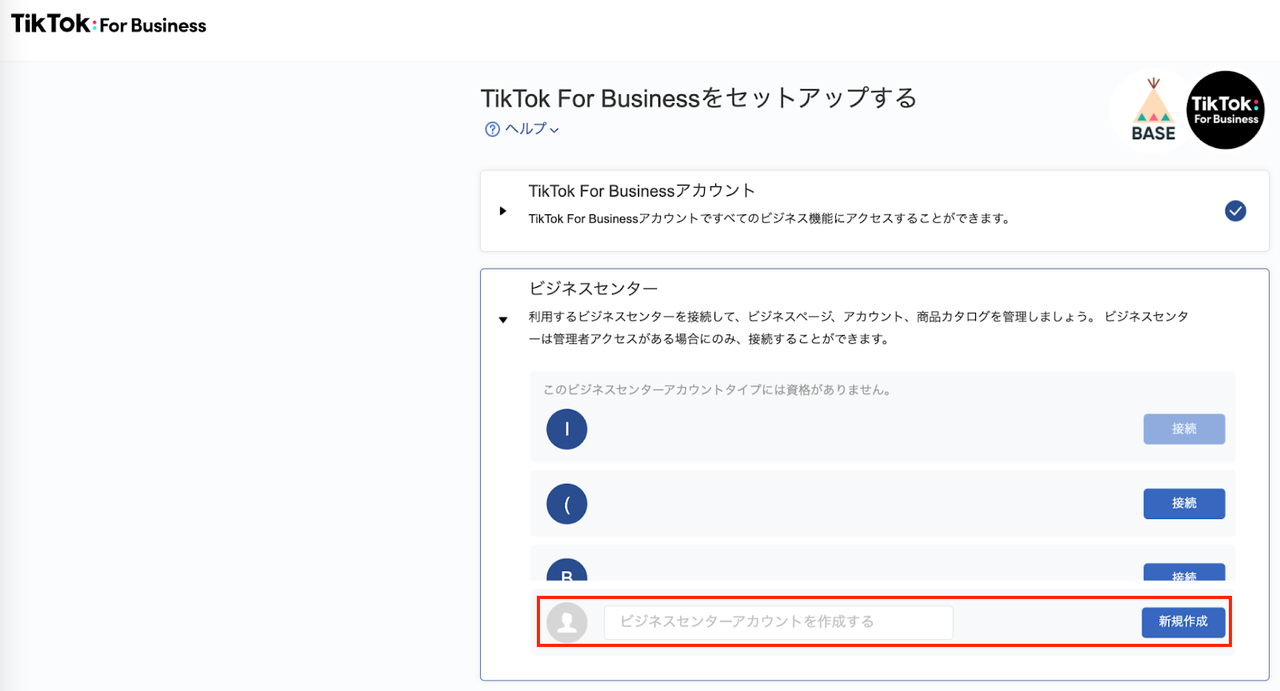
To manage your ads, you'll need to create an ad account within TikTok Ads Manager.
- Navigate to the Ad Account Section:
- In TikTok Ads Manager, tap "Ad Accounts" and then "Create New Ad Account."
-
Choose the type of ad account you want to create (e.g., "Self-Serve" or "Agency").
-
Provide Account Details:
- Enter your business name and address.
- Select the currency you want to use for your campaigns.
-
Choose the language and time zone for your account.
-
Verify Your Information:
- TikTok may ask for additional verification, such as a government-issued ID or proof of business registration.
- Complete the verification process to ensure your account is approved.
Step 4: Set Up Your Campaign

After creating your ad account, you can start setting up your first campaign.
- Choose a Campaign Objective:
-
TikTok offers several campaign objectives, including:
- Awareness: Increase brand visibility.
- Consideration: Drive traffic to your website or app.
- Conversion: Encourage purchases or sign-ups.
- Engagement: Boost likes, comments, and shares.
-
Define Your Target Audience:
- Use TikTok's targeting options to specify your audience based on demographics, interests, behaviors, and more.
-
You can also use lookalike audiences to target users similar to your existing customers.
-
Set Your Budget and Schedule:
- Decide on a daily or lifetime budget for your campaign.
- Choose the start and end dates for your campaign, or set it to run indefinitely.
Step 5: Create Your Ad Creative

The final step is to create your ad creative, which will be shown to your target audience.
- Select an Ad Format:
-
TikTok offers several ad formats, including:
- In-Feed Ads: Appear in the user's feed.
- Brand Takeover: Full-screen ads that appear when users open TikTok.
- TopView: Prime ad real estate at the top of the feed.
- Branded Hashtag Challenge: Encourage user-generated content.
- Spark Ads: Leverage user-generated content.
-
Upload Your Content:
- Upload your video or image files, ensuring they meet TikTok's specifications (e.g., resolution, file size, duration).
-
Add a call-to-action (CTA) button to encourage user engagement.
-
Review and Submit:
- Preview your ad to ensure it looks good on different devices.
- Review TikTok's ad policies to avoid any issues.
- Click "Submit" to send your ad for review.
Final Tips for Success
- Use High-Quality Content: Ensure your videos and images are clear and visually appealing.
- Optimize for Engagement: Use catchy music, compelling visuals, and clear CTAs to drive user interaction.
- Test Different Formats: Experiment with different ad formats to see what works best for your audience.
- Monitor Performance: Track your campaign performance regularly and make adjustments as needed.
By following these steps, you can successfully create a TikTok Ads account and start running effective ad campaigns. With the right strategy and creativity, TikTok can be a powerful tool to grow your business and reach new audiences.

Posting Komentar untuk "How to Create a TikTok Ads Account: Step-by-Step Guide for 2024"
Posting Komentar