
How to Duplicate a TikTok Ad Campaign: Step-by-Step Guide
In the fast-paced world of digital marketing, efficiency and adaptability are key. One of the most effective strategies for optimizing your advertising efforts on TikTok is duplicating existing ad campaigns. This approach allows you to save time, test different configurations, and scale successful strategies quickly. Whether you're a seasoned marketer or just starting out, understanding how to duplicate a TikTok ad campaign can significantly enhance your campaign management capabilities.
Understanding the Benefits of Duplicating TikTok Ad Campaigns

Duplicating a TikTok ad campaign isn't just about saving time; it's a strategic move that offers several advantages:
- Save Time and Effort: Creating a new campaign from scratch can be time-consuming. By duplicating an existing one, you avoid the need to reconfigure settings, target audiences, or upload creative assets repeatedly.
- Test Different Settings and Strategies: You can experiment with various targeting options, bidding strategies, and creative elements without starting over. This helps in identifying what works best for your audience.
- Scale Successful Campaigns: If a campaign performs well, duplicating it allows you to increase the budget and expand reach efficiently.
- Improve ROI: By testing and refining different aspects of your campaigns, you can optimize performance and maximize return on investment.
Step-by-Step Guide to Duplicating a TikTok Ad Campaign
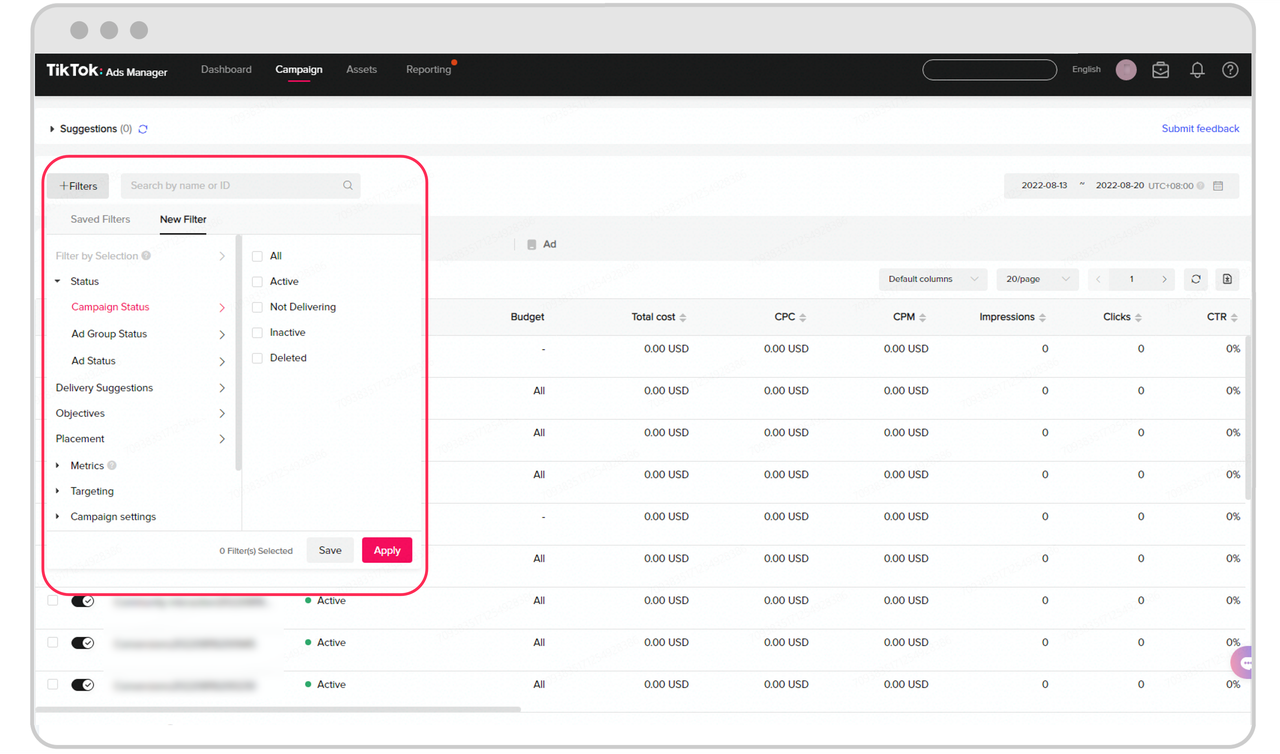
Follow these steps to duplicate a TikTok ad campaign effectively:
1. Access Your TikTok Ads Manager Account
Log in to your TikTok Ads Manager account. This is where all your campaigns, ad groups, and ads are managed.
2. Navigate to the Campaigns Tab
Click on the "Campaigns" tab to view all your active and past campaigns.
3. Select the Campaign to Duplicate
Choose the campaign you want to duplicate by clicking on it. This will open the campaign details page.
4. Go to the Ad Groups Tab
Within the campaign, navigate to the "Ad Groups" tab. Here, you'll find the ad groups associated with the campaign.
5. Choose the Ad Group to Duplicate
Select the ad group that contains the ad you want to duplicate. Click on the ad group to access its details.
6. Access the Ads Tab
Within the ad group, go to the "Ads" tab. This is where individual ads are listed.
7. Duplicate the Ad
Hover over the ad you want to duplicate and click on the "Actions" drop-down menu. From there, select "Duplicate."
8. Configure the New Ad
A new window will appear. Here, you can specify the number of copies you want to create and make any necessary changes to the ad settings. This includes adjusting the budget, targeting options, or creative elements.
9. Save the Changes
Once you've made your adjustments, click "Save" to finalize the duplication process.
Tips for Effective Campaign Duplication

To ensure that your duplicated campaigns are as effective as possible, consider the following tips:
- Change the Campaign Name: Always rename the duplicated campaign to something descriptive. This helps in keeping track of different variations and their purposes.
- Review and Adjust Settings: Even though the settings are copied, it's essential to review them and make any necessary changes based on your testing goals.
- Avoid Over-Duplication: TikTok limits the number of times you can duplicate a campaign (up to 20 times). Be mindful of this limit and avoid unnecessary duplication.
- Track Performance: Use TikTok's analytics tools to monitor the performance of your duplicated campaigns. This will help you identify which configurations yield the best results.
Common Mistakes to Avoid

While duplicating campaigns can be beneficial, there are some common mistakes that users often make:
- Not Changing the Campaign Name: Failing to rename the campaign can lead to confusion, especially if you have multiple variations.
- Neglecting to Review Settings: Simply copying the original settings without reviewing them can result in suboptimal performance.
- Duplicating Too Frequently: Exceeding the duplication limit can hinder your ability to manage campaigns effectively.
- Ignoring Performance Metrics: Not tracking the results of your duplicated campaigns means you miss out on valuable insights that could improve future strategies.
Conclusion
Duplicating a TikTok ad campaign is a powerful tool that can streamline your advertising efforts and enhance your overall strategy. By following the step-by-step guide provided and avoiding common pitfalls, you can effectively leverage this feature to save time, test different approaches, and scale your campaigns. As TikTok continues to grow as a leading platform for digital marketing, mastering the art of campaign duplication will undoubtedly give you a competitive edge in the ever-evolving world of social media advertising.

Posting Komentar untuk "How to Duplicate a TikTok Ad Campaign: Step-by-Step Guide"
Posting Komentar