
How to Edit Effective TikTok Ad Videos: A Complete Guide for Beginners
TikTok has become a powerful platform for businesses to connect with their audience, drive engagement, and boost sales. One of the most effective ways to achieve these goals is through TikTok ad videos. These ads can be highly engaging, visually appealing, and tailored to your target audience. However, creating an effective TikTok ad requires more than just uploading a video—it involves careful planning, creative editing, and strategic optimization.
In this guide, we’ll walk you through the entire process of editing effective TikTok ad videos, from choosing the right tools to optimizing your content for maximum impact.
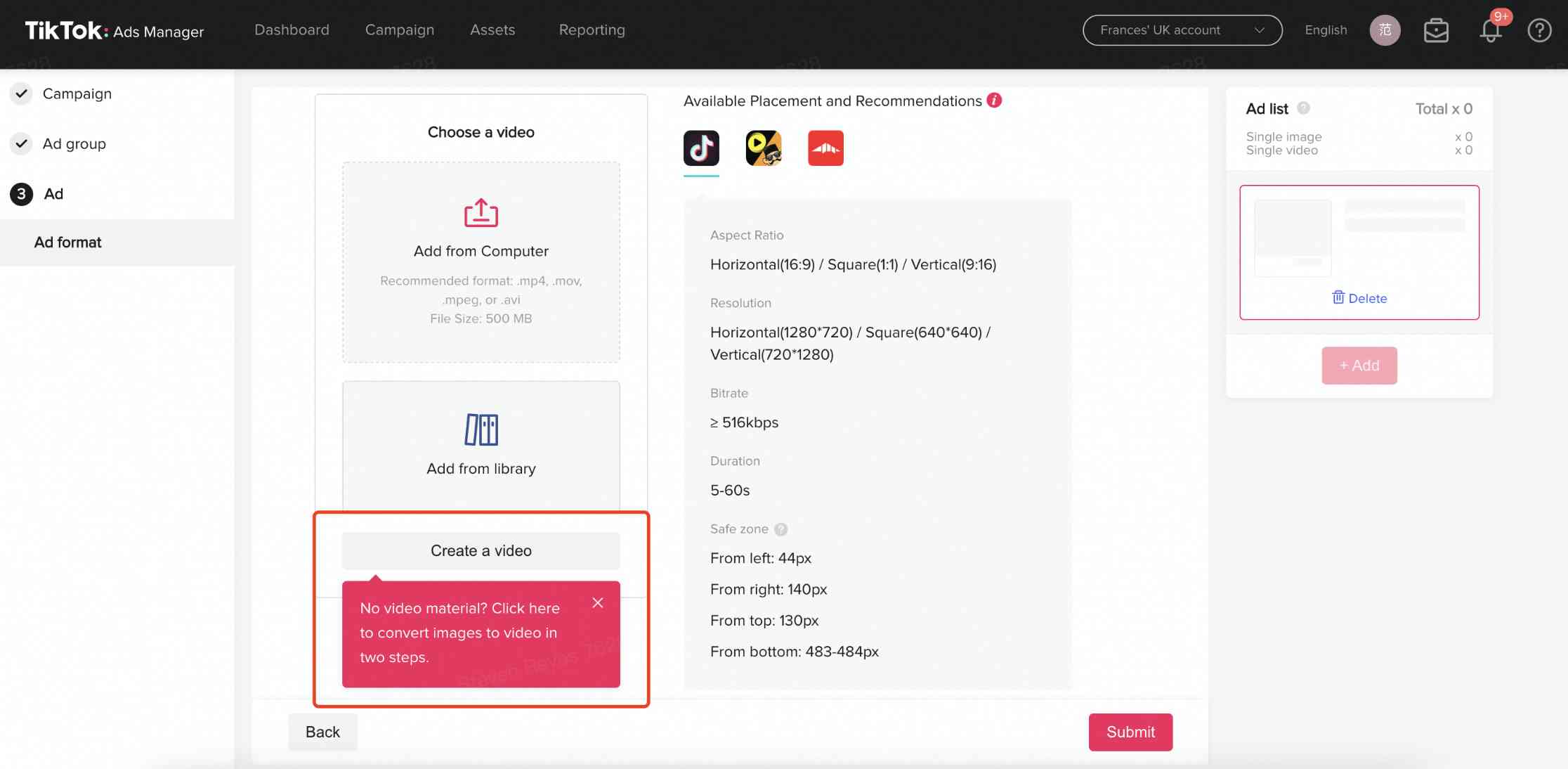
1. Understand the Basics of TikTok Ad Video Editing

Before diving into the editing process, it’s important to understand what makes a TikTok ad video effective. Unlike traditional advertisements, TikTok ads are short, fast-paced, and designed to capture attention within the first few seconds. The key elements of a successful TikTok ad include:
- Strong Hook: Grab the viewer's attention immediately with a bold statement, visual, or question.
- Clear Message: Convey your message quickly and clearly, avoiding unnecessary details.
- Engaging Visuals: Use high-quality images, transitions, and effects to keep viewers interested.
- Call-to-Action (CTA): Encourage viewers to take action, such as visiting a website, following your account, or making a purchase.
2. Choose the Right Editing Tools
TikTok offers built-in editing features that are perfect for beginners, but if you want more control over your videos, consider using third-party apps. Some popular options include:
- TikTok’s Built-In Editor: This tool allows you to trim, add music, apply filters, and add text directly within the app.
- PowerDirector: A powerful video editing app that offers advanced features like auto captions, transitions, and effects.
- Canva: Great for adding text overlays, graphics, and custom designs to your videos.
Choose a tool that fits your skill level and the type of content you want to create.
3. Plan Your Ad Content

Before you start editing, plan out your ad content. Here are some steps to help you get started:
a. Define Your Objective
What do you want your ad to achieve? Common objectives include: - Increasing brand awareness - Driving traffic to your website - Generating leads - Boosting sales
b. Identify Your Target Audience
Who are you trying to reach? Understanding your audience will help you tailor your content to their interests and preferences.
c. Create a Script
Write a short script that outlines the key points you want to cover in your ad. Keep it concise and focused on your main message.
d. Choose the Right Music
Music plays a crucial role in setting the tone of your ad. Choose a track that matches the mood of your content and is popular on TikTok.
4. Edit Your TikTok Ad Video

Once you have your content planned, it’s time to start editing. Follow these steps to create an effective TikTok ad video:
a. Trim and Crop
Start by trimming your video to the optimal length. TikTok recommends keeping videos between 15-60 seconds. Use the crop feature to adjust the aspect ratio to 9:16 (vertical) for maximum visibility.
b. Add Text Overlays
Use text overlays to highlight key points, add captions, or emphasize your call-to-action. Make sure the text is easy to read and doesn’t interfere with the visuals.
c. Apply Filters and Effects
Enhance your video with filters, transitions, and effects to make it more engaging. Be careful not to overdo it—subtle changes often have the biggest impact.
d. Add Music and Voiceover
Choose a track that complements your content and add a voiceover if needed. Ensure the audio is clear and matches the tone of your video.
e. Include a Call-to-Action
End your video with a clear call-to-action. Encourage viewers to follow your account, visit your website, or make a purchase.
5. Optimize Your TikTok Ad Video
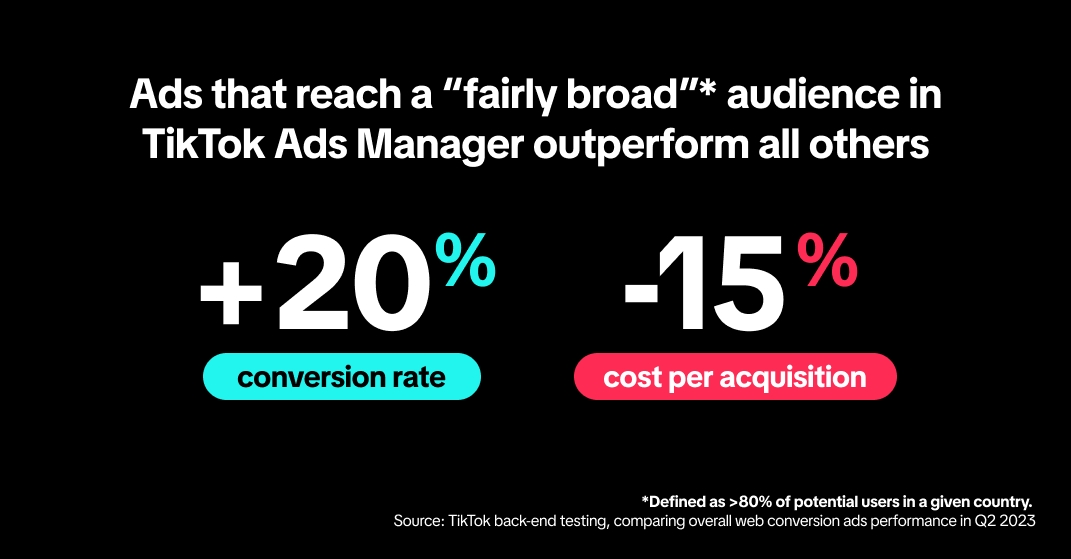
After editing your video, it’s important to optimize it for maximum reach and engagement. Here are some tips to help you improve your TikTok ad performance:
a. Use Relevant Hashtags
Include trending and relevant hashtags to increase the visibility of your video. Research popular hashtags in your niche and use them strategically.
b. Add Captions
Add captions to your video to make it more accessible and improve engagement. Captions also help your video appear in search results.
c. Post at the Right Time
Post your ad during peak hours when your target audience is most active. This increases the chances of your video being seen and shared.
d. Engage with Your Audience
Respond to comments and engage with your followers to build a loyal community. This helps increase your visibility and encourages more interactions.
6. Analyze and Improve

Finally, don’t forget to analyze the performance of your TikTok ad videos. Use TikTok’s analytics tools to track metrics like views, likes, shares, and click-through rates. Use this data to refine your strategy and create even more effective ads in the future.
By following these steps, you can create effective TikTok ad videos that resonate with your audience and drive real results. Remember, the key to success on TikTok is consistency, creativity, and a deep understanding of your audience. With practice and patience, you’ll be able to master the art of TikTok ad video editing and grow your business on this powerful platform.

Posting Komentar untuk "How to Edit Effective TikTok Ad Videos: A Complete Guide for Beginners"
Posting Komentar