
How to Navigate the TikTok Ads Business Center: A Complete Walkthrough
TikTok has become a powerful platform for brands looking to connect with their audience, drive engagement, and generate sales. As the platform continues to evolve, the TikTok Ads Business Center has emerged as a critical tool for managing and optimizing advertising efforts. Whether you're a small business owner or a marketing professional, understanding how to navigate this center is essential for success on TikTok.
What is the TikTok Ads Business Center?
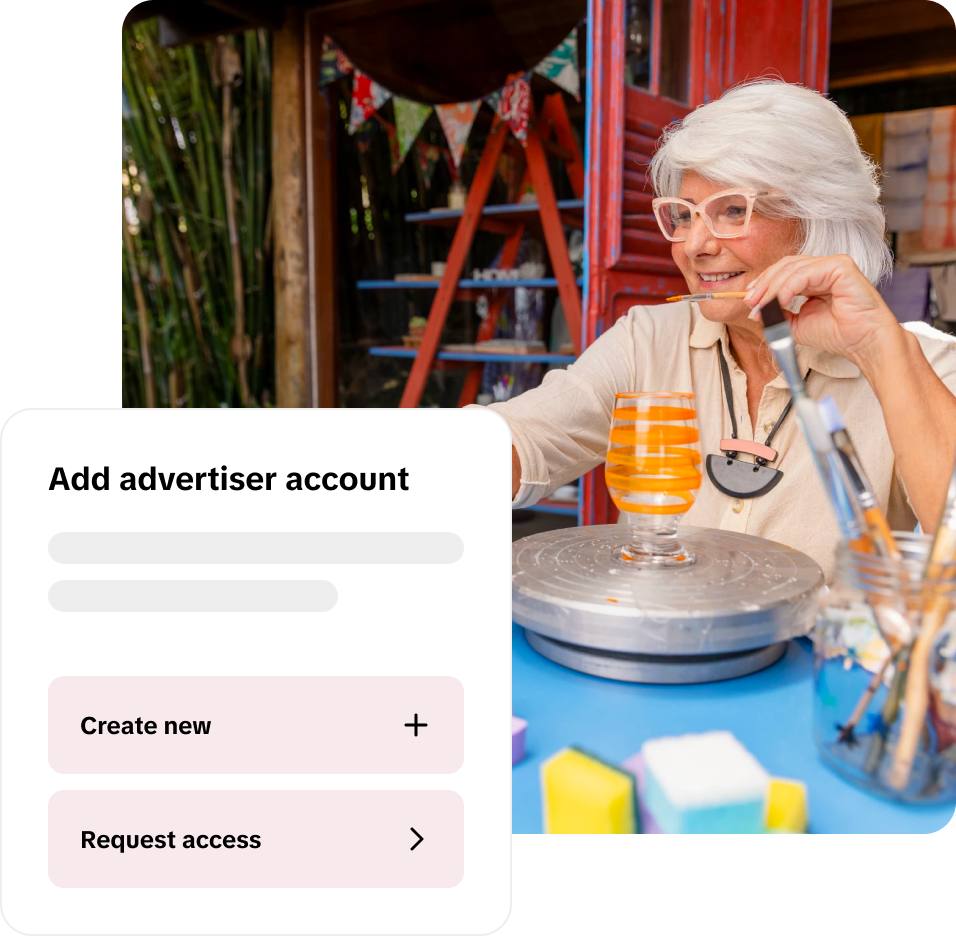
The TikTok Ads Business Center is a comprehensive dashboard designed for businesses to create, manage, and analyze their advertising campaigns on TikTok. It provides access to a range of tools and features that help advertisers reach their target audience effectively. From setting up ad accounts to tracking performance metrics, the Business Center streamlines the entire advertising process.
Key Features of the TikTok Ads Business Center
- Ad Creation Tools: The Business Center offers a variety of ad formats, including in-feed ads, Spark Ads, and Collection Ads. These tools allow you to create engaging content tailored to your brand's goals.
- Audience Targeting: You can define your target audience based on demographics, interests, behaviors, and more. This ensures that your ads reach the right people at the right time.
- Campaign Management: Easily manage multiple campaigns from a single dashboard. You can set budgets, schedule ads, and track performance in real-time.
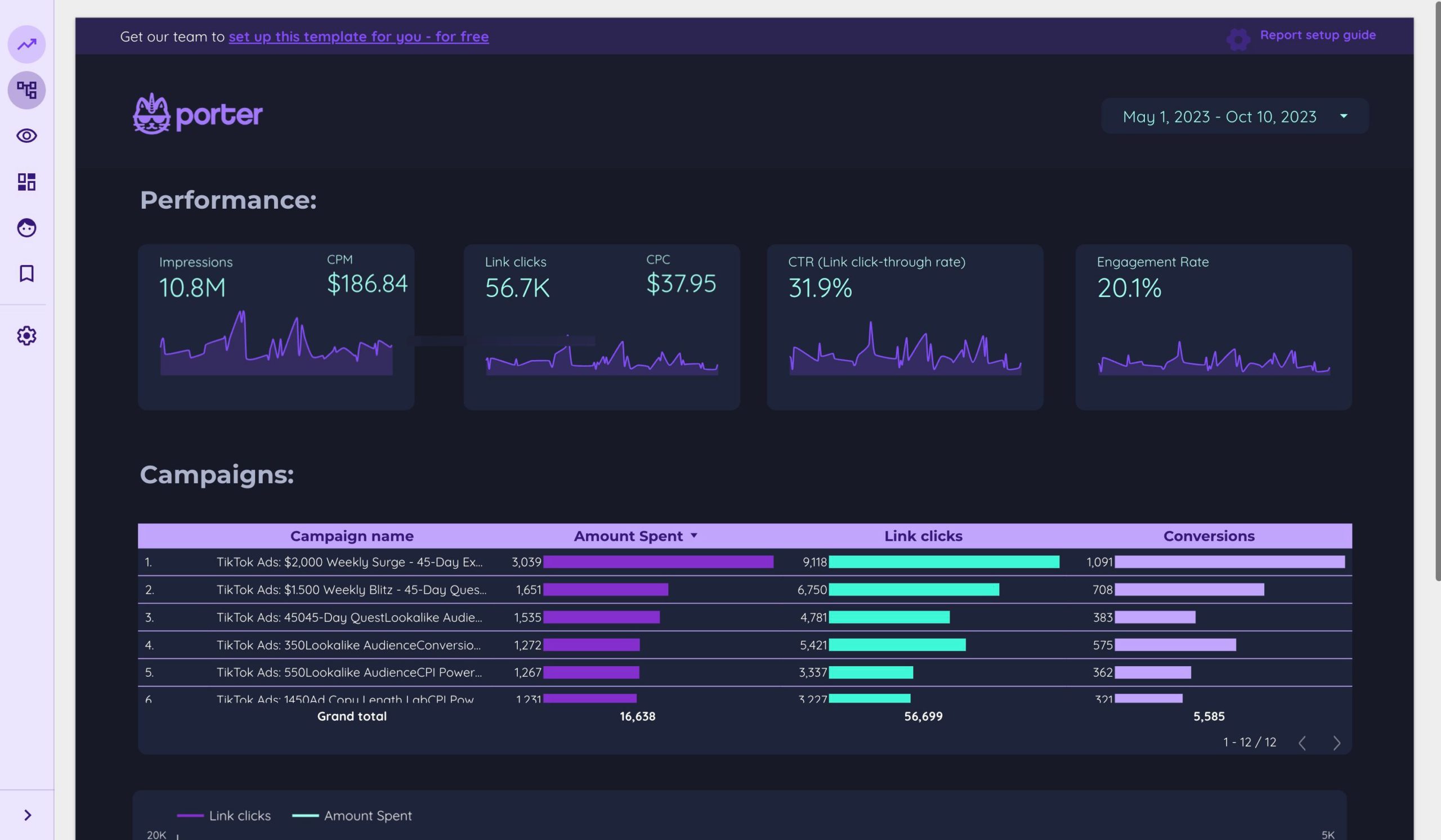
- Analytics and Reporting: Access detailed analytics to understand how your ads are performing. Metrics such as impressions, clicks, conversions, and return on ad spend (ROAS) provide valuable insights into your campaign effectiveness.
Step-by-Step Guide to Navigating the TikTok Ads Business Center

1. Setting Up Your Account
To begin, you need to set up a TikTok Business account. This involves verifying your business and linking it to your TikTok profile. Once your account is set up, you can access the Ads Business Center.
2. Creating Your First Ad Campaign
Once logged in, you'll be prompted to create your first ad campaign. Follow these steps:
- Choose Your Objective: Select the goal of your campaign, such as increasing brand awareness, driving traffic, or generating leads.
- Define Your Audience: Use the targeting tools to specify your desired audience based on various criteria.
- Set Your Budget: Determine how much you want to spend on your campaign. You can choose between daily or lifetime budgets.
- Create Your Ad Content: Upload your video or image, add captions, and include any relevant hashtags. Make sure your content aligns with your campaign objectives.
3. Managing Your Campaigns
After creating your campaign, you can manage it through the Business Center. Here are some key actions you can take:
- Monitor Performance: Track your campaign's performance using the analytics tools. Look at metrics like click-through rate (CTR), conversion rate, and cost per click (CPC).
- Optimize Your Ads: Based on the data, make adjustments to improve your ad performance. This could involve changing your targeting, adjusting your budget, or refining your ad content.
- Pause or Stop Campaigns: If a campaign isn't performing well, you can pause or stop it to reallocate your budget to more effective strategies.
Tips for Effective Advertising on TikTok
1. Leverage Trending Content
TikTok is all about trends. Incorporate trending sounds, challenges, and hashtags into your ads to increase visibility. However, ensure that the content remains relevant to your brand and resonates with your target audience.
2. Focus on Engagement
Engagement is crucial on TikTok. Encourage users to interact with your content by asking questions, running polls, or creating interactive challenges. High engagement can boost your ad's visibility and credibility.
3. Utilize User-Generated Content
User-generated content (UGC) can significantly enhance your brand's authenticity. Encourage your followers to create content related to your products or services and feature it in your ads. UGC not only builds trust but also increases the likelihood of virality.
4. Analyze and Adjust
Regularly review your campaign analytics to identify what's working and what's not. Use A/B testing to experiment with different ad formats, headlines, and visuals. Continuous optimization is key to long-term success on TikTok.
Conclusion
Navigating the TikTok Ads Business Center is an essential skill for any brand looking to leverage TikTok for advertising. By understanding the features and following best practices, you can create effective campaigns that resonate with your audience and drive measurable results. As TikTok continues to grow, staying informed and adaptable will be crucial for maintaining a competitive edge in the digital marketing landscape.

Posting Komentar untuk "How to Navigate the TikTok Ads Business Center: A Complete Walkthrough"
Posting Komentar