
How to Resolve TikTok Ad Account Problems: Step-by-Step Guide
TikTok has become a powerful platform for businesses to reach their target audience through targeted advertising. However, the process of setting up and maintaining a TikTok ad account can sometimes be fraught with challenges. From technical glitches to policy violations, there are several reasons why an account might not be created or could face suspension. This article provides a comprehensive guide on how to resolve TikTok ad account problems, ensuring that your business can leverage this platform effectively.
Understanding Common Issues with TikTok Ad Accounts
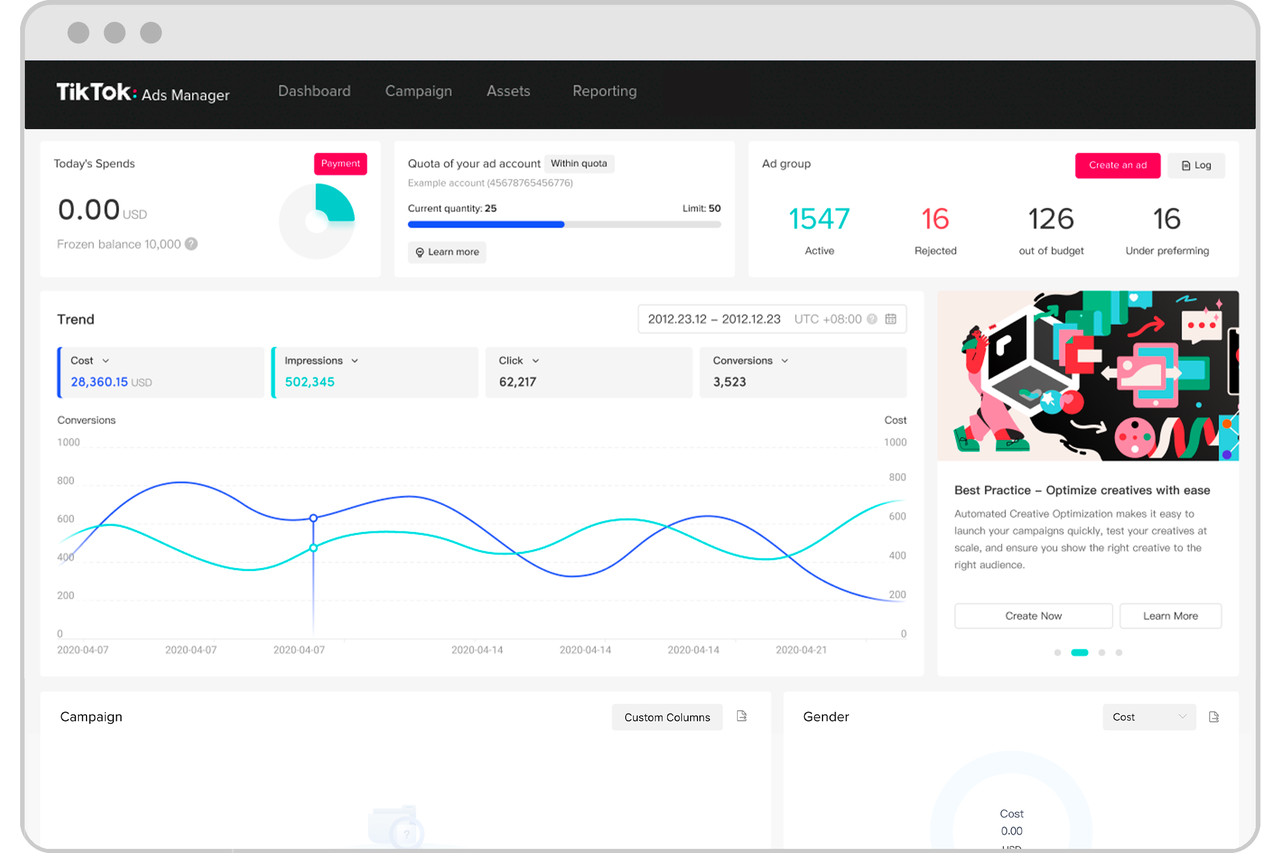
Before diving into solutions, it's essential to understand the most common issues that users encounter when trying to create or maintain a TikTok ad account. These include:
1. Previous Policy Violations
TikTok maintains a strict policy against any form of misuse or violation. If you or someone associated with your business has previously had an account suspended for policy violations, this could prevent you from creating a new account. The system is designed to prevent bad actors from rebranding and continuing their activities under a different name.
2. Geographic Restrictions
TikTok For Business is not available in all countries. If you're attempting to create an account from a region where the service isn't supported, you'll likely face immediate rejection. Additionally, using a Virtual Private Network (VPN) to mask your location can trigger a red flag, as it may suggest you're trying to circumvent regional restrictions.
3. Inconsistent Business Information
One of the most frequent issues is submitting inconsistent information. Every piece of data you provide must match exactly with your official documents. Even minor discrepancies, such as a missing comma or an incorrect address format, can lead to rejection.
4. Technical Glitches
Sometimes, the issue lies not with your information but with the technical aspects of your browser or network. Ad blockers, browser extensions, or outdated cached data can interfere with the account creation process.
Pre-Flight Checklist: What You Need Before Starting

Before you begin the account creation process, ensure you have the following items ready:
1. Business Registration/License
This is the most critical document. It proves to TikTok that you are a legitimate legal entity. This could be your LLC formation certificate, Articles of Incorporation, or a state/local business license.
2. Tax ID / EIN
Having your official tax identification number ready shows an additional layer of legitimacy.
3. Promotional Website URL
Your website must be live, fully functional, and professional. It should clearly state what your business does and have standard pages like a “Contact Us” and “About Us” section.
4. Business Phone Number and Address
These must match the details on your registration documents.
Step-by-Step Troubleshooting: Your Action Plan to Get Approved

If you've been rejected, follow these steps methodically to increase your chances of approval:
1. Meticulous Information Audit
Go back to the application form and compare every single character with your business documents. Ensure that the company name, address, and website URL are exact matches.
2. Technical Clean-Up
Clear your browser cache and cookies. Use an Incognito/Private Window to load the page without any extensions or cached data. Disable any VPNs or ad blockers and try a different browser or network.
3. Document Re-Scan
Ensure that your scanned documents are clear, high-resolution, and show the entire page. Avoid cropping or adding glare. Save your scans as PDFs for better clarity.
4. Wait and Retry
If you've been rejected multiple times in a short period, wait 24-48 hours before retrying. This can help clear any temporary system-side locks on your account.
Escalating the Issue: Contacting TikTok Support
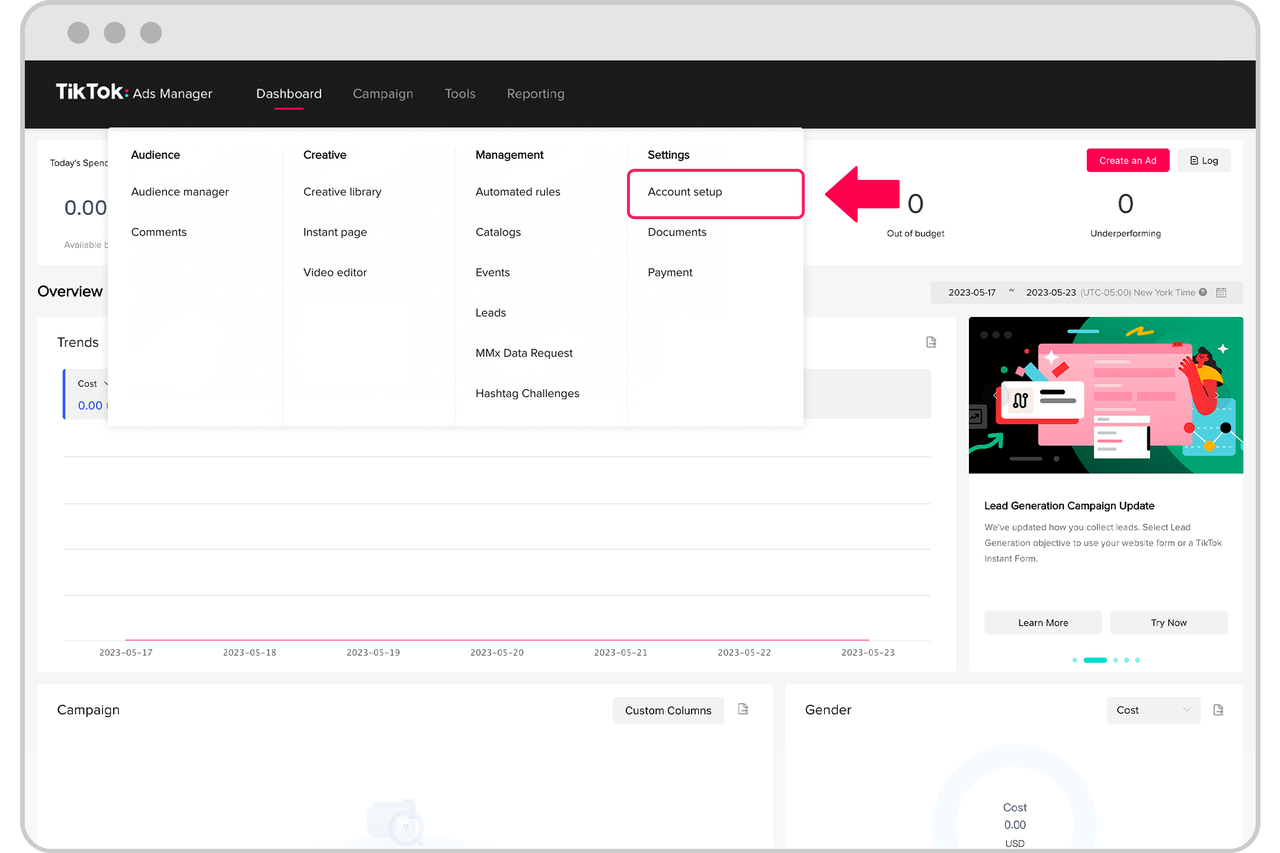
If you've followed all the steps and are still blocked, it's time to escalate the issue. Navigate to the TikTok For Business help center and submit a support ticket. Be polite and clear, stating that you've tried to create an ad account for your business and have verified all your information is correct. Attach clear scans of your business license and any other relevant documents.
Preventive Measures to Avoid Future Issues
To avoid future suspensions or creation issues, consider the following preventive measures:
1. Familiarize Yourself with TikTok's Advertising Policies
Regularly review TikTok's advertising policies to stay compliant. Understanding the rules reduces the risk of policy violations.
2. Use Legitimate Payment Methods
Always use verified payment methods and keep your information updated. Monitor your account balance to ensure sufficient funds for your campaigns.
3. Monitor Chargeback Rate
Maintain a low chargeback rate by ensuring transparent billing practices and excellent customer service.
4. Comply with Terms and Conditions
Regularly review TikTok's terms of service to ensure full compliance. Actively monitor your account’s adherence to these terms to preemptively address any issues.
Conclusion
While facing a "Can't Create New TikTok Ad Account" error is frustrating, it's a solvable problem. By methodically working through the checklists and troubleshooting steps outlined here, you can isolate the cause and present a clean, legitimate application to TikTok. Be patient, be precise, and be prepared. Your campaign is waiting.

Posting Komentar untuk "How to Resolve TikTok Ad Account Problems: Step-by-Step Guide"
Posting Komentar