
How to Run TikTok Ads to Boost Your Website Traffic Effectively
In today's digital landscape, social media platforms have become powerful tools for driving traffic to websites. Among these, TikTok has emerged as a leading platform with a massive user base, especially among younger demographics. For businesses and content creators looking to increase website traffic, running TikTok ads can be an effective strategy. This article will guide you through the process of setting up and optimizing TikTok ads to boost your website traffic.
Understanding TikTok Ads
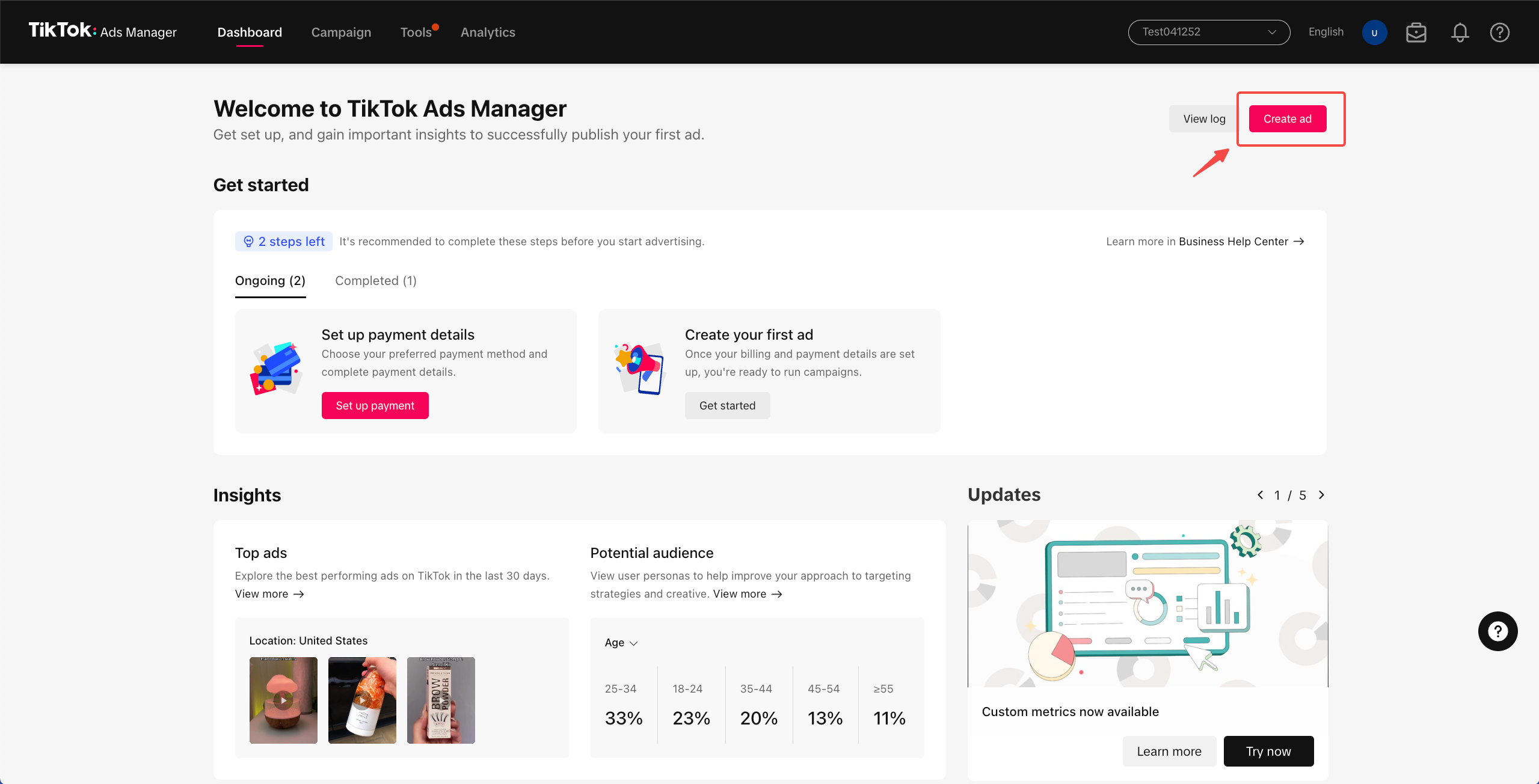
TikTok ads are designed to reach a broad audience by leveraging the platform’s algorithm and user engagement features. These ads can appear in various formats, including in-feed videos, brand takeovers, and hashtag challenges. The key to success lies in creating compelling ad content that resonates with your target audience.
To start, it's essential to understand what your audience cares about. What topics do they engage with? How do they prefer to receive information? By answering these questions, you can tailor your ad content to meet their expectations and preferences.
Testing Creative Ideas
One of the best practices for creating effective TikTok ads is to test creative ideas organically first. Since TikTok's algorithm serves both paid and organic feeds, content that performs well organically is likely to perform well as an ad too. This approach allows you to gather insights and refine your strategy before investing in paid advertising.
Here are some steps to consider when testing your creative ideas:
- Create engaging content: Focus on producing high-quality videos that capture attention and convey your message effectively.
- Monitor performance: Use TikTok's analytics tools to track the performance of your content.
- Refine your approach: Based on the data, make adjustments to improve engagement and conversion rates.
Setting Up a TikTok Ads Manager Account
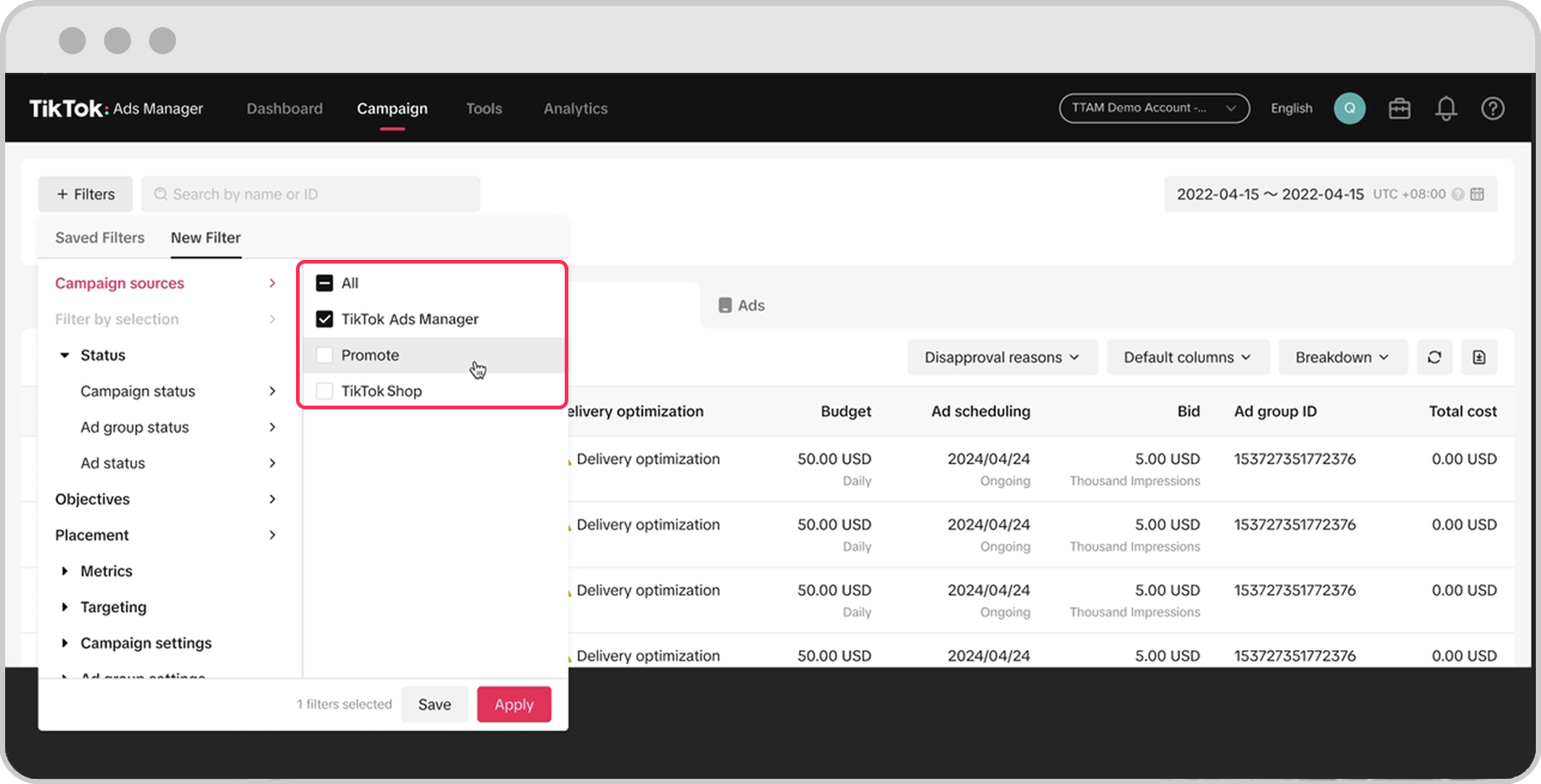
Before you can start running TikTok ads, you need to set up an account in the TikTok Ads Manager. Here's how you can get started:
- Create an ad account: If you're a self-serve customer, refer to the Business Help Center for detailed instructions on creating an ad account.
- Manage multiple accounts: If you need to manage more than one ad account, your sales representative can guide you through the process.
- Follow the onboarding guide: For comprehensive information, refer to the onboarding guide provided by TikTok.
Setting up your account correctly ensures that you have access to all the necessary tools and features to create and manage your ads effectively.
Optimizing Your TikTok Ads
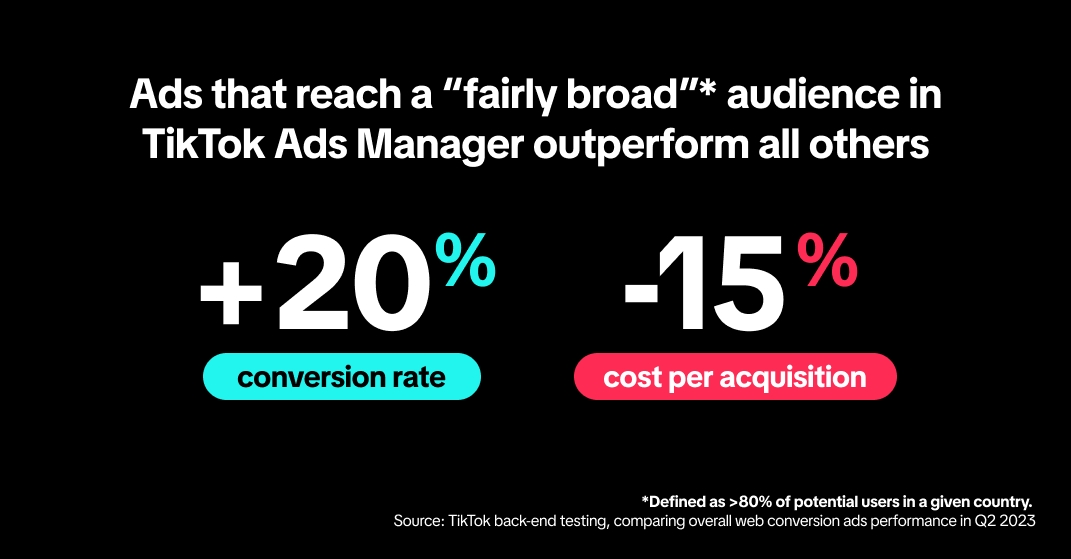
Once your account is set up, the next step is to optimize your ads for maximum impact. Here are some tips to help you achieve this:
- Define your target audience: Use TikTok's targeting options to reach the right people based on demographics, interests, and behaviors.
- Set clear objectives: Determine what you want to achieve with your ads, such as increasing website traffic, generating leads, or boosting brand awareness.
- Use relevant keywords: Incorporate keywords related to your niche to improve the visibility of your ads.
- Track and analyze performance: Regularly review your ad performance metrics to identify what's working and what needs improvement.
By continuously refining your approach, you can maximize the effectiveness of your TikTok ads and drive more traffic to your website.
Conclusion
Running TikTok ads can be a powerful way to increase website traffic and grow your online presence. By understanding your audience, testing creative ideas, setting up your account correctly, and optimizing your ads, you can achieve significant results. With the right strategy and consistent effort, TikTok can become a valuable tool in your marketing arsenal. Start experimenting with TikTok ads today and see the difference they can make for your business.

Posting Komentar untuk "How to Run TikTok Ads to Boost Your Website Traffic Effectively"
Posting Komentar