
How to Save TikTok Videos Offline in 2025: Updated Methods and Tools
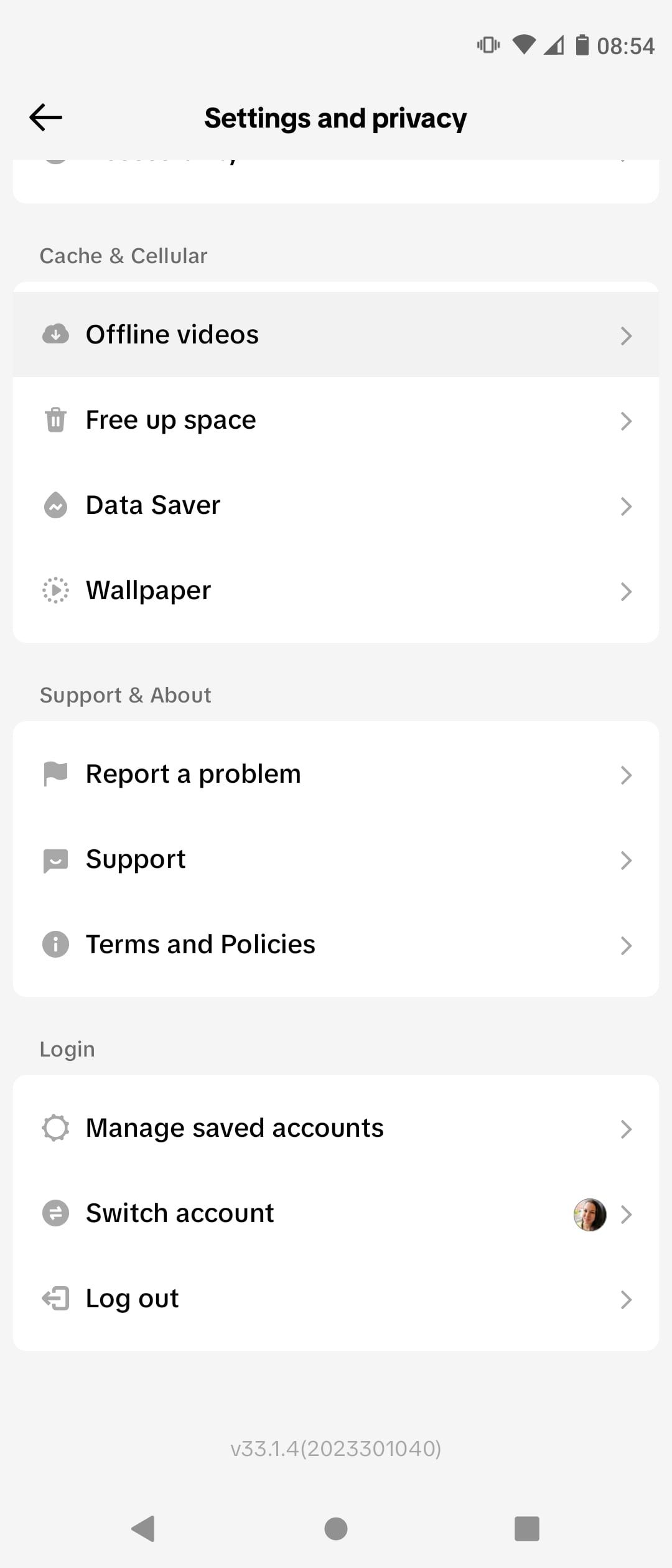
In today's digital age, TikTok has become a powerful platform for creators and viewers alike. With millions of videos being uploaded daily, the need to save TikTok videos offline has never been more relevant. Whether you want to share content with friends, create a personal collection, or simply enjoy videos without an internet connection, knowing how to save TikTok videos offline is essential.
This article will guide you through the most effective and up-to-date methods to save TikTok videos offline in 2025. From using online downloaders to mobile apps, we'll cover everything you need to know about saving TikTok videos without watermarks or logos.
Understanding the Need to Save TikTok Videos Offline

There are several reasons why users might want to save TikTok videos offline. Some people prefer to watch videos without an internet connection, while others want to keep a personal archive of their favorite content. Additionally, many users wish to share videos on other platforms without the original watermark, which can be a common issue when sharing directly from TikTok.
Saving TikTok videos offline also allows for greater flexibility. For example, if you're traveling or in an area with limited internet access, having downloaded videos ready to watch can be incredibly useful. Moreover, it helps preserve content that might otherwise be lost if the original video is deleted or removed.
Using Online Downloaders to Save TikTok Videos

One of the most popular ways to save TikTok videos offline is by using online downloaders. These tools allow you to download videos directly from your browser without needing to install any software. Here’s how you can use them:
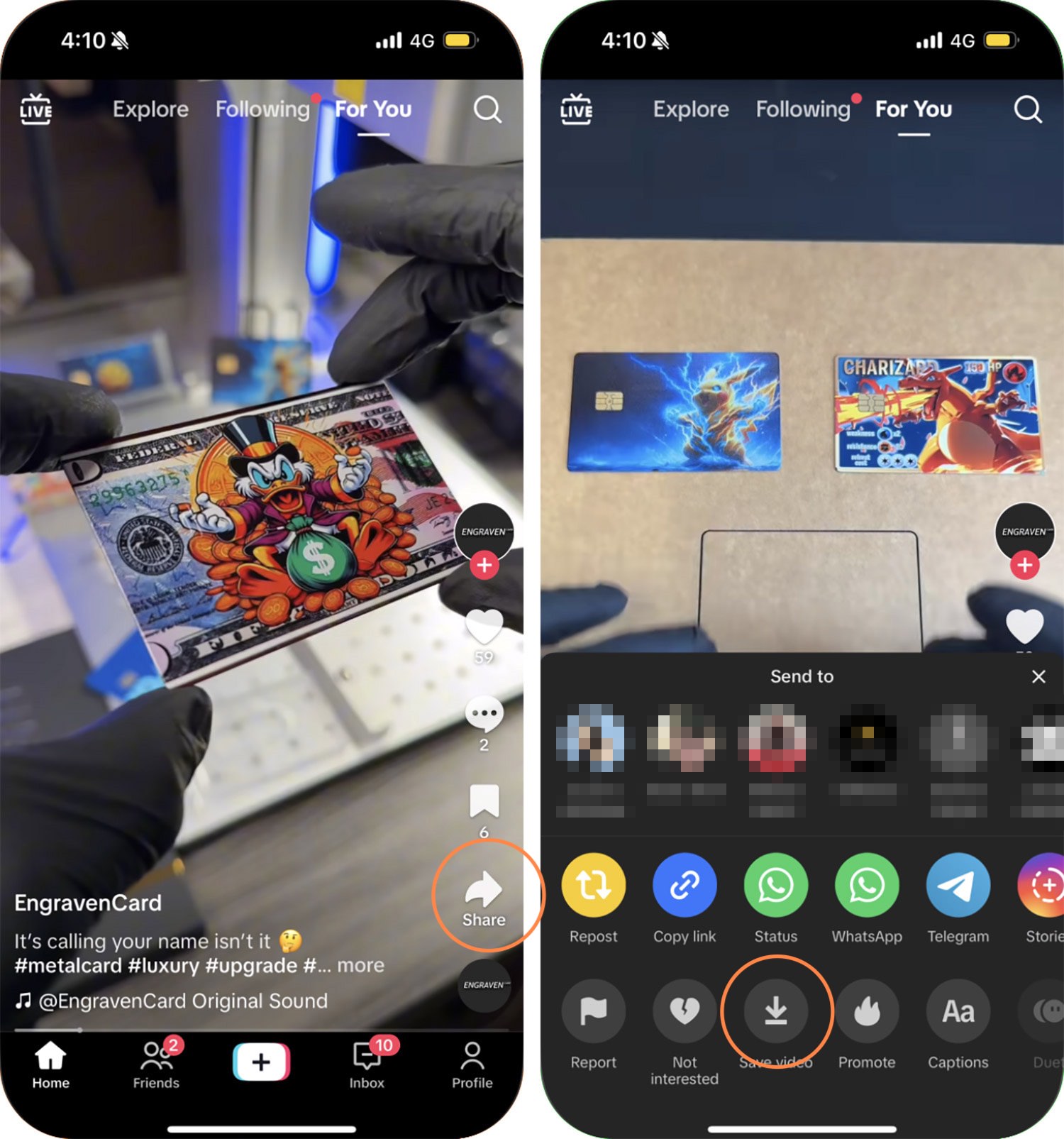
- Open the TikTok app or website and find the video you want to save.
- Click the Share button and select "Copy Link" to copy the video URL.
- Visit an online TikTok downloader, such as SSStiktok or SnapTikZ.App.
- Paste the copied link into the designated field on the downloader's website.
- Choose the desired format and quality (usually MP4) and click the "Download" button.
These online tools often provide high-quality downloads and remove watermarks, making them ideal for users who want to save TikTok videos without any extra steps.
Mobile Apps for Saving TikTok Videos

If you prefer a more convenient method, mobile apps like SnapTik can help you save TikTok videos directly on your smartphone. These apps are designed to work seamlessly with TikTok, allowing you to download videos with just a few taps.
Here’s how to use a TikTok downloader app:
- Download and install the app from your device's app store.
- Open the TikTok app and navigate to the video you want to save.
- Tap the Share button and select "Copy Link."
- Open the downloader app and paste the copied link into the input field.
- Select the quality and format of the video, then tap "Download."
Many of these apps are free to use and offer features like HD downloads and watermark removal, making them a great option for Android and iOS users.
Saving TikTok Videos on PCs and Laptops

For those who prefer to save TikTok videos on their computers, there are several options available. Many online downloaders, such as SSStiktok, are compatible with desktop browsers and allow you to download videos directly from your PC or laptop.
To save TikTok videos on your computer:
- Open the TikTok website or app and find the video you want to download.
- Copy the video link using the Share option.
- Go to a TikTok downloader website and paste the link into the input field.
- Choose the desired settings and click "Download."
This method is particularly useful for users who want to organize their downloaded videos or share them on other platforms.
Tips for Safe and Effective Downloads
While saving TikTok videos offline is straightforward, it's important to ensure that you're using reliable and secure tools. Here are a few tips to keep in mind:
- Use reputable downloaders: Stick to well-known and trusted platforms like SSStiktok or SnapTikZ.App to avoid malware or scams.
- Check for updates: Make sure the tools you use are regularly updated to maintain compatibility with TikTok's latest changes.
- Respect copyright: Only download videos that you have permission to use, and avoid sharing content that violates copyright laws.
By following these guidelines, you can safely and effectively save TikTok videos offline while enjoying all the benefits of having your favorite content at your fingertips.
Conclusion

Saving TikTok videos offline is a valuable skill that can enhance your experience on the platform. Whether you're using online downloaders, mobile apps, or desktop tools, there are multiple ways to enjoy TikTok content without an internet connection. As technology continues to evolve, new methods and tools will likely emerge, making it easier than ever to save and share your favorite videos.
By staying informed and using the right tools, you can make the most of TikTok while maintaining control over your digital content. So, start exploring the various options available and discover the best way to save TikTok videos offline in 2025.

Posting Komentar untuk "How to Save TikTok Videos Offline in 2025: Updated Methods and Tools"
Posting Komentar