
How to Set Up Spark Ads on TikTok: A Complete Guide for Marketers
TikTok has become a powerful platform for marketers looking to connect with a younger, tech-savvy audience. Among the various ad formats available, Spark Ads stand out as a unique and effective way to leverage user-generated content (UGC) and organic engagement. If you're looking to set up Spark Ads on TikTok, this guide will walk you through the process step by step, ensuring you maximize your campaign's potential.
What Are Spark Ads?
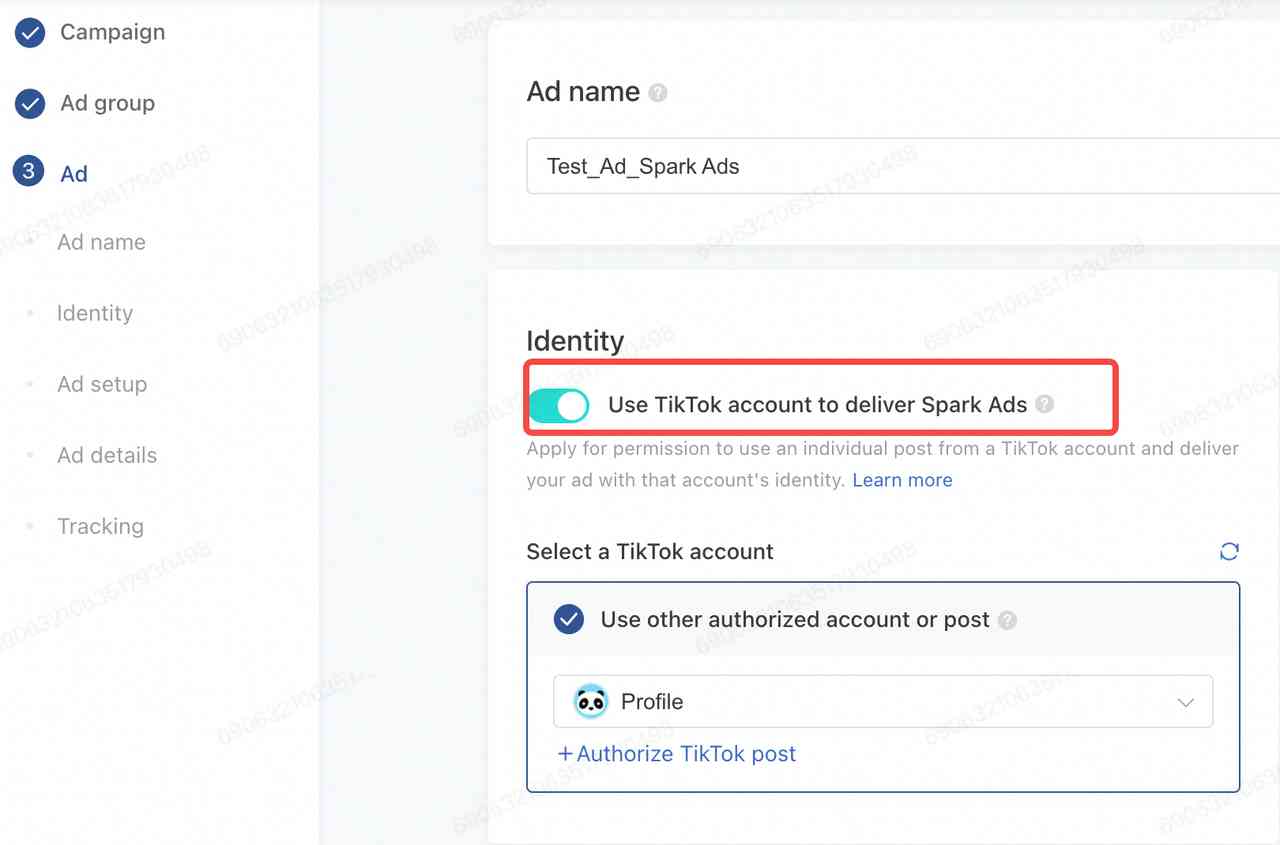
Spark Ads are a type of TikTok ad that allows brands to promote their products or services using real, authentic content created by TikTok users. Unlike traditional ads, which are often seen as intrusive, Spark Ads blend seamlessly into the user experience, making them more engaging and relatable. These ads can feature content from your own TikTok account or from other creators, provided they have permission.
Why Use Spark Ads?
Spark Ads offer several advantages over other ad formats:
- Authenticity: By using UGC, Spark Ads feel more genuine and trustworthy.
- Engagement: Users are more likely to interact with content that feels like it's created by real people.
- Cost-Effectiveness: Spark Ads can be more affordable than other ad formats, especially when leveraging existing content.
Step-by-Step Guide to Setting Up Spark Ads
1. Create a TikTok Business Account
Before you can set up Spark Ads, you need a TikTok Business Account. This account gives you access to advanced features, including TikTok Ads Manager.
- Go to the TikTok app and tap on your profile.
- Tap the three dots (•••) in the top-right corner.
- Select "Switch to Business Account."
- Follow the prompts to create your account.
2. Access TikTok Ads Manager
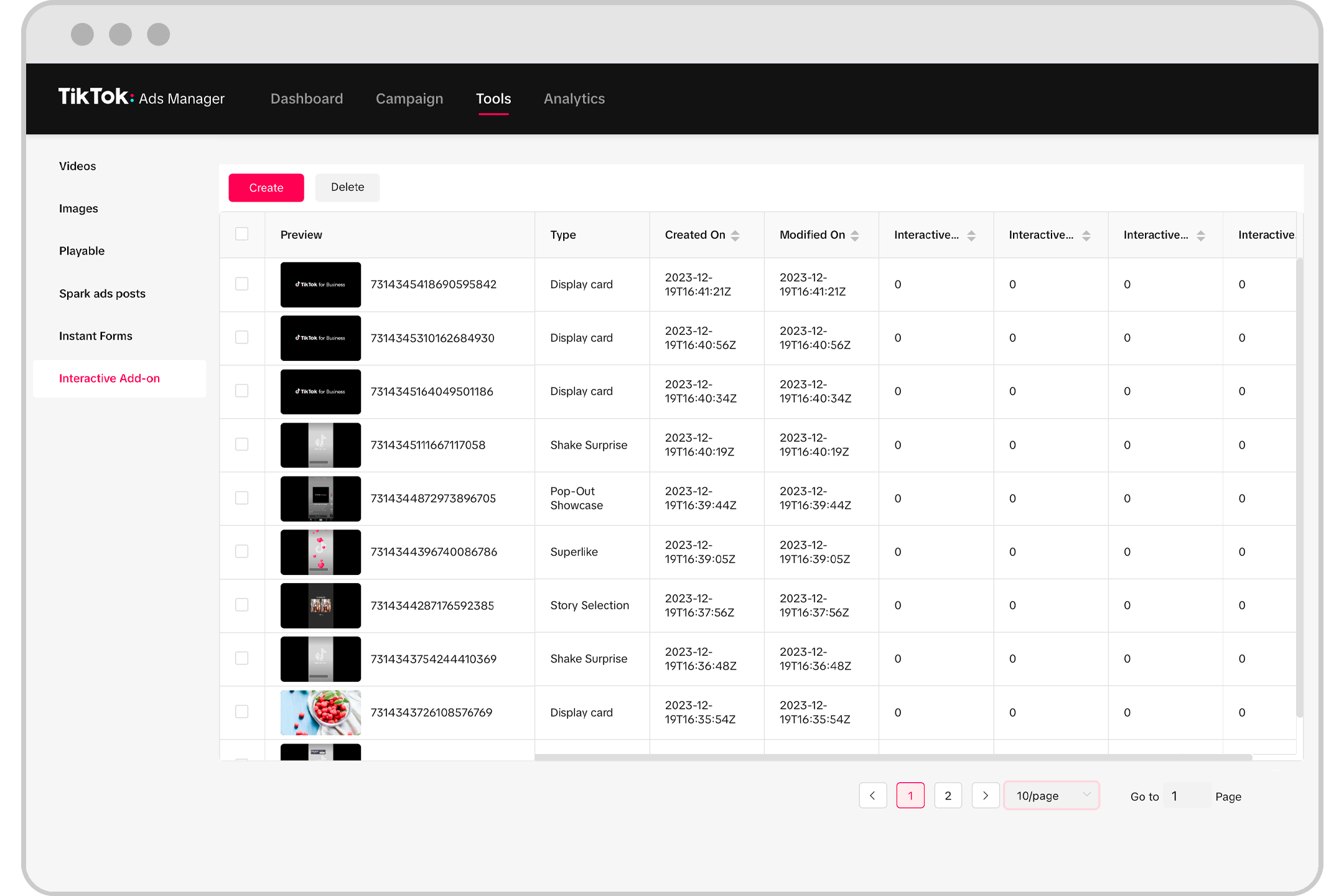
Once you have a business account, you can access TikTok Ads Manager to start creating your campaign.
- Open the TikTok app and go to your profile.
- Tap the three dots (•••) in the top-right corner.
- Select "Ads Manager."
- From here, you can create new campaigns, manage existing ones, and view analytics.
3. Choose Your Campaign Objective
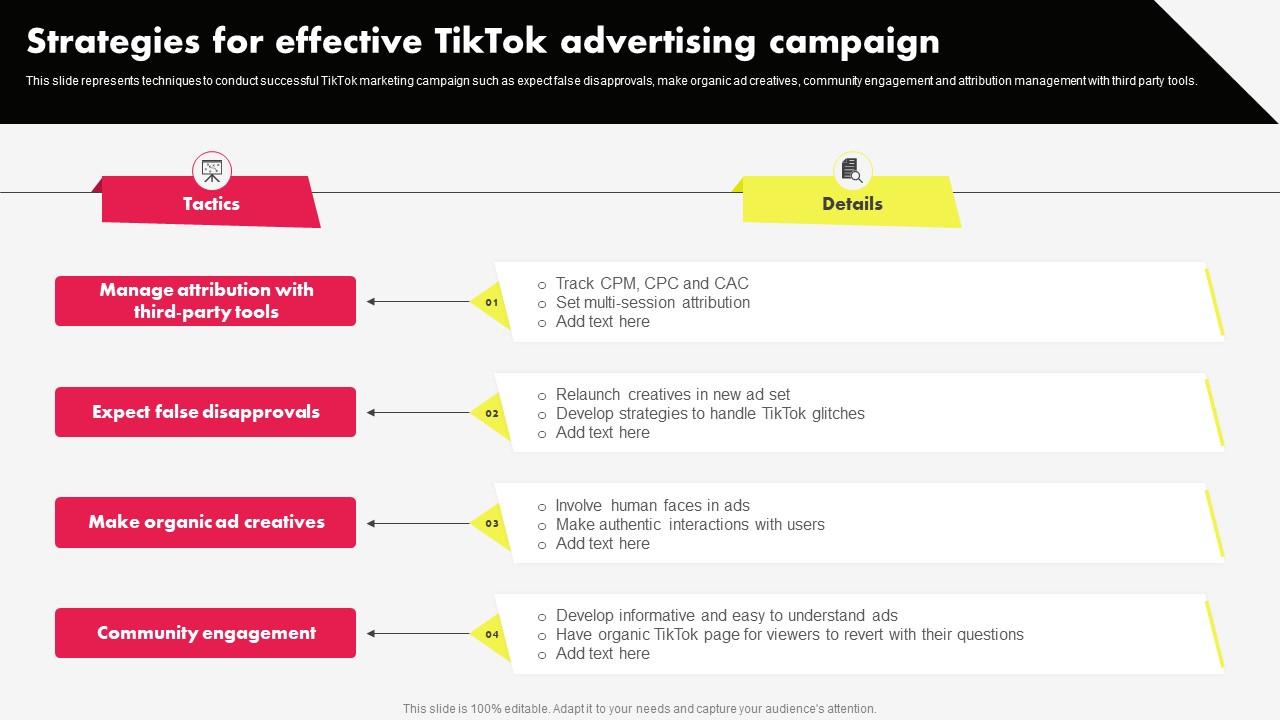
TikTok offers several campaign objectives to choose from, depending on your goals. For Spark Ads, the most relevant objectives are:
- Awareness: Increase brand visibility.
- Traffic: Drive users to your website or app.
- Engagement: Boost likes, comments, and shares.
- Conversions: Encourage purchases or sign-ups.
Select the objective that aligns with your marketing goals.
4. Define Your Target Audience

TikTok allows you to target specific audiences based on demographics, interests, and behaviors.
- In TikTok Ads Manager, select "Create Ad."
- Choose your campaign objective.
- Define your target audience by selecting age, gender, location, interests, and behaviors.
5. Set Your Budget and Schedule

Decide how much you want to spend on your Spark Ads campaign and set a schedule for when your ads will run.
- Choose between a daily or lifetime budget.
- Set the start and end dates for your campaign.
- Decide whether you want your ads to run continuously or at specific times.
6. Upload Your Ad Creative
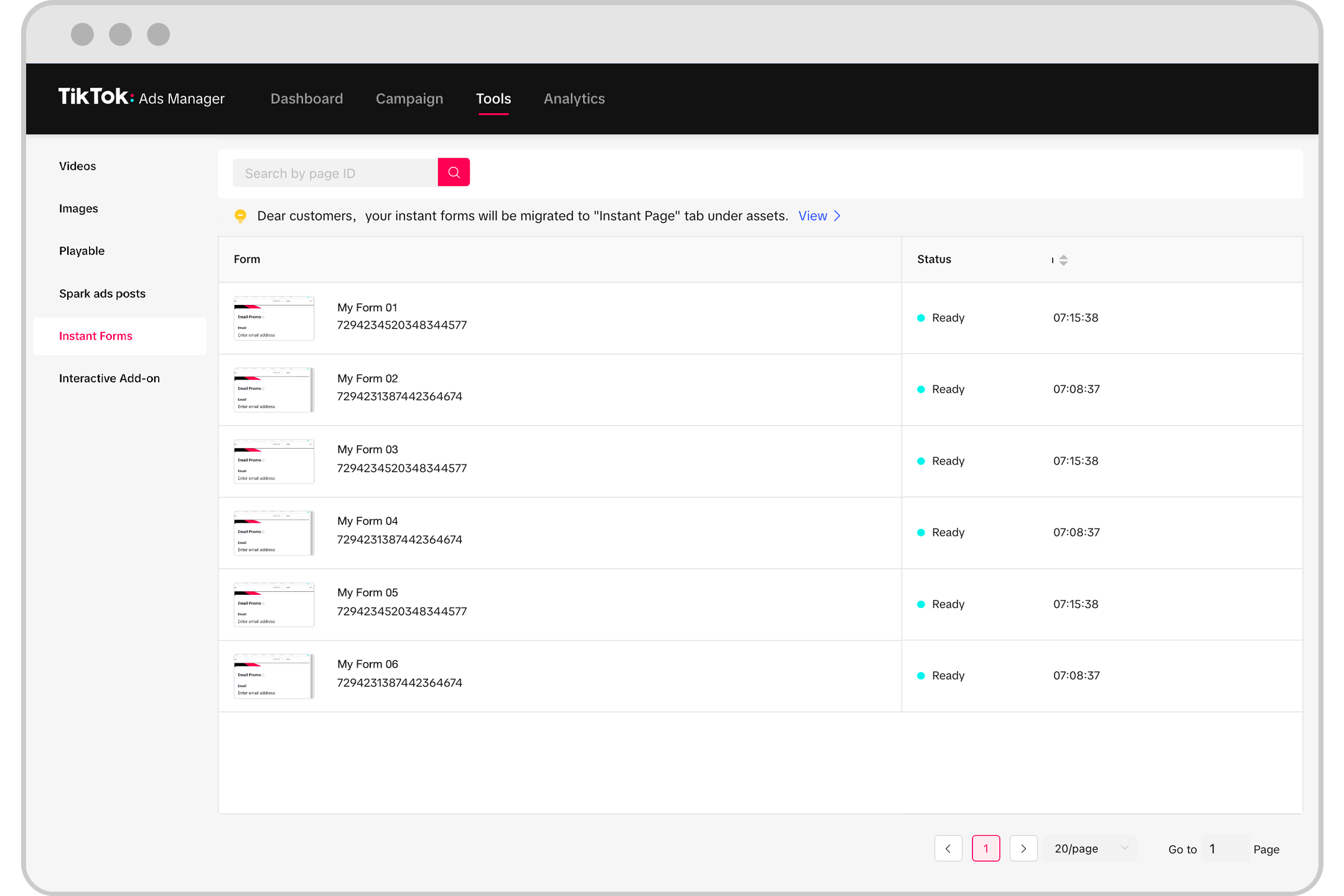
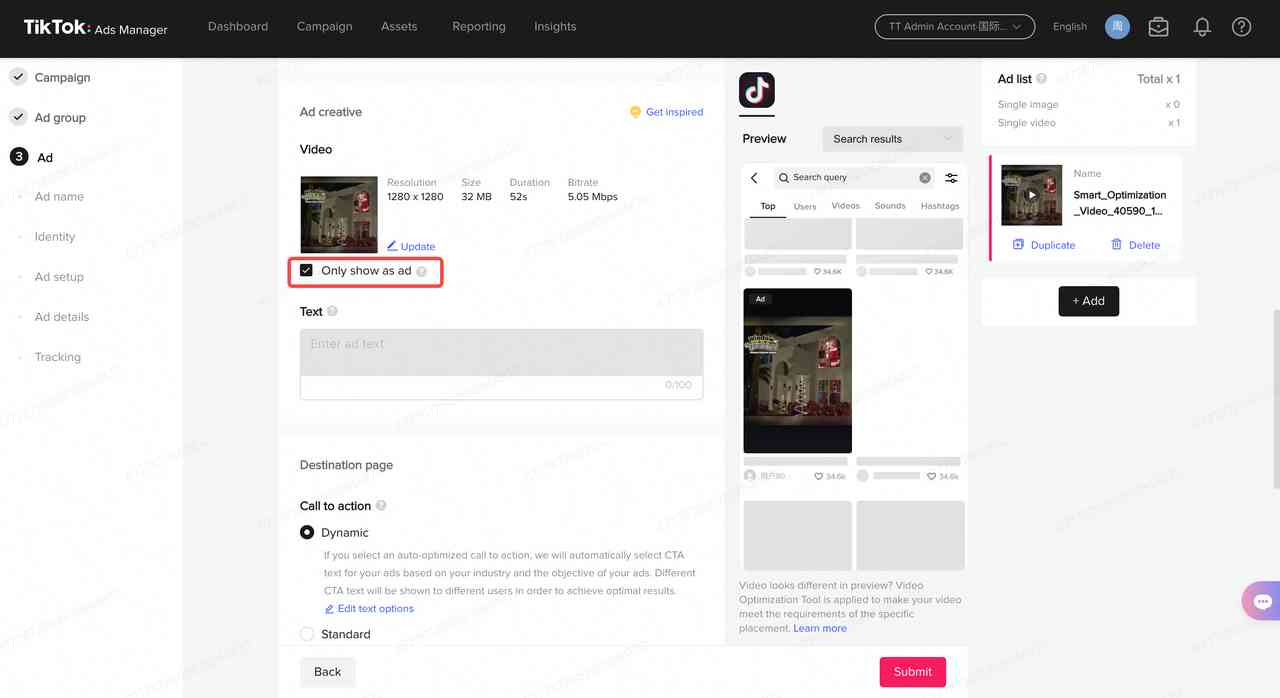
Now it's time to upload your ad creative. For Spark Ads, you can use content from your own TikTok account or from other creators.
- Select "Upload Ad."
- Choose the video or image you want to use.
- Add a call-to-action (CTA) button, such as "Shop Now" or "Learn More."
- Include a link to your website or app.
7. Review and Submit

Before submitting your ad, review all the details to ensure everything is correct.
- Check the ad format, targeting, budget, and creative.
- Ensure your ad complies with TikTok's policies and guidelines.
- Click "Submit" to send your ad for review.
Tips for Creating Effective Spark Ads
- Use Authentic Content: Choose videos or images that feel genuine and relatable.
- Include a Clear CTA: Make it easy for users to take action after watching your ad.
- Optimize for Mobile: Ensure your content is mobile-friendly and loads quickly.
- Test Different Formats: Experiment with different types of content to see what resonates with your audience.
Conclusion

Setting up Spark Ads on TikTok is a straightforward process that can significantly enhance your marketing efforts. By leveraging user-generated content and authentic engagement, you can create ads that resonate with your target audience and drive meaningful results. With the right strategy and execution, Spark Ads can help you build brand awareness, increase engagement, and boost conversions on TikTok.

Posting Komentar untuk "How to Set Up Spark Ads on TikTok: A Complete Guide for Marketers"
Posting Komentar