
How to Set Up a TikTok Ad Account: A Step-by-Step Tutorial for Beginners

TikTok has become one of the most powerful platforms for businesses to reach their target audience. With its massive user base and engaging content, it's no wonder that many marketers are turning to TikTok for their advertising needs. If you're looking to start your own TikTok ad account, this step-by-step tutorial will guide you through the process.
Step 1: Create a Business Account
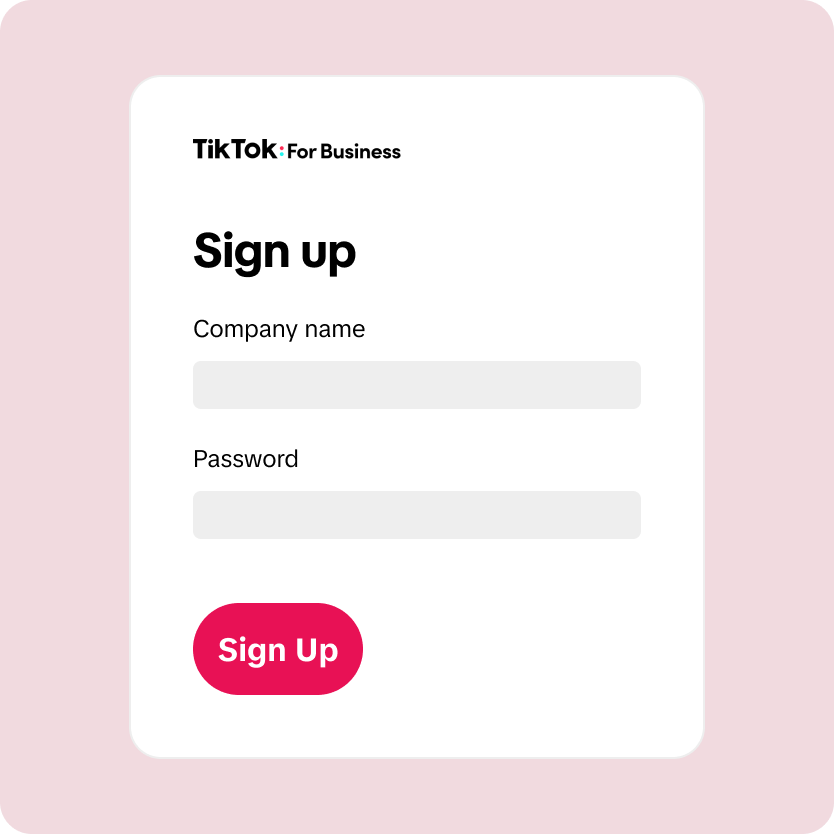
Before you can set up an ad account, you need to create a business account on TikTok. This is different from a personal account and allows you to access features like analytics, insights, and advertising tools. To create a business account:
- Open the TikTok app and go to your profile.
- Tap the three dots in the top right corner and select "Switch to Pro Account."
- Follow the prompts to convert your personal account into a business account.
Step 2: Access TikTok Ads Manager
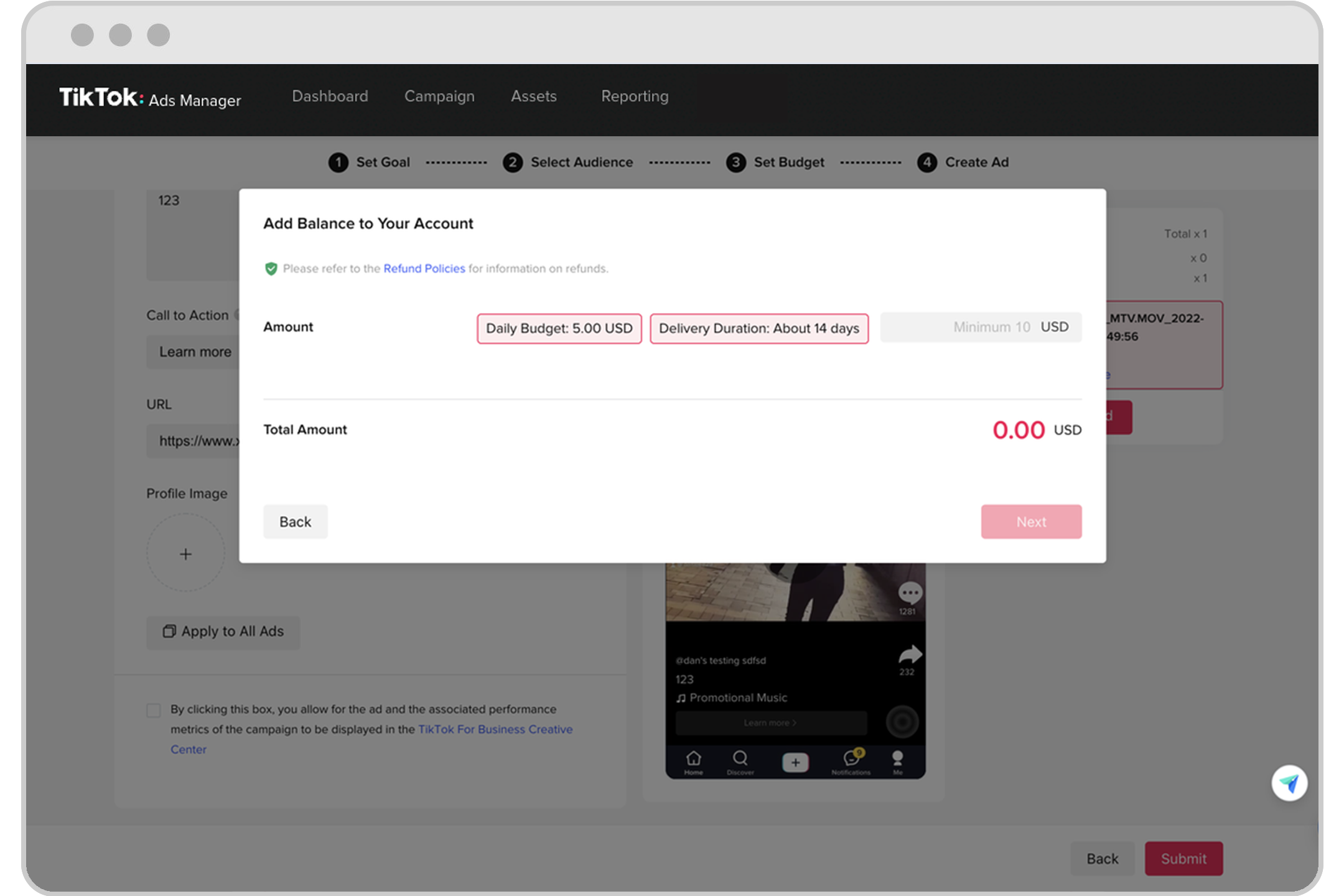
Once you have a business account, you can access TikTok Ads Manager. This is where you'll create and manage your ad campaigns. To access Ads Manager:
- Go to the TikTok website and log in with your business account.
- Click on the "Ads" tab at the top of the page.
- Select "Create Campaign" to start setting up your first ad.
Step 3: Provide Billing and Payment Information
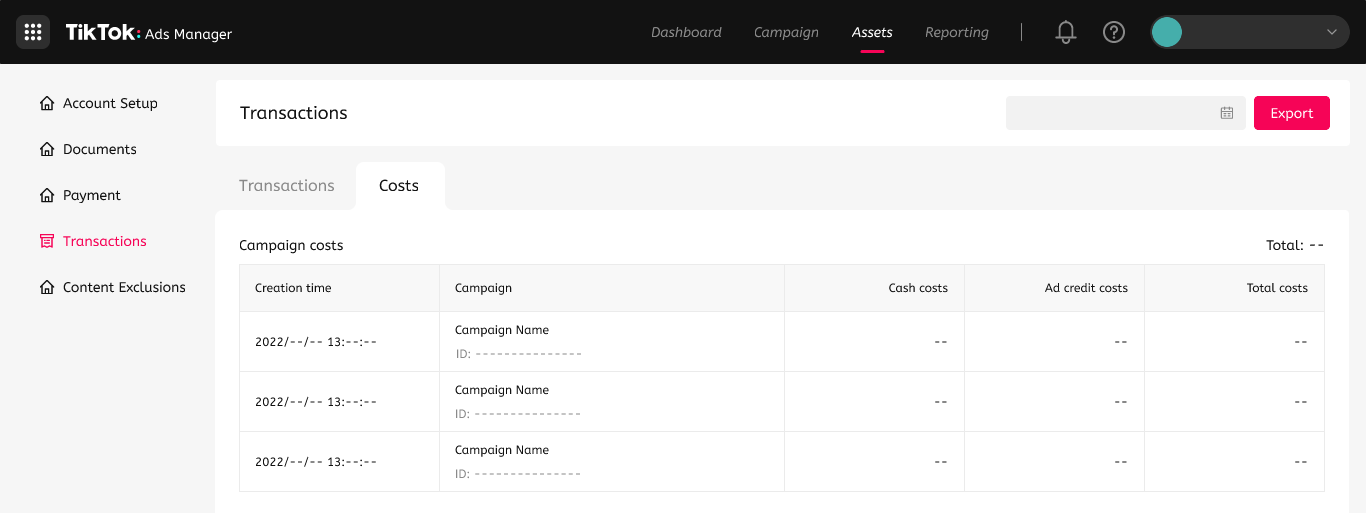
To set up your ad account, you'll need to provide billing and payment information. The exact details required may vary depending on your country, but typically include:
- Your billing address
- Tax information
- A valid phone number (for communication purposes)
- Legal business name (for verification)
Step 4: Submit Your Ad Account for Approval
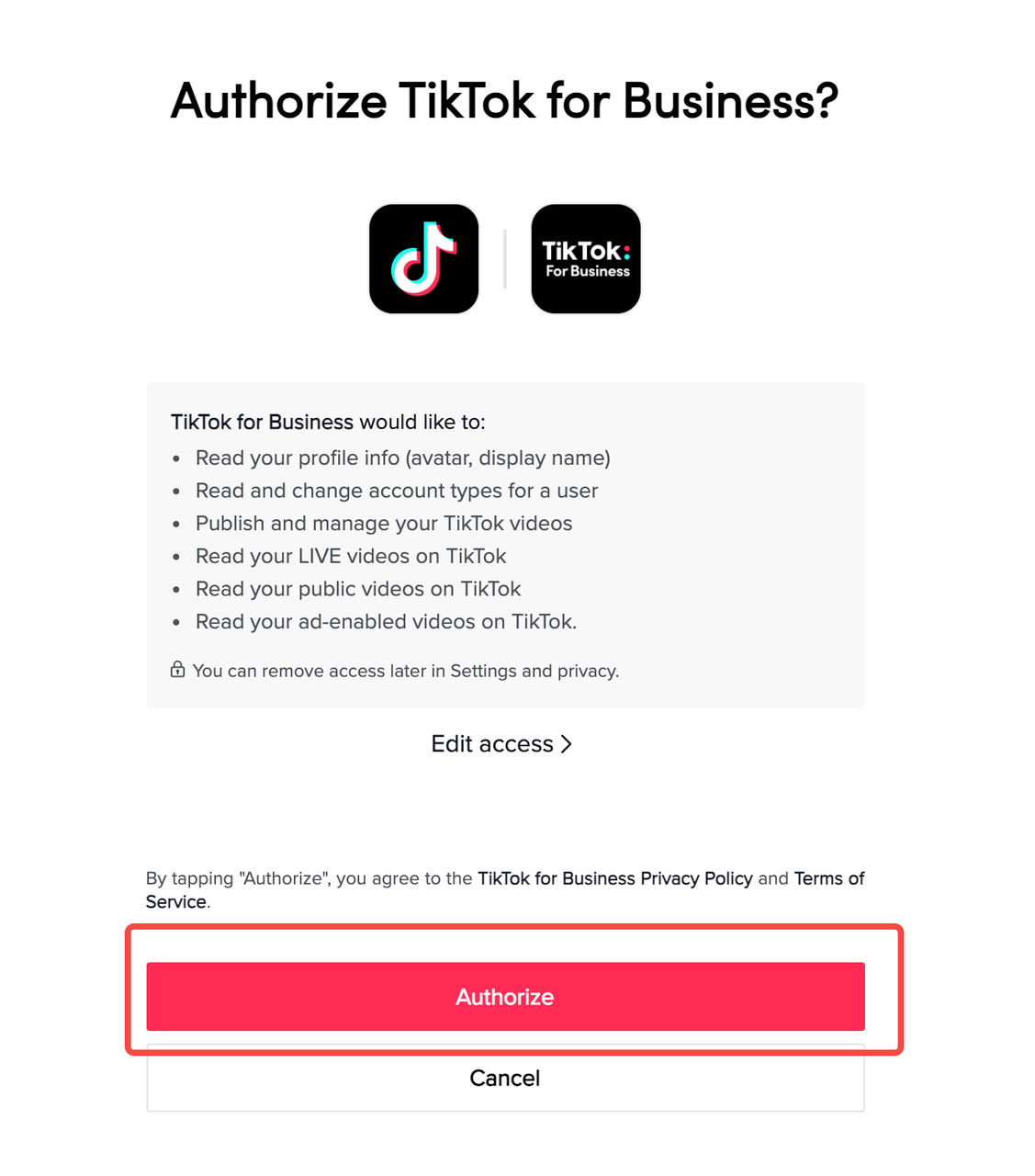
After providing the necessary information, your ad account will be automatically submitted for approval. Most accounts are approved within 24 hours. You can check the status of your account under "Account Settings" in "Account Info." If your account is not approved, you can request a review or appeal.
Step 5: Create Your First Ad Campaign
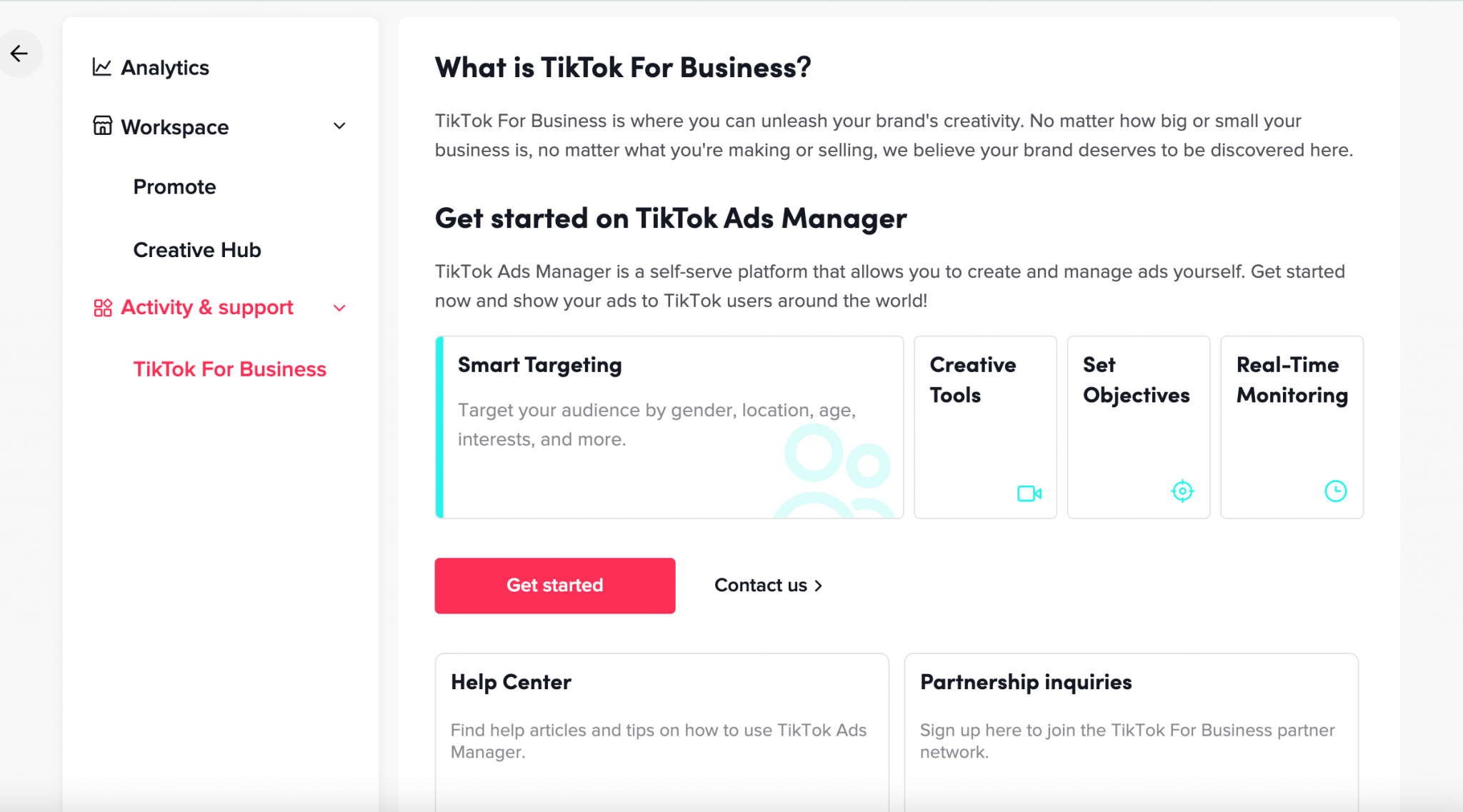
Once your account is approved, you can start creating your first ad campaign. Here are some key steps to follow:
- Choose Your Campaign Objective: TikTok offers several campaign objectives, including brand awareness, traffic, conversions, and more.
- Set Your Budget: Decide how much you want to spend on your campaign. You can choose a daily or total budget.
- Select Your Target Audience: Define your target audience based on factors like age, location, interests, and behaviors.
- Create Your Ad Content: Design your ad using TikTok's native tools. Make sure your content is engaging, authentic, and aligned with your brand.
- Review and Launch: Review your campaign settings and launch your ad.
Tips for Success

- Focus on Native Content: TikTok users expect content that feels authentic and native to the platform. Avoid repurposing content from other social media channels.
- Leverage Trends: Stay up-to-date with the latest trends on TikTok and incorporate them into your content.
- Use Storytelling: TikTok videos should be fast-paced and engaging. Use storytelling techniques to hook viewers and keep them watching.
- Engage with Your Audience: Respond to comments and messages to build a loyal following and foster engagement.
Conclusion

Setting up a TikTok ad account is a straightforward process that can help you reach a large and engaged audience. By following these steps and focusing on native, authentic content, you can create effective ad campaigns that drive results. Whether you're a small business owner or a marketer, TikTok offers a powerful platform to grow your brand and connect with your audience.

Posting Komentar untuk "How to Set Up a TikTok Ad Account: A Step-by-Step Tutorial for Beginners"
Posting Komentar