
How to Set Up a TikTok Ad Account: Step-by-Step Guide
TikTok has become one of the most powerful platforms for digital marketing, offering brands and businesses a unique way to connect with a massive, engaged audience. With over 1 billion monthly active users, TikTok provides an excellent opportunity to grow your brand, drive traffic, and increase sales. However, setting up a TikTok ad account requires a clear understanding of the platform’s advertising structure and the steps involved in creating a successful campaign.
In this guide, we’ll walk you through the process of setting up a TikTok ad account, from signing up to launching your first ad. Whether you're a small business owner or a marketer looking to expand your reach, this step-by-step guide will help you get started on TikTok advertising.
Step 1: Sign Up for a TikTok Ads Account
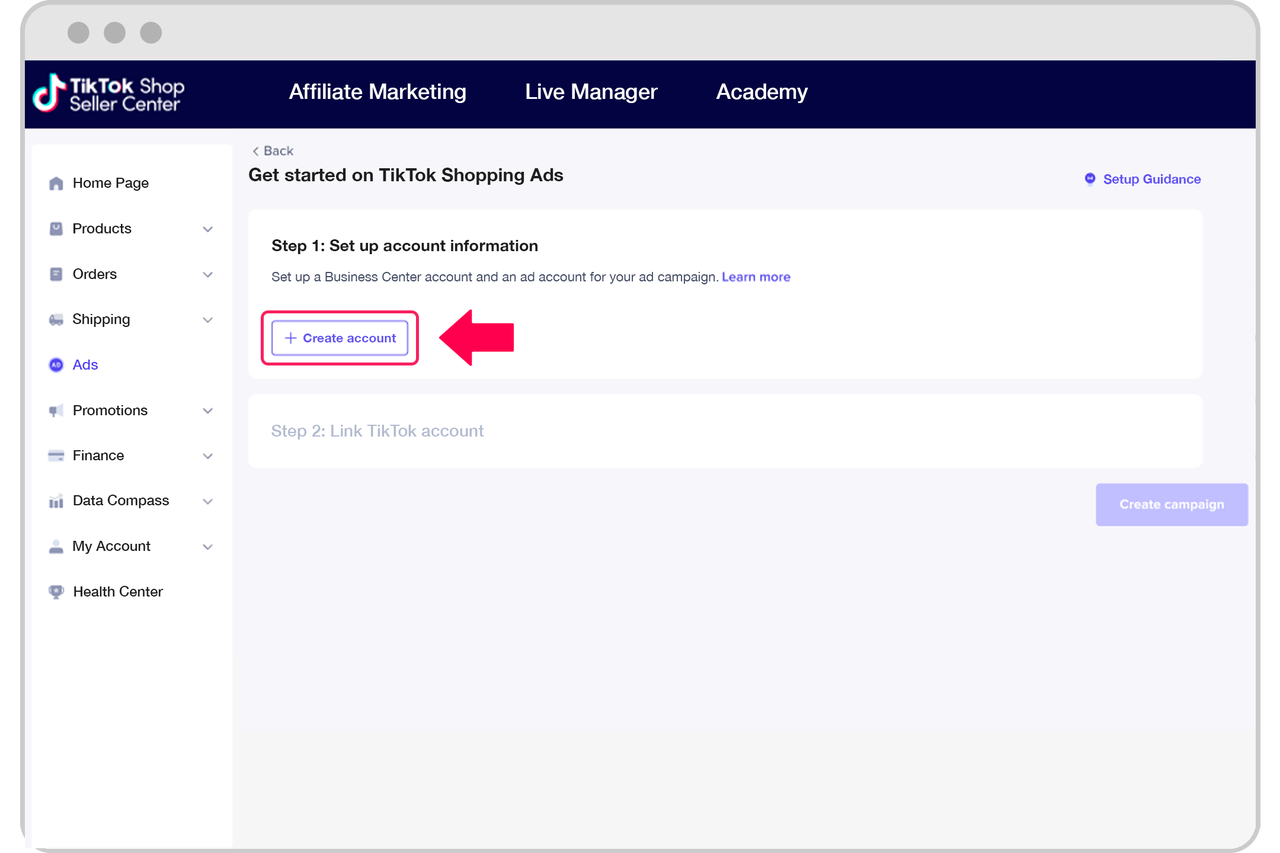
To begin, you need to create a TikTok Ads account. Visit the TikTok Ads homepage and click "Create an Ad." If you’re based in the United States, you’ll be prompted to fill out a form with your business details. A TikTok representative will then contact you within 48 hours to set up your account.
However, if you're located in certain regions such as India, Vietnam, Japan, Taiwan, Malaysia, Indonesia, or Thailand, you may be able to sign up directly without going through a representative.
Step 2: Choose Your Campaign Objective

Once your account is set up, you’ll access the TikTok Ads dashboard. From here, select the "Campaign" tab and click "Create." The first step is to choose your campaign objective. TikTok offers several options, including:
- Traffic: Drive more visitors to your website.
- App Install: Encourage users to download your app.
- Conversions: Increase sales or other specific actions on your site.
- Brand Awareness: Boost recognition of your brand.
- Engagement: Increase likes, comments, shares, and views.
Choose the objective that aligns with your business goals.
Step 3: Set Up Your Ad Group
After selecting your campaign objective, you’ll need to create an ad group. This is where you define the specifics of your ad, such as:
- Ad Placements: Choose automatic placements so TikTok optimizes your ad delivery, or manually select where your ads will appear.
- Target Audience: Define your ideal audience by age, gender, location, interests, and more. You can also upload custom audience lists.
- Budget and Schedule: Set a daily or lifetime budget, and specify when your ad should run.
- Optimization Goals: Choose whether you want to optimize for impressions, clicks, or conversions.
- Bidding Method: Decide between manual or automated bidding.
Step 4: Create Your Ad
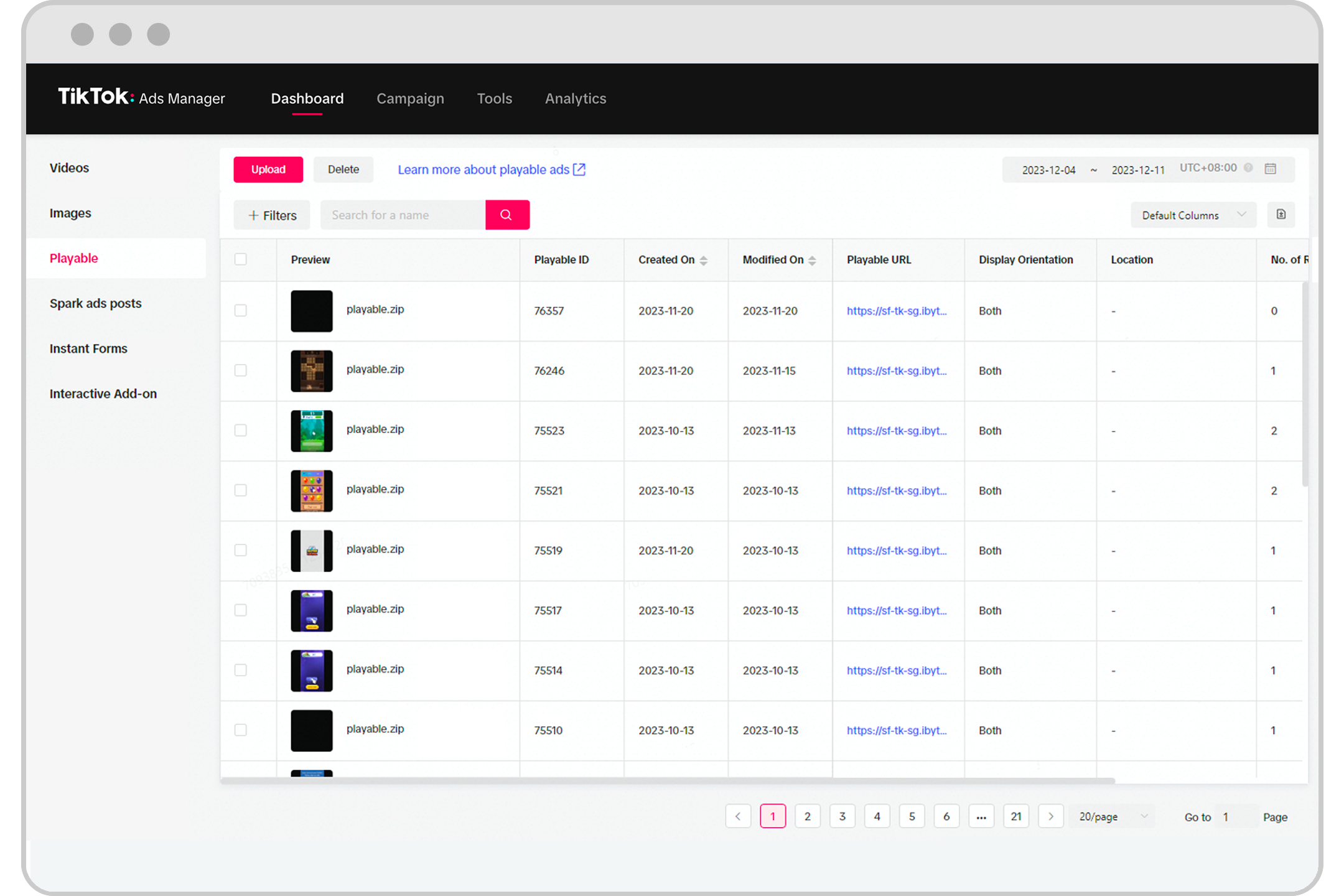
Once your ad group is set up, it’s time to create your actual ad. TikTok allows you to upload images or videos, or use its built-in video creation tools to design engaging content.
Here’s how to create your ad:
- Upload Media: Choose a video or image that represents your brand or product. TikTok supports various formats, including MP4, JPEG, and PNG.
- Add Text and Call-to-Action (CTA): Include a short caption and a CTA button (e.g., “Shop Now,” “Learn More”).
- Preview Your Ad: Make sure your ad looks good on mobile devices, as most TikTok users watch videos on their phones.
- Submit Your Ad: Once satisfied, click "Submit" to finalize your ad.
Step 5: Launch and Monitor Your Campaign

After submitting your ad, it will go through a review process. Once approved, your ad will start running based on the settings you’ve chosen.
To ensure your campaign is successful, regularly monitor its performance using TikTok’s analytics tools. Track metrics such as:
- Impressions
- Click-through rate (CTR)
- Engagement rate
- Conversion rate
Use this data to refine your targeting, adjust your budget, and improve your ad creatives.
Tips for Success on TikTok Advertising
- Focus on Quality: TikTok’s algorithm prioritizes high-quality, engaging content. Ensure your videos are well-produced and relevant to your audience.
- Leverage Trends: Use trending sounds, hashtags, and challenges to increase your ad’s visibility.
- Test Different Formats: Experiment with different ad types, such as in-feed videos, TopView, and Brand Takeover ads.
- Optimize for Mobile: Since most TikTok users watch on mobile, make sure your ads are optimized for smaller screens.
Conclusion
Setting up a TikTok ad account is a straightforward process that opens up a world of opportunities for businesses and marketers. By following the steps outlined above, you can create effective ad campaigns that resonate with TikTok’s vast and engaged user base.
Whether you're promoting a product, driving traffic to your website, or building brand awareness, TikTok offers a powerful platform to achieve your marketing goals. Start today and take advantage of the growing potential of TikTok advertising.

Posting Komentar untuk "How to Set Up a TikTok Ad Account: Step-by-Step Guide"
Posting Komentar