
How to Set Up a TikTok Ad Account: A Complete Guide to Ad Account Structure
TikTok has become one of the most powerful platforms for digital marketing, especially with its massive user base and high engagement rates. For businesses looking to tap into this vibrant ecosystem, setting up a TikTok ad account is a crucial step. However, understanding the ad account structure on TikTok can be overwhelming without the right guidance. In this article, we’ll walk you through the process of setting up a TikTok ad account, focusing on the key elements of its structure, and how to optimize it for maximum performance.
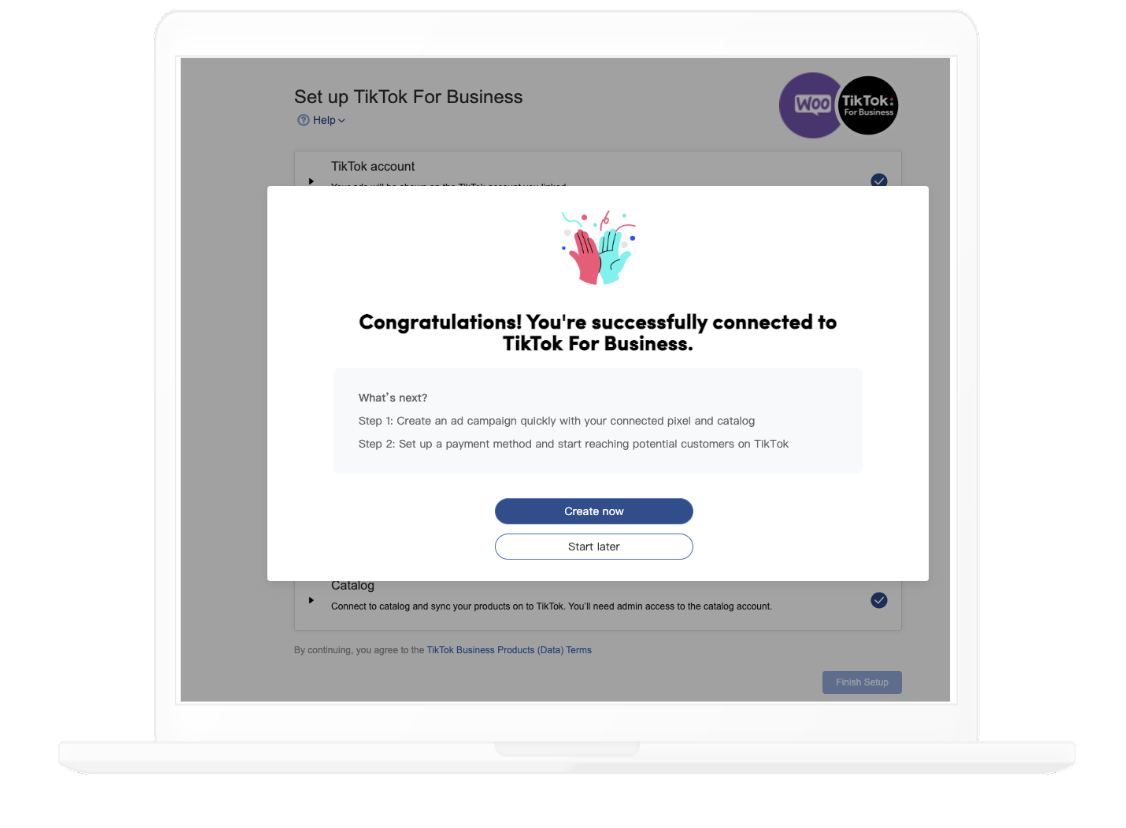
Understanding TikTok’s Ad Account Structure

Before diving into the setup process, it's essential to understand how TikTok organizes its ad accounts. The platform uses a hierarchical structure that allows advertisers to manage multiple campaigns, ad groups, and individual ads efficiently. This structure ensures that you can track performance, optimize targeting, and scale your efforts effectively.
1. Campaign Level
At the top of the hierarchy is the campaign. This is where you define your overall advertising objective, such as increasing brand awareness, driving traffic to your website, or generating leads. Each campaign can have a specific budget, duration, and target audience.
- Key Features:
- Campaign Objective: Choose from options like "Reach," "Traffic," "Engagement," "App Installs," or "Conversions."
- Budget: Set either a daily or lifetime budget.
- Schedule: Define when your campaign will run (e.g., specific days or times).
2. Ad Group Level
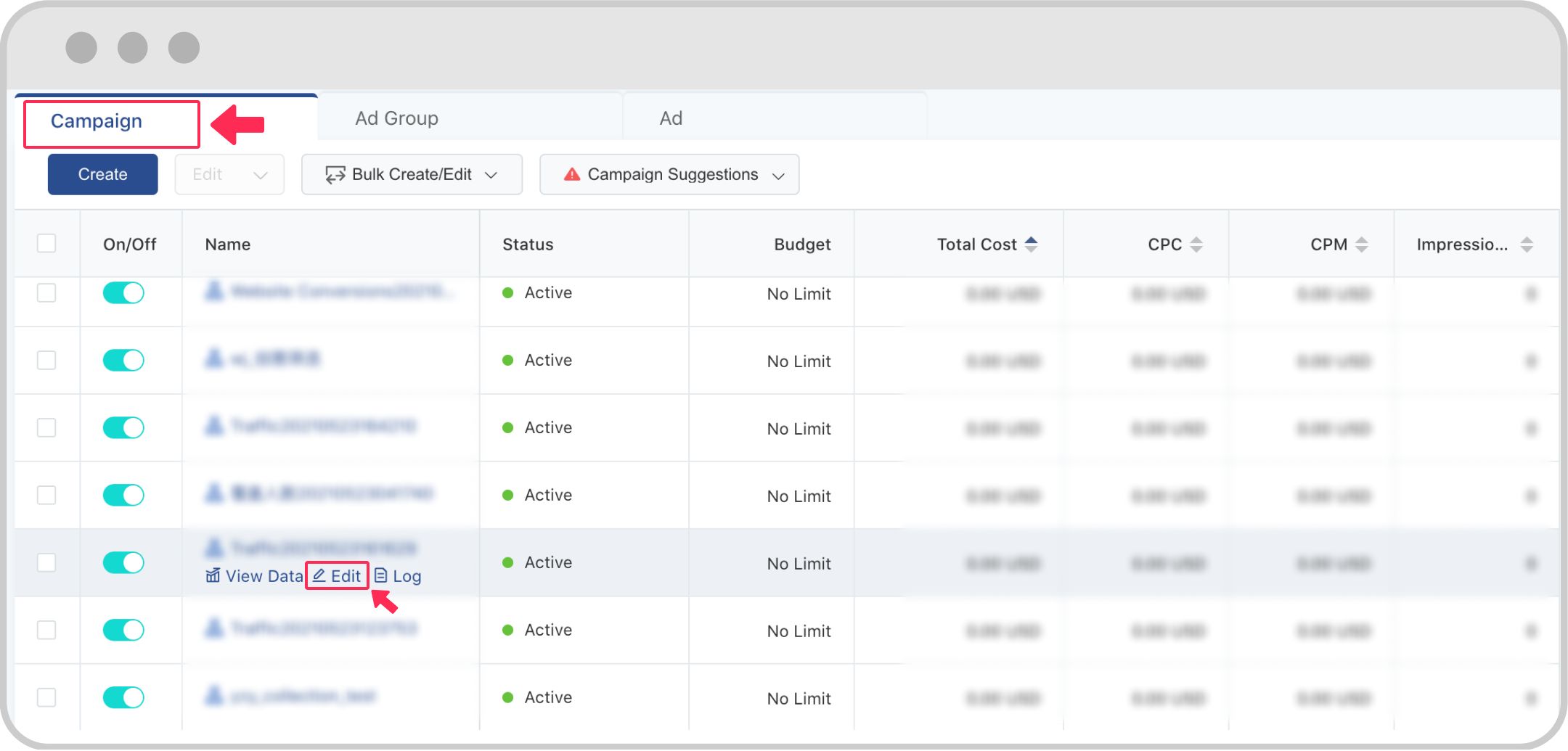
Once your campaign is set up, you'll move to the ad group level. An ad group is a collection of ads that share similar targeting, budgets, and objectives. This allows you to test different creatives, audiences, or messaging strategies within the same campaign.
- Key Features:
- Targeting: Define demographics, interests, behaviors, and location-based targeting.
- Bidding Strategy: Choose between "Lowest Cost" or "Bid Cap" to control how much you pay per action.
- Delivery Type: Opt for "Standard" or "Accelerated" delivery based on your goals.
3. Ad Level
The final layer in the structure is the ad itself. At this level, you upload your creative content—whether it's a video, image, or carousel—and define the call-to-action (CTA) that users will see.
- Key Features:
- Creative Format: Choose from in-feed videos, brand takeovers, TopView ads, Spark Ads, or Branded Effects.
- Call-to-Action (CTA): Select from options like "Shop Now," "Learn More," or "Download."
- Landing Page: Direct users to a specific URL or TikTok Shop product page.
Step-by-Step Guide to Setting Up Your TikTok Ad Account
Now that you understand the structure, let's break down the steps to set up your TikTok ad account:
Step 1: Create a TikTok Business Account
If you haven’t already, sign up for a TikTok Business Account. This gives you access to advanced features like analytics, ad management, and audience insights.
- Go to business.tiktok.com
- Follow the prompts to create your account
- Verify your email and phone number
Step 2: Access TikTok Ads Manager
Once your business account is set up, navigate to the TikTok Ads Manager. This is where you’ll create and manage your campaigns.
- Log in to your business account
- Click on “Ads” in the navigation menu
- Select “Create Ad” to start a new campaign
Step 3: Define Your Campaign Objective
Choose the objective that aligns with your business goals. TikTok offers eight primary objectives:
- Awareness: Maximize reach and brand exposure
- Consideration: Drive traffic to your website or app
- Conversion: Generate app installs or website conversions
- Lead Generation: Collect leads through forms or contact information
- Engagement: Increase likes, comments, and shares
- Traffic: Drive more visitors to your site
- Brand Awareness: Boost recognition and recall
- Sales: Sell products directly through TikTok Shop
Step 4: Set Up Your Ad Group
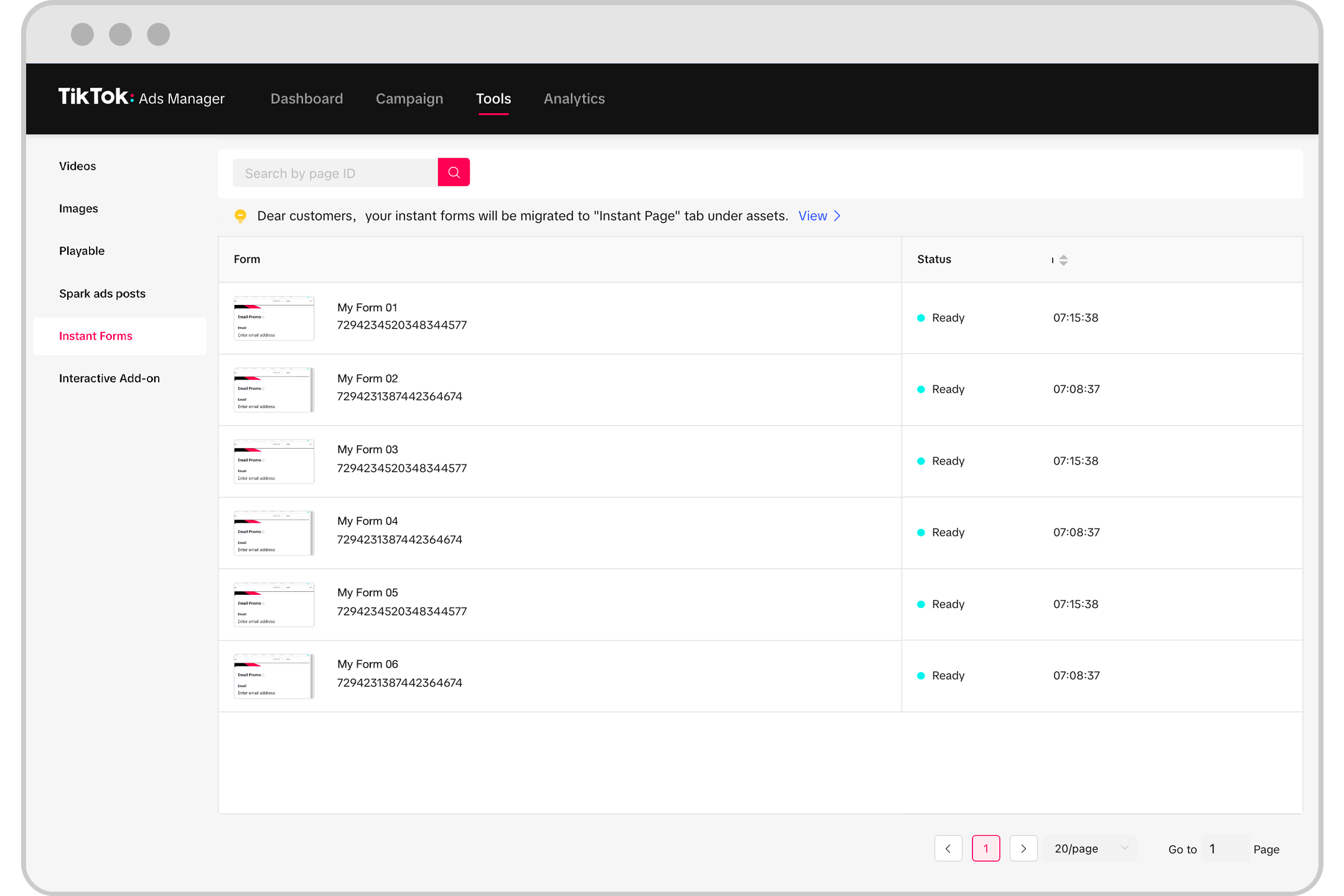
After selecting your campaign objective, configure your ad group by defining your target audience, budget, and bidding strategy.
- Audience Targeting: Use TikTok’s built-in tools to select demographics, interests, and behaviors.
- Budget: Decide on a daily or lifetime budget.
- Bidding Strategy: Choose between "Lowest Cost" or "Bid Cap."
Step 5: Upload Your Ad Creative
Next, upload your creative content. TikTok supports various formats, including videos, images, and carousels.
- Video Requirements: 5–60 seconds, 9:16 aspect ratio, MP4 or MOV format
- Image Requirements: JPG or PNG, 9:16, 1:1, or 16:9 aspect ratio
- Call-to-Action (CTA): Add a CTA button to encourage user interaction
Step 6: Review and Submit

Before launching your ad, review all details to ensure they align with your campaign goals. Once everything looks good, submit your ad for approval.
- Check for compliance with TikTok’s advertising policies
- Ensure your ad meets all technical specifications
- Submit for review
Best Practices for Optimizing Your TikTok Ad Account Structure
To get the most out of your TikTok ad account, consider these best practices:
1. Segment Your Audience Strategically
Use TikTok’s targeting tools to segment your audience based on demographics, interests, and behaviors. This helps you deliver more relevant ads and improve performance.
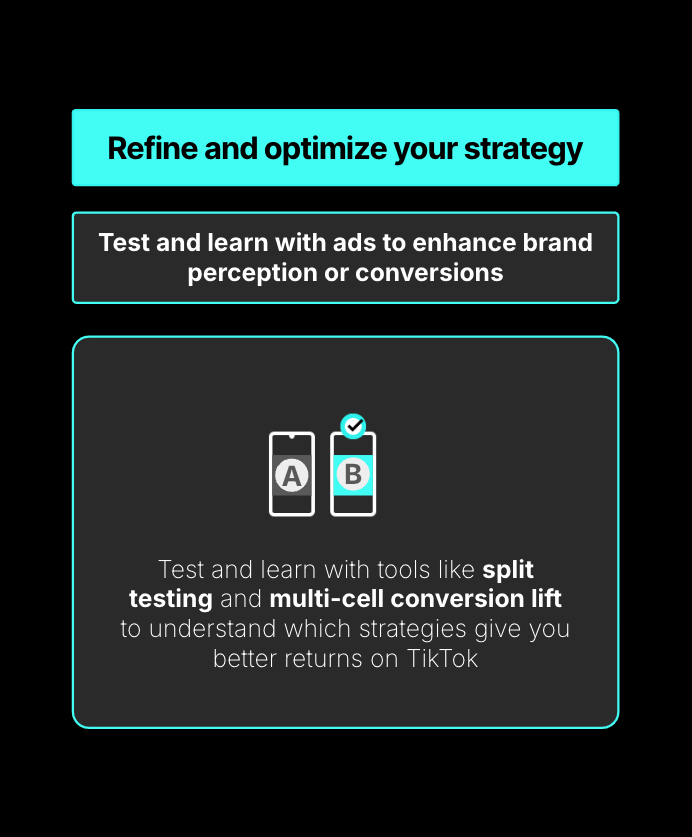
2. Test Multiple Ad Formats
Experiment with different ad formats, such as in-feed videos, brand takeovers, and Spark Ads. This allows you to find what works best for your audience.
3. Monitor Performance Regularly
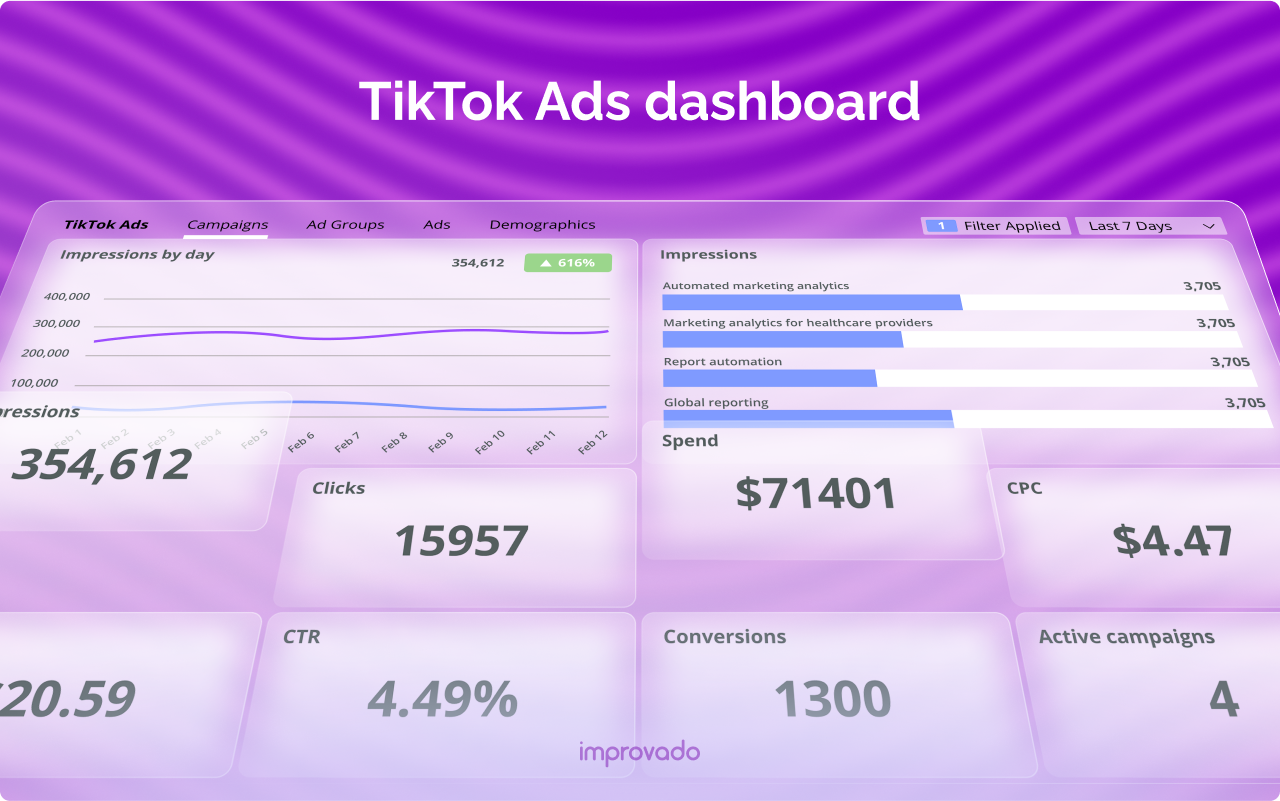
Track key metrics like click-through rate (CTR), conversion rate, and cost per acquisition (CPA). Use this data to refine your strategy and improve ROI.
4. Optimize for TikTok’s Algorithm
TikTok’s algorithm favors content that keeps users engaged. Focus on creating short, hook-driven videos that capture attention quickly.
Conclusion
Setting up a TikTok ad account may seem complex at first, but understanding the ad account structure is key to running successful campaigns. By following the steps outlined above and implementing best practices, you can create targeted, high-performing ads that drive real results for your business.
Whether you're a small business owner or a marketing professional, leveraging TikTok’s ad platform can help you connect with a younger, tech-savvy audience and boost your brand’s visibility. Start building your TikTok ad account today and unlock the full potential of this dynamic platform.

Posting Komentar untuk "How to Set Up a TikTok Ad Account: A Complete Guide to Ad Account Structure"
Posting Komentar