
How to Set Up TikTok Ad Campaigns: A Complete Step-by-Step Guide
TikTok has rapidly become one of the most influential social media platforms, with over 2.25 billion users expected by 2027. For businesses, this means a massive opportunity to connect with a young and engaged audience. Setting up TikTok ad campaigns is not only an effective way to boost brand visibility but also a powerful tool for driving conversions and growing your customer base.
This guide will walk you through the entire process of setting up TikTok ad campaigns, from creating a business account to optimizing your ads for maximum impact.
Understanding TikTok Ads

TikTok ads are paid videos that appear in users' feeds or as full-screen content when they open the app. These ads blend seamlessly with user-generated content, making them more engaging than traditional banner ads. They can be tailored to specific goals such as increasing website traffic, generating leads, or boosting conversions.
TikTok offers several ad formats, including:
- In-feed ads: Appear in the "For You" page.
- TopView ads: Full-screen ads that play when users open the app.
- Spark Ads: Boost existing TikTok posts to increase their reach.
- Video shopping ads: Allow users to shop directly within the app.
- Branded effects: Custom filters and AR experiences.
- Sponsored influencer ads: Paid collaborations with creators.
Each format serves a different purpose, so choosing the right one depends on your campaign goals.
Step 1: Create a Business Account
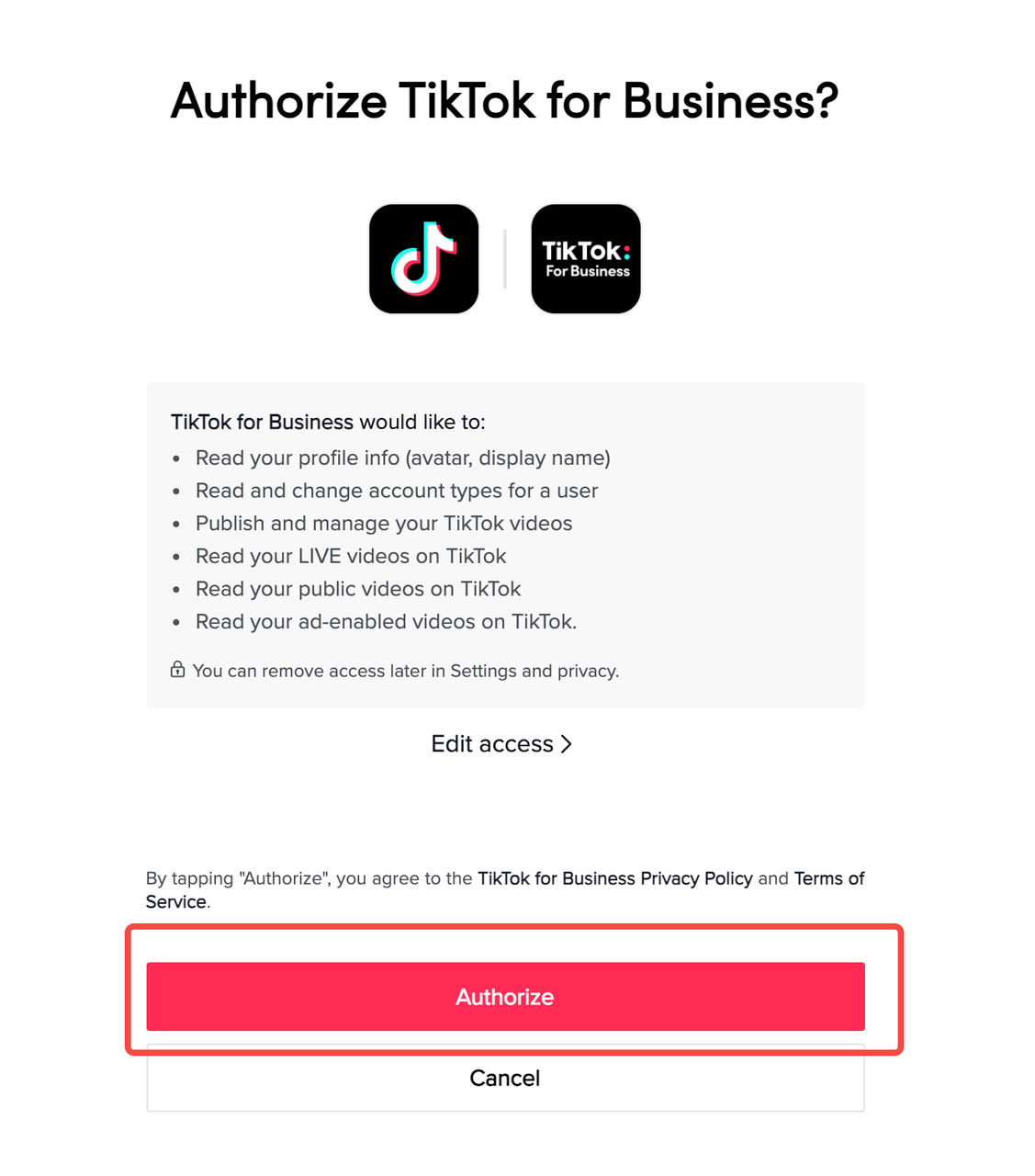
Before you can set up TikTok ad campaigns, you need a business account. This gives you access to TikTok’s Ads Manager and analytics tools.
To switch to a business account:
- Open the TikTok app.
- Tap on your profile icon.
- Go to Settings and Privacy > Manage Account > Switch to Business Account.
This process is free and takes just a few minutes. Once you have a business account, you’ll be able to access advanced features like ad creation, targeting, and performance tracking.
Step 2: Access TikTok Ads Manager
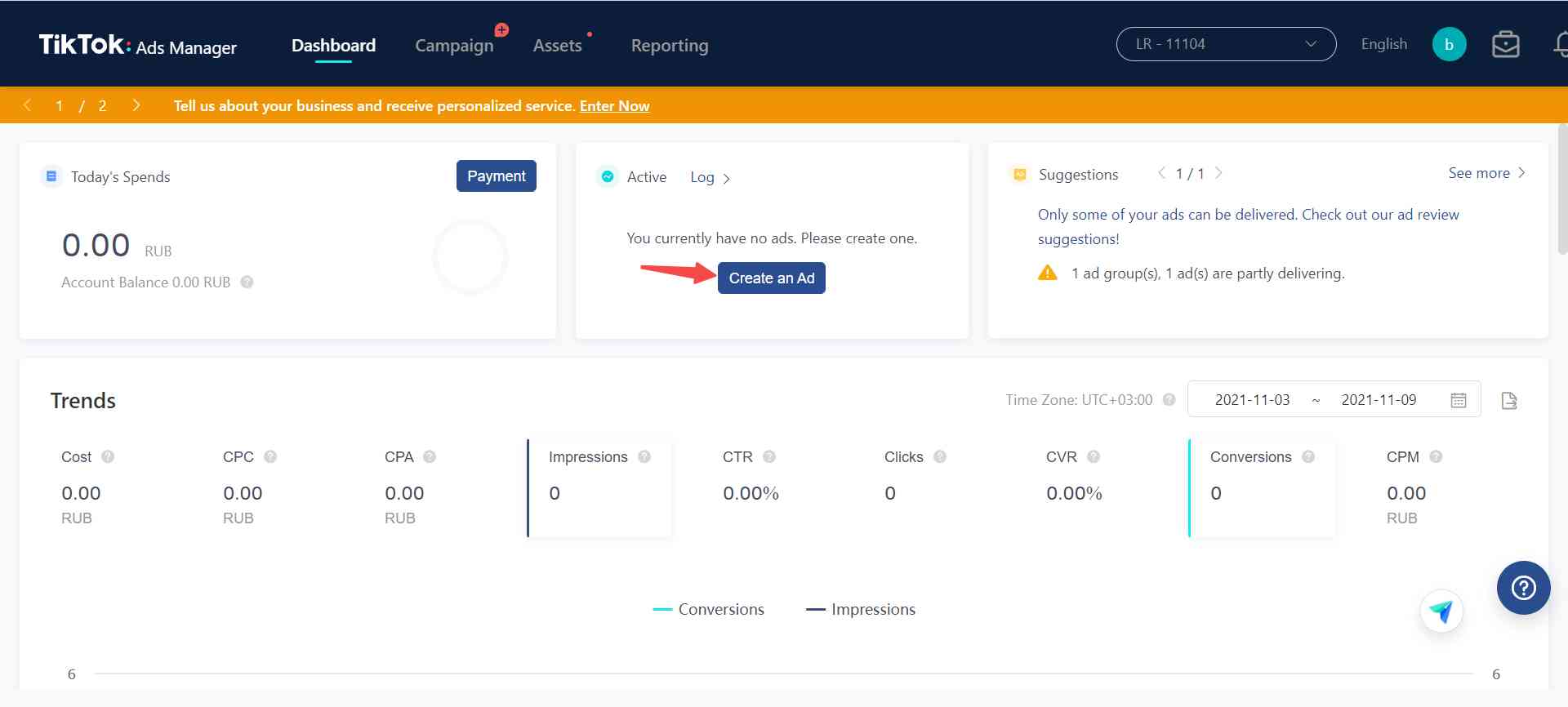
TikTok Ads Manager is where you’ll create and manage your ad campaigns. You can access it via the TikTok app or through the desktop version at ads.tiktok.com.
Once logged in, you’ll see a dashboard with options to create new campaigns, view performance metrics, and manage your ad groups.
Step 3: Choose Your Campaign Objective
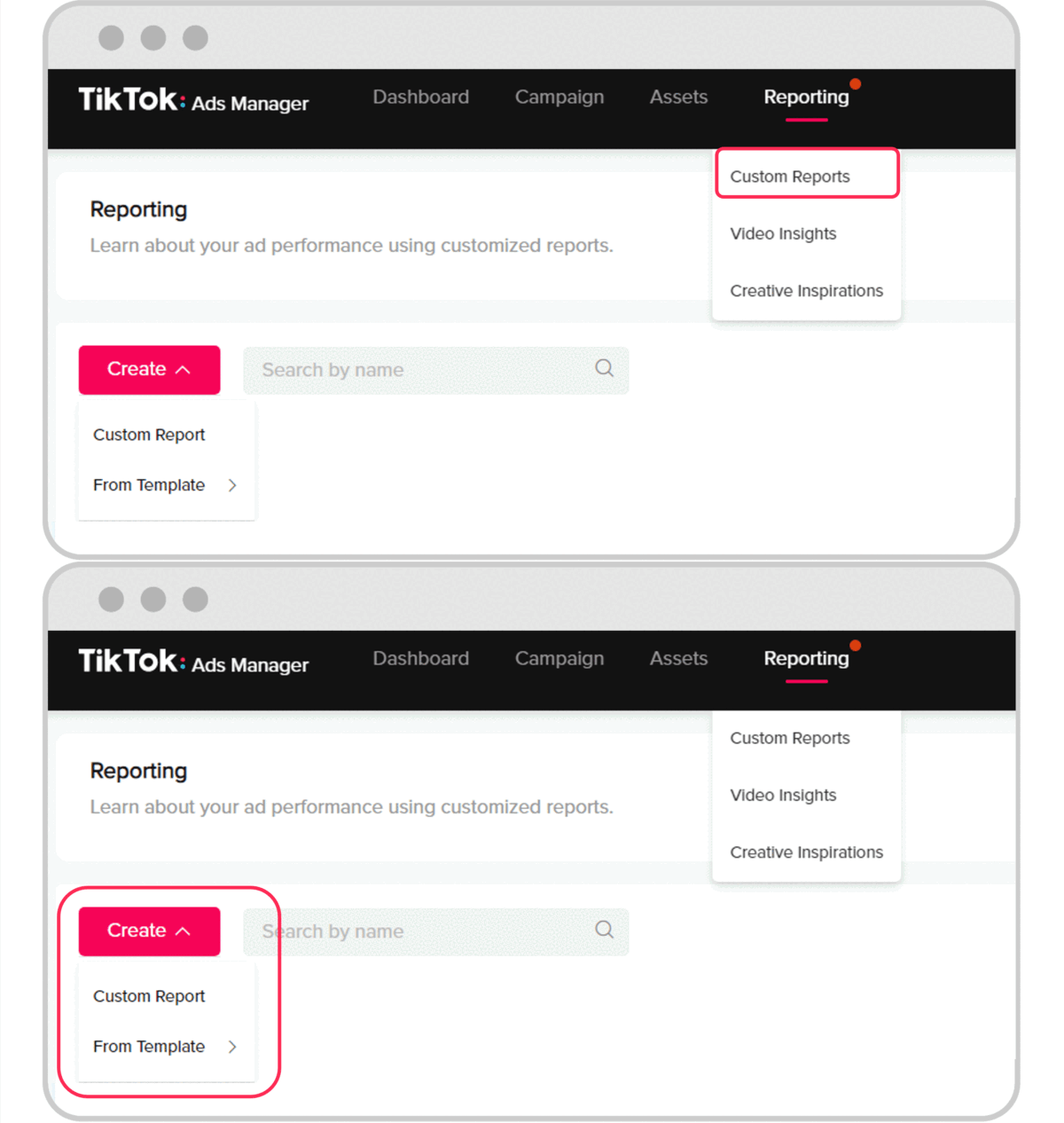
When setting up your first campaign, you’ll need to choose an objective that aligns with your marketing goals. TikTok offers four main objectives:
- Traffic: Drive users to your website.
- Community Interaction: Increase engagement and build brand awareness.
- Lead Generation: Collect contact information from potential customers.
- Website Conversions: Encourage actions like purchases or sign-ups.
Selecting the right objective helps TikTok’s algorithm target the most relevant audience for your campaign.
Step 4: Define Your Target Audience

TikTok allows you to target users based on demographics, interests, behaviors, and more. To define your audience:
- Select Custom Audience or Automatic Audience.
- Choose age, gender, location, and language.
- Add interests (e.g., fashion, food, technology).
- Use lookalike audiences to target users similar to your existing customers.
You can also retarget users who have interacted with your content or visited your website.
Step 5: Set Your Budget and Schedule
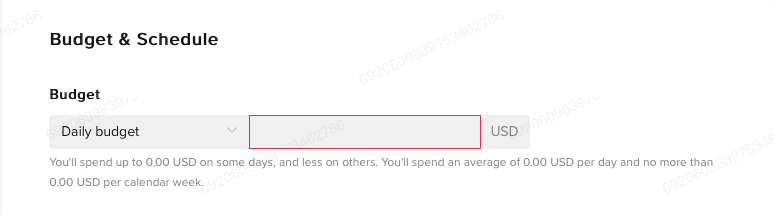
TikTok allows you to set a daily or lifetime budget for your campaign. The minimum daily budget is $5, and you can choose how long your campaign runs—whether it's a single day, a week, or indefinitely.
You can also choose between two bidding strategies:
- Lowest Cost: TikTok automatically optimizes bids to get the most results for your budget.
- Cost Cap: Set a maximum cost per click or impression.
Step 6: Choose Bidding Strategy

TikTok offers several bidding strategies to suit different goals:
- Cost Per Click (CPC): Pay when users click on your ad.
- Cost Per Mille (CPM): Pay per 1,000 impressions.
- Optimized CPM (oCPM): TikTok targets users likely to convert.
- Cost Per View (CPV): Pay when users watch your ad for six seconds or more.
Choose the strategy that best fits your campaign goals and budget.
Step 7: Create Your Ad Content

Now it’s time to create your ad. TikTok requires vertical video ads (9:16 aspect ratio) with a resolution of at least 540x960 pixels. You can upload a new video or use an existing TikTok post.
Make sure your ad includes a clear call-to-action (CTA), such as “Shop Now” or “Learn More.” Also, include captions for silent viewing, as many users watch TikTok without sound.
Step 8: Submit and Monitor Your Campaign

After creating your ad, review it for compliance with TikTok’s guidelines. Then, submit your campaign for approval. Once approved, your ad will go live, and you can monitor its performance in the Ads Manager.
Key metrics to track include:
- Click-through rate (CTR)
- Conversion rate
- Cost per click (CPC)
- Return on ad spend (ROAS)
Use these insights to optimize future campaigns.
Tips for Success

- Start Small: Begin with a small budget and test different ad formats and audiences.
- Leverage Trends: Use trending sounds, hashtags, and challenges to increase visibility.
- Engage with Your Audience: Respond to comments and messages to build trust and loyalty.
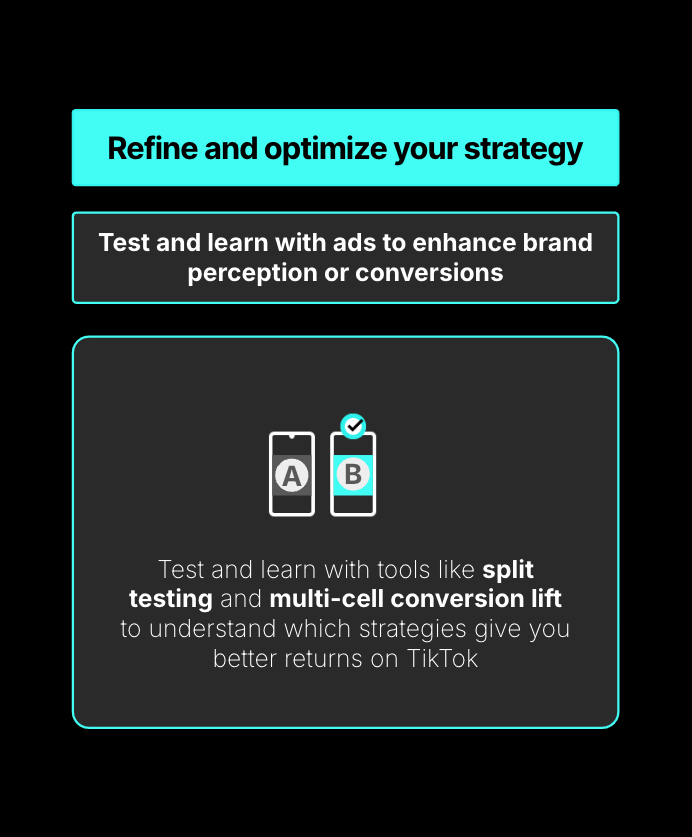
- A/B Test: Experiment with different headlines, visuals, and CTAs to find what works best.
- Collaborate with Creators: Partner with influencers to expand your reach and credibility.
Conclusion
Setting up TikTok ad campaigns is a powerful way to connect with a vast and engaged audience. By following the steps outlined in this guide, you can create effective ads that drive traffic, generate leads, and boost conversions.
Remember, success on TikTok requires a mix of creativity, data-driven decisions, and continuous optimization. With the right strategy, your brand can thrive on this dynamic platform.
Posting Komentar untuk "How to Set Up TikTok Ad Campaigns: A Complete Step-by-Step Guide"
Posting Komentar