
How to Set Up TikTok Ad Groups Efficiently: A Step-by-Step Guide

TikTok has become one of the most powerful platforms for digital advertising, offering brands a unique opportunity to connect with a massive and engaged audience. With a 97% success rate in boosting tune-ins for shows and events, it's no wonder that many marketers are turning to TikTok to amplify their media content's reach. However, setting up TikTok ad groups efficiently requires a strategic approach. In this guide, we'll walk you through the essential steps to create and manage your TikTok ad groups effectively.
Step 1: Create Your TikTok Ads Manager Account
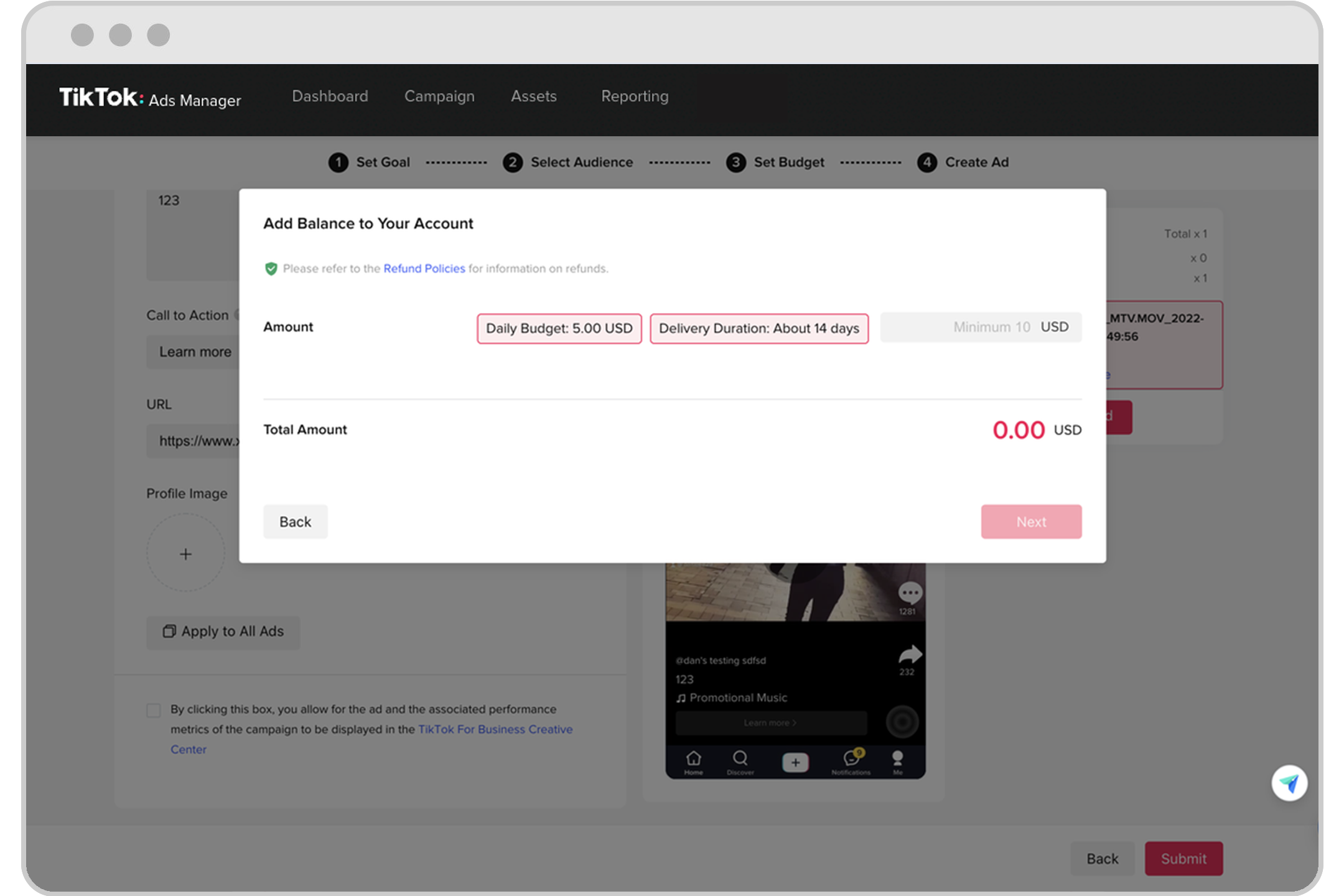
The first step in your TikTok advertising journey is to set up a TikTok Ads Manager account. Begin by visiting the TikTok for Business website and signing up. You will need to provide essential details about your brand, such as your company name, industry, and contact information. Ensuring that this information is comprehensive and accurate will streamline the setup process.
Once you've completed the sign-up, follow the on-screen instructions to finalize your account creation. While verification is optional, it can enhance your profile's credibility. This step is crucial as it lays the foundation for all your future advertising efforts.
Step 2: Set Up a TikTok Ads Campaign
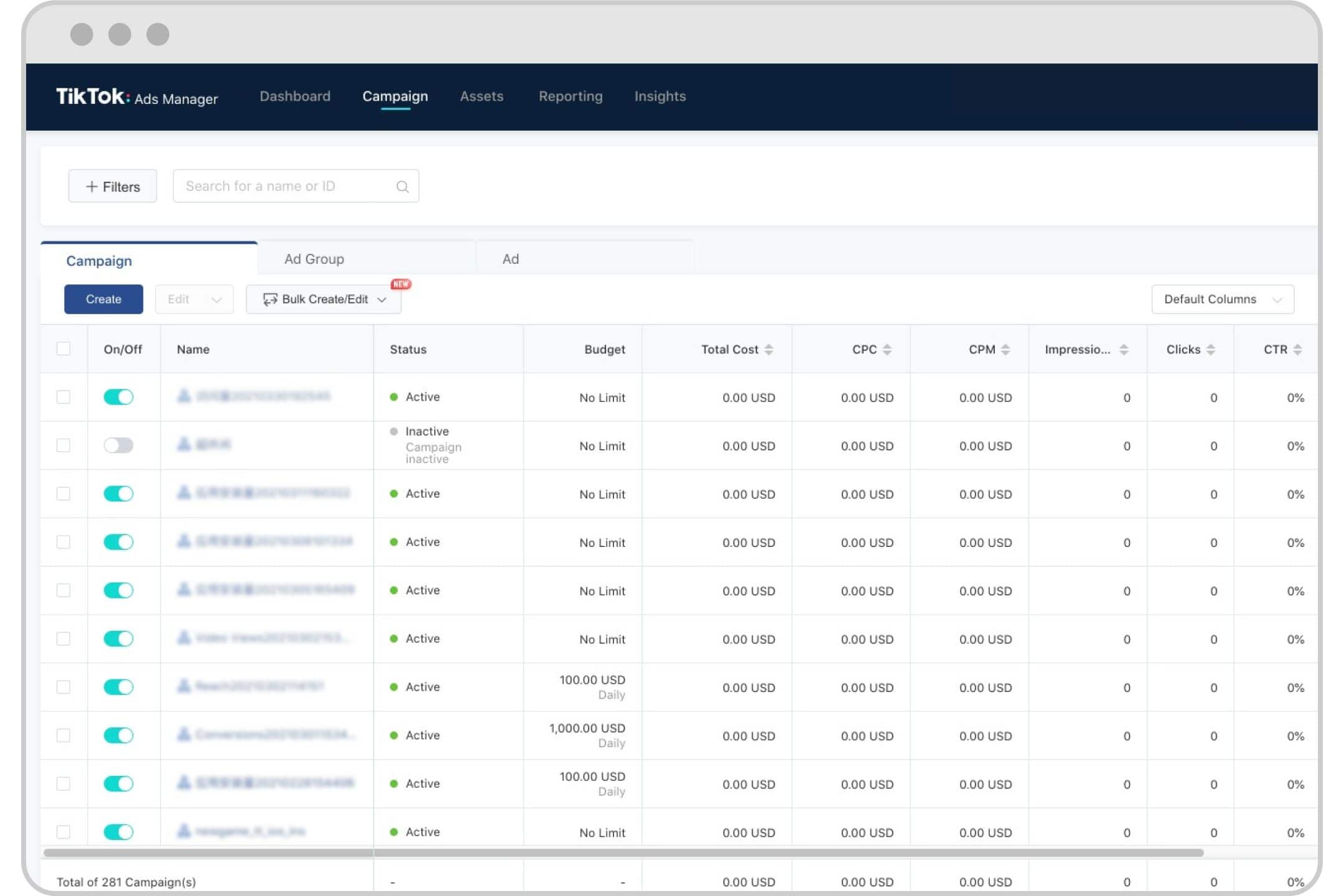
After creating your account, the next step is to launch your first campaign. Navigate to the dashboard and click on the "Campaign" tab, then select "Create." TikTok offers two modes: Simplified Mode and Custom Mode. Simplified Mode is ideal for beginners, allowing you to create an advertisement in under five minutes. Custom Mode, on the other hand, provides more advanced settings for seasoned marketers looking to tailor their strategies.
Choosing the right mode depends on your experience level and specific campaign goals. Whether you're new to digital advertising or looking to refine your strategy, TikTok's intuitive interface makes it easy to get started.
Step 3: Choose Your Advertising Objective

Selecting the right advertising objective is crucial for the success of your campaign. TikTok categorizes objectives into three main types: Awareness, Consideration, and Conversion.
- Awareness aims to increase brand recognition.
- Consideration focuses on deepening engagement with your offerings.
- Conversion encourages actions such as product purchases or app downloads.
By aligning your campaign with a specific objective, you can tailor your ad content and strategies to meet your goals effectively.
Step 4: Set Up Your Ad Group
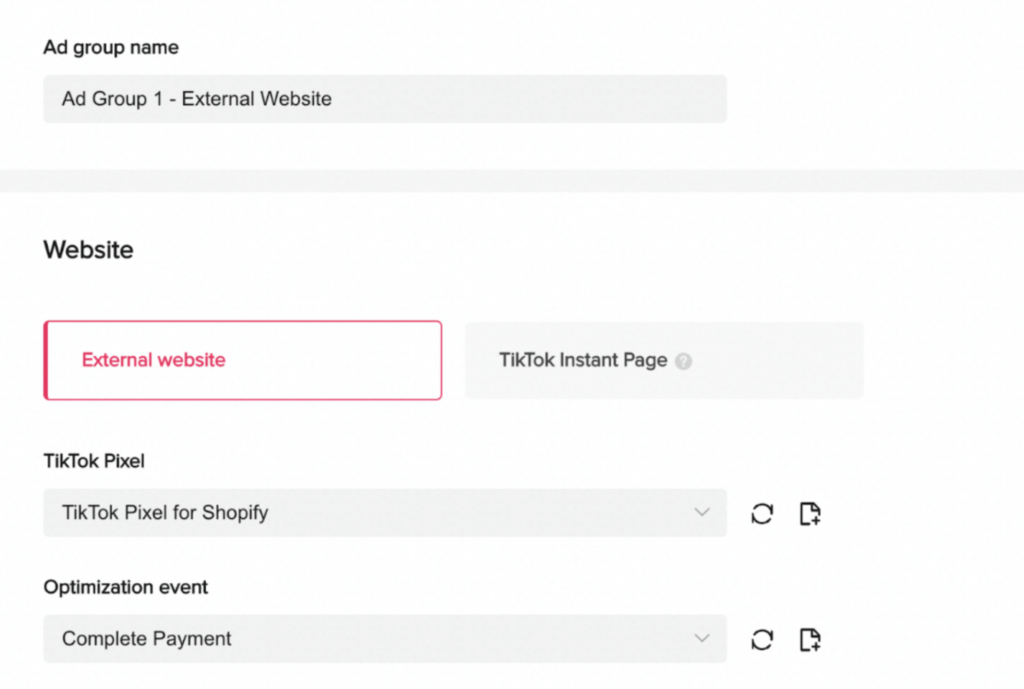
Setting up ad groups is a pivotal task that enhances the organization and effectiveness of your campaign. Ad groups function as sub-categories within your campaign, allowing precise control over different aspects of your advertising efforts.
Start by naming your ad group so you can easily identify and manage your campaign later on. For those new to the platform, starting with "Automatic Placements" is advisable. This feature utilizes TikTok’s algorithm to determine the best places to show your ads, optimizing your reach and engagement without manual input.
Define your target audience by selecting specific demographics like location, gender, age group, and language. Additionally, consider targeting based on user behaviors, interests, and device type to ensure your ads reach the most relevant audience.
Set up your ad group budget and schedule, keeping in mind that your daily budget is the maximum amount you can spend in a day for this specific ad group.
Step 5: Create Your Ad

Creating your ad involves crafting video content that captures the attention of your target audience. Start by developing a video that engages viewers and incorporates ad text that resonates with your marketing objectives.
TikTok offers a "Smart Video" option accessible through the "Create a Video" and then "Video Generator" paths. This tool automatically edits your video by syncing transitions to your chosen music based on the number of images or clips you upload. For ecommerce sites and mobile apps, TikTok allows you to extract images from your landing page, pair them with suitable music, and transform them into engaging ads.
Step 6: Launch Your Ad Campaign
The final step is to launch your ad campaign on TikTok. Begin by uploading your creatives, which marks the moment your content goes live. Upload your video or image content, craft a captivating caption, and choose the identity under which your ad will appear—this can be a unique display name or your brand’s official TikTok account.
Set your destination page, which should direct users either to your brand’s main website or a specific landing page designed for the product or service you are promoting. Consider using Instant Pages for a quick and optimized mobile experience.
Track interactions with your ad, including monitoring events on your website, within your app, or on third-party platforms. Finally, submit your ad for review. TikTok typically reviews submitted ads within 24 hours, after which your campaign will go live.
Tips for Optimizing TikTok Ad Groups
To maximize the efficiency of your TikTok ad groups, consider the following tips:
- Use the right targeting strategy: Start with broad targeting to let TikTok's algorithm find the best targets for your ads. Then, create custom and lookalike audiences to find users similar to your existing customers.
- Pay attention to ad groups: Include more than one ad group within a campaign to give the algorithm ample opportunity to optimize. Review underperforming ad groups and adjust your targeting accordingly.
- Craft engaging ad creatives: Focus on creating visually captivating content that stands out. Use the 3T storytelling technique (Tease, Tell, Turning point) to hook your audience.
- Optimize your bidding and budget: Effective bidding and budget management are crucial for e-commerce merchants. Test different bidding strategies and use TikTok’s App Event Optimization (AEO) for App Install campaigns.
By following these steps and tips, you can set up TikTok ad groups efficiently and achieve remarkable results. With the right strategy and execution, your TikTok ads can significantly boost your brand's visibility and drive meaningful engagement.

Posting Komentar untuk "How to Set Up TikTok Ad Groups Efficiently: A Step-by-Step Guide"
Posting Komentar