
How to Set Up a TikTok Ads Account: A Step-by-Step Guide
TikTok has become one of the most powerful platforms for digital marketing, with over 1 billion active users worldwide. As a result, many businesses are turning to TikTok ads to reach their target audience and drive engagement. Setting up a TikTok Ads account is a crucial first step in leveraging this platform effectively. In this guide, we’ll walk you through the process of setting up your TikTok Ads account, from initial registration to campaign creation.
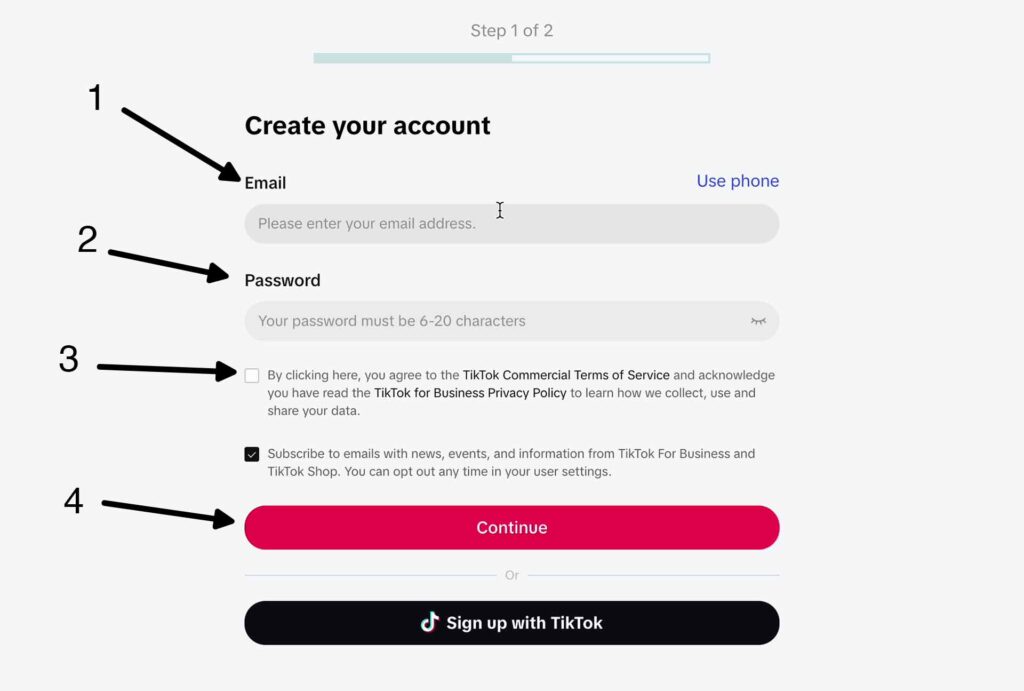
Step 1: Create a Business Account

Before you can start advertising on TikTok, you need to create a business account. This can be done by visiting the TikTok website and clicking on "Create Ad" or by accessing the TikTok Ads Manager directly. If you're in India, Vietnam, Japan, Taiwan, Malaysia, Indonesia, or Thailand, you may be able to sign up for a TikTok ad account directly. For other regions, you'll need to contact a TikTok advertising representative to set up your account.
Step 2: Choose Your Campaign Objective
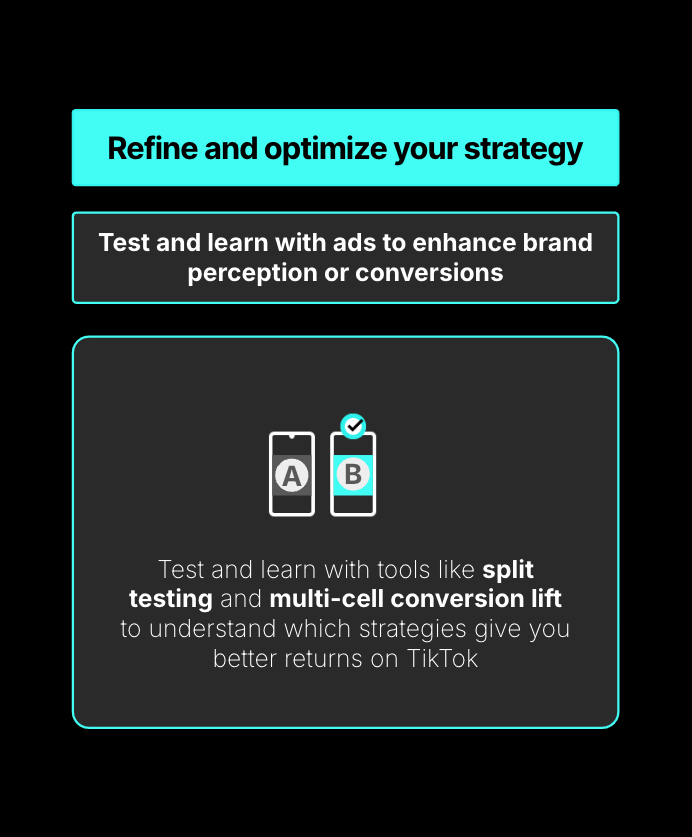
Once your account is set up, you'll need to choose your campaign objective. TikTok offers several objectives to choose from, including:
- Traffic: Drive more traffic to your website or app.
- Conversions: Collect leads for your business or brand.
- App Install: Get more users to install and engage with your app.
- Video Views: Get more views and engagement for your video ads.
- Lead Generation: Collect leads for your business or brand.
- Community Interactions: Get more followers or profile visits.
- Product Sales: Sell products from your TikTok Shop, website, and app.
Choose the objective that aligns with your marketing goals.
Step 3: Define Your Budget and Schedule
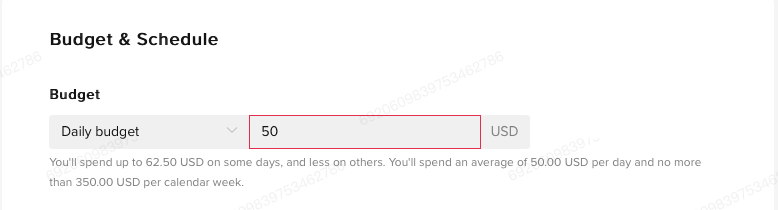
After selecting your campaign objective, you'll need to define your budget and schedule. You can choose between a daily or lifetime budget for your campaign. Additionally, you can specify the duration of your campaign and whether you want to run ads at specific times of the day (dayparting).
Step 4: Choose Your Ad Placements

Next, you'll need to decide where your ads should appear. TikTok allows you to select apps manually or let TikTok intuitively place the ads on different platforms to get the best results. Some placements include:
- TikTok (includes Search): In-feed ads in the “For You” feed (and Search)
- Pangle: TikTok audience network
- Global App Bundle (includes Resso): Multiple ad formats on non-TikTok apps
Step 5: Define Your Audience Targeting
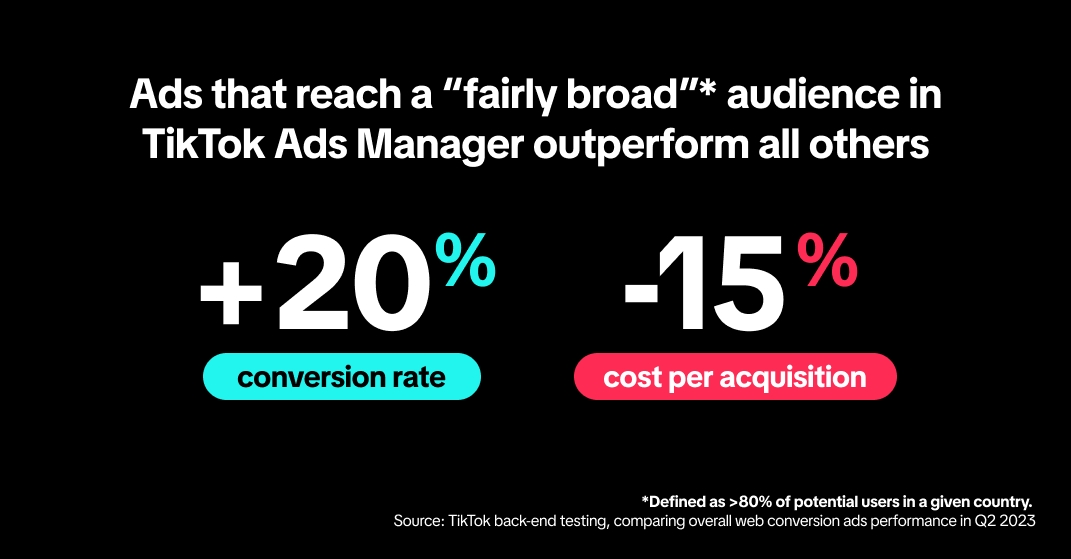
The next step is to define who will see your ads based on certain audience attributes such as demographics, languages, locations, age groups, genders, interests, and behaviors. You can also target custom and lookalike audiences. However, keep in mind that some placements only support ad delivery in select locations.
Step 6: Select Your Bidding and Optimization
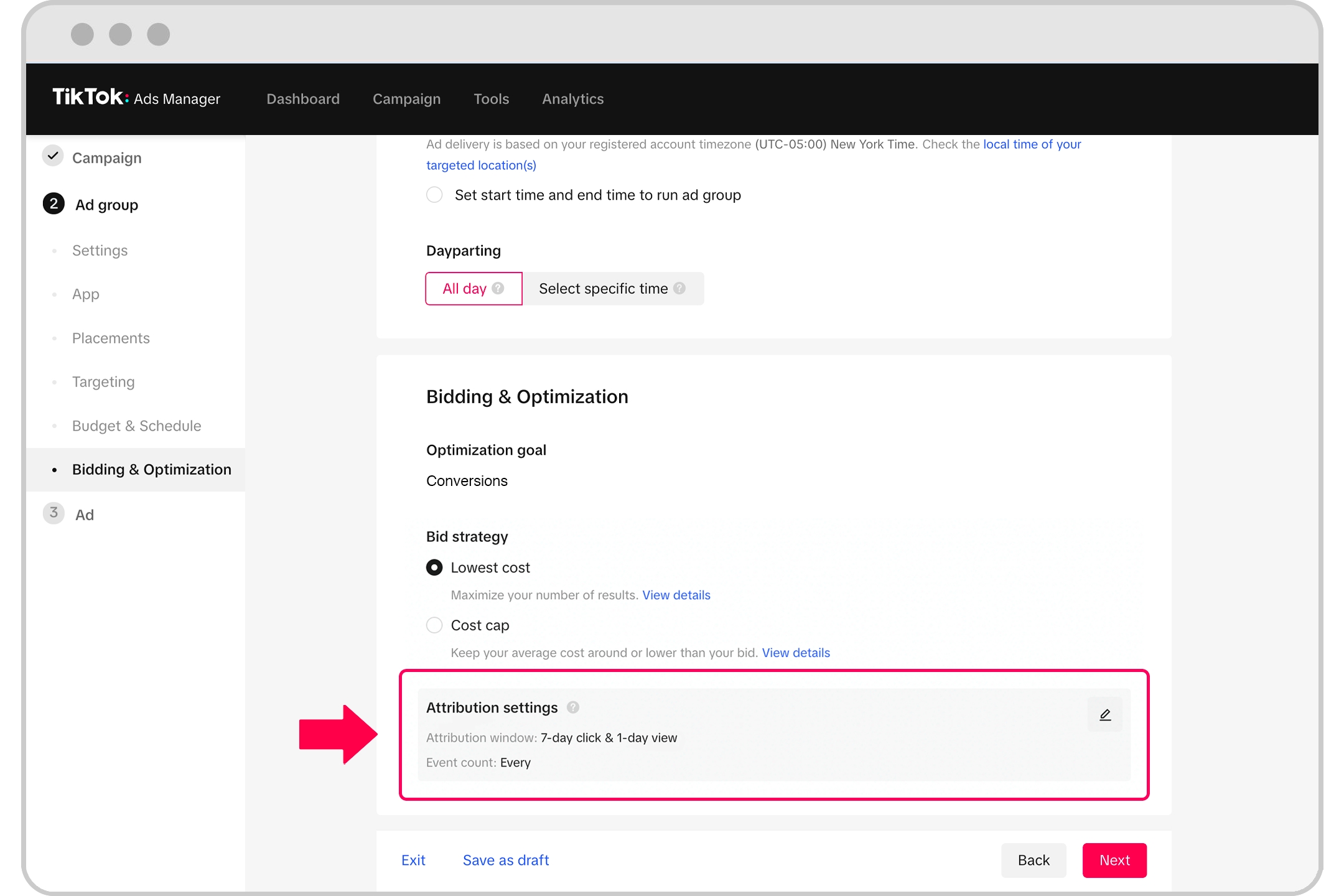
Once you've defined your audience, choose your bidding strategy and optimization goal. TikTok Ads Manager currently supports several bidding strategies, including:
- Bid Cap: Keeps the average cost per result below the bid threshold set by you.
- Cost Cap: Provides the system with an average cost per result that it should try to achieve.
- Lowest Cost: Uses the available ad group budget to generate as many results as possible at the lowest cost per result.
You can also choose between standard and accelerated delivery methods, which determine how your budget is spent and how ads are distributed within 24 hours.
Step 7: Upload Your Ad Creative

Finally, it's time to upload your ad creative. Each ad group can have up to 20 ads. You can choose to run your ads in the following ad formats:
- Single video ads
- Static image ads
- Video shopping ads
- Carousel ads
- Spark ads
Ensure your ad meets TikTok's guidelines and policies before submitting it for review.
Conclusion
Setting up a TikTok Ads account is a straightforward process that involves creating a business account, choosing your campaign objective, defining your budget and schedule, selecting your ad placements, defining your audience targeting, selecting your bidding and optimization, and uploading your ad creative. By following these steps, you can effectively leverage TikTok's advertising platform to reach your target audience and drive engagement. With the right strategy and creative content, your TikTok ads can help boost your brand awareness and achieve your marketing goals.

Posting Komentar untuk "How to Set Up a TikTok Ads Account: A Step-by-Step Guide"
Posting Komentar