
How to Set Up TikTok Ads Conversion Tracking for Maximum ROI
Introduction to TikTok Ads and Conversion Tracking

In today's digital marketing landscape, TikTok has emerged as a powerful platform for businesses to reach a vast and engaged audience. With its unique blend of entertainment and social interaction, TikTok offers an excellent opportunity for brands to promote their products or services. However, to truly harness the potential of TikTok ads, it's crucial to implement effective conversion tracking. This allows you to measure the success of your campaigns and optimize them for maximum return on investment (ROI). In this article, we will explore how to set up TikTok ads conversion tracking, focusing on strategies that can help you achieve better results.
Understanding the Importance of Conversion Tracking
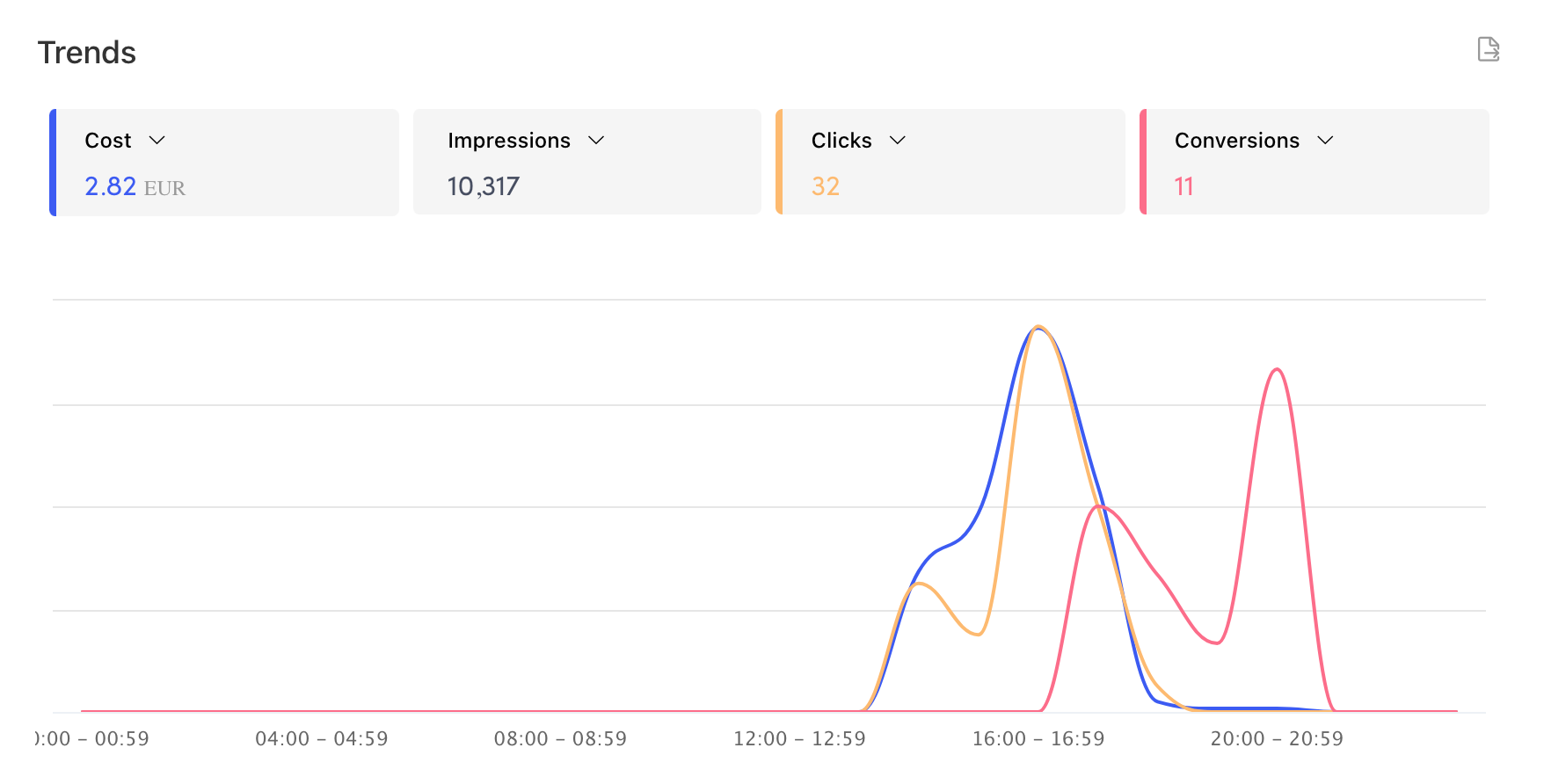
Conversion tracking is a vital tool that enables you to understand which TikTok ads are driving the most valuable actions on your website. These actions could include scheduling a call, making a purchase, or signing up for a newsletter. Without proper conversion tracking, you're essentially flying blind, unable to determine which ad creatives or campaigns are performing well. This lack of insight can lead to wasted ad spend and missed opportunities for growth.
Challenges with Calendly Integration
If you have a website with an embedded Calendly widget, you might be looking to drive traffic to your site through TikTok ads. However, one common challenge is that Calendly does not natively integrate with TikTok's tracking pixel. This means that you need to find alternative methods to track conversions effectively. Fortunately, there are several workarounds that can help you overcome this hurdle.
Method 1: Using Google Analytics and UTM Parameters

One effective method to track conversions from TikTok ads is by using Google Analytics in conjunction with UTM parameters. Here's how you can do it:
- Set Up Google Analytics: Ensure that your website is connected to Google Analytics. This will allow you to track user behavior and conversions.
- Create UTM Parameters: Use a Google Sheet to generate URLs with UTM parameters for each TikTok ad campaign. This helps you identify which specific ad is driving traffic to your site.
- Track Campaign Performance: By analyzing the data in Google Analytics, you can determine which TikTok ads are generating the best results. This information can guide your future advertising strategies.
Method 2: Utilizing Google Tag Manager
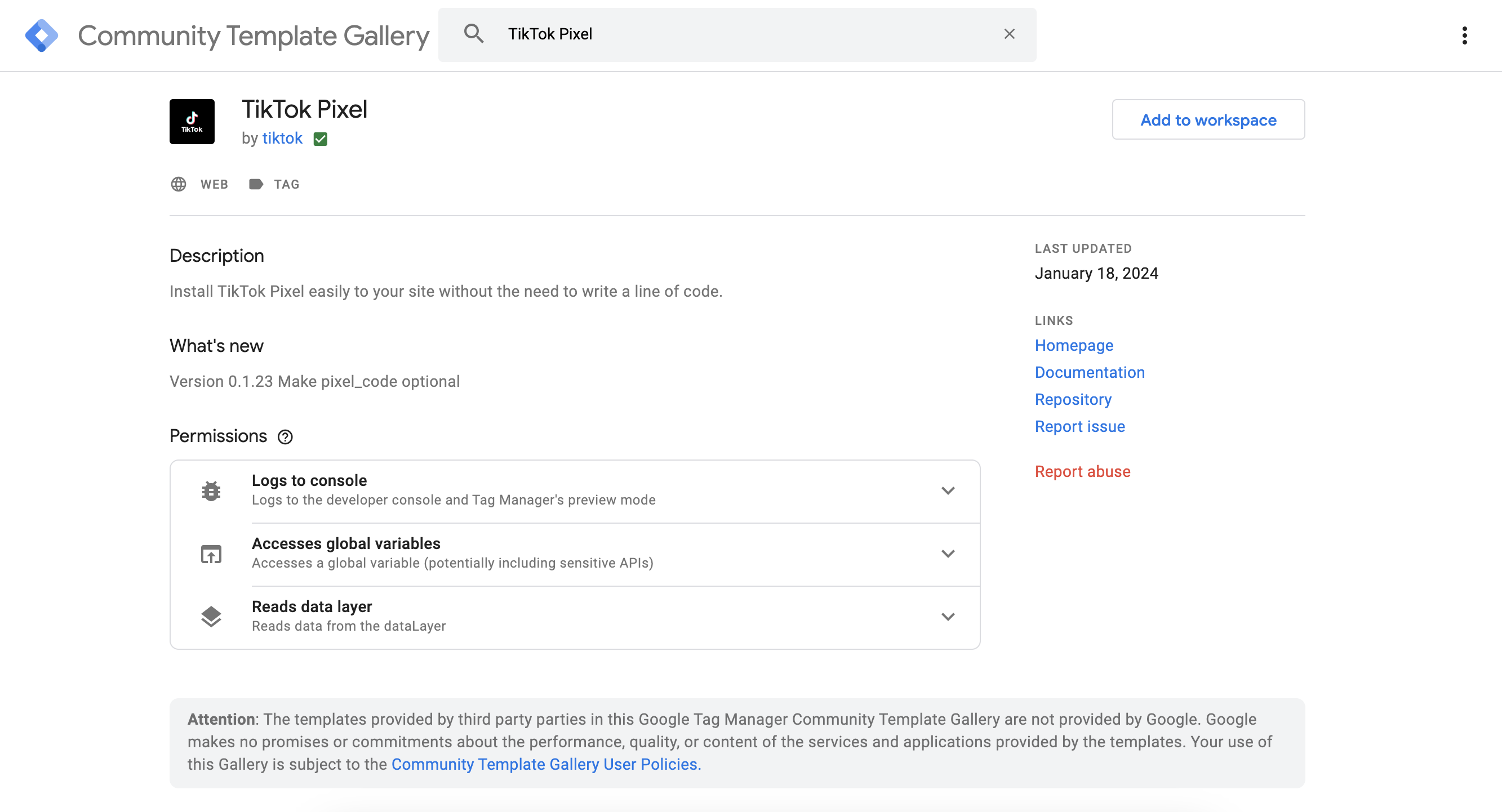
Another approach involves using Google Tag Manager (GTM) to install the TikTok pixel on your website. This method requires some technical knowledge but can provide more accurate tracking. Here's a step-by-step guide:
- Redirect Users to a Thank You Page: Configure your Calendly to redirect users to a unique 'thank you' page URL on your website after they schedule a call.
- Install the TikTok Pixel: Use Google Tag Manager to install the TikTok pixel on your site. This will allow you to track conversions based on the 'thank you' page URL.
- Set Up Conversion Events: Define the conversion events you want to track, such as form submissions or scheduled calls. This will give you detailed insights into the effectiveness of your TikTok ads.
Best Practices for Effective Conversion Tracking
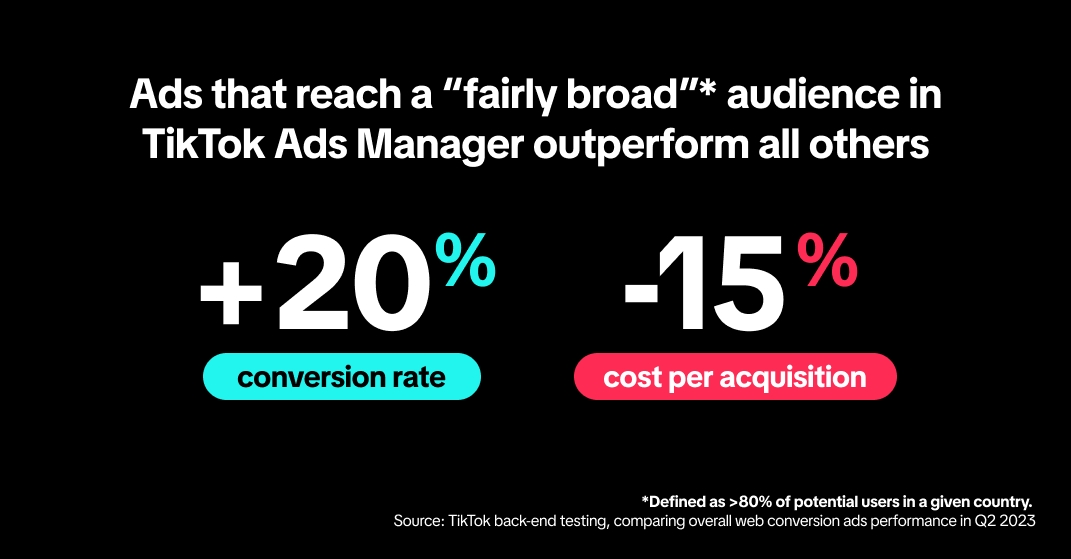
To ensure that your TikTok ads conversion tracking setup is as effective as possible, consider the following best practices:
- Regularly Monitor Your Data: Keep a close eye on your analytics to identify trends and make informed decisions.
- A/B Test Different Ad Creatives: Experiment with different ad creatives and track their performance to see what resonates with your audience.
- Optimize Based on Insights: Use the data collected to refine your ad campaigns and improve your overall ROI.
Conclusion
Setting up TikTok ads conversion tracking is essential for maximizing your ROI and understanding the effectiveness of your advertising efforts. While integrating Calendly with TikTok may present challenges, using tools like Google Analytics and Google Tag Manager can help you overcome these obstacles. By implementing these strategies, you can gain valuable insights into your ad performance and make data-driven decisions to grow your business. With the right approach, TikTok can become a powerful ally in your digital marketing arsenal.

Posting Komentar untuk "How to Set Up TikTok Ads Conversion Tracking for Maximum ROI"
Posting Komentar