
How to Set Up TikTok Ads Custom Event Tracking for Better Campaign Performance
TikTok has become a powerful platform for advertisers, especially in the financial services sector. With its massive user base and engaging content formats, TikTok offers unique opportunities for brands to connect with their target audience. However, to truly harness the power of TikTok Ads, it's essential to implement custom event tracking. This feature allows you to measure the effectiveness of your campaigns by capturing specific user actions, such as clicks, sign-ups, or conversions.
In this article, we'll explore how to set up TikTok Ads custom event tracking and why it's crucial for optimizing your campaign performance.
What is TikTok Ads Custom Event Tracking?
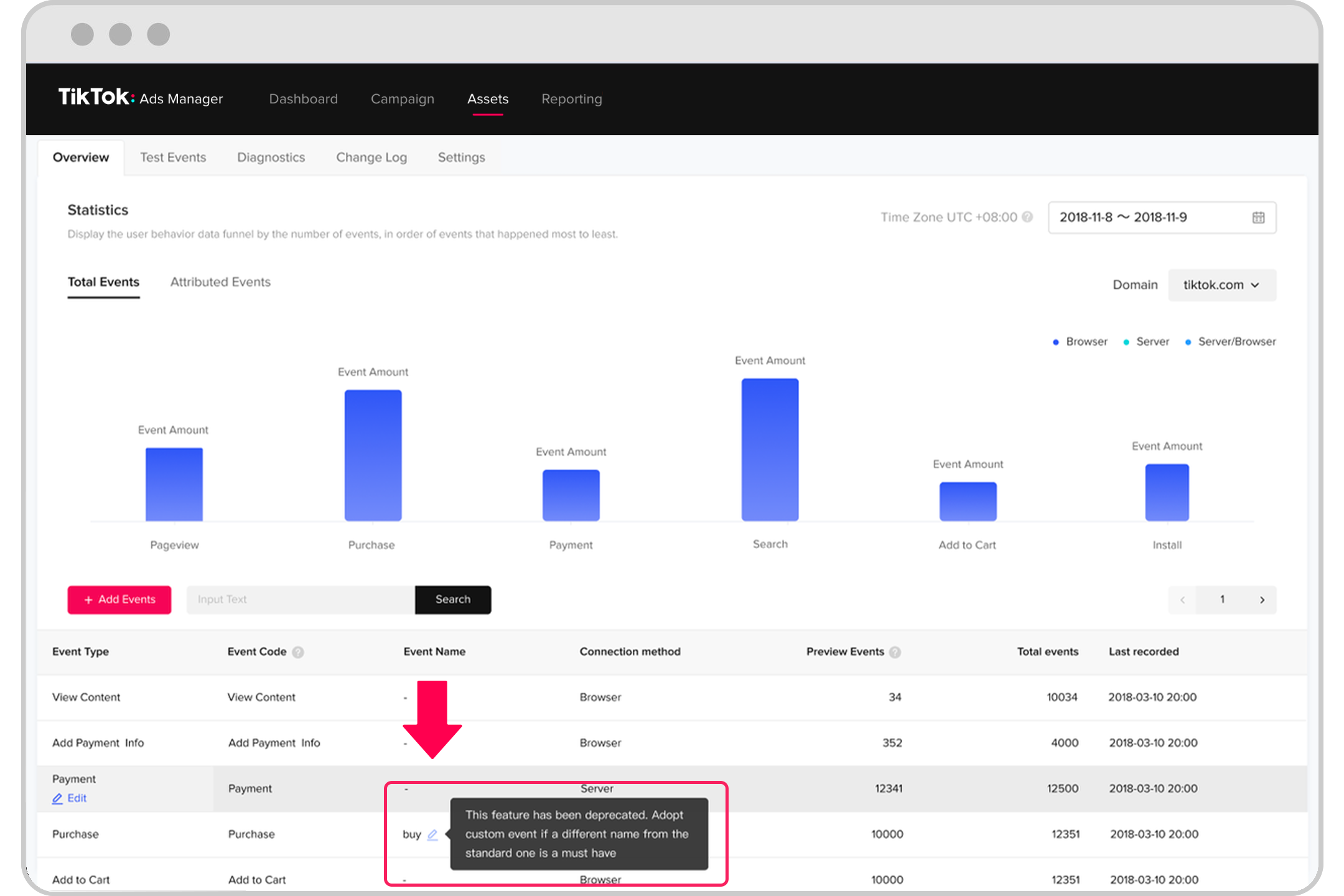
Custom event tracking on TikTok Ads enables you to define and monitor specific actions that users take after interacting with your ads. These events can be anything from a user clicking on a link to completing a form or making a purchase. By setting up custom events, you gain deeper insights into how your audience engages with your brand, allowing you to refine your strategies and improve ROI.
Why Custom Event Tracking Matters
-
Accurate Conversion Measurement: Without custom event tracking, you might only know how many people clicked on your ad, but not whether they took the desired action. Custom events help you track conversions, ensuring you understand the true impact of your campaigns.
-
Improved Targeting: By analyzing which events lead to conversions, you can better target your ads to the right audience. This data helps you identify high-performing demographics and tailor your messaging accordingly.
-
Optimized Budget Allocation: Knowing which campaigns drive the most valuable actions allows you to allocate your budget more effectively. You can invest more in the ads that deliver the best results.
-
Enhanced User Experience: Understanding user behavior through custom events helps you create more relevant and engaging content, leading to a better overall user experience.
Step-by-Step Guide to Setting Up Custom Event Tracking

Setting up custom event tracking on TikTok involves several key steps. Here’s a detailed guide:
- Access Your TikTok Business Account
-
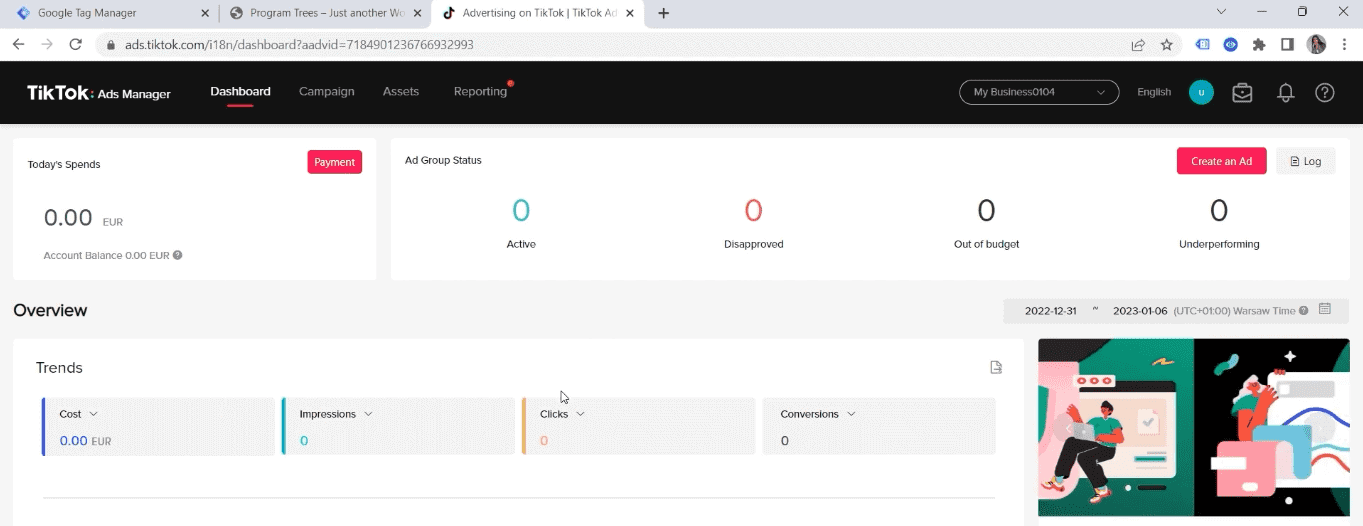
Log in to your TikTok Ads Manager account. If you don’t have one, you’ll need to create a business account first.
-
Install the TikTok Pixel
- The TikTok Pixel is a tracking code that you place on your website. It allows TikTok to collect data about user interactions.
-
To install the pixel, go to the "Pixels" section in your Ads Manager and follow the instructions provided.
-
Define Custom Events
- In the "Events" section of your Ads Manager, you can define custom events based on the actions you want to track. For example, you might want to track when a user completes a form or makes a purchase.
-
Use the event name and parameters to specify what exactly you're measuring.
-
Set Up UTM Parameters
- UTM parameters are tags added to URLs to track the source of traffic. They help you understand where your website visitors are coming from.
-
When creating your ads, include UTM parameters to ensure accurate tracking of user behavior.
-
Monitor and Analyze Data
-
Once your custom events are set up, use TikTok’s analytics tools to monitor performance. Look at metrics like click-through rates, conversion rates, and cost per acquisition (CPA) to evaluate your campaign's success.
-
Optimize Based on Insights
- Use the data collected from custom events to make informed decisions. Adjust your ad creatives, targeting, and bidding strategies based on what works best.
Best Practices for Custom Event Tracking
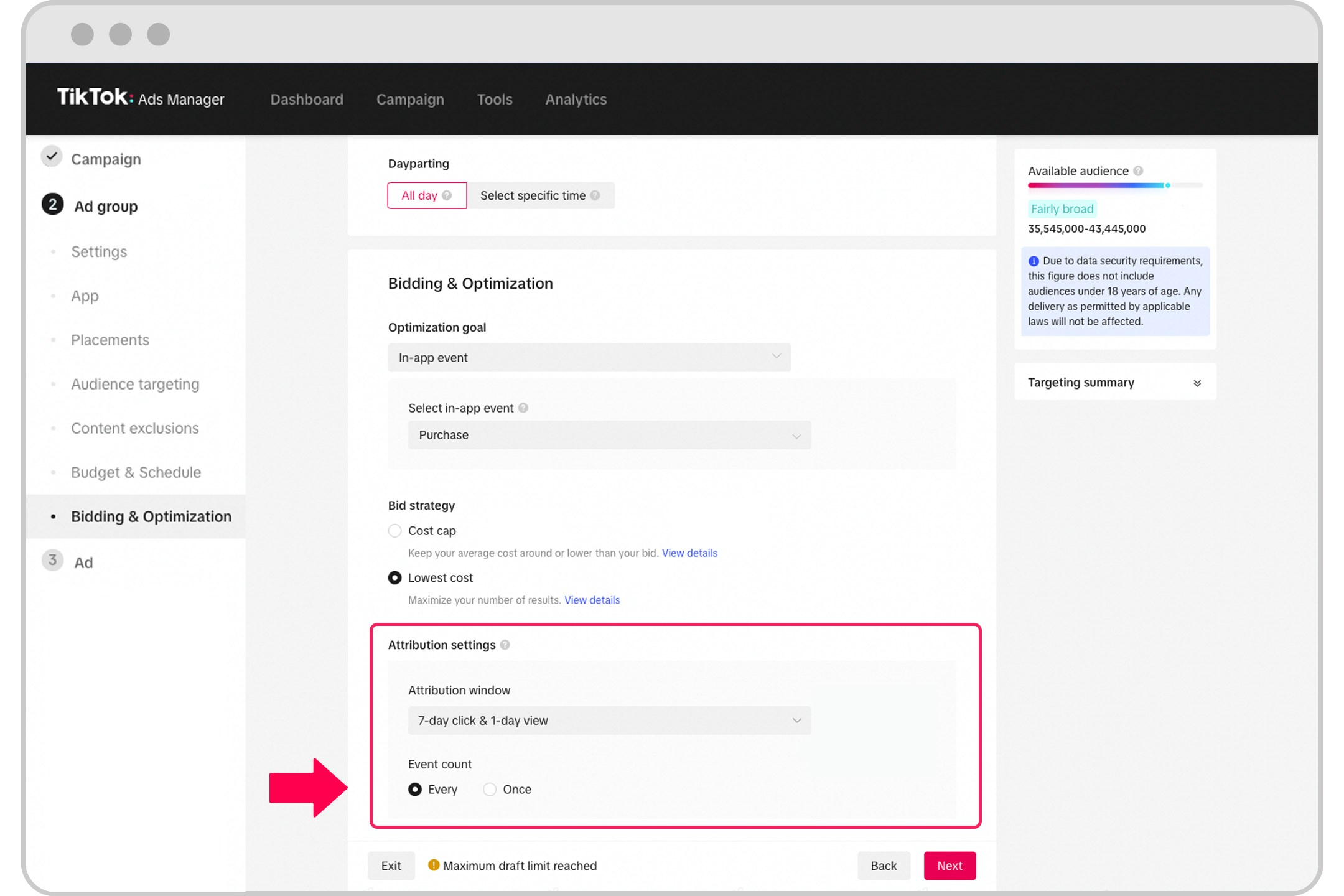
To get the most out of your custom event tracking, consider the following best practices:
-
Start Small: Begin with a few key events and expand as you gather more data. This approach allows you to focus on the most impactful metrics without overwhelming yourself.
-
Use Clear Naming Conventions: Ensure your event names are descriptive and consistent. This makes it easier to interpret your data and track progress over time.
-
Regularly Review and Update: As your business evolves, so will your goals. Regularly review your custom events and update them to reflect new objectives or changes in your strategy.
-
Leverage Third-Party Tools: Consider using tools like Magento 2 TikTok Pixel to streamline the tracking process. These solutions offer advanced features like GDPR-compliant triggers and zero performance impact, making it easier to manage your data effectively.
Conclusion
Custom event tracking is a vital component of any successful TikTok Ads campaign. By implementing this feature, you gain valuable insights into user behavior, allowing you to optimize your strategies and achieve better results. Whether you're a financial services provider or a brand looking to engage with a younger audience, understanding and utilizing custom event tracking can significantly enhance your campaign performance.
As TikTok continues to grow in popularity, especially among Millennials and Gen Z, the importance of effective advertising strategies cannot be overstated. By leveraging custom event tracking, you position your brand to succeed in this dynamic and ever-evolving digital landscape.

Posting Komentar untuk "How to Set Up TikTok Ads Custom Event Tracking for Better Campaign Performance"
Posting Komentar