
How to Set Up TikTok Ads Custom Conversion Tracking for Better Campaign Performance
TikTok has become a dominant force in the world of social media, with over 300 million monthly active users. For marketers and advertisers, this platform offers an incredible opportunity to reach Gen Z and younger demographics who are highly engaged with short-form video content. However, to truly maximize the effectiveness of your TikTok ad campaigns, you need to implement custom conversion tracking. This powerful feature allows you to measure the success of your ads by tracking specific actions users take after clicking on them, such as making a purchase, signing up for a newsletter, or downloading an app.
In this article, we’ll walk you through the process of setting up custom conversion tracking for TikTok ads, ensuring that you can optimize your campaigns for better performance and higher ROI.
Understanding TikTok Ads and Conversion Tracking
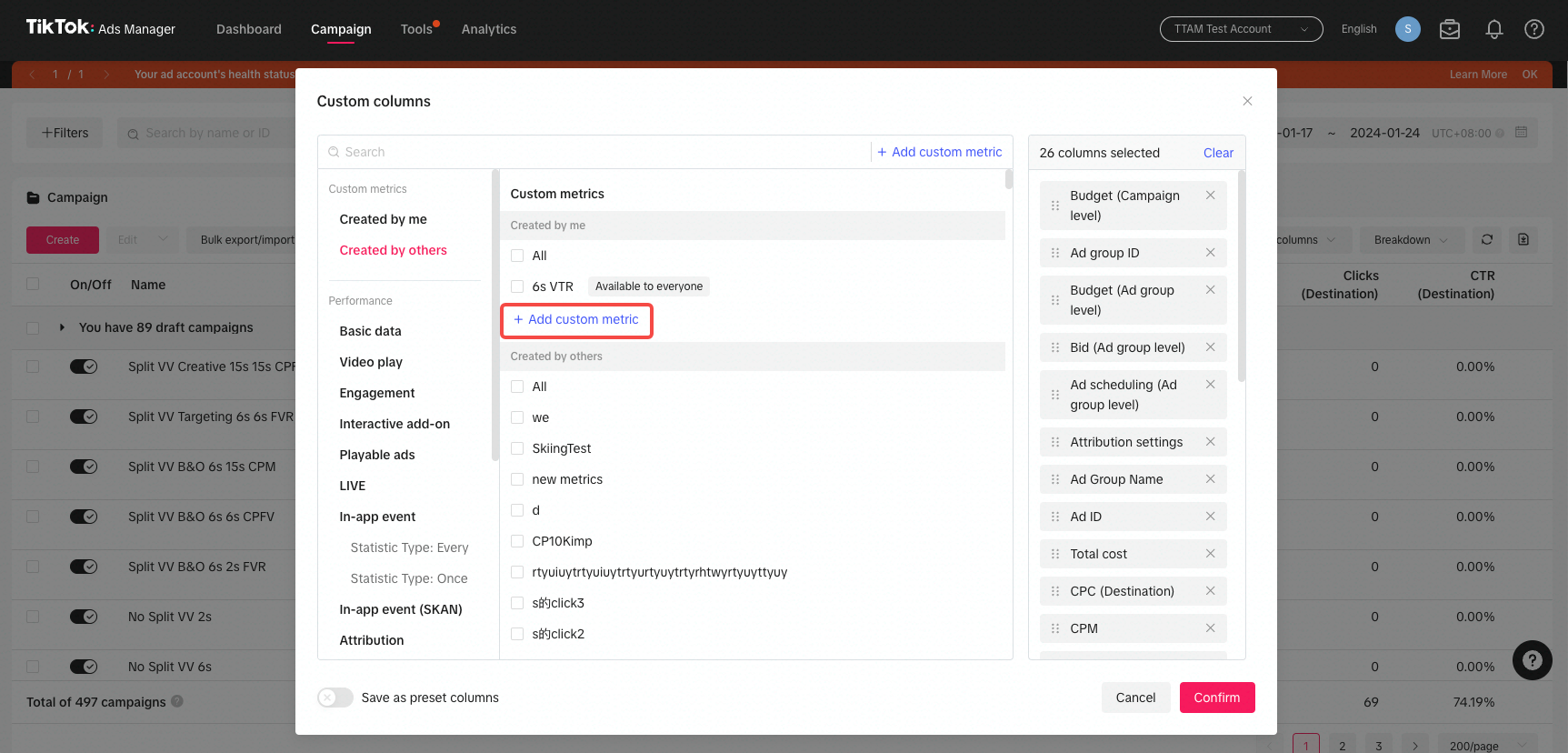
Before diving into the setup process, it’s important to understand what TikTok ads are and how conversion tracking works. TikTok ads are a form of advertainment, meaning they blend seamlessly with the user’s feed to provide a more engaging experience. These ads come in various formats, including in-feed videos, brand takeovers, TopView ads, and branded lenses.
Conversion tracking is the process of monitoring user interactions with your ads to determine their effectiveness. By using custom conversion tracking, you can define specific actions (conversions) that are valuable to your business and track them across different platforms, including TikTok.
Why Custom Conversion Tracking Matters
Custom conversion tracking is essential for several reasons:
- Measuring ROI: It helps you understand which ads are driving the most valuable actions, allowing you to allocate your budget more effectively.
- Optimizing Campaigns: With detailed data on user behavior, you can refine your targeting, creatives, and ad strategies to improve performance.
- Avoiding Wasted Spend: By identifying underperforming ads, you can pause or adjust them before they drain your budget.
Without proper tracking, you’re essentially flying blind, making it difficult to know which aspects of your campaign are working and which need improvement.
Setting Up TikTok Ads Custom Conversion Tracking
To set up custom conversion tracking for TikTok ads, follow these steps:
1. Create a TikTok Business Account
Before you can run ads, you’ll need to create a TikTok Business Account. This account allows you to access advanced advertising features, including conversion tracking. You can sign up for a business account directly through the TikTok Ads Manager.
2. Enable Conversion Tracking in TikTok Ads Manager
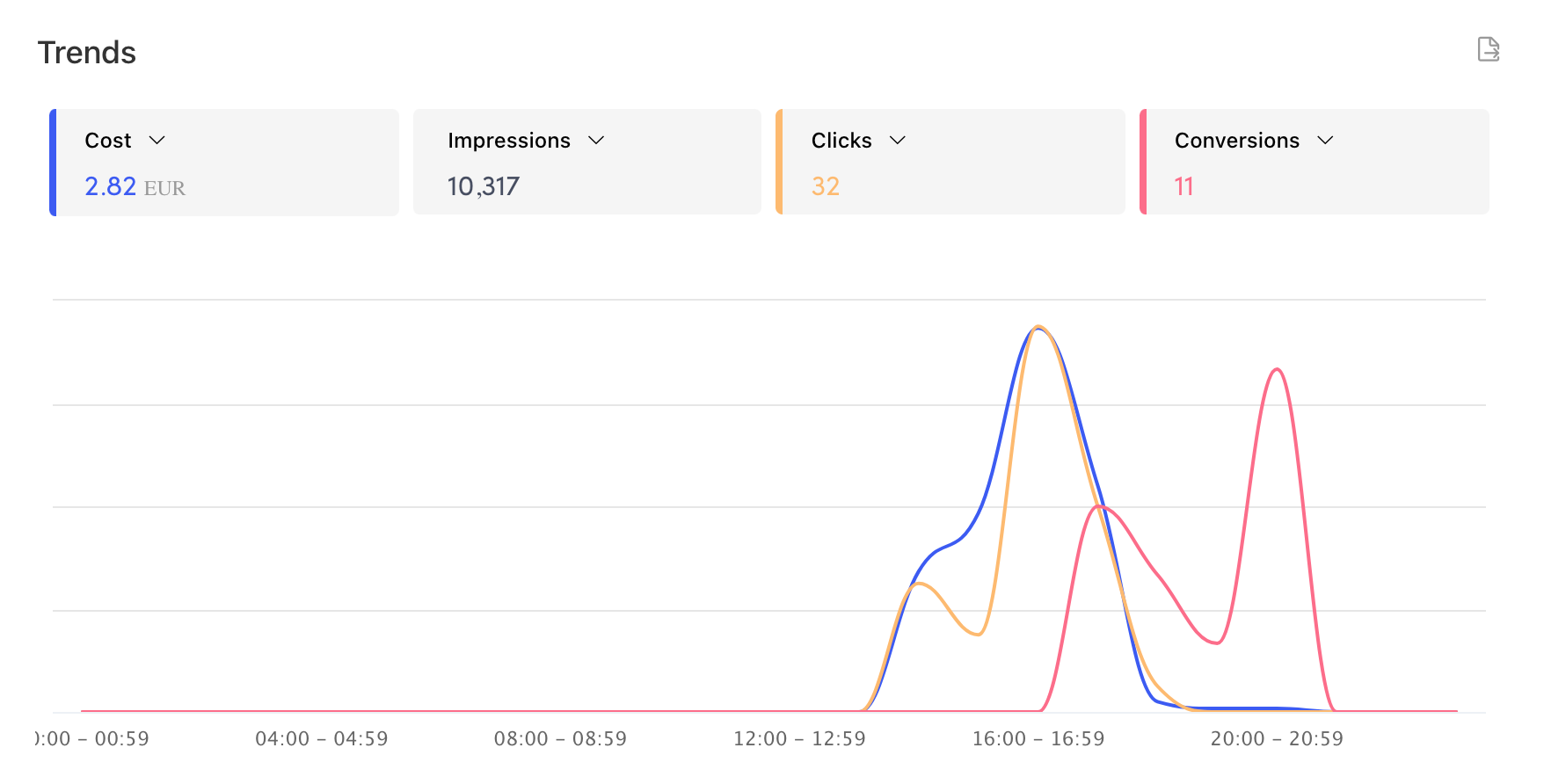
Once your business account is set up, log in to the TikTok Ads Manager. Navigate to the Conversions section and enable conversion tracking. Here, you can define the specific conversions you want to track, such as purchases, sign-ups, or app downloads.
3. Set Up a Pixel for Conversion Tracking
TikTok uses a pixel to track user interactions with your ads. To set up a pixel, go to the Pixel section in the Ads Manager. You’ll need to generate a unique pixel ID, which will be used to track conversions.
4. Integrate with an Ad Tracking Platform
While TikTok provides its own conversion tracking tools, many marketers prefer to use third-party platforms like Voluum for more advanced tracking capabilities. Voluum offers a cookie-less postback solution that ensures accurate tracking even when cookies are blocked.
Here’s how to integrate Voluum with TikTok:
- Step 1: Log in to your Voluum account and navigate to the Automizer section.
- Step 2: Add a new integration for TikTok and enter your TikTok Pixel ID and Event Name.
- Step 3: Generate a postback URL and paste it into the Traffic Source Postback URL field in Voluum.
- Step 4: Create a new campaign in Voluum, select TikTok as the traffic source, and use the generated campaign URL in your TikTok ad.
5. Monitor and Optimize Your Campaigns
Once your tracking is set up, you can monitor your campaigns in real-time using the data provided by Voluum or TikTok’s native analytics. Use this information to identify high-performing ads, adjust your targeting, and refine your creatives for better results.
Best Practices for Effective Conversion Tracking
To get the most out of your TikTok ads custom conversion tracking, consider the following best practices:
- Define Clear Goals: Identify the specific actions you want to track and ensure they align with your business objectives.
- Use Multiple Tracking Methods: Combine TikTok’s native tracking with third-party tools like Voluum for more comprehensive insights.
- Regularly Review Data: Analyze your campaign performance regularly to identify trends and make data-driven decisions.
- Test and Optimize: Continuously test different ad formats, creatives, and targeting options to improve your ROI.
Conclusion
Setting up TikTok ads custom conversion tracking is a crucial step in maximizing the effectiveness of your ad campaigns. By accurately measuring user interactions and tracking valuable conversions, you can gain deeper insights into your audience’s behavior and make informed decisions to improve your marketing strategy.
Whether you're a seasoned marketer or just starting out, leveraging TikTok's powerful advertising tools along with robust tracking solutions like Voluum can help you achieve better results and drive meaningful growth for your business.
Start setting up your custom conversion tracking today and unlock the full potential of TikTok advertising.

Posting Komentar untuk "How to Set Up TikTok Ads Custom Conversion Tracking for Better Campaign Performance"
Posting Komentar