
How to Set Up a TikTok Business Account in 2024: A Step-by-Step Guide
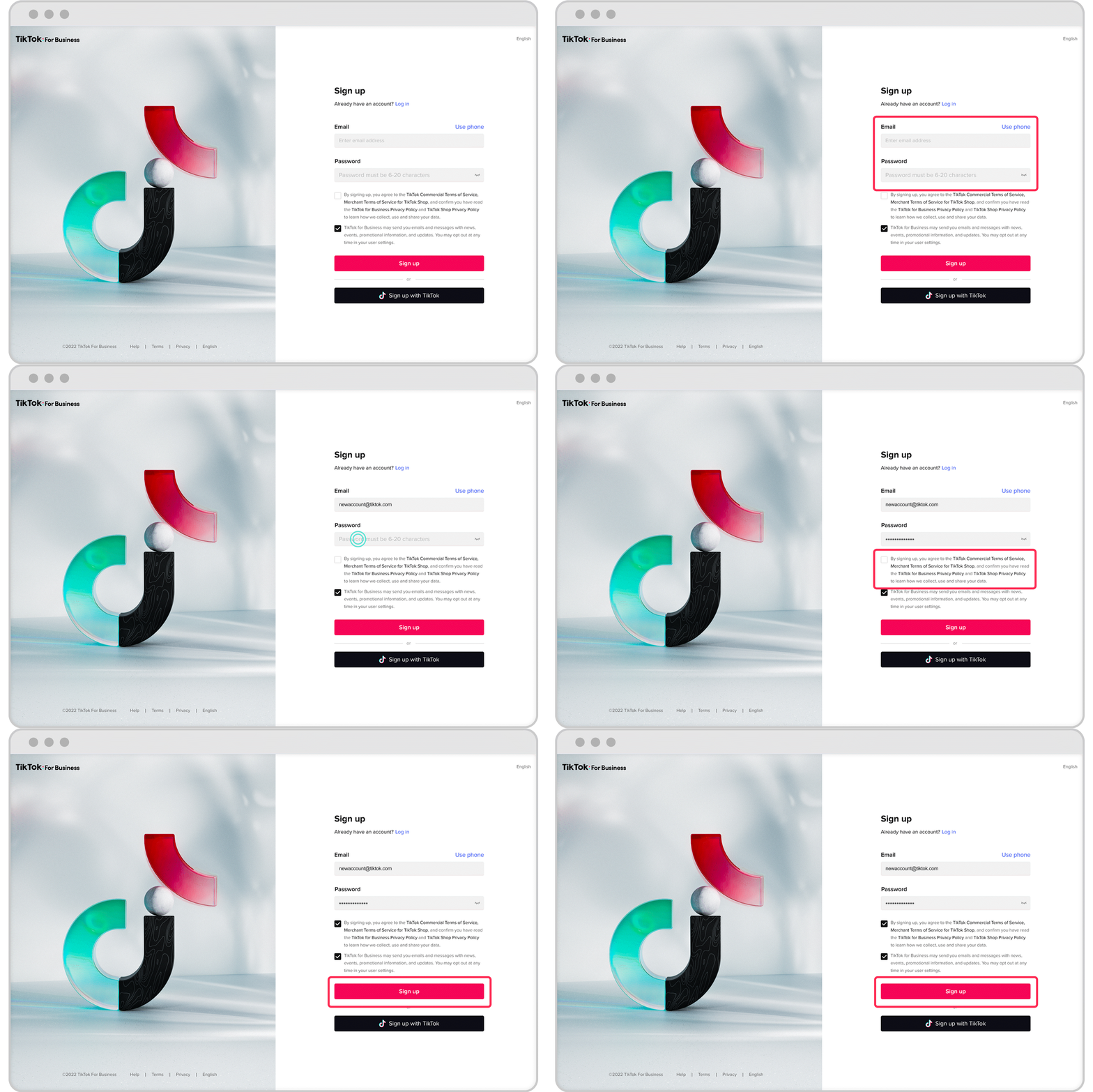
TikTok has become one of the most powerful platforms for businesses to connect with their audience, build brand awareness, and drive sales. With over a billion active users, it's no surprise that many brands are looking to set up a TikTok business account to tap into this massive market.
Setting up a TikTok business account is a crucial step for any brand looking to grow on the platform. It allows you to access advanced features such as analytics, ad creation tools, and the ability to engage with your audience more effectively. In this guide, we'll walk you through the process of setting up a TikTok business account in 2024.
Why Create a TikTok Business Account?

Before diving into the setup process, it's important to understand why creating a business account is beneficial:
- Access to Analytics: A business account provides detailed insights into your content performance, audience demographics, and engagement metrics.
- Ad Creation Tools: You can create and manage ads directly from your account, helping you reach a wider audience.
- Enhanced Brand Visibility: A business account makes your profile more professional and trustworthy, increasing the likelihood of user engagement.
- Influencer Collaboration: You can easily collaborate with influencers and creators, expanding your reach and credibility.
Step-by-Step Guide to Setting Up a TikTok Business Account

Step 1: Download and Install the TikTok App
If you haven't already, download the TikTok app from the App Store or Google Play. Once installed, open the app and sign in with your existing account or create a new one.
Step 2: Convert Your Personal Account to a Business Account
To convert your personal account to a business account, follow these steps:
- Open the TikTok app and go to your profile.
- Tap the three horizontal lines (menu) in the top right corner.
- Select "Settings and Privacy."
- Tap "Account."
- Choose "Switch to Business Account."
You will be prompted to provide additional information about your business, including:
- Business name
- Website URL
- Category (e.g., retail, food, entertainment)
- Contact information
Once you've provided this information, your account will be converted to a business account.
Step 3: Verify Your Business Account
After converting to a business account, you may want to verify it to increase trust and credibility. To verify your account:
- Go to your profile and tap the three horizontal lines (menu).
- Select "Settings and Privacy."
- Tap "Account."
- Choose "Verification."
You will need to provide proof of your business, such as:
- Business license
- Tax documents
- Official website
Once verified, your account will display a blue checkmark, indicating that it's a legitimate business account.
Step 4: Optimize Your Profile
Optimizing your profile is essential for attracting and retaining followers. Here are some tips:
- Profile Picture: Use a high-quality logo or image that represents your brand.
- Bio: Write a clear and concise bio that includes your business name, industry, and a call-to-action (e.g., "Follow us for daily updates").
- Link: Add a link to your website or online store.
- Username: Choose a username that is easy to remember and reflects your brand.
Step 5: Create Engaging Content

Creating engaging content is key to growing your TikTok following. Here are some tips for creating content that resonates with your audience:
- Be Consistent: Post regularly to keep your audience engaged.
- Use Trends: Participate in popular TikTok trends to increase your visibility.
- Leverage Hashtags: Use relevant hashtags to reach a wider audience.
- Collaborate with Influencers: Partner with influencers to expand your reach.
Step 6: Utilize TikTok's Business Tools
TikTok offers several tools to help businesses succeed on the platform:
- TikTok Creative Center: This tool provides access to templates, music, and other resources to help you create engaging content.
- Analytics: Track your performance and gain insights into your audience.
- Ads: Create and manage ads to reach a larger audience.
Conclusion
Setting up a TikTok business account is an essential step for any brand looking to grow on the platform. By following the steps outlined above, you can create a professional and engaging presence on TikTok, attract more followers, and drive sales. Remember to stay consistent, engage with your audience, and leverage TikTok's business tools to maximize your success.

Posting Komentar untuk "How to Set Up a TikTok Business Account in 2024: A Step-by-Step Guide"
Posting Komentar