
How to Set Up Your TikTok Ad Account: A Step-by-Step Guide
TikTok has become a powerful tool for digital marketers and businesses looking to reach a vast audience. With over 1.1 billion active users globally, the platform offers unique advertising opportunities that can significantly boost brand visibility and engagement. Setting up a TikTok ad account is the first step in leveraging this platform for your business. In this guide, we’ll walk you through the process of setting up your TikTok ad account, ensuring you’re well-equipped to run effective campaigns.

Understanding TikTok Advertising
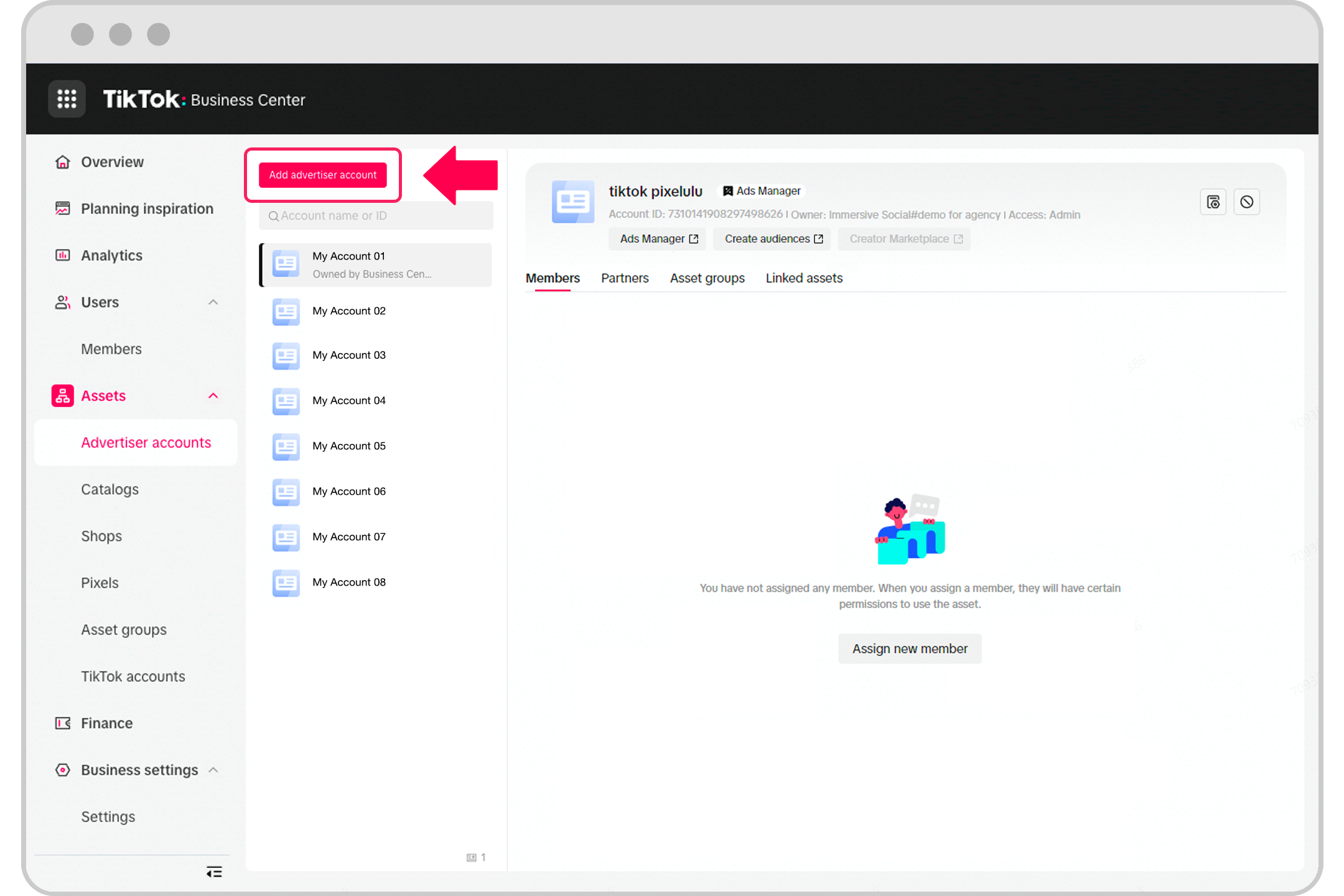
Before diving into the setup process, it's essential to understand what TikTok advertising entails. TikTok advertising allows businesses to create and run targeted ads that appear in users' feeds, on the Discover page, or as branded AR content. These ads can be in the form of videos, images, or even interactive challenges, making it a versatile platform for marketing.
Key Features of TikTok Ads
- In-Feed Video Ads: These are native to the TikTok feed and appear as regular videos.
- Brand Takeover Ads: These appear when users open the app, offering maximum visibility.
- Hashtag Challenges: Encourage user participation by creating challenges around specific hashtags.
- Branded AR Content: Offers interactive experiences through lenses and stickers.
- Custom Influencer Packages: Partner with influencers to promote your brand.
Step-by-Step Guide to Setting Up Your TikTok Ad Account
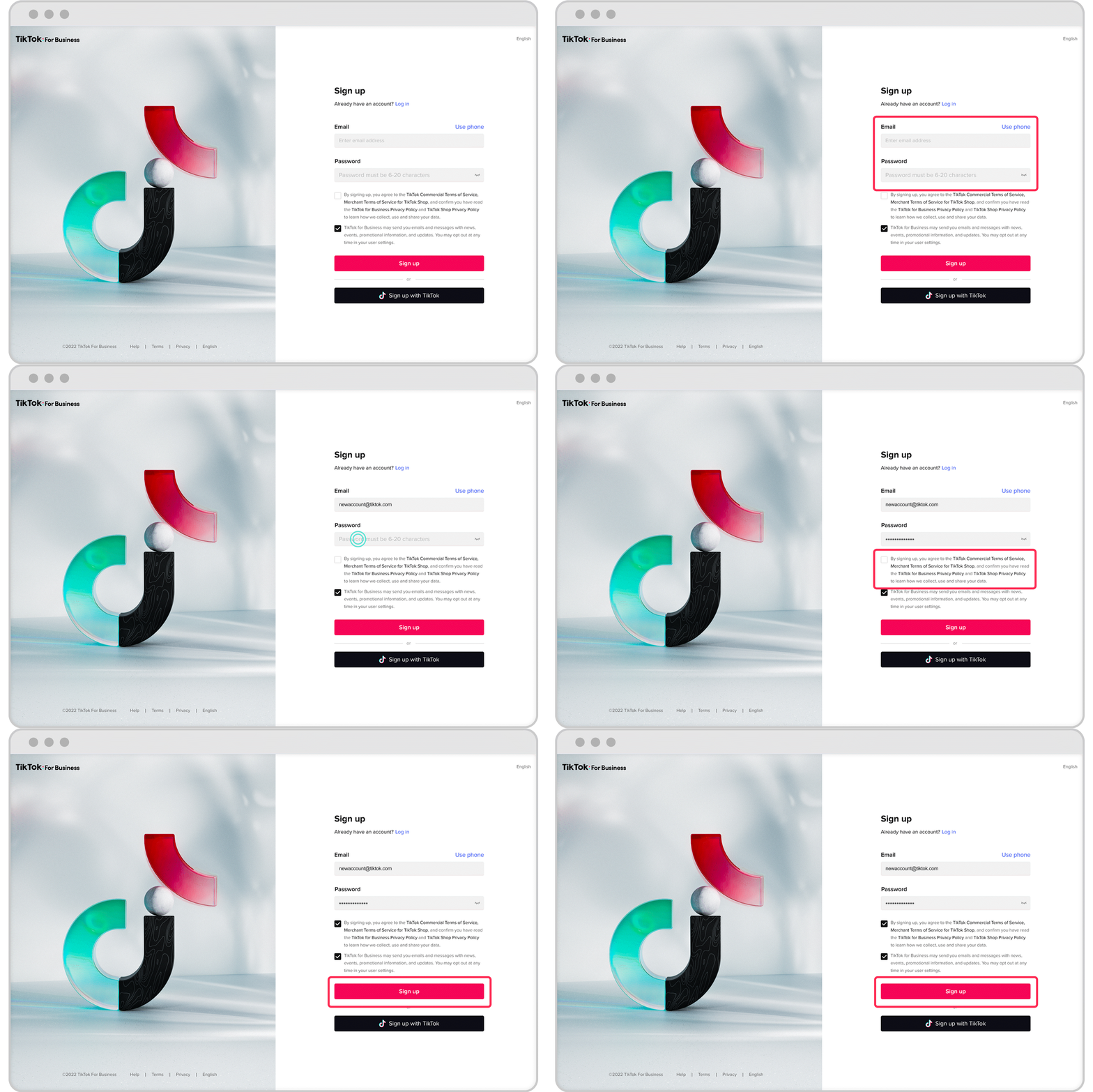
1. Create a TikTok Business Account
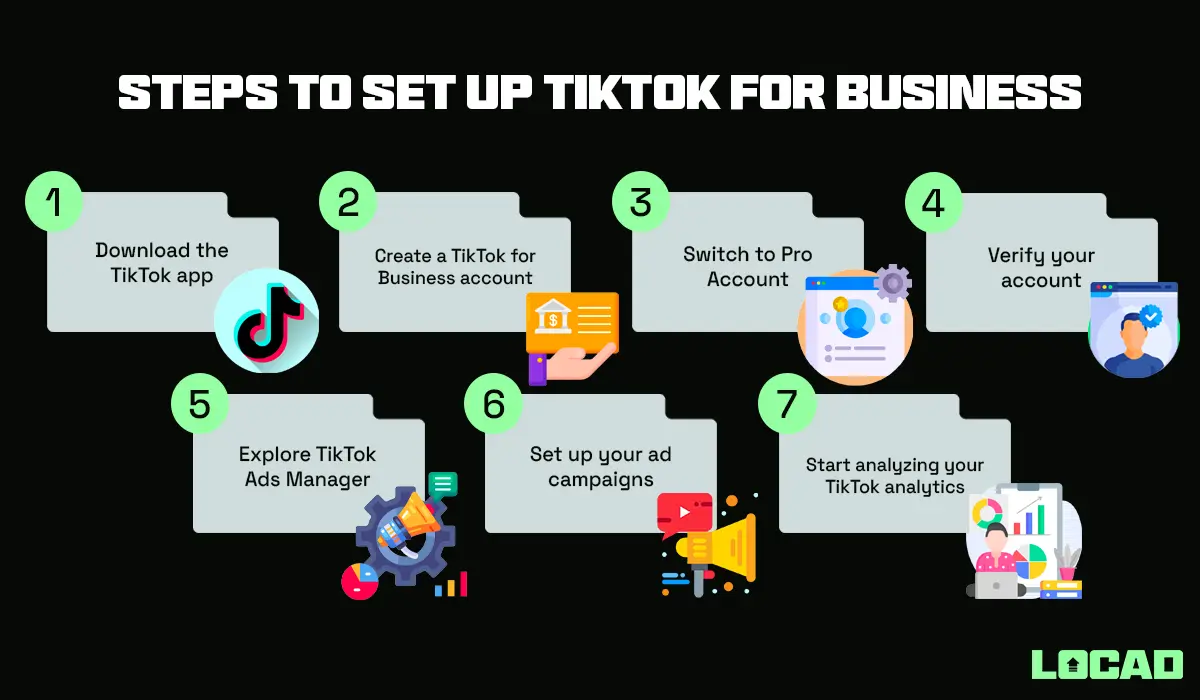
To start, you need a TikTok business account. If you already have a personal account, you can convert it to a business account. Here’s how:
- Open the TikTok app and go to your profile.
- Tap the three dots (•••) in the top right corner.
- Select "Switch to Pro Account" and follow the prompts to create a business account.
Once your business account is set up, you can access the TikTok Ads Manager.
2. Access TikTok Ads Manager
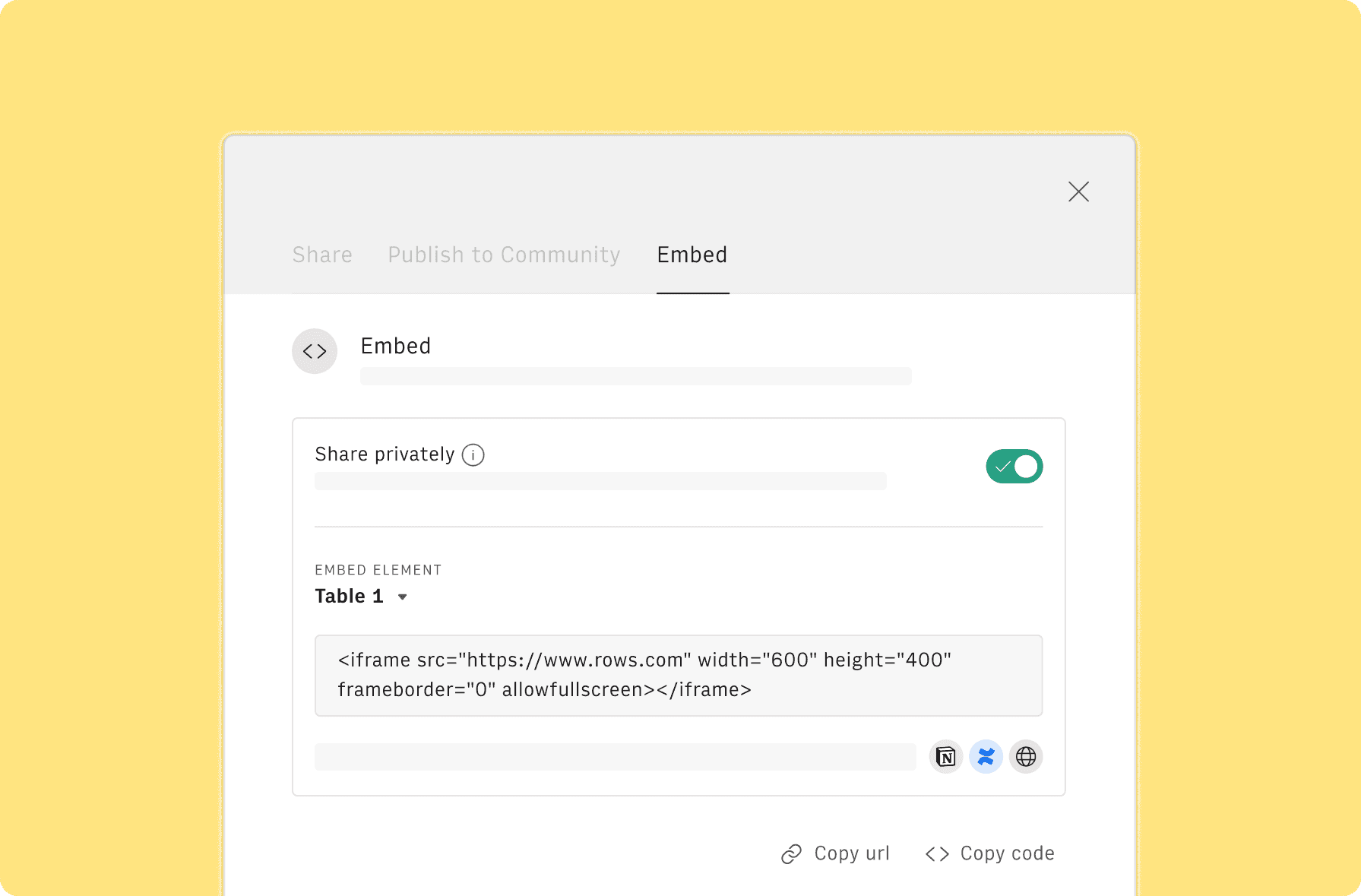
After creating your business account, you can access the TikTok Ads Manager by following these steps:
- Go to https://www.tiktok.com/business/ads.
- Log in with your TikTok business account credentials.
If you're new to TikTok Ads, you may need to verify your business information and set up payment methods.
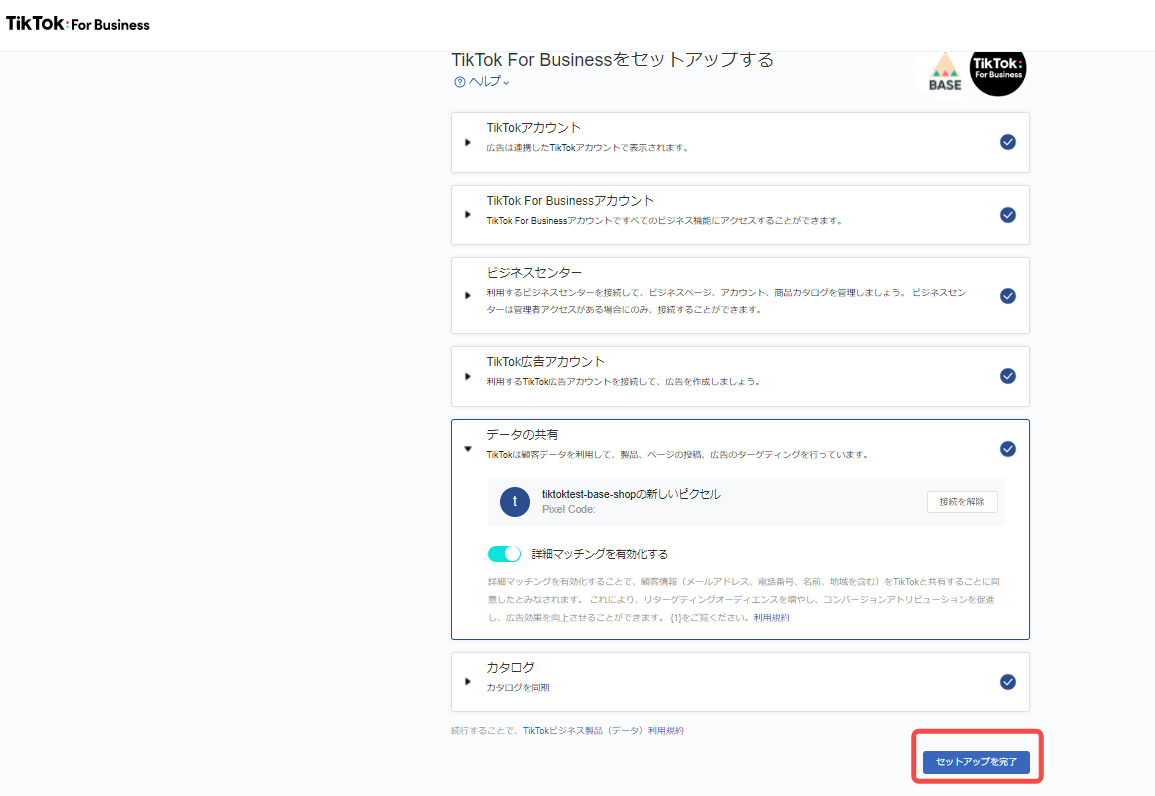
3. Set Up Your Ad Account

Once you’re logged into the Ads Manager, you’ll need to set up your ad account. Here’s what you need to do:
- Provide Business Information: Enter your business name, industry, and location.
- Verify Your Phone Number: You’ll need to provide a phone number for verification.
- Set Payment Methods: Add a payment method to fund your ad campaigns.
4. Create Your First Ad Campaign
After setting up your ad account, you can start creating your first campaign. Follow these steps:
- Click on "Create Campaign" in the Ads Manager.
- Choose your campaign objective (e.g., brand awareness, traffic, conversions).
- Set your budget and schedule for the campaign.
- Define your target audience based on demographics, interests, and behaviors.
5. Design Your Ad Content
Creating compelling ad content is crucial for success on TikTok. Here are some tips:
- Use High-Quality Videos: Ensure your videos meet TikTok’s specifications (9:16, 1:1, or 16:9 ratio, 720px x 1280px resolution, and 5–60 seconds in length).
- Add Engaging Captions: Use concise and catchy captions to grab attention.
- Include a Call to Action: Encourage users to engage with your brand by adding a clear call to action.
6. Monitor and Optimize Your Campaigns
Once your campaign is live, it’s important to monitor its performance and make adjustments as needed. Use the analytics tools provided by TikTok to track metrics such as views, clicks, and engagement rates. Adjust your targeting, budget, and ad content based on these insights to improve your campaign’s effectiveness.
Tips for Successful TikTok Advertising

- Know Your Audience: Understand who your target audience is and tailor your content to their preferences.
- Leverage Trends: Stay updated with trending sounds, challenges, and hashtags to increase your ad’s visibility.
- Collaborate with Influencers: Partner with TikTok influencers to reach a wider audience and build trust.
- Test Different Formats: Experiment with different ad formats to see what resonates best with your audience.
Conclusion
Setting up a TikTok ad account is a straightforward process that can open up numerous opportunities for your business. By following the steps outlined in this guide, you’ll be well on your way to creating effective ad campaigns that resonate with your target audience. Remember to continuously monitor and optimize your campaigns to achieve the best results. With the right strategy and creativity, TikTok can be a powerful tool for your marketing efforts.

Posting Komentar untuk "How to Set Up Your TikTok Ad Account: A Step-by-Step Guide"
Posting Komentar