
How to Track Conversion Events in TikTok Ads: A Complete Guide
Tracking conversion events in TikTok Ads is essential for any business looking to measure the effectiveness of their advertising campaigns. Conversion events help you understand how users interact with your ads and what actions they take on your website or app. By tracking these events, you can optimize your ad performance, improve ROI, and make data-driven decisions.
Understanding Conversion Events in TikTok Ads
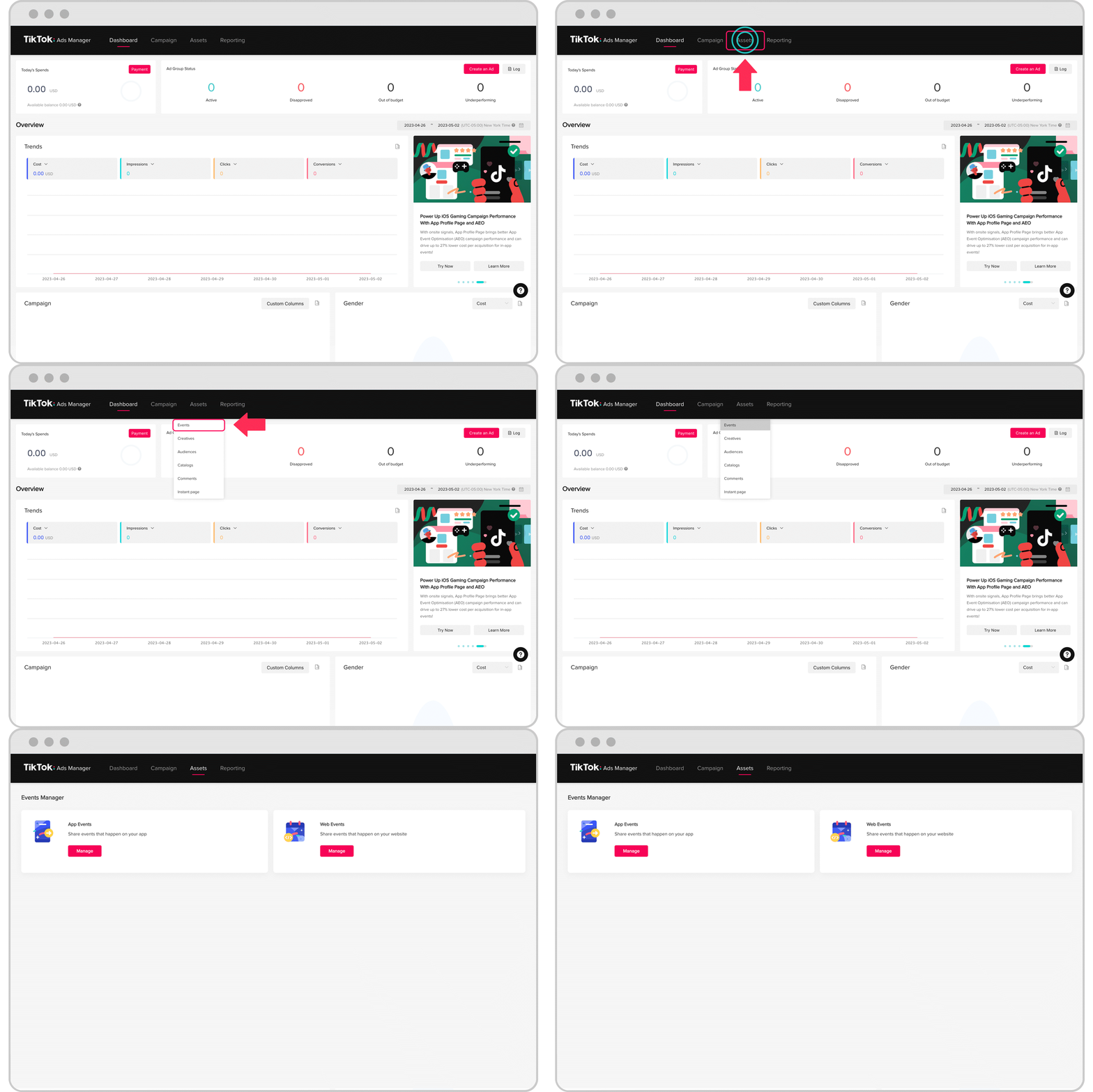
Conversion events are specific actions that users take on your website or app after clicking on a TikTok ad. These actions can include adding an item to a cart, making a purchase, signing up for a newsletter, or completing a form. TikTok provides standard events that you can use to track these actions, which are predefined by TikTok for reporting, optimization, and audience building.
Some common standard events include:
- Purchase: When a user completes a purchase.
- AddToCart: When a user adds an item to their shopping cart.
- Lead: When a user submits a lead generation form.
- CompleteRegistration: When a user completes a registration process.
These events help you understand the customer journey and identify where users might be dropping off. They also allow you to create custom audiences based on user behavior, which can be used for retargeting and lookalike campaigns.
Setting Up Conversion Events in TikTok Ads
To start tracking conversion events in TikTok Ads, you need to set up a TikTok Pixel. The TikTok Pixel is a piece of code that you place on your website to track user interactions. Once the pixel is installed, you can define the conversion events you want to track.
Here’s how you can set up conversion events in TikTok Ads:
-
Create a TikTok Ads Manager account
If you haven't already, you'll need to create a TikTok Ads Manager account. This can be done through the TikTok Business platform. You can refer to TikTok's Business Help Center for detailed instructions on setting up your account. -
Install the TikTok Pixel on your website
After creating your account, go to the "Pixel" section in the Ads Manager. Follow the instructions to install the TikTok Pixel on your website. This involves copying the pixel code and pasting it into the header of your website. -
Define your conversion events
Once the pixel is installed, you can define the conversion events you want to track. TikTok provides standard events that you can use, but you can also create custom events if needed. Make sure to follow TikTok's guidelines to avoid sending sensitive data and ensure compliance with their policies. -
Test your conversion events
Before launching your campaign, test your conversion events to ensure they are working correctly. You can do this by simulating user actions on your website and checking the event tracking in the Ads Manager.
Best Practices for Tracking Conversion Events
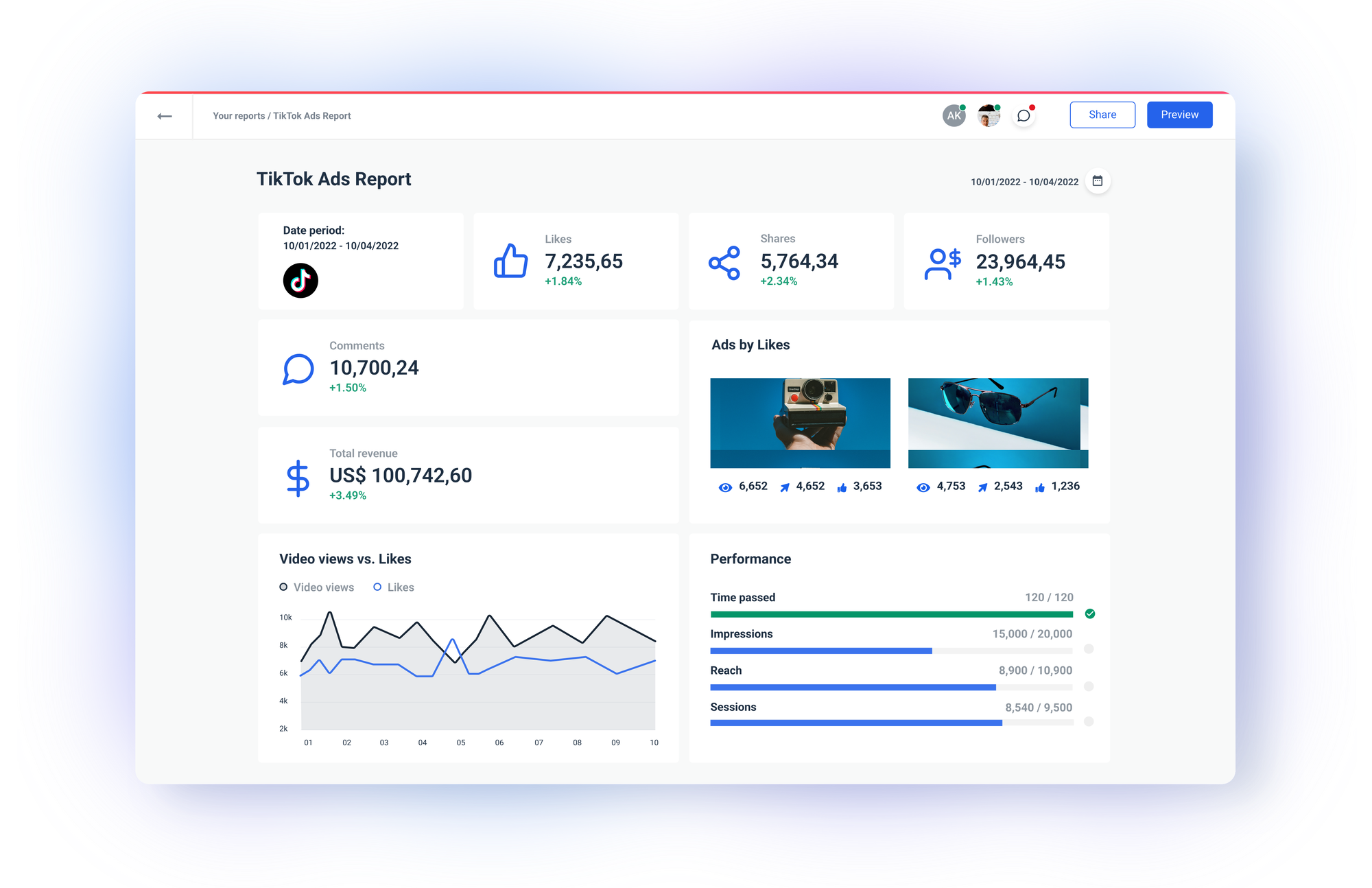
To get the most out of your TikTok Ads conversion event tracking, consider the following best practices:
-
Use standard events whenever possible
Standard events are pre-defined by TikTok and are optimized for reporting and targeting. Using them ensures consistency and accuracy in your data. -
Avoid sending sensitive information
TikTok has strict data privacy policies. Make sure you don't send any sensitive user data when setting up your conversion events. This includes personal information like names, email addresses, or phone numbers. -
Monitor and analyze your data regularly
Use the insights provided by TikTok Ads Manager to monitor your conversion events. Analyze the data to identify trends, optimize your campaigns, and improve user engagement. -
Use third-party tools for advanced tracking
While TikTok provides basic conversion tracking, you may want to use third-party tools like PixelPro/AdTrace for more advanced analytics. These tools can help you integrate your ad pixels with your store, providing valuable insights and actionable data.
Conclusion
Tracking conversion events in TikTok Ads is a powerful way to measure the success of your advertising campaigns. By understanding how users interact with your ads and what actions they take on your website, you can make informed decisions to improve your ROI and grow your business. With the right setup and best practices, you can leverage TikTok's conversion tracking features to drive meaningful results.
Whether you're using standard events or custom events, always ensure compliance with TikTok's policies and focus on delivering value to your users. With the right tools and strategies, you can unlock the full potential of TikTok Ads and achieve your marketing goals.

Posting Komentar untuk "How to Track Conversion Events in TikTok Ads: A Complete Guide"
Posting Komentar