
How to Use Retargeting in TikTok Ads Manager: A Step-by-Step Guide
TikTok has become a powerful platform for brands looking to connect with their target audience, drive engagement, and boost sales. One of the most effective strategies for maximizing ROI on TikTok is retargeting. By leveraging retargeting in TikTok Ads Manager, you can re-engage users who have already interacted with your brand, increasing the chances of conversion and improving overall campaign performance.
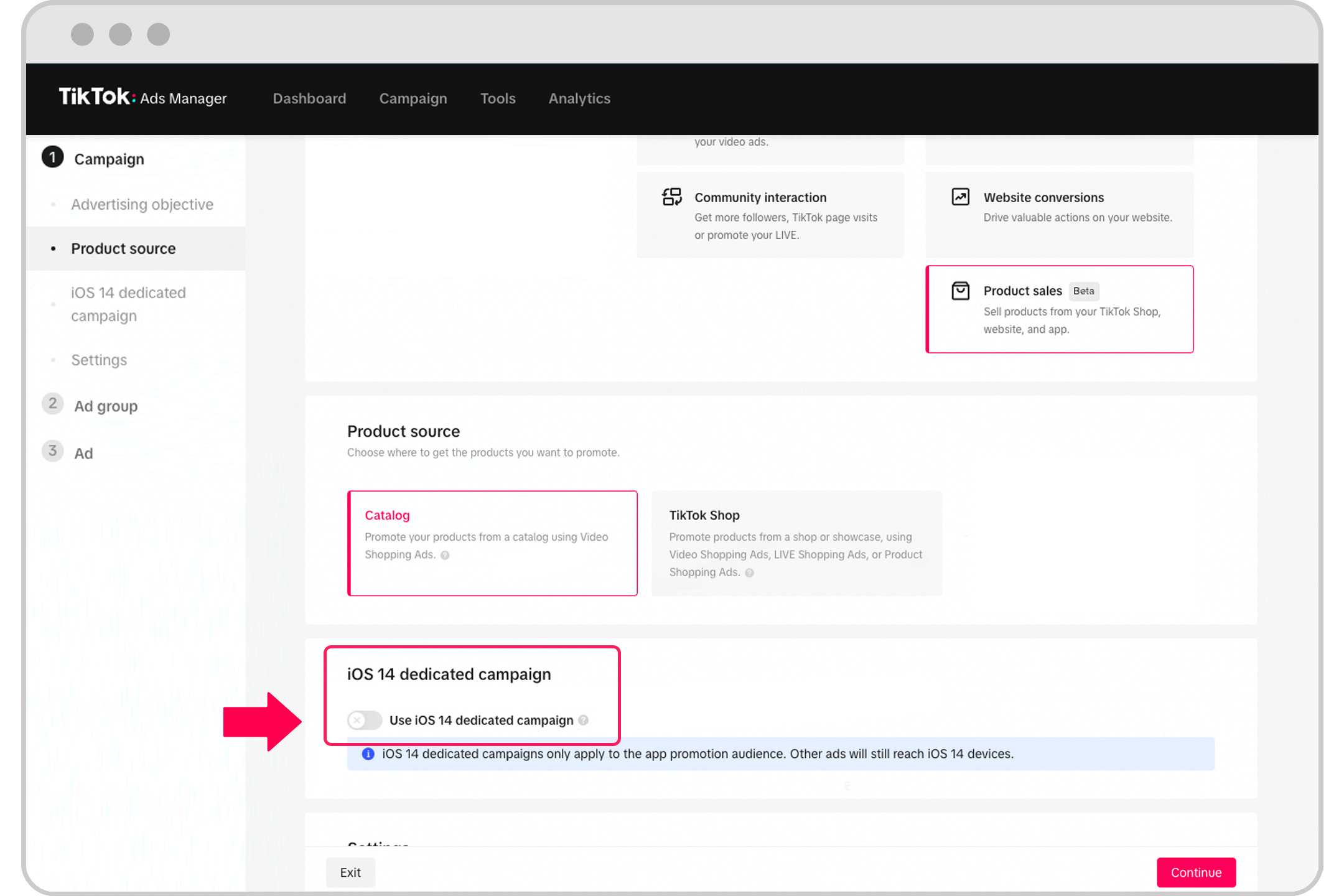
What is Retargeting on TikTok?
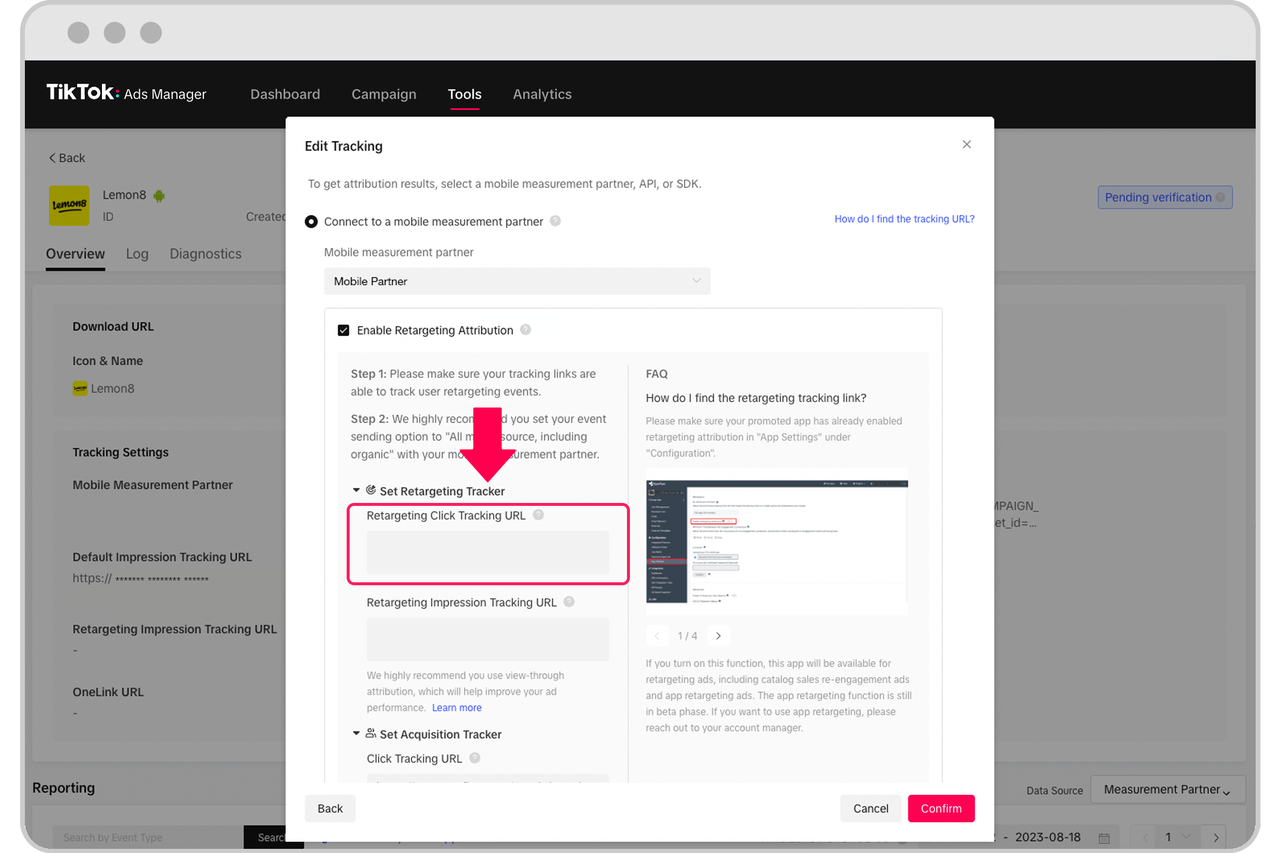
Retargeting on TikTok allows you to show ads to people who have previously engaged with your content, visited your website, or interacted with your app. This strategy helps you stay top-of-mind with potential customers, nurture leads, and convert them into paying customers. Whether someone watched your video, liked it, or added an item to their cart, retargeting ensures that your brand remains visible to them as they continue their journey on TikTok.
Key Benefits of Retargeting on TikTok:
- Increased Conversion Rates: Re-engaging users who have shown interest increases the likelihood of them taking action.
- Cost Efficiency: Targeting users who are already familiar with your brand reduces wasted ad spend.
- Improved Brand Recall: Consistent exposure keeps your brand in front of your audience.
- Higher Return on Ad Spend (ROAS): Retargeting campaigns often outperform new audience campaigns due to existing interest.
How to Set Up Retargeting in TikTok Ads Manager
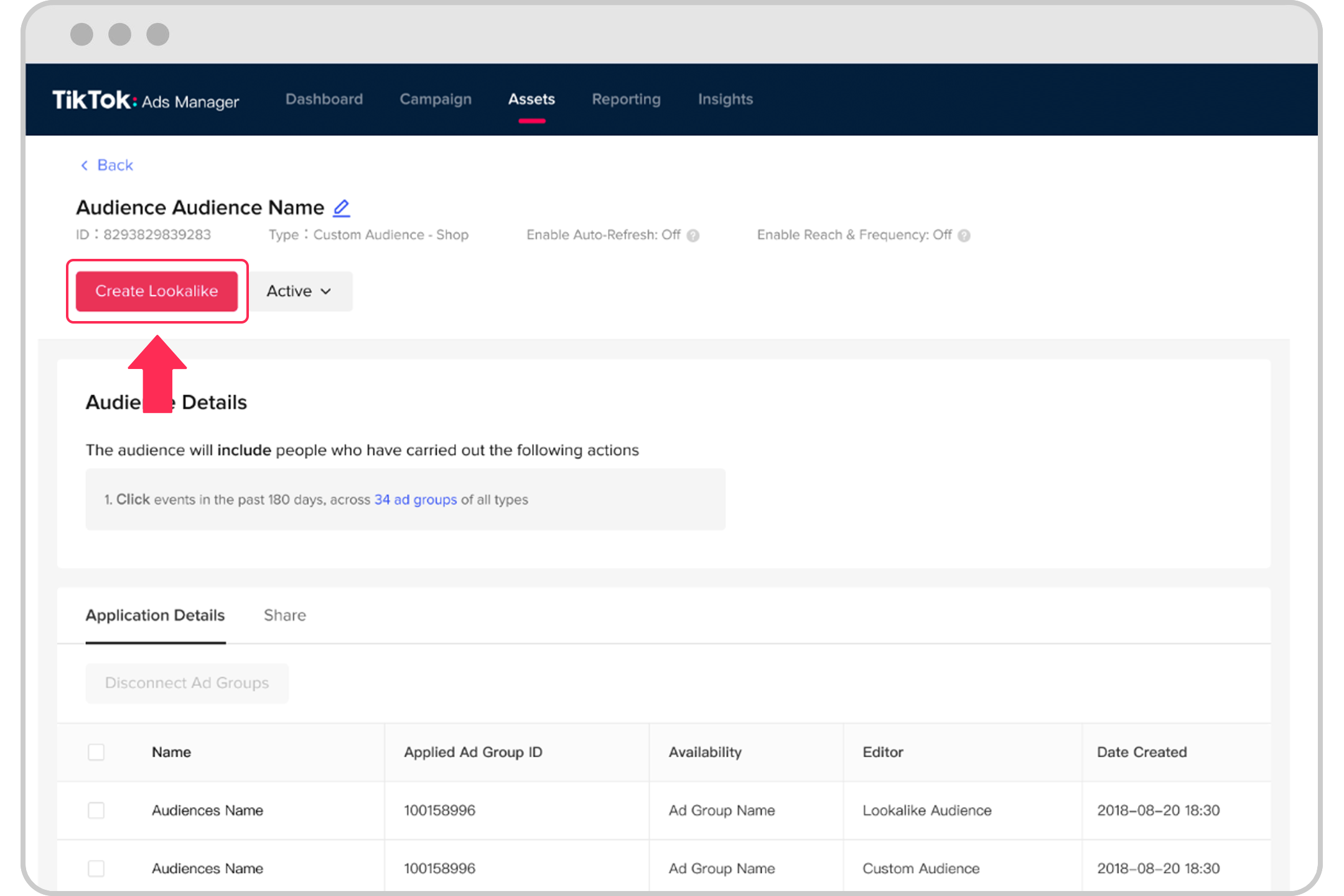
Setting up retargeting in TikTok Ads Manager involves several steps, from defining your audience to creating targeted ad campaigns. Follow this step-by-step guide to get started.
1. Define Your Retargeting Audience
Before launching a retargeting campaign, you need to identify the users you want to target. TikTok offers several ways to build a custom audience:
- Customer Files: Upload email lists, phone numbers, or other identifiers to target known customers.
- Engagement Data: Target users who have interacted with your videos, such as those who liked, commented, or shared your content.
- App Activity: Reach users who have taken specific actions within your app, like making a purchase or adding items to their cart.
- Website Traffic: Use TikTok Pixel to track users who have visited your website or completed certain actions, such as signing up for a newsletter.
2. Create a Custom Audience
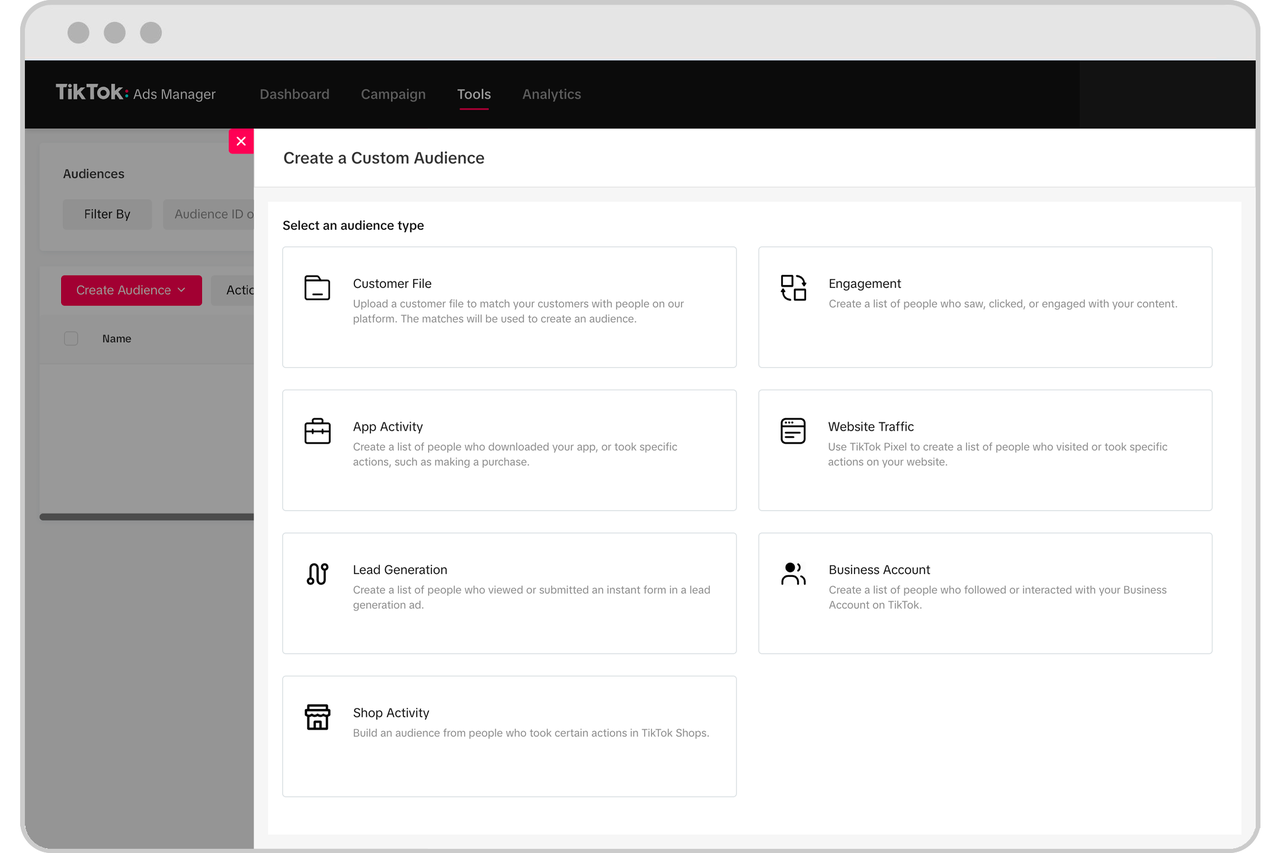
Once you’ve identified your audience, create a custom audience in TikTok Ads Manager:
- Log in to your TikTok Ads Manager account.
- Navigate to the "Audiences" section.
- Click "Create Audience" and select the type of audience you want to create (e.g., Customer File, Engagement, App Activity).
- Upload your data or select the relevant events you want to target.
- Set the parameters for your audience, such as time frames or specific actions.
3. Choose the Right Ad Format
TikTok offers several ad formats that work well for retargeting campaigns. Some popular options include:
- In-Feed Ads: These native-style ads appear in the For You Page and are ideal for re-engaging users.
- Spark Ads: Boost high-performing organic content to reach a larger audience.
- Collection Ads: Showcase products or services in a visually appealing format.
Choose an ad format that aligns with your campaign goals and the behavior of your target audience.
4. Set Up Your Campaign
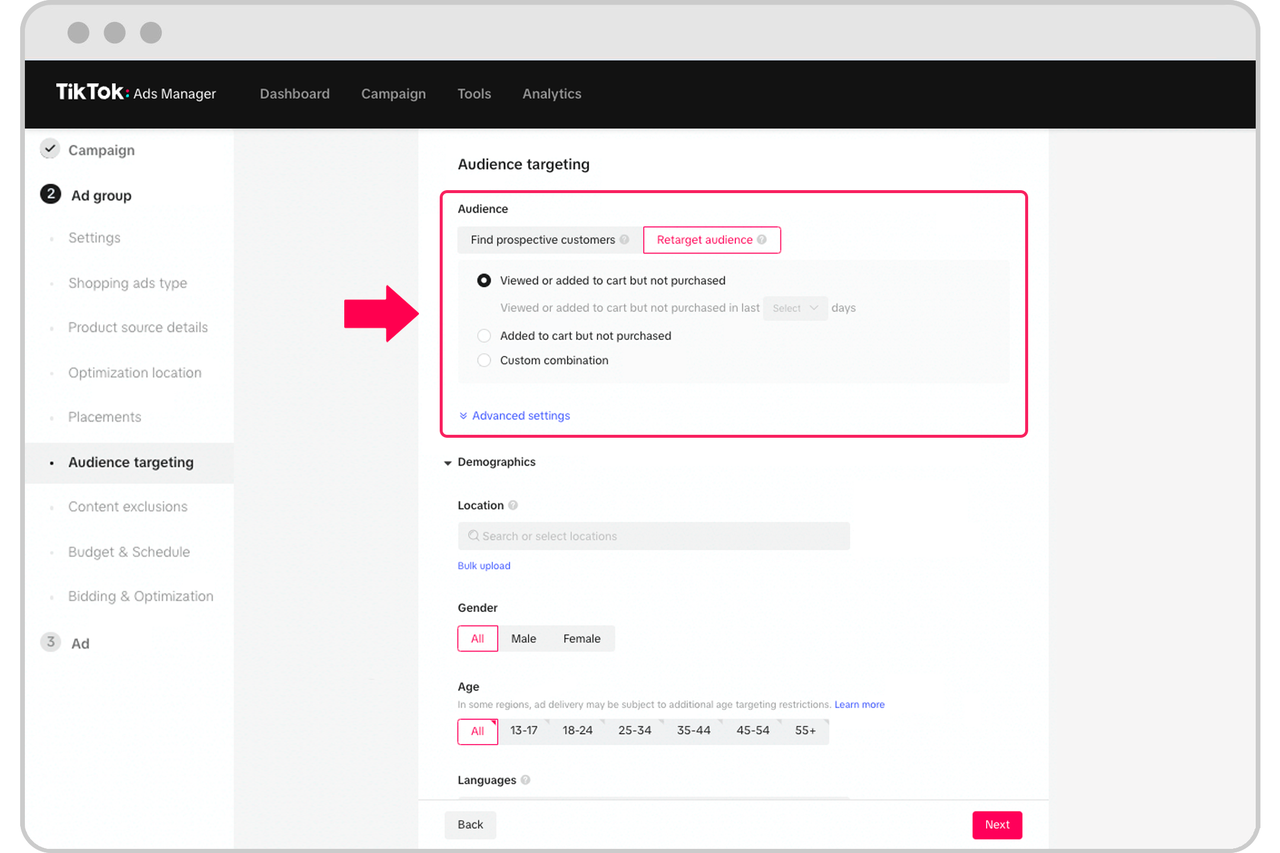
After defining your audience and selecting an ad format, set up your campaign:
- Go to the "Campaigns" section in TikTok Ads Manager.
- Click "Create Campaign" and choose your campaign objective (e.g., Conversions, App Installs, or Brand Awareness).
- Select your custom audience from the "Targeting" section.
- Define your budget and schedule.
- Choose your ad creative and add a call-to-action (CTA) that encourages users to take the next step.
5. Optimize and Monitor Performance
Once your campaign is live, monitor its performance using TikTok’s analytics tools. Track key metrics such as:
- Click-Through Rate (CTR): Measures how many users clicked on your ad.
- Conversion Rate: Tracks how many users completed a desired action, such as making a purchase.
- Return on Ad Spend (ROAS): Helps you evaluate the profitability of your campaign.
Use these insights to refine your targeting, adjust your ad creative, and improve overall performance.
Best Practices for Retargeting on TikTok
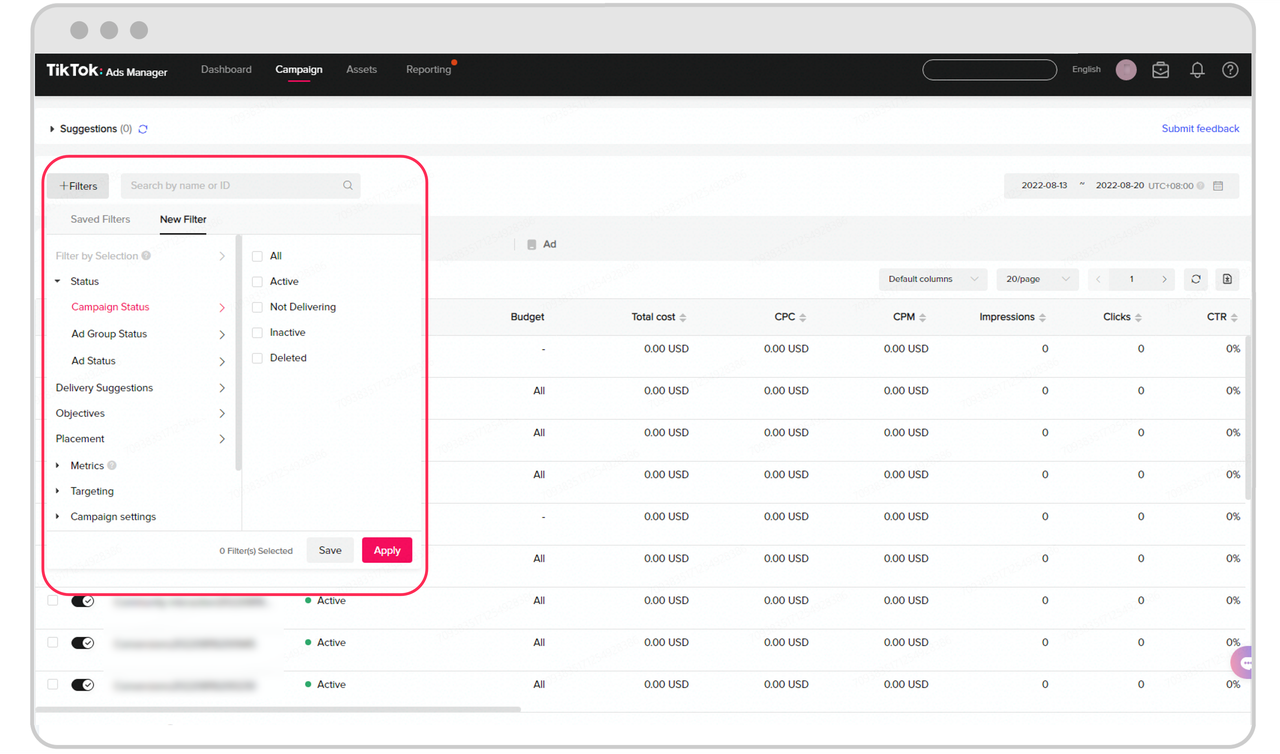
To maximize the effectiveness of your retargeting campaigns, follow these best practices:
1. Segment Your Audience
Not all users are the same. Segment your audience based on their behavior, such as: - Users who viewed a product page but didn’t purchase. - Users who added an item to their cart but didn’t check out. - Users who engaged with your content but haven’t made a purchase yet.
By tailoring your messaging to each segment, you increase the relevance of your ads and improve conversion rates.
2. Use Compelling Creatives
Your ad creative should be engaging and aligned with your brand. Use high-quality visuals, clear CTAs, and concise messaging to capture attention and encourage action.
3. Test Different Messaging
Experiment with different ad copy, visuals, and CTAs to see what resonates with your audience. A/B testing can help you identify the most effective approach.
4. Leverage Lookalike Audiences
Once you’ve built a successful retargeting audience, use TikTok’s lookalike audience feature to find similar users. This helps you expand your reach while maintaining the relevance of your targeting.
5. Retarget Across Multiple Touchpoints
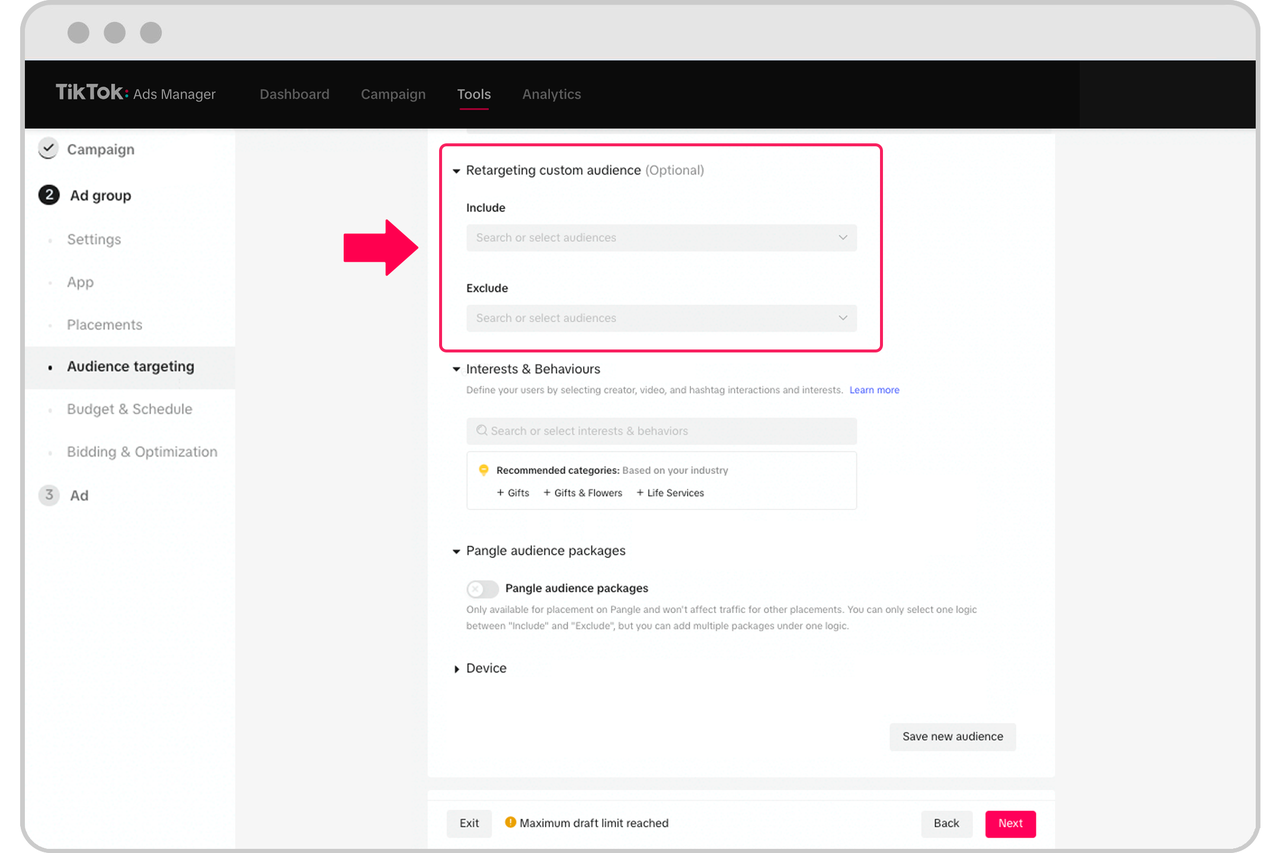
Don’t limit your retargeting efforts to just one channel. Use TikTok’s integration with other platforms to retarget users across multiple touchpoints, such as email, social media, and your website.
Conclusion
Retargeting on TikTok Ads Manager is a powerful tool for re-engaging users and driving conversions. By following the steps outlined above and implementing best practices, you can create highly effective retargeting campaigns that deliver measurable results. Whether you're looking to boost sales, increase brand awareness, or improve customer retention, retargeting on TikTok is an essential strategy for any modern marketing plan.

Posting Komentar untuk "How to Use Retargeting in TikTok Ads Manager: A Step-by-Step Guide"
Posting Komentar