
How to Use TikTok Ads Creative Library for Effective Marketing
TikTok has become one of the most powerful platforms for digital marketing, with its unique algorithm and user-driven content. For businesses looking to connect with a younger, highly engaged audience, leveraging TikTok's Ads Creative Library is essential. This tool allows advertisers to manage, analyze, and optimize their ad creatives effectively, ensuring that their messages resonate with the right people at the right time.
In this article, we’ll explore how to use the TikTok Ads Creative Library to create effective marketing campaigns. From understanding the basics to implementing best practices, we’ll cover everything you need to know to maximize your ROI on TikTok.
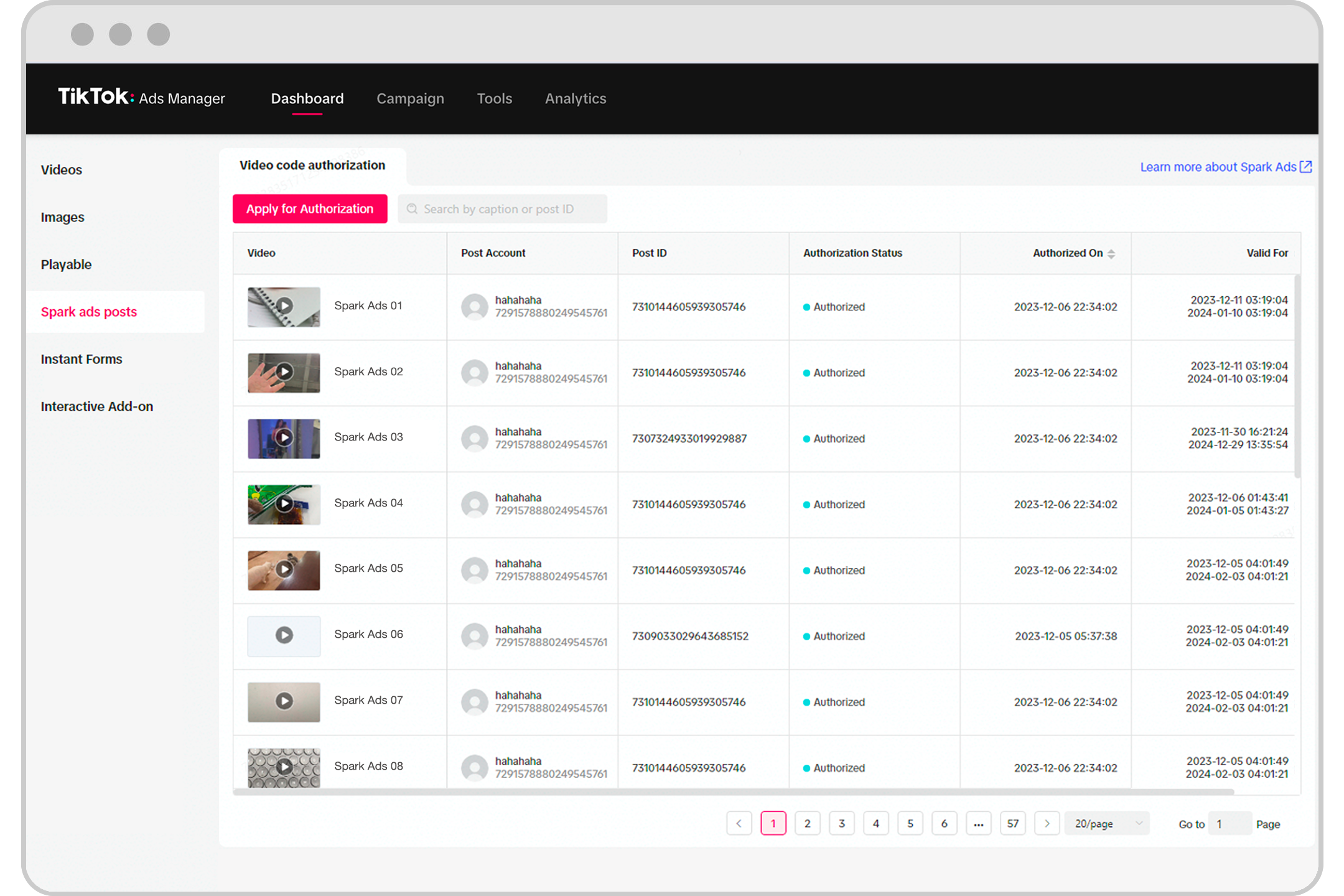
What is the TikTok Ads Creative Library?
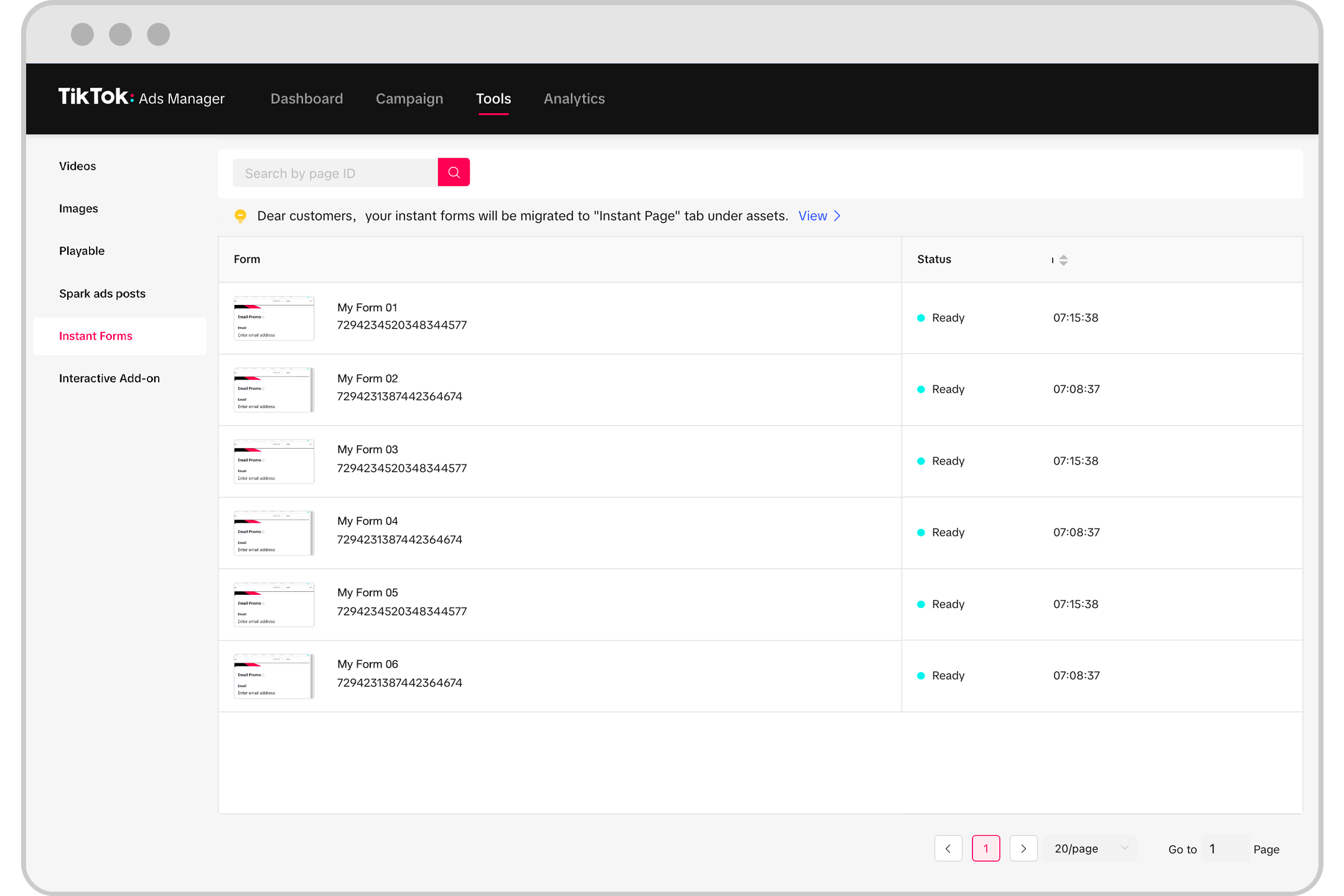
The TikTok Ads Creative Library is a centralized hub where advertisers can store, organize, and manage all their ad creatives. It’s an essential tool for anyone running ads on TikTok, as it allows you to:
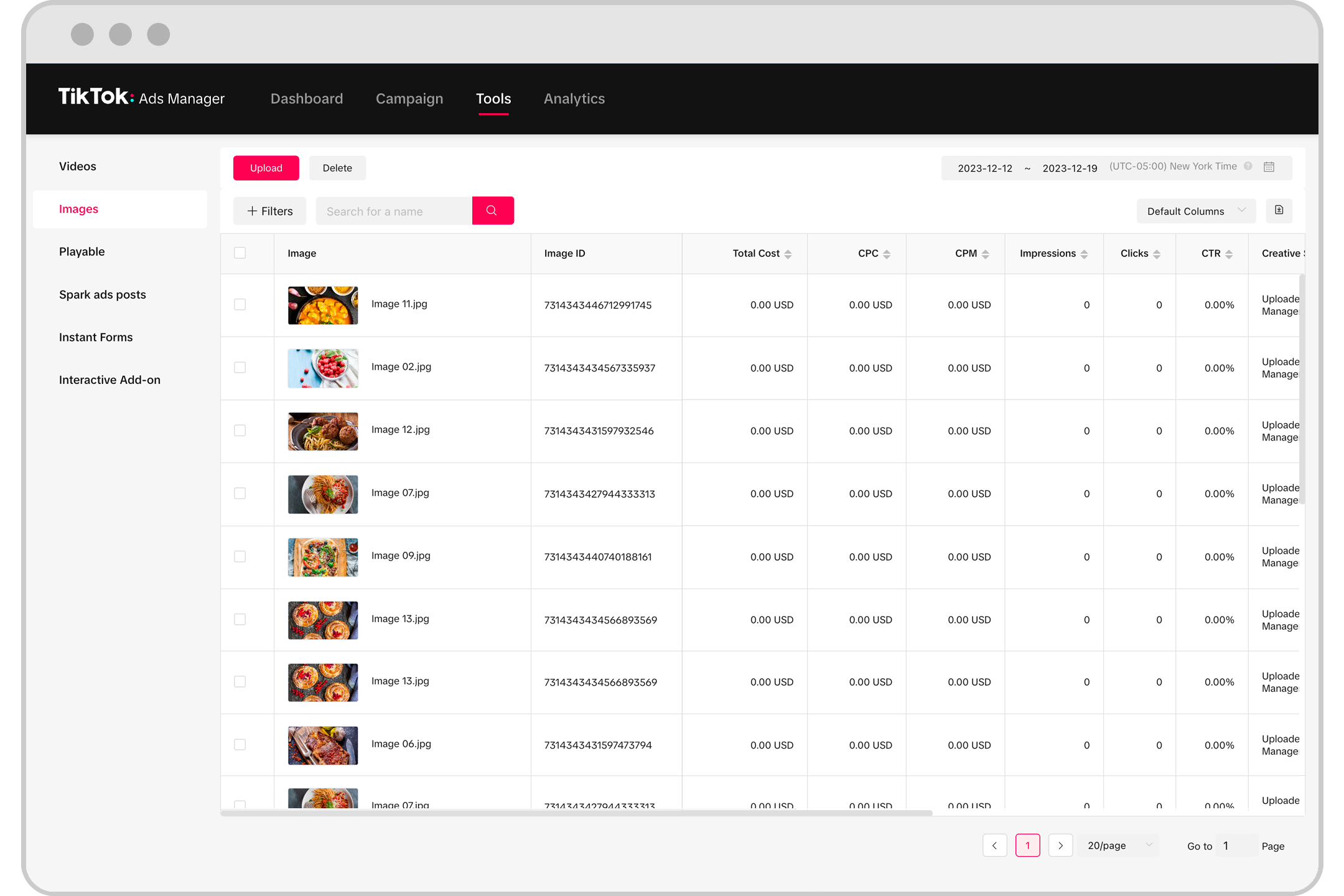
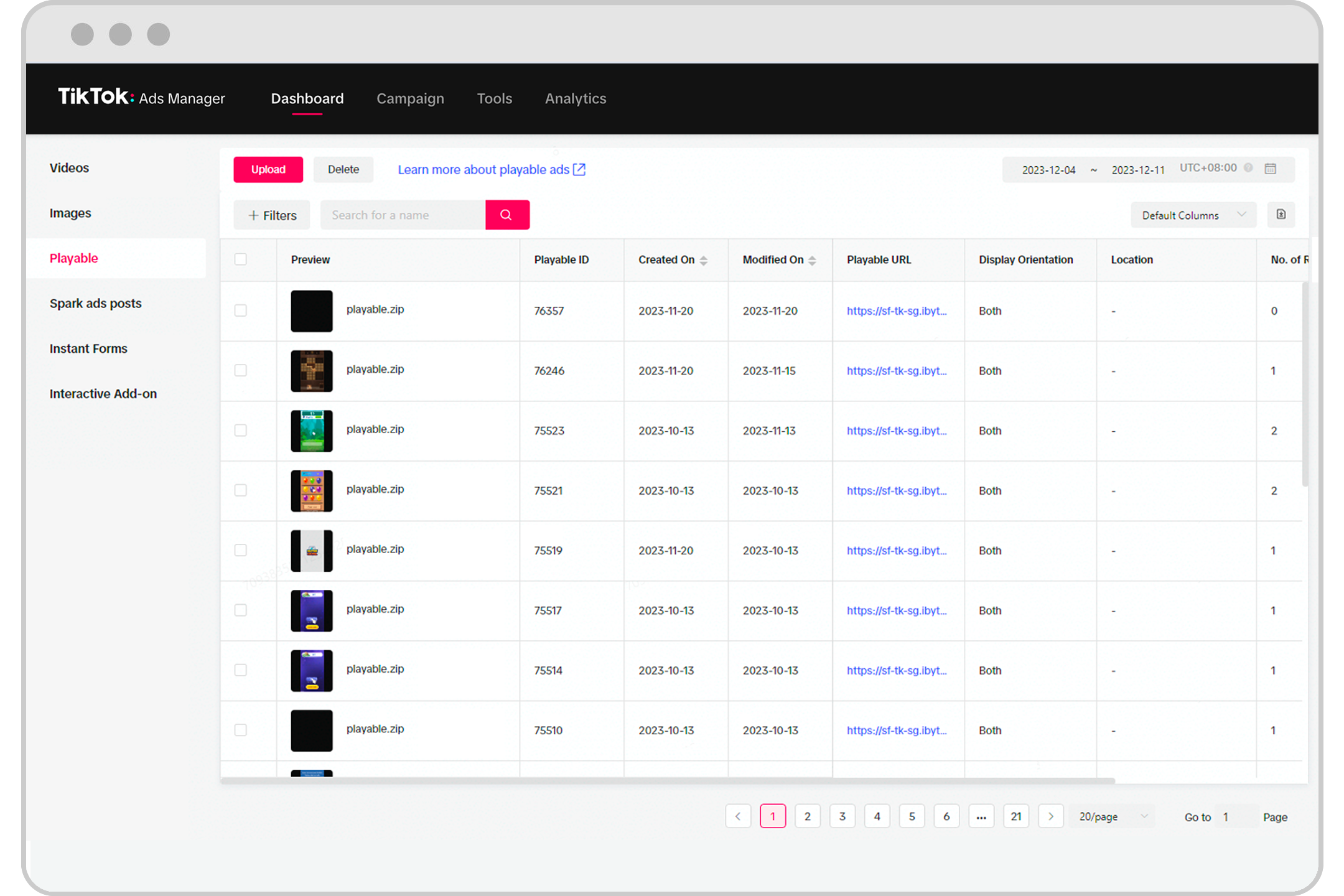
- Store and categorize different types of creative assets (videos, images, text).
- Track performance metrics for each ad.
- A/B test different variations of your creatives.
- Reuse high-performing content across multiple campaigns.
This library helps streamline your workflow, making it easier to maintain consistency in your messaging while also allowing for quick adjustments based on real-time data.
Why Use the TikTok Ads Creative Library?
Here are several reasons why the TikTok Ads Creative Library is a must-have for any marketer:
1. Improved Organization
With the ability to sort and tag creatives, you can quickly find the right assets for your campaign. This is especially useful when managing multiple ad groups or running A/B tests.
2. Performance Tracking
The library allows you to track key metrics such as view rate, click-through rate (CTR), and conversion rate for each creative. This data helps you understand what works and what doesn’t, enabling you to make informed decisions.
3. Efficient Testing
By storing multiple versions of your creatives in the library, you can easily run A/B tests to see which version performs better. This is crucial for optimizing your campaigns and improving overall results.
4. Reusability
High-performing creatives can be reused across different campaigns, saving time and resources. This is particularly beneficial for brands that want to maintain a consistent message across various channels.
Best Practices for Using the TikTok Ads Creative Library

To get the most out of the TikTok Ads Creative Library, consider the following best practices:
1. Categorize Creatives Effectively
Use clear and descriptive tags to organize your creatives. For example, you might tag videos by product type, campaign goal, or target audience. This makes it easier to locate specific assets when needed.
2. Track Key Metrics Regularly
Monitor the performance of your creatives regularly. Look at metrics like CTR, engagement rate, and conversion rate to identify trends and areas for improvement.
3. Run A/B Tests Frequently
Testing different versions of your creatives can help you discover what resonates with your audience. Don’t be afraid to experiment with different formats, visuals, and messaging.
4. Update Creatives Based on Data
If a particular creative isn’t performing well, don’t hesitate to update it. Use the insights from the library to refine your approach and improve future campaigns.
5. Leverage AI Tools
TikTok offers tools like TikTok Symphony, which can help you generate creatives quickly. These tools can save time and ensure that your content aligns with current trends.
How to Access and Use the TikTok Ads Creative Library

Accessing the TikTok Ads Creative Library is straightforward. Here’s a step-by-step guide:
- Log in to Your TikTok Business Account: Make sure you have a verified business account to access advanced advertising features.
- Navigate to the Ads Manager: Once logged in, go to the Ads Manager section of your dashboard.
- Select the Creative Library: Within the Ads Manager, look for the “Creative Library” option.
- Upload and Organize Creatives: Upload your video, image, or text assets and organize them using tags and categories.
- Monitor Performance: Use the built-in analytics tools to track the performance of your creatives and make adjustments as needed.
Conclusion
The TikTok Ads Creative Library is a powerful tool that can significantly enhance your marketing efforts on TikTok. By organizing your creatives, tracking performance, and running A/B tests, you can create more effective campaigns that resonate with your target audience.
Whether you’re a small business owner or a seasoned marketer, leveraging the TikTok Ads Creative Library is a smart move. With the right strategies and tools, you can turn your TikTok ads into a valuable asset for your brand.

Posting Komentar untuk "How to Use TikTok Ads Creative Library for Effective Marketing"
Posting Komentar