
How to Use TikTok Ads Custom Audiences: A Complete Guide
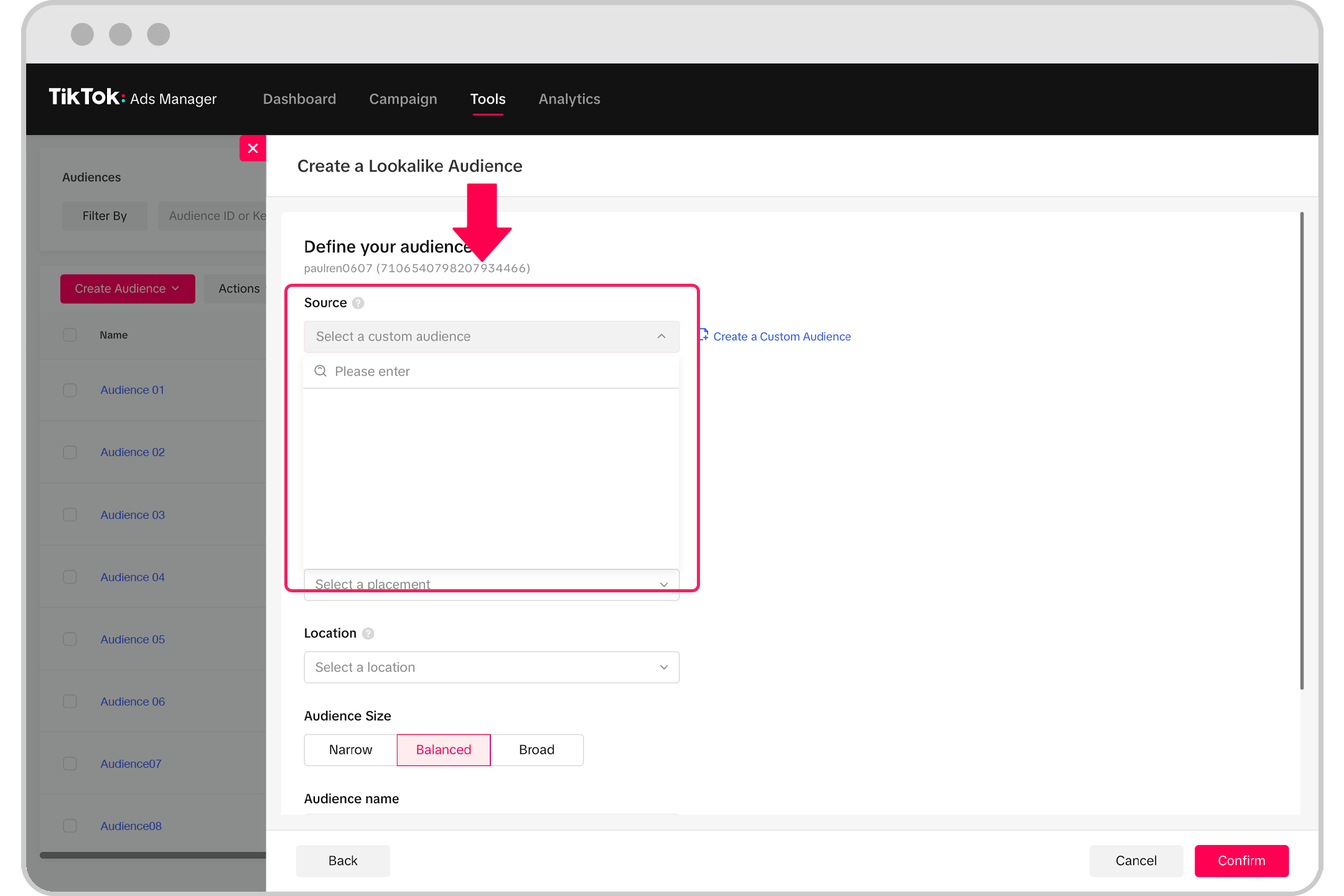
In today's digital landscape, where attention spans are shorter than ever, businesses need every tool at their disposal to capture and retain customer interest. TikTok, with its explosive growth and engaged user base, has become a crucial platform for marketers. One of the most powerful tools available on TikTok is the ability to use TikTok Ads Custom Audiences. This feature allows businesses to retarget users who have already interacted with their brand, increasing the chances of conversion and building long-term customer relationships.
What Are TikTok Ads Custom Audiences?
Custom Audiences on TikTok are essentially groups of users you've already engaged with, such as website visitors, app users, or people who have interacted with your content. These audiences can be targeted with personalized ads that resonate more deeply with them, increasing the likelihood of engagement and conversion.
This approach is particularly effective because it leverages the "Rule of 7" in marketing — the idea that a prospect needs to see your message multiple times before taking action. By using custom audiences, you're giving your brand more visibility and reinforcing your message in front of potential customers who have already shown interest.
Why Use TikTok Ads Custom Audiences?
- Increased Conversion Rates: Targeting users who have already interacted with your brand means they are more likely to convert compared to cold traffic.
- Better ROI: Retargeting campaigns often yield higher returns because they focus on users who have already demonstrated interest.
- Enhanced Personalization: Custom audiences allow for tailored messaging that speaks directly to the interests and behaviors of your audience.
- Improved Brand Recall: Repeated exposure to your brand through targeted ads helps build familiarity and trust.
Setting Up Your TikTok Pixel
Before you can start creating custom audiences, you'll need to set up a TikTok pixel. This is a tracking code that allows TikTok to collect data about user interactions on your website. Here's how to do it:
- Access TikTok Ads Manager: Log into your TikTok Ads account and navigate to the "Pixel" section.
- Create a Pixel: Follow the prompts to create a new pixel for your business.
- Install the Pixel on Your Website: Copy the provided code and paste it into the header of your website. This will enable TikTok to track user behavior.
- Verify Installation: Use TikTok's verification tool to ensure the pixel is working correctly.
Once the pixel is installed, TikTok will begin collecting data on user interactions, which you can then use to build your custom audiences.
Creating Custom Audiences
With the pixel set up, you can now start creating custom audiences within the TikTok Ads Manager. Here's a step-by-step guide:
- Navigate to Audience Manager: In the TikTok Ads Manager, go to the "Audience" section.
- Select Custom Audience: Choose the "Custom Audience" option to start building your audience.
- Choose Data Sources: Select the type of data you want to use, such as website traffic, app activity, or engagement with your TikTok content.
- Set Parameters: Define the criteria for your audience, such as the time frame, actions taken (e.g., page views, sign-ups), and other relevant metrics.
- Save and Use: Once your audience is created, you can use it to target specific ad campaigns.
Best Practices for Using Custom Audiences
To maximize the effectiveness of your TikTok Ads Custom Audiences, consider the following best practices:
- Segment Your Audience: Create different custom audiences based on user behavior, such as those who visited your homepage versus those who added items to their cart but didn’t purchase.
- Use Dynamic Content: Tailor your ad creatives to match the interests and behaviors of each audience segment.
- Test and Optimize: Continuously test different ad variations and audiences to find what works best for your business.
- Monitor Performance: Keep an eye on key metrics like click-through rate (CTR), conversion rate, and return on ad spend (ROAS) to refine your strategy.
Conclusion
TikTok Ads Custom Audiences offer a powerful way to retarget users who have already shown interest in your brand. By leveraging this feature, you can increase conversion rates, improve ROI, and build stronger relationships with your audience. With the right setup and strategy, TikTok can become a vital part of your marketing efforts, helping you reach the right people at the right time.
[IMAGE: TikTok Ads Custom Audiences Guide]

Posting Komentar untuk "How to Use TikTok Ads Custom Audiences: A Complete Guide"
Posting Komentar